



Claude AI is quickly becoming one of the most useful AI tools for writing, learning, and productivity. If you are new to AI, this guide will help you understand how to use it step by step in a simple way.
Claude AI is designed to respond in a natural, helpful way. It can write text, answer questions, summarize information, and help you think through ideas. Many beginners find it easier to use than other AI tools because the responses feel clear and structured.
Website: claude.ai
What Claude AI Can Do
Claude AI can help with many daily tasks. It is not just a chatbot. It is more like a thinking assistant.
You can use it for:
- Writing emails and messages
- Summarizing long articles
- Generating ideas for content or business
- Learning new topics
- Improving your writing
The key is learning how to ask the right questions. This is where most beginners struggle.
Getting Started With Claude AI
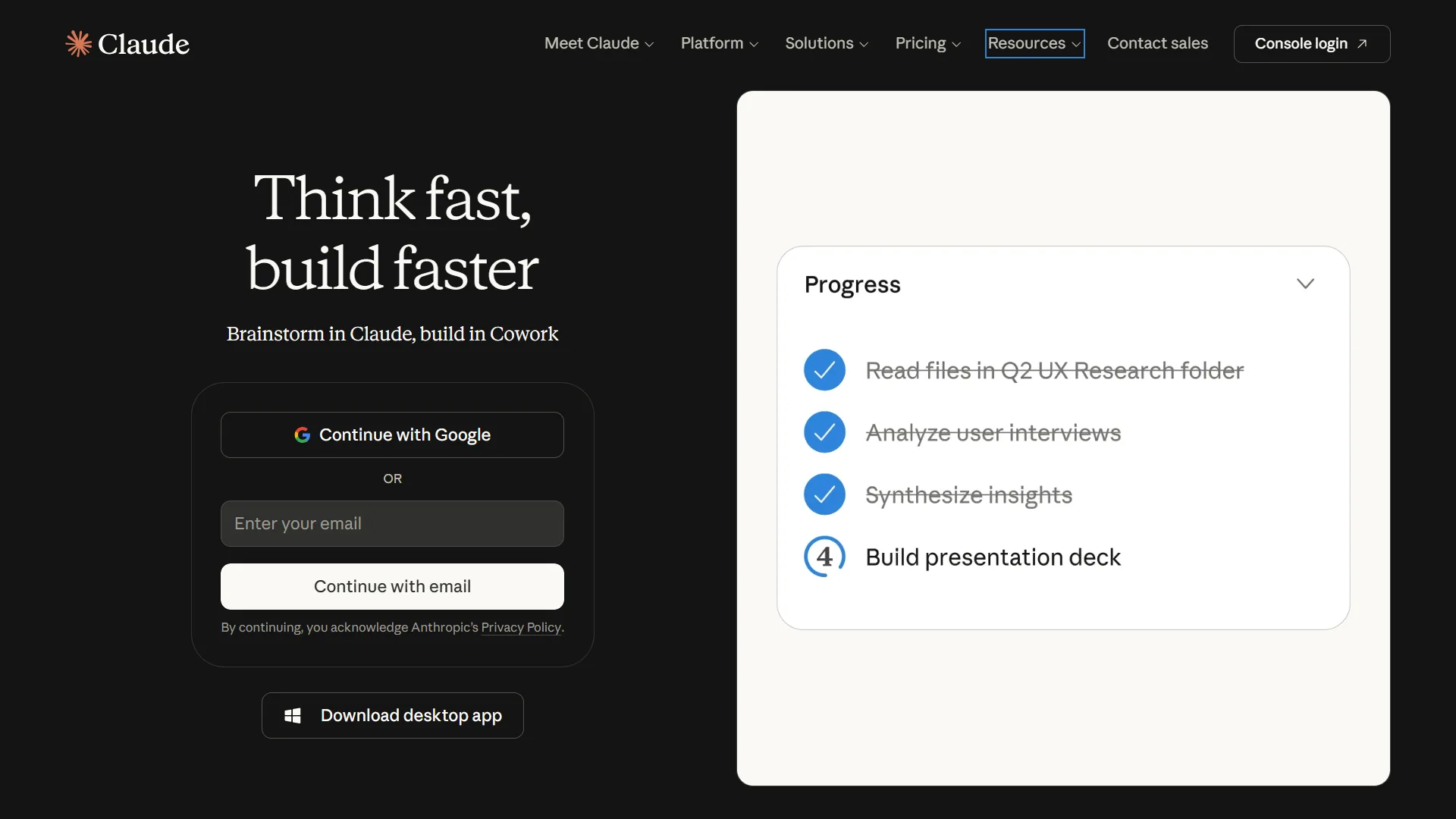
To begin, you simply sign up on the official platform and open a chat. You do not need technical skills. Just type your question or request in plain English.
Start with simple prompts like:
- Explain this topic in simple terms
- Summarize this text for me
- Give me ideas for a blog post
The clearer your request, the better the result.
A Helpful Resource for Better Prompts
If you want to get better results faster, learning how to write strong prompts is important. A well written prompt can completely change the quality of Claude AI’s answers.
One useful starting point is downloading The Ultimate AI Prompt Engineering Handbook. It is a simple guide that shows you how to write better prompts in just 3 days and sends the lessons straight to your inbox so you can apply them quickly while using tools like Claude AI.
How to Write Better Prompts
Claude AI responds based on how you ask questions. This is called prompt engineering.
A good prompt includes:
- Clear instructions
- Context about what you want
- The format you need (bullet points, summary, steps)
For example:
Instead of saying “write about marketing,” you can say “write a simple explanation of digital marketing for beginners in bullet points.”
This small change improves results a lot.
Key Features of Claude AI
Claude AI is useful because it handles information in a structured way. Some of its key features include:
Natural Writing Style
Claude writes in a clear and human like tone. This makes it good for emails, blogs, and reports.
Strong Summarization
You can paste long text and ask for a short summary. It keeps the important points and removes unnecessary detail.
Idea Generation
If you are stuck, Claude can give you fresh ideas for content, business plans, or projects.
Learning Support
Claude can explain complex topics in simple language, making it helpful for students and beginners.
Everyday Ways to Use Claude AI
You can use Claude AI in many daily situations.
For work, it can:
- Help you write reports
- Draft professional emails
- Organize tasks and plans
For study, it can:
- Explain lessons
- Create practice questions
- Summarize textbooks
For personal use, it can:
- Help you plan events
- Suggest ideas for goals
- Improve communication messages
The more you use it, the more useful it becomes.
How Beginners Should Think About Claude AI
Many beginners treat AI like a search engine. That is a mistake. Claude AI works best when you treat it like a helper that needs direction.
Think of it like this:
- You give clear instructions
- Claude gives structured output
- You refine the answer if needed
This back and forth makes results much better.
Common Mistakes to Avoid
Beginners often make simple mistakes when using Claude AI:
Asking vague questions
If your question is too broad, the answer will also be broad.
Not giving context
Claude needs context to give accurate responses.
Not refining outputs
You should always adjust or improve the result if needed.
Avoiding these mistakes will improve your experience quickly.
Simple Workflows You Can Use
Here are easy workflows to try:
Content Workflow
- Ask for topic ideas
- Choose one idea
- Ask Claude to create an outline
- Expand into a full draft
Learning Workflow
- Ask for a simple explanation
- Request examples
- Test yourself with questions
Productivity Workflow
- List your tasks
- Ask Claude to organize them
- Turn them into a daily plan
These workflows help you stay consistent and productive.
Final Thoughts
Claude AI is a powerful tool when used correctly. It is not just about asking questions but about learning how to guide the AI to give better answers.
As you continue learning, improving your prompts will make a big difference in your results. If you want a structured way to build that skill, The Ultimate AI Prompt Engineering Handbook can help you learn how to write stronger prompts in just a few days and apply them directly to tools like Claude AI.
With practice, Claude AI can become a daily assistant that helps you think better, write faster, and work more efficiently.