

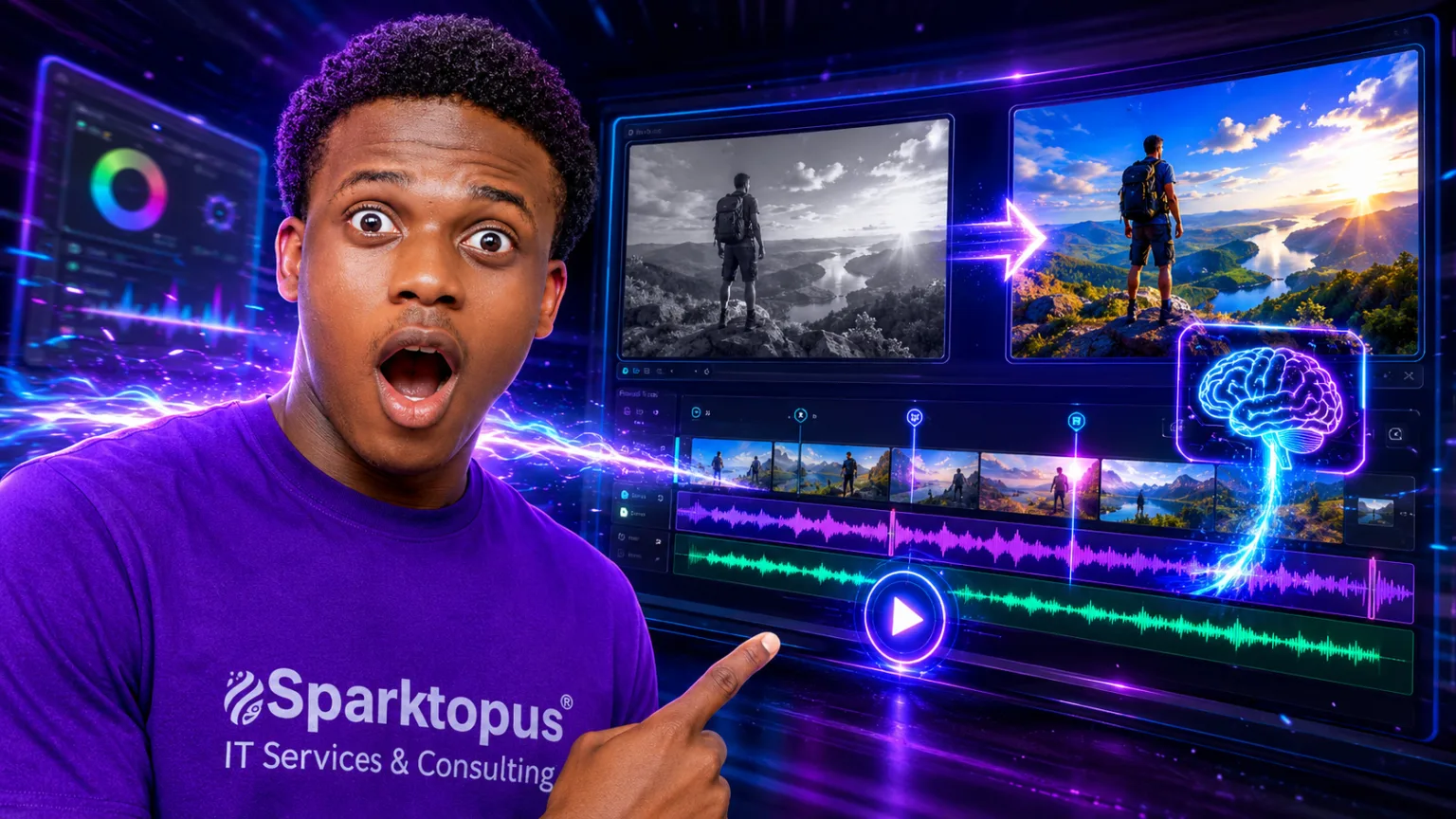
Video editing has become much faster thanks to artificial intelligence. Instead of spending hours trimming clips, adding captions, removing backgrounds, or editing audio manually, modern AI video editors can complete many of these tasks in just a few clicks.
Whether you’re a YouTuber, marketer, social media creator, filmmaker, or business owner, AI-powered editing software can significantly reduce production time while improving video quality.
Here are the 10 best AI video editors in 2026 that can help you create professional videos faster.
Why Use an AI Video Editor?
AI video editors can automate many time-consuming tasks, including:
- Automatic video trimming
- Scene detection
- Caption generation
- Background removal
- Noise reduction
- Audio enhancement
- Text-to-video creation
- AI voiceovers
- Automatic translations
- Social media video resizing
These features allow creators to spend more time creating content and less time editing.
1. Descript
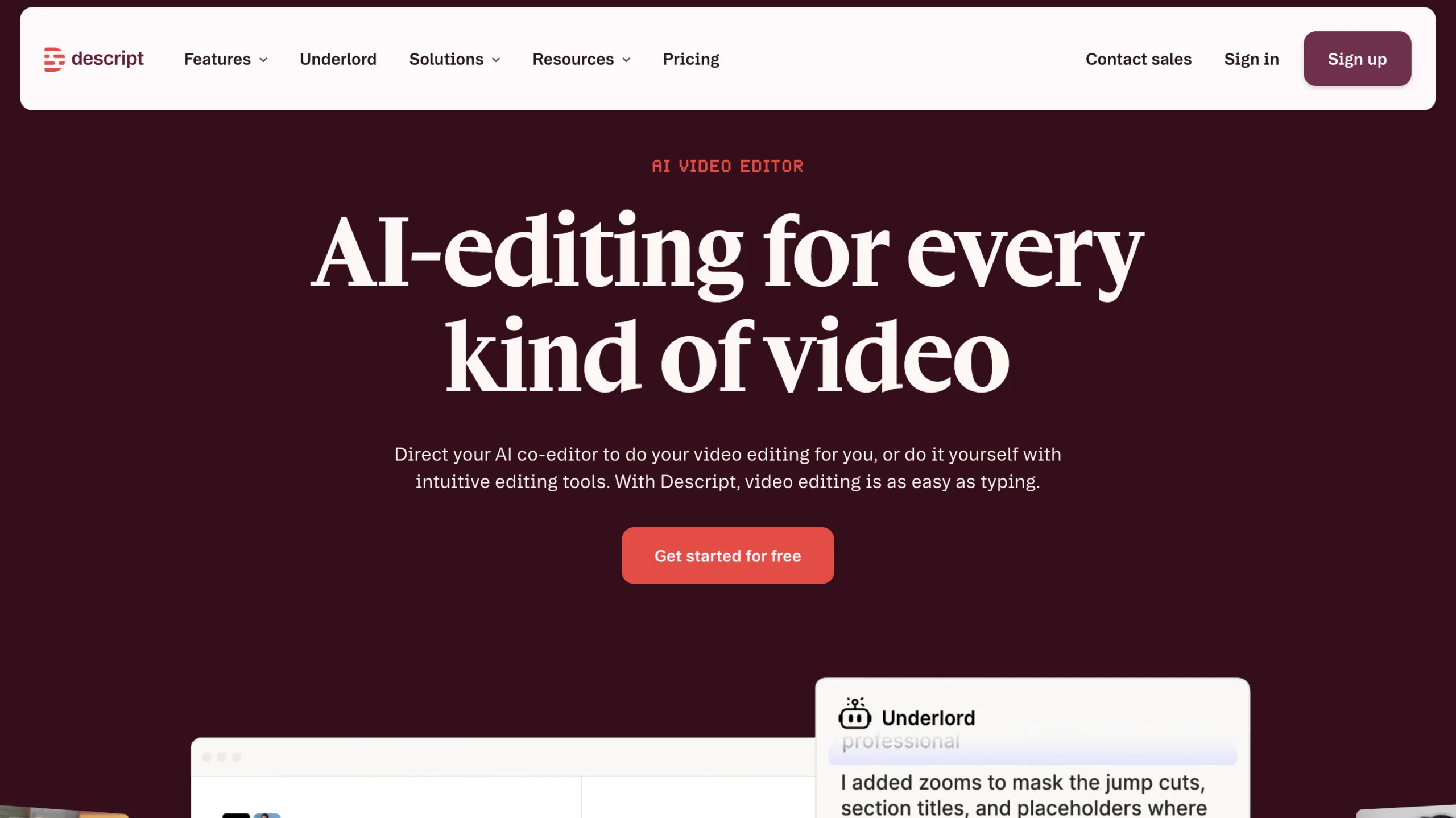
Descript has become one of the most popular AI-powered editing platforms by allowing users to edit videos as easily as editing a document.
Best For
- Podcasters
- YouTubers
- Online courses
- Interviews
Key Features
- Edit videos using text
- AI voice cloning
- Automatic transcription
- Remove filler words
- Studio-quality audio enhancement
- Screen recording
Pros
- Extremely beginner-friendly
- Excellent transcription accuracy
- Fast editing workflow
Cons
- Advanced editing is more limited than traditional editors
2. Adobe Premiere Pro (Firefly AI)
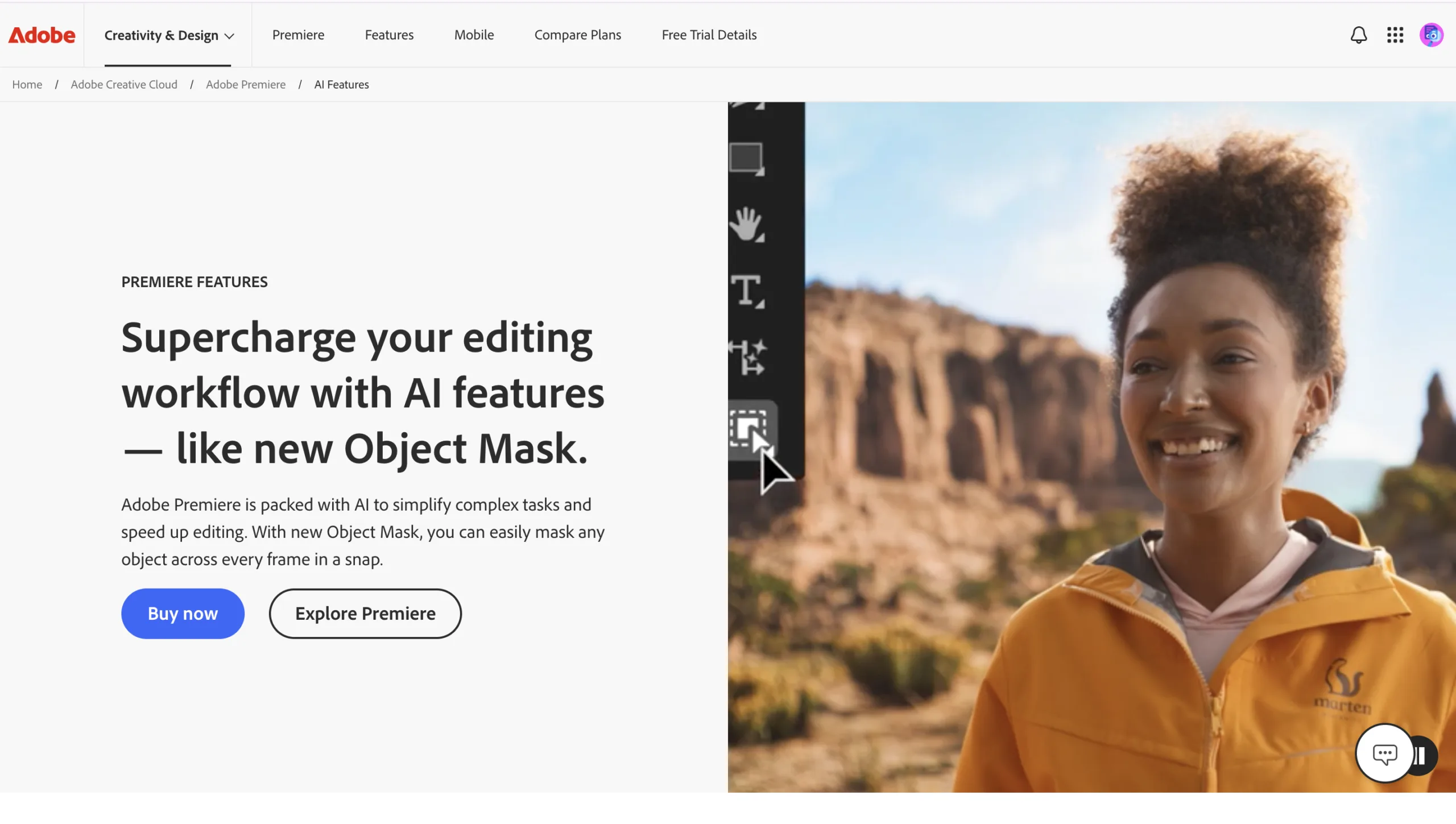
Adobe continues to lead professional video editing by integrating Firefly AI directly into Premiere Pro.
Best For
- Professional editors
- Filmmakers
- Agencies
- Commercial productions
Key Features
- Generative Extend
- AI object removal
- Speech enhancement
- Automatic color correction
- AI scene detection
- Auto captions
Pros
- Industry-standard software
- Powerful AI features
- Excellent creative control
Cons
- Subscription required
- Learning curve for beginners
3. CapCut
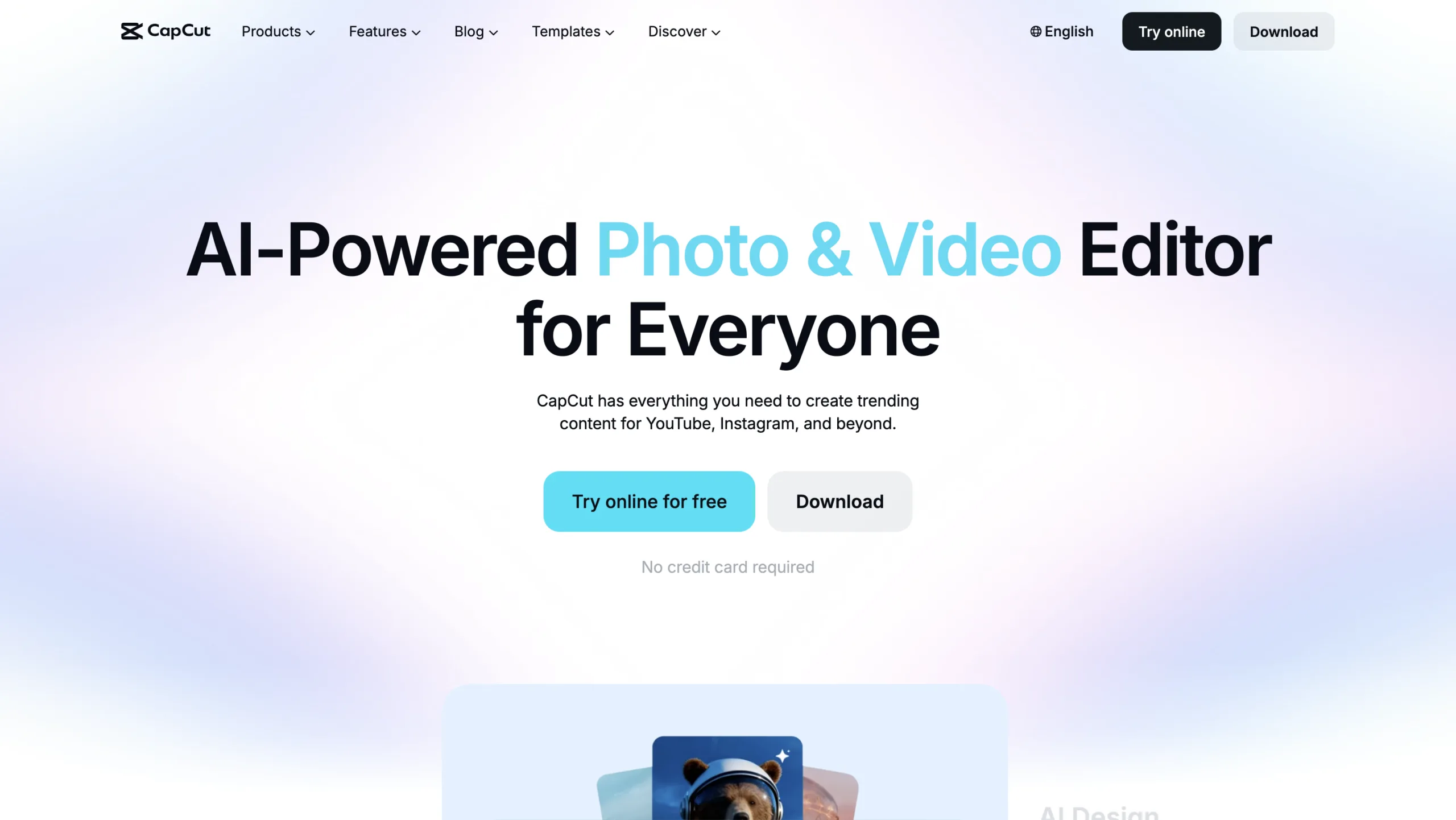
CapCut has become one of the most popular AI video editors for TikTok, Instagram Reels, and YouTube Shorts.
Best For
- Short-form content
- Social media creators
- Beginners
Key Features
- AI captions
- Background removal
- AI avatars
- Text-to-speech
- Auto editing
- Video templates
Pros
- Easy to use
- Excellent mobile app
- Fast exports
Cons
- Some AI tools require a premium subscription
4. Runway
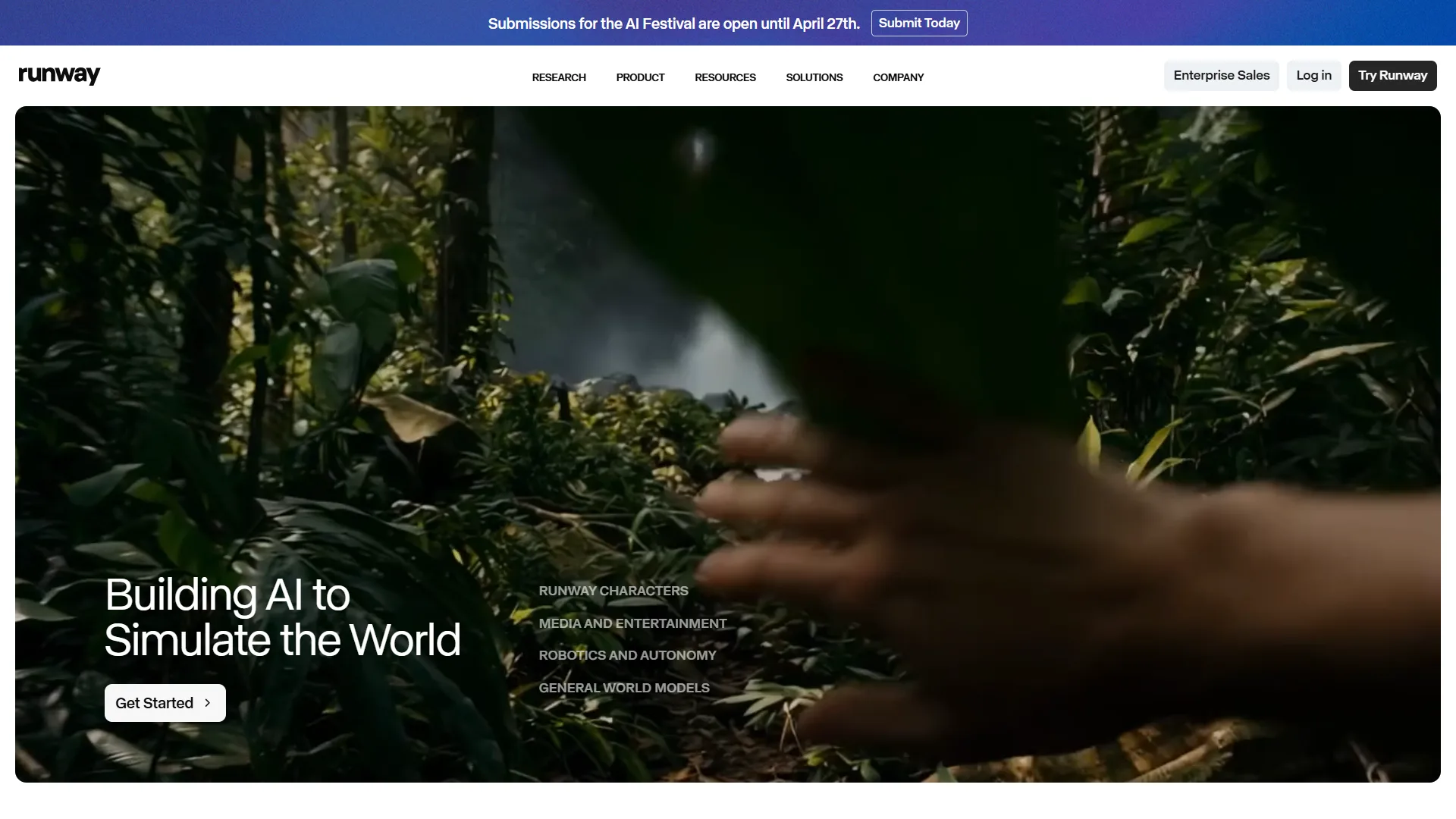
Runway combines AI video editing with powerful generative AI features that allow creators to modify videos using simple text prompts.
Best For
- Creative professionals
- AI filmmakers
- Marketing teams
Key Features
- Text-to-video
- Video inpainting
- Object removal
- Motion tracking
- AI effects
- Background replacement
Pros
- Innovative AI features
- Excellent creative flexibility
- Regular feature updates
Cons
- Premium features can be expensive
5. Wondershare Filmora
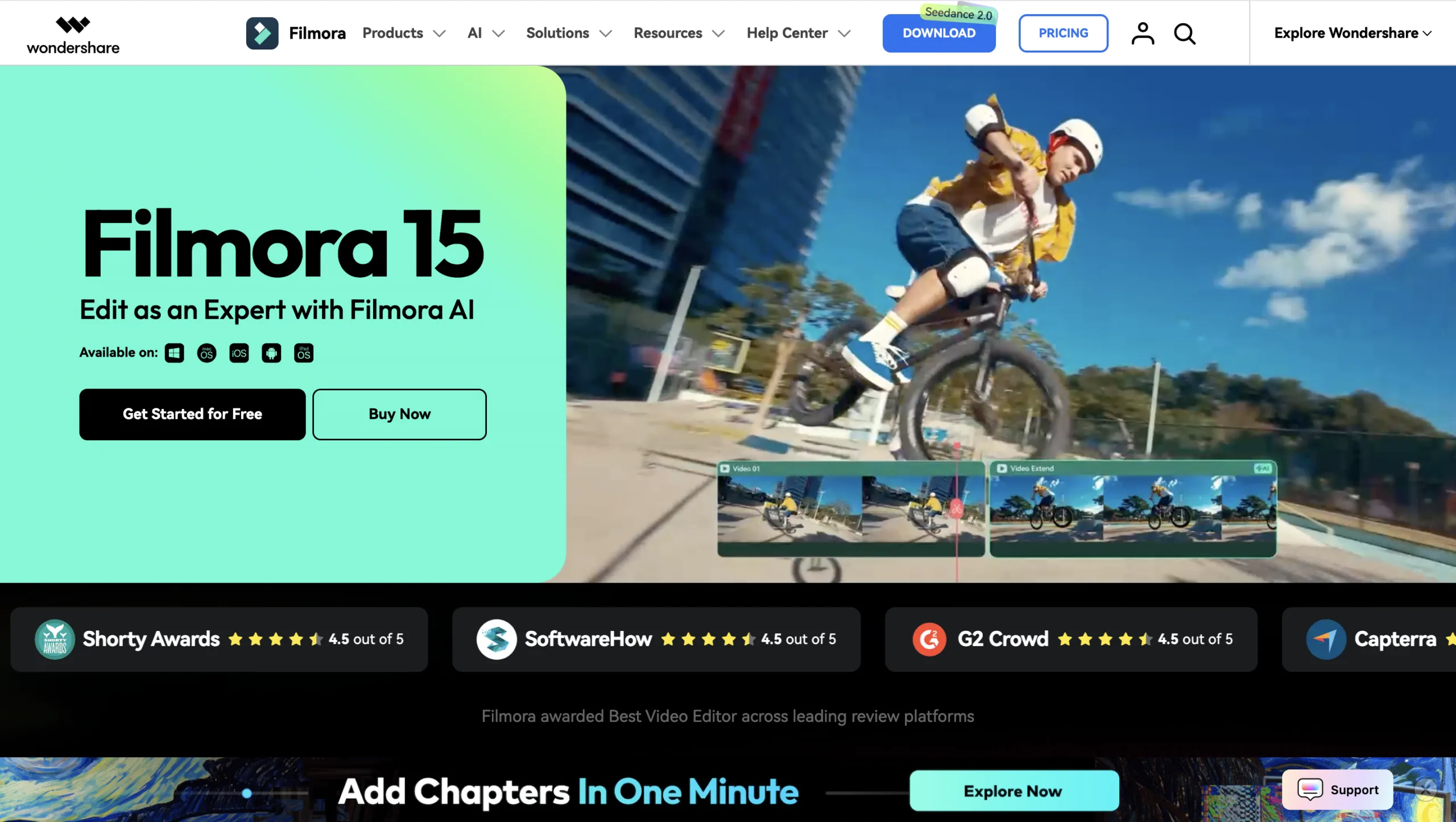
Filmora blends traditional editing tools with AI-powered automation, making it ideal for beginners and intermediate creators.
Best For
- Small businesses
- YouTubers
- Beginners
Key Features
- AI copywriting
- AI audio cleanup
- Smart cutout
- AI thumbnail generator
- Motion tracking
- Auto captions
Pros
- User-friendly interface
- Affordable pricing
- Good feature balance
Cons
- Fewer advanced features than Premiere Pro
6. VEED.io
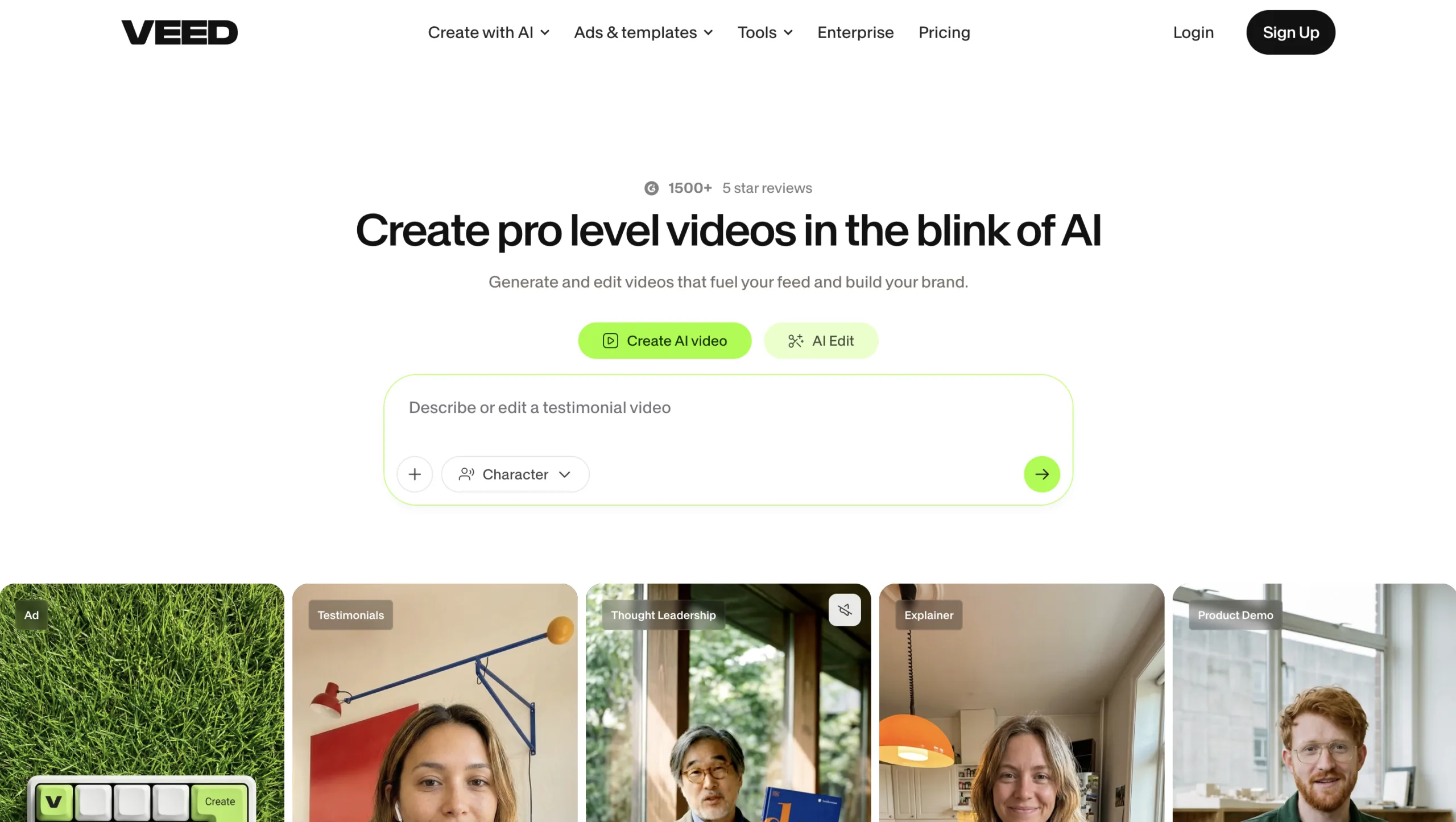
VEED.io is an online AI video editor designed for fast content creation without requiring software installation.
Best For
- Marketing teams
- Social media managers
- Businesses
Key Features
- AI subtitles
- Screen recorder
- AI avatars
- Voice translation
- Brand templates
- Cloud editing
Pros
- Browser-based
- Excellent collaboration
- Fast workflow
Cons
- Requires internet access
7. Pictory
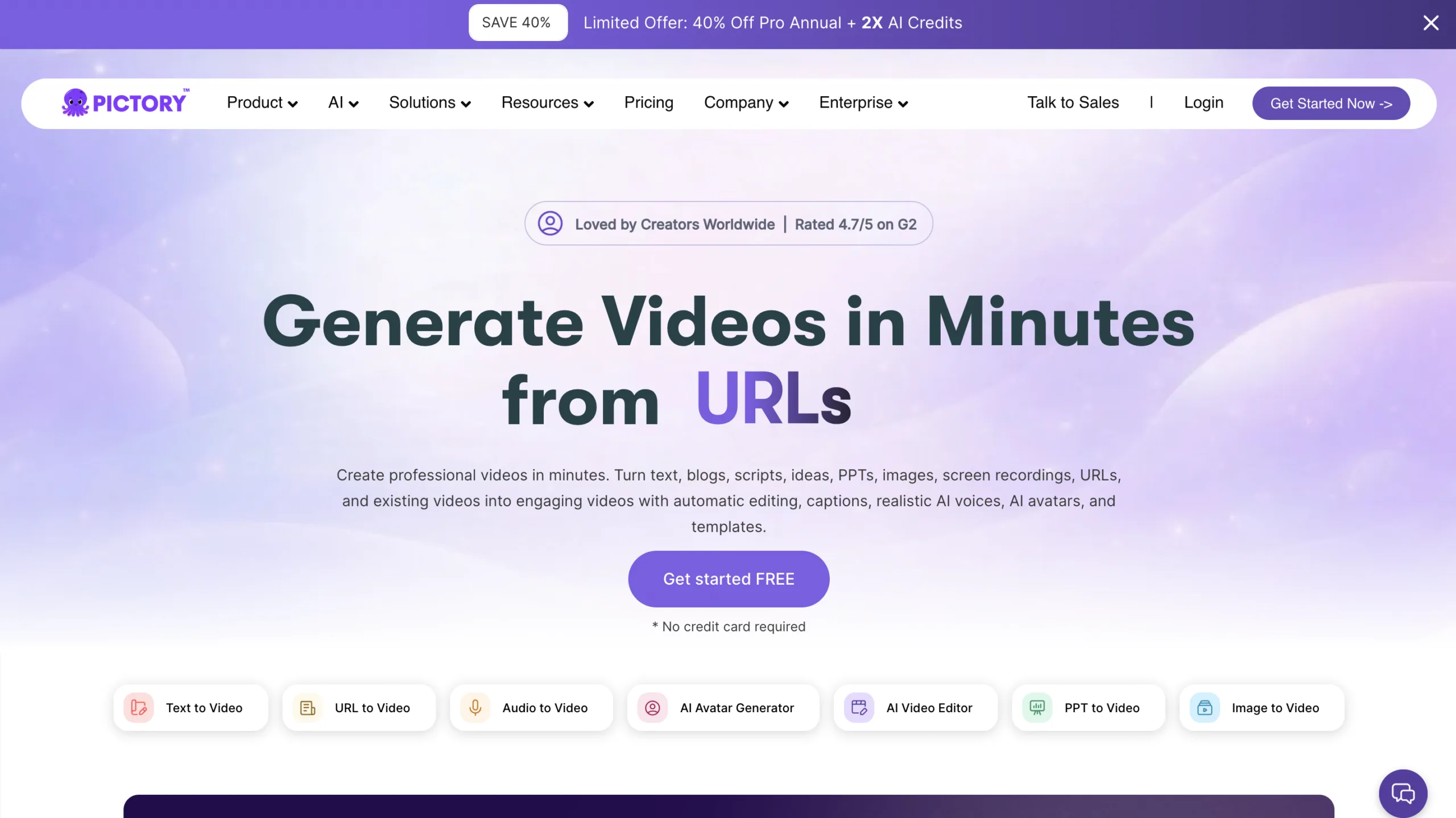
Pictory focuses on converting written content into engaging videos using artificial intelligence.
Best For
- Bloggers
- Marketers
- Content repurposing
- Businesses
Key Features
- Blog-to-video
- Script-to-video
- AI voiceovers
- Stock footage integration
- Automatic captions
Pros
- Great for content marketing
- Easy automation
- Fast production
Cons
- Limited manual editing controls
8. InVideo AI
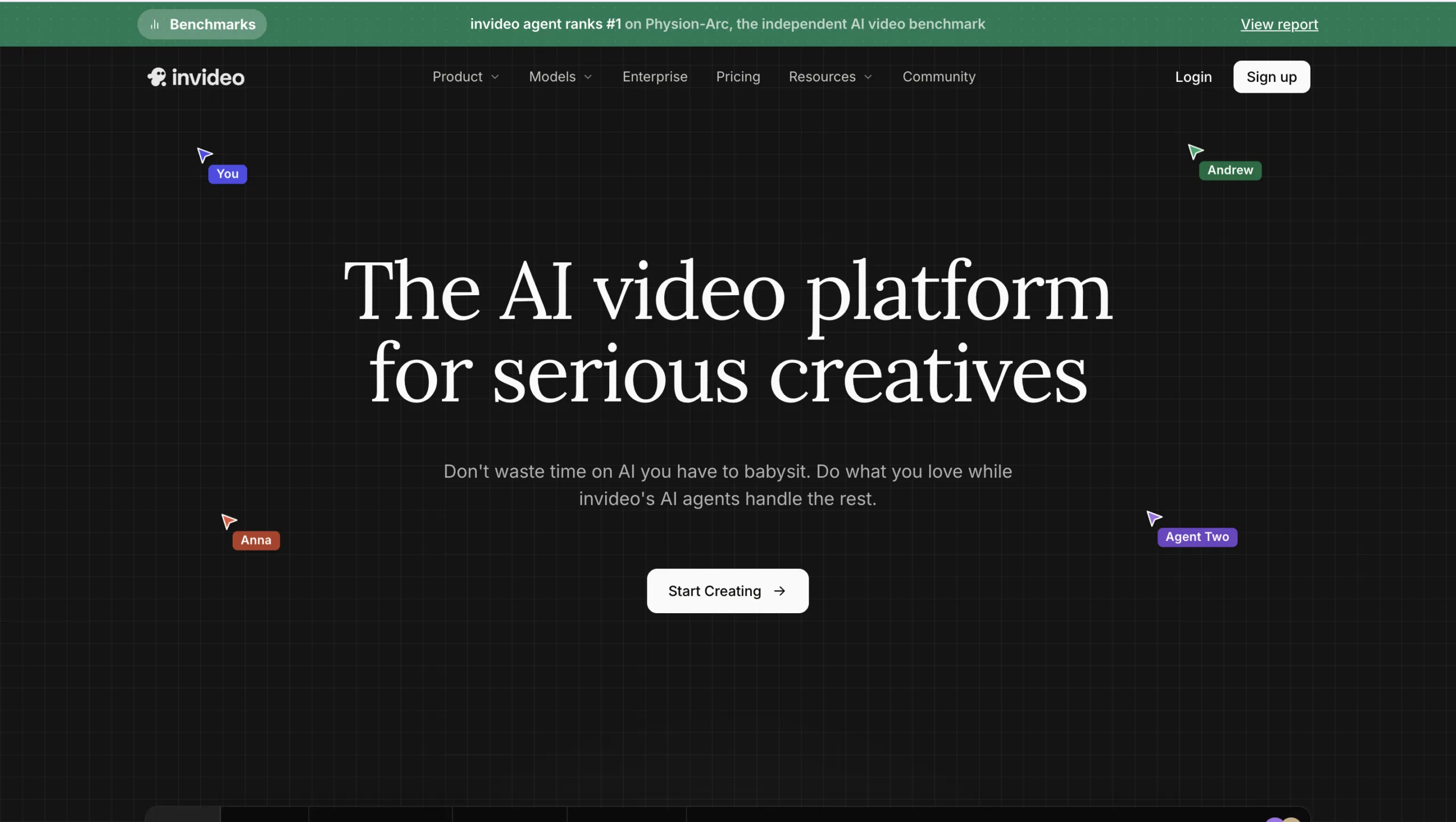
InVideo AI enables users to generate complete videos from simple prompts, making video production accessible even without editing experience.
Best For
- Beginners
- Marketing videos
- Social media
- Promotional content
Key Features
- Prompt-based video generation
- AI script writing
- AI voiceovers
- Stock media library
- Video templates
Pros
- Very easy to use
- Fast video creation
- Large template collection
Cons
- Less suitable for cinematic editing
9. Canva AI Video Editor
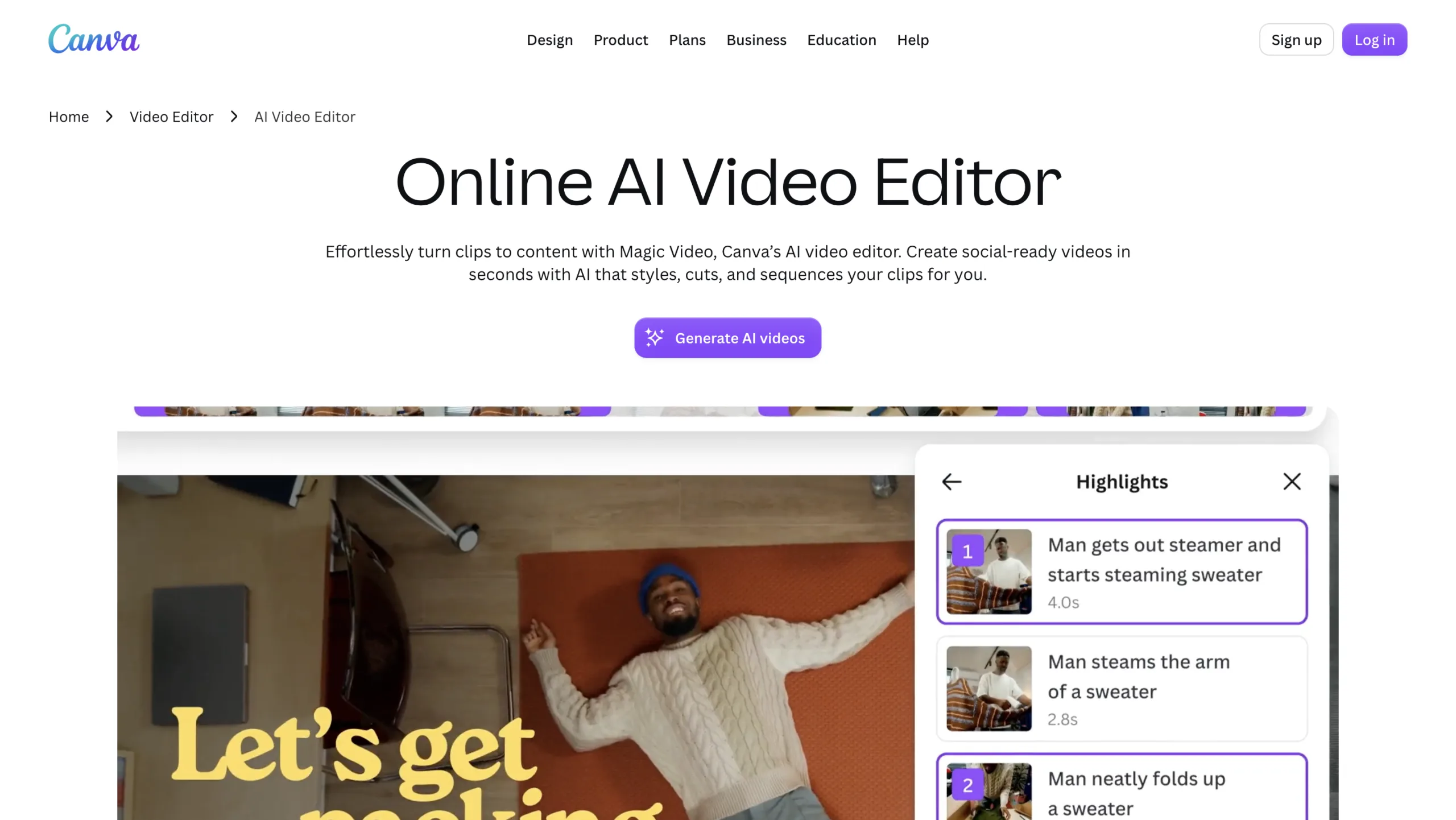
Canva has expanded beyond graphic design to include AI-powered video editing, making it popular among marketers and business owners.
Best For
- Social media
- Business presentations
- Marketing videos
Key Features
- Magic Media
- AI voiceovers
- Text-to-video
- Brand kits
- Drag-and-drop editor
Pros
- Extremely beginner-friendly
- Large template library
- Integrated design tools
Cons
- Advanced editing capabilities are limited
10. DaVinci Resolve Studio
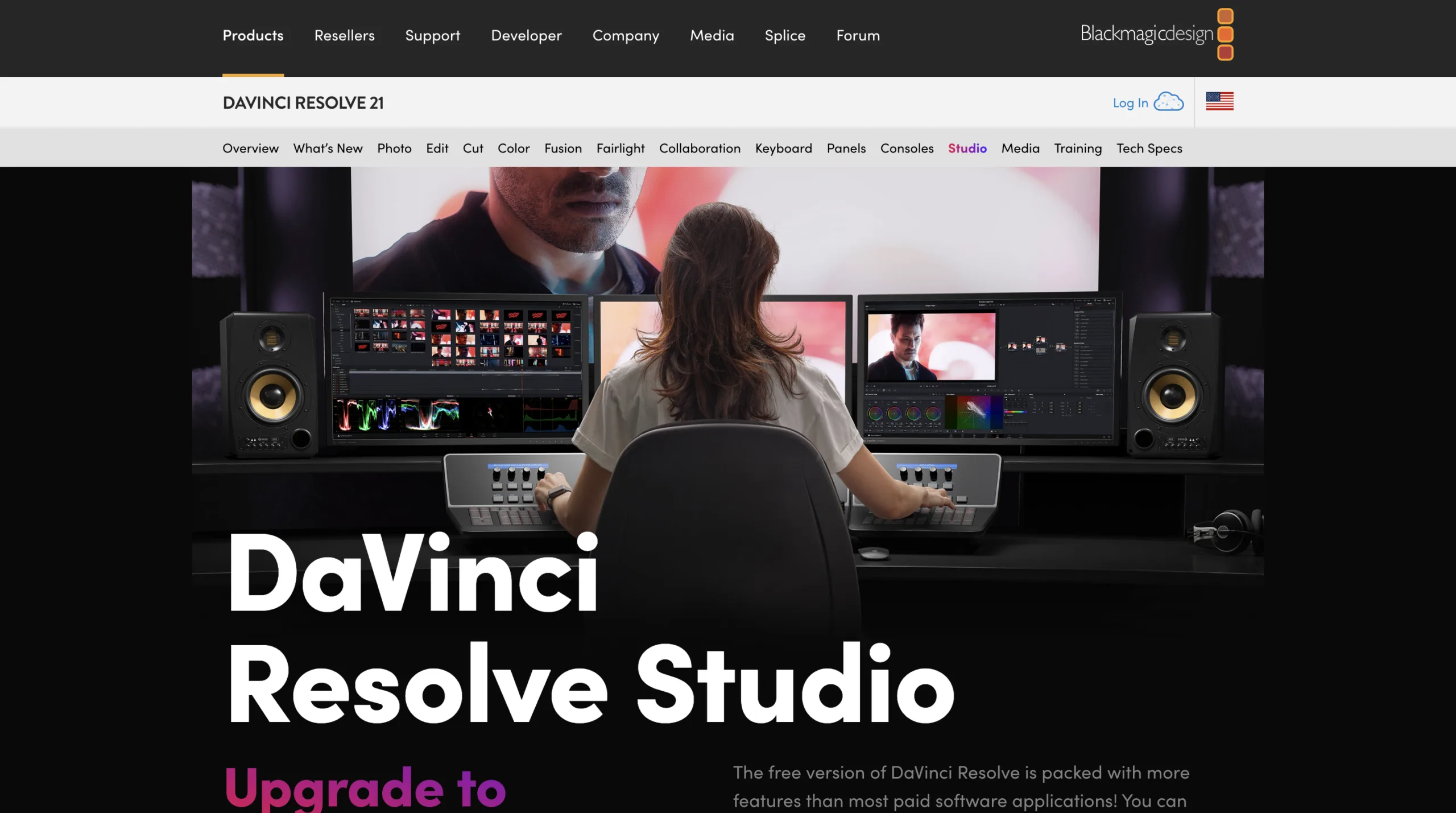
DaVinci Resolve combines professional editing with AI-powered features through the DaVinci Neural Engine.
Best For
- Professional editors
- Color grading
- Film production
- High-end video projects
Key Features
- AI Magic Mask
- Smart Reframe
- Face refinement
- Speech isolation
- Object removal
- Professional color grading
Pros
- Hollywood-grade editing
- Exceptional color tools
- Powerful AI automation
Cons
- Steeper learning curve
- High hardware requirements
Comparison Table
| AI Video Editor | Best For | Main Strength |
|---|---|---|
| Descript | Podcasts & YouTube | Text-based editing |
| Adobe Premiere Pro | Professionals | AI-powered professional editing |
| CapCut | Short-form videos | Social media content |
| Runway | AI filmmaking | Generative video editing |
| Filmora | Beginners | Easy AI editing |
| VEED.io | Online editing | Browser-based collaboration |
| Pictory | Content marketing | Blog-to-video conversion |
| InVideo AI | Fast video creation | Prompt-to-video generation |
| Canva AI | Marketing | Simple visual content creation |
| DaVinci Resolve Studio | Professionals | AI color grading and editing |
How to Choose the Right AI Video Editor
The best AI video editor depends on your workflow.
- Beginners should consider CapCut, Filmora, or Canva AI.
- YouTubers will benefit from Descript, Premiere Pro, or DaVinci Resolve.
- Marketing teams should explore InVideo AI, Pictory, and VEED.io.
- Professional filmmakers will appreciate Premiere Pro, Runway, and DaVinci Resolve.
- Content creators producing short-form videos will find CapCut particularly useful.
Many creators combine multiple tools to take advantage of each platform’s strengths.
Conclusion
AI video editors have transformed the content creation process by automating repetitive tasks and making professional editing more accessible. Whether you’re creating YouTube videos, marketing campaigns, online courses, or social media content, these tools can dramatically reduce editing time while improving production quality.
From text-based editing in Descript to cinematic AI features in DaVinci Resolve Studio and generative workflows in Runway, there’s an AI video editor for every type of creator. Choosing the right one depends on your experience, budget, and the kind of videos you produce most often. You may also like to read: 12 AI Productivity Tools You Can’t Ignore in 2026.