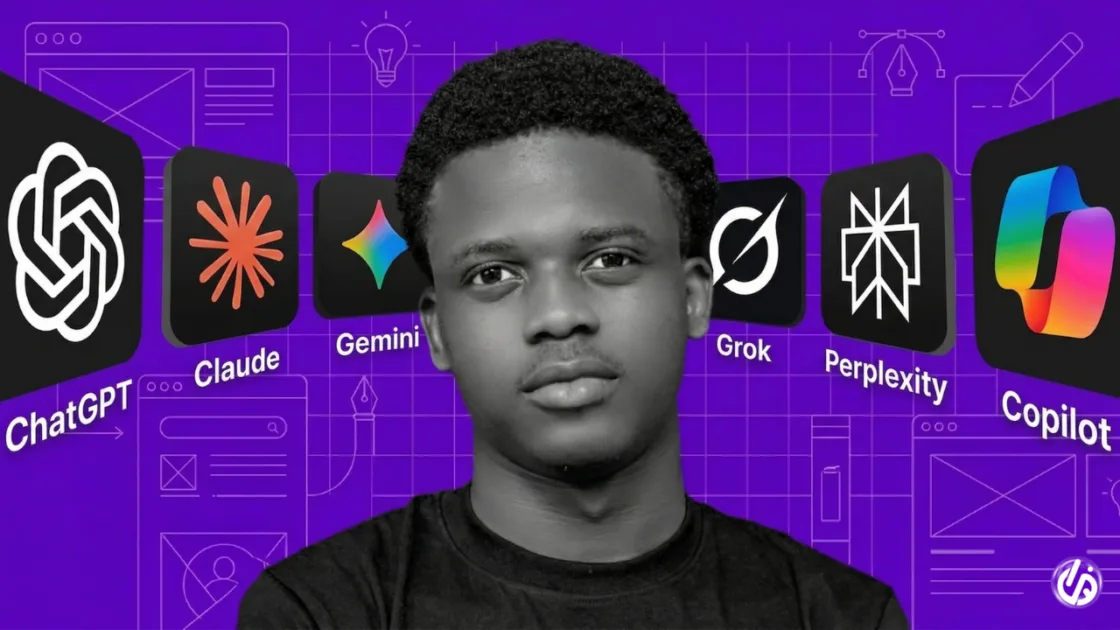



Artificial intelligence has become an essential part of modern work. From writing emails and managing projects to generating code and automating repetitive tasks, AI tools are helping professionals accomplish more in less time.
The best AI productivity tools in 2026 do more than just save time. They streamline workflows, improve collaboration, reduce manual work, and allow individuals and businesses to focus on higher-value tasks.
Whether you’re an entrepreneur, student, freelancer, marketer, or software developer, these AI tools can significantly improve your daily productivity.
Why Use AI Productivity Tools?
AI-powered productivity tools can help you:
- Automate repetitive tasks
- Write content faster
- Summarize meetings and documents
- Improve team collaboration
- Generate ideas quickly
- Manage projects more efficiently
- Save hours every week
Let’s look at the tools making the biggest impact in 2026.
1. ChatGPT
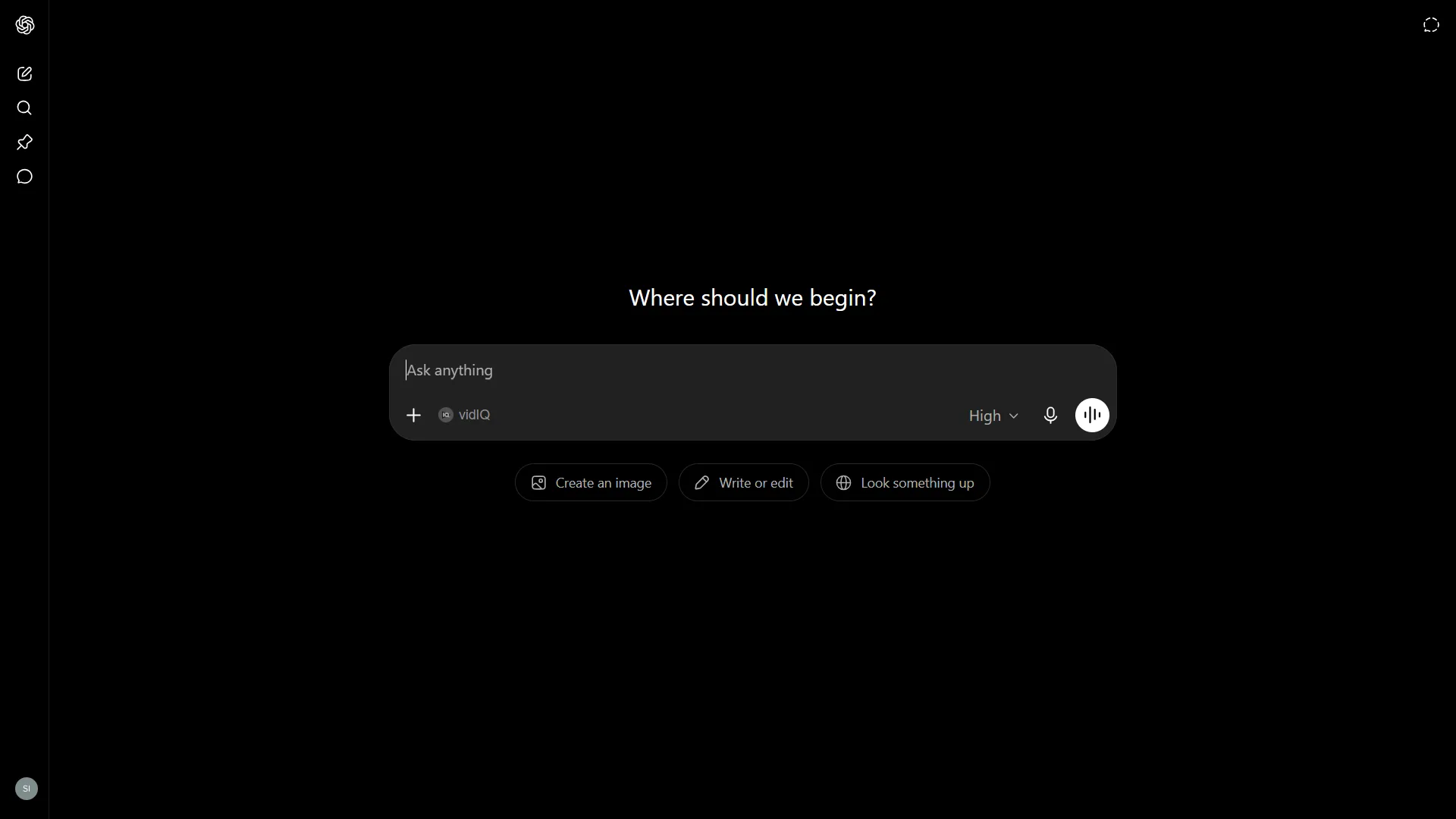
OpenAI ChatGPT remains one of the most versatile AI productivity tools available. It can help with writing, coding, brainstorming, research, planning, data analysis, customer support, and much more.
Best For
- Content creation
- Coding
- Brainstorming
- Research
- Business planning
Key Features
- Advanced reasoning
- Voice conversations
- File analysis
- Image generation
- Custom GPTs
- Deep research capabilities
Why It Stands Out
Few AI tools are as flexible. Whether you’re drafting a proposal or debugging code, ChatGPT adapts to almost any workflow.
2. Claude
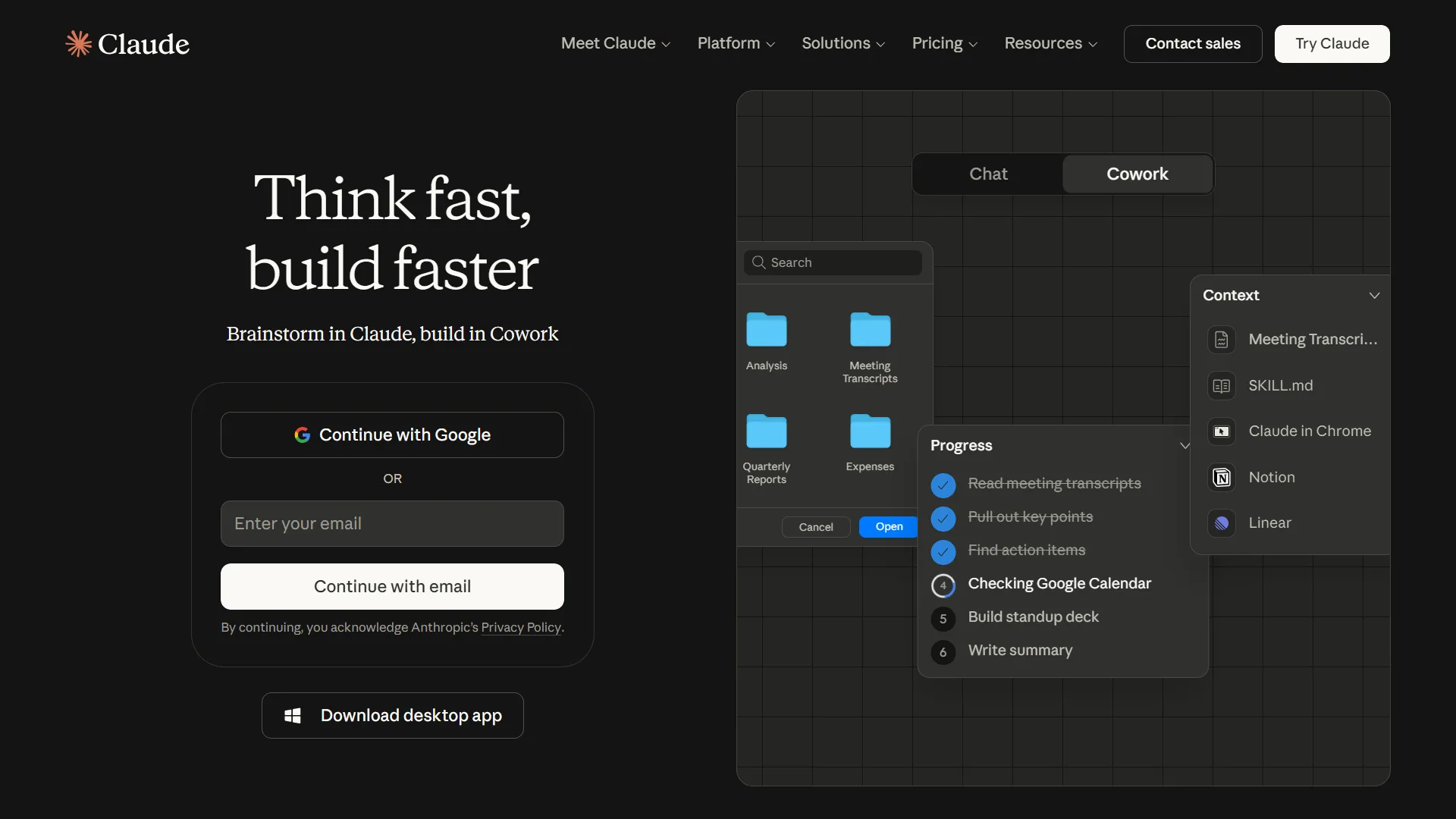
Anthropic Claude is known for producing thoughtful, detailed responses and handling very large documents. It’s a favorite among researchers, writers, and professionals working with lengthy reports.
Best For
- Research
- Long-form writing
- Document analysis
- Business reports
Key Features
- Large context window
- Excellent writing quality
- Code generation
- Document summarization
Why It Stands Out
Claude excels at understanding complex information without losing context.
3. Microsoft Copilot
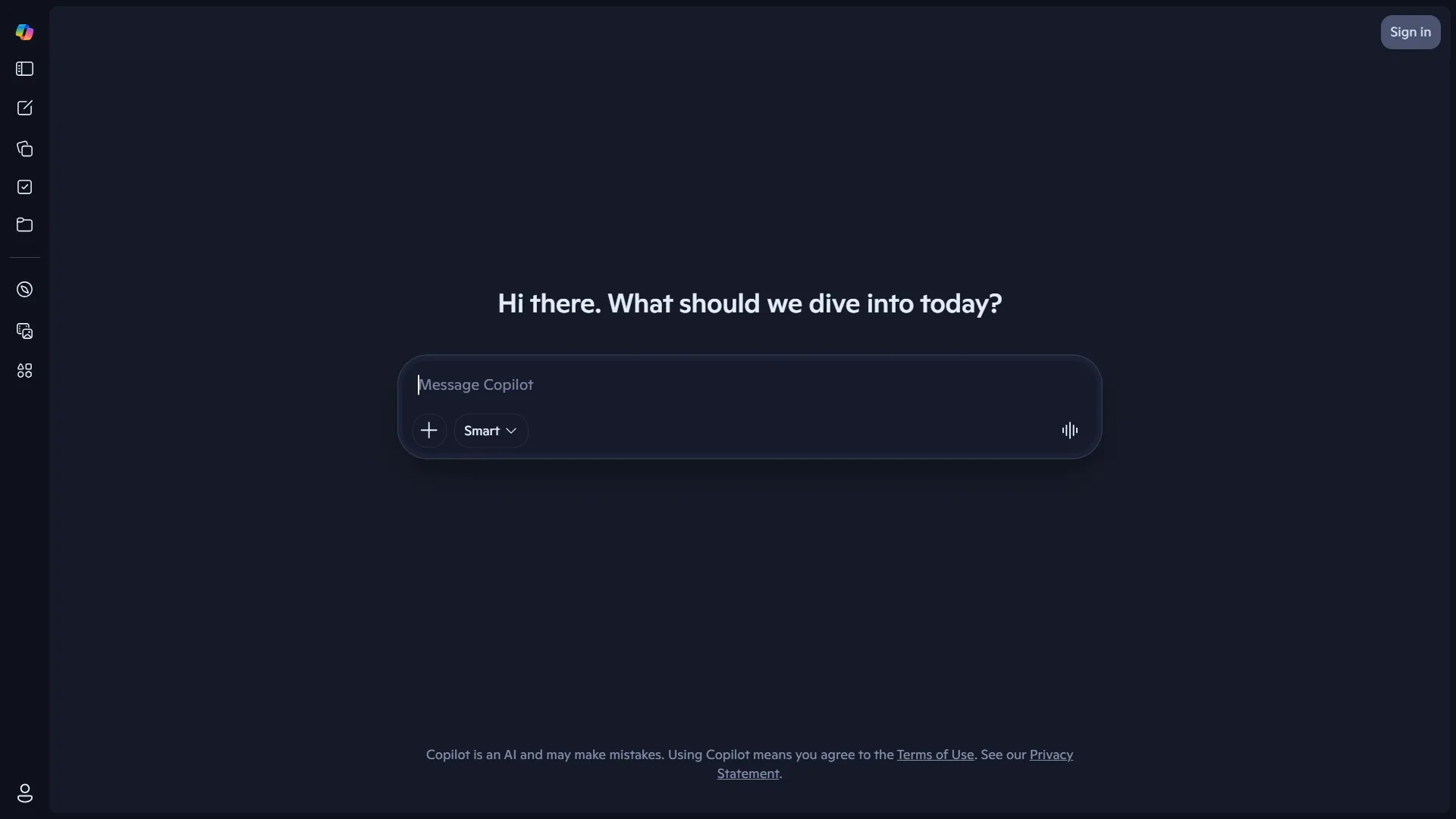
Microsoft Copilot integrates directly into Microsoft 365 applications, making it one of the best AI assistants for office work.
Best For
- Excel
- Word
- PowerPoint
- Outlook
- Teams
Key Features
- Email drafting
- Spreadsheet analysis
- Presentation creation
- Meeting summaries
- Document rewriting
Why It Stands Out
It saves hours for professionals already using Microsoft Office.
4. Google Gemini

Google Gemini works across Google’s ecosystem, helping users manage documents, emails, research, and coding tasks.
Best For
- Google Workspace
- Research
- Coding
- Business productivity
Key Features
- Gmail integration
- Google Docs assistance
- Spreadsheet support
- AI-powered search
Why It Stands Out
It’s ideal for businesses built around Google Workspace.
5. Notion AI
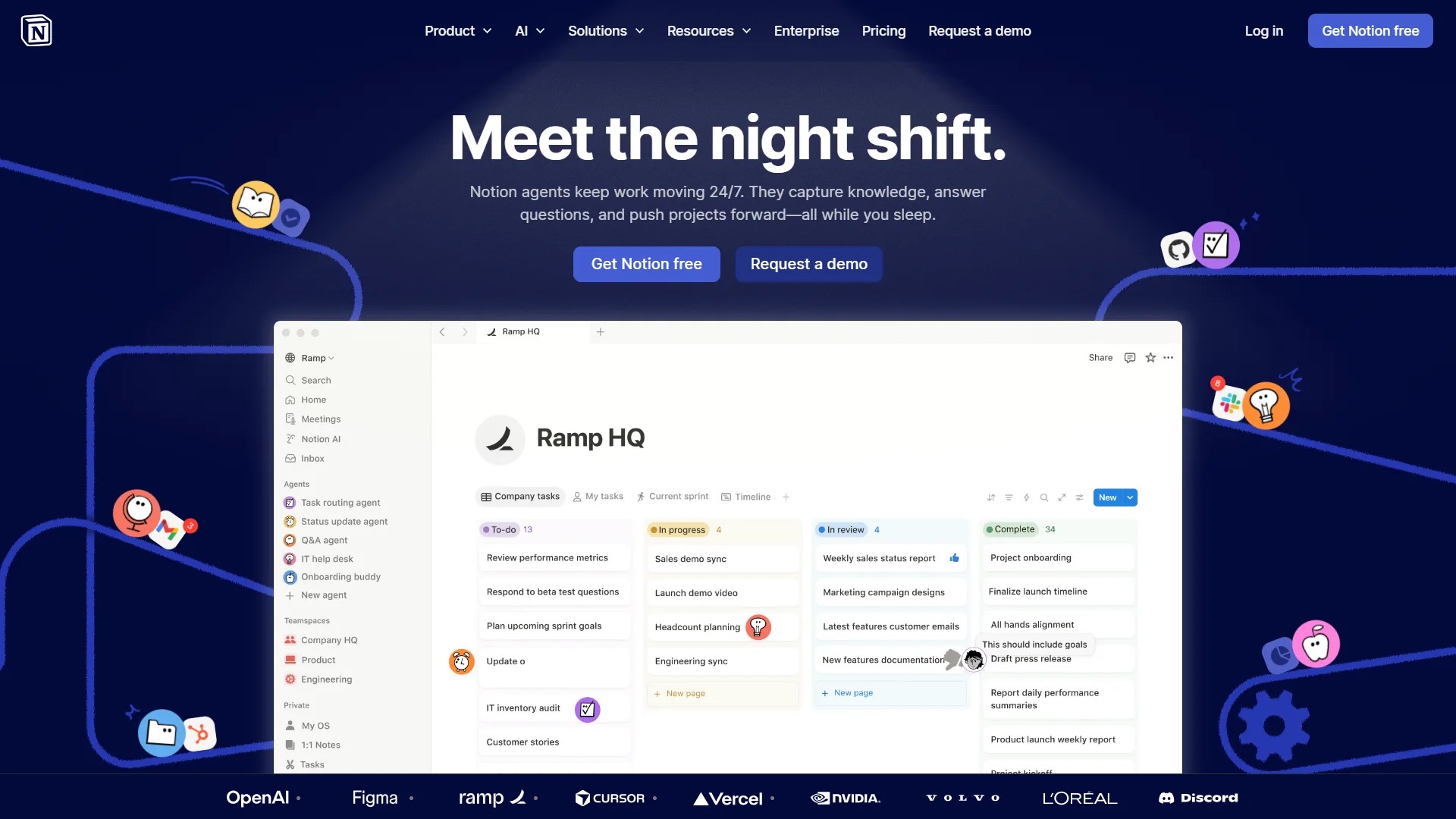
Notion AI transforms notes into actionable knowledge by helping users summarize documents, write content, organize projects, and answer questions from their workspace.
Best For
- Knowledge management
- Teams
- Documentation
- Project planning
Key Features
- AI writing
- Automatic summaries
- Task generation
- Document search
Why It Stands Out
It combines note-taking, project management, and AI assistance in one platform.
6. Perplexity AI
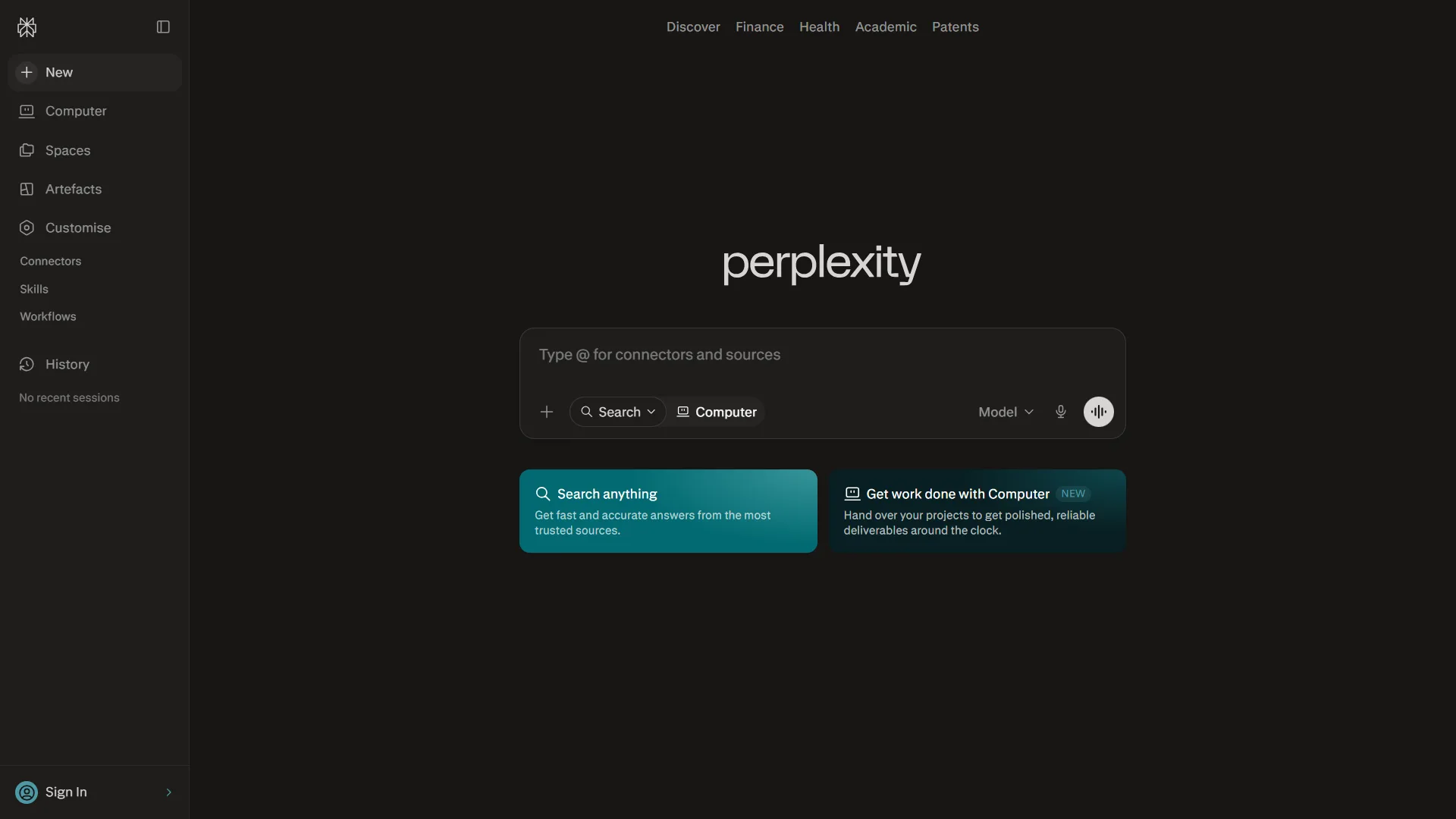
Perplexity AI is an AI-powered answer engine that combines conversational responses with cited web sources, making research much faster.
Best For
- Research
- Fact-checking
- Market analysis
- Learning
Key Features
- Web search
- Source citations
- AI summaries
- Deep research mode
Why It Stands Out
It delivers quick answers backed by references.
7. Grammarly
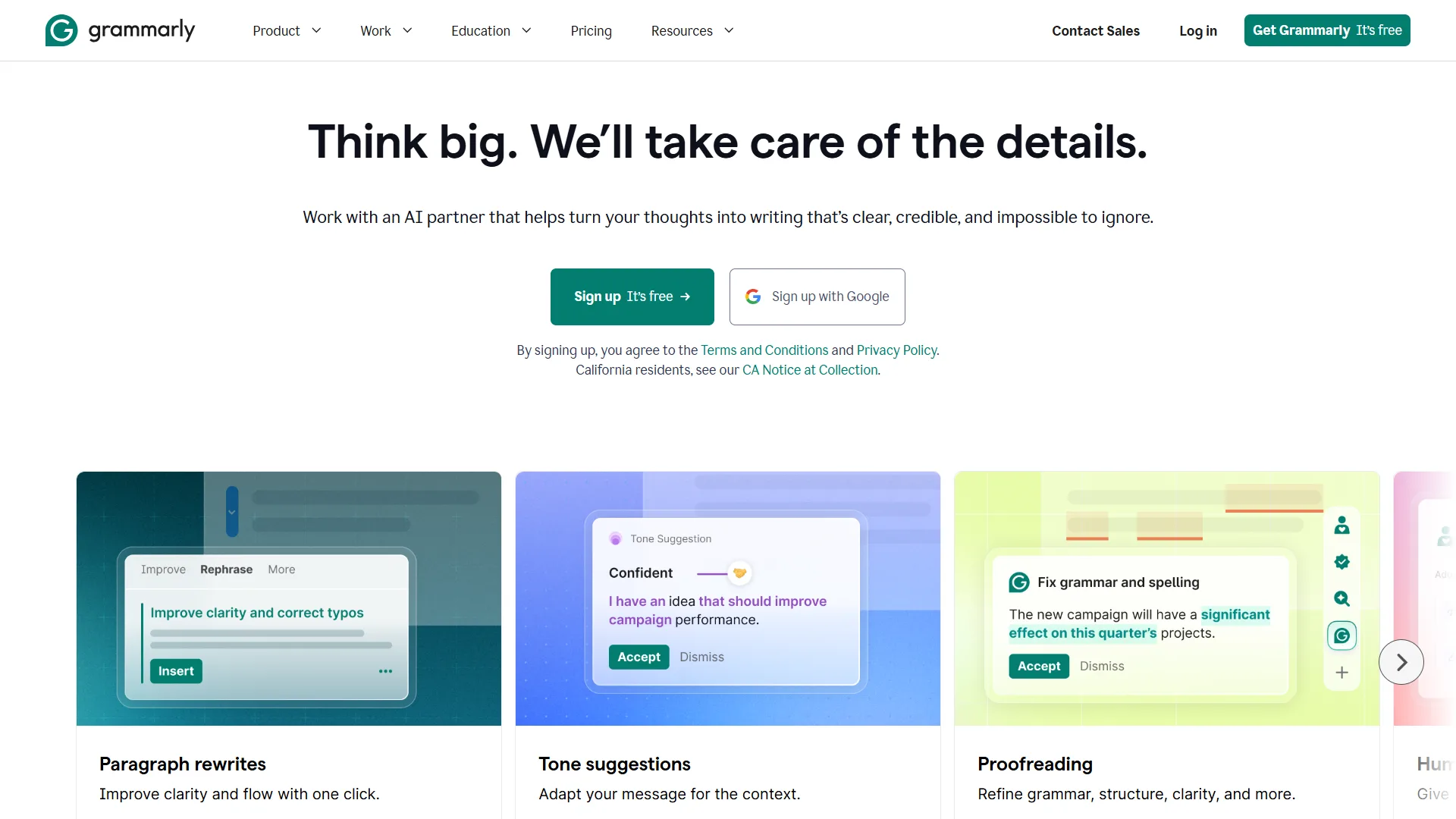
Grammarly has evolved beyond grammar checking into an AI writing assistant that helps improve clarity, tone, and communication.
Best For
- Emails
- Business writing
- Reports
- Professional communication
Key Features
- Grammar correction
- Tone suggestions
- AI rewriting
- Email drafting
Why It Stands Out
It improves nearly every piece of writing before it’s sent.
8. Otter.ai
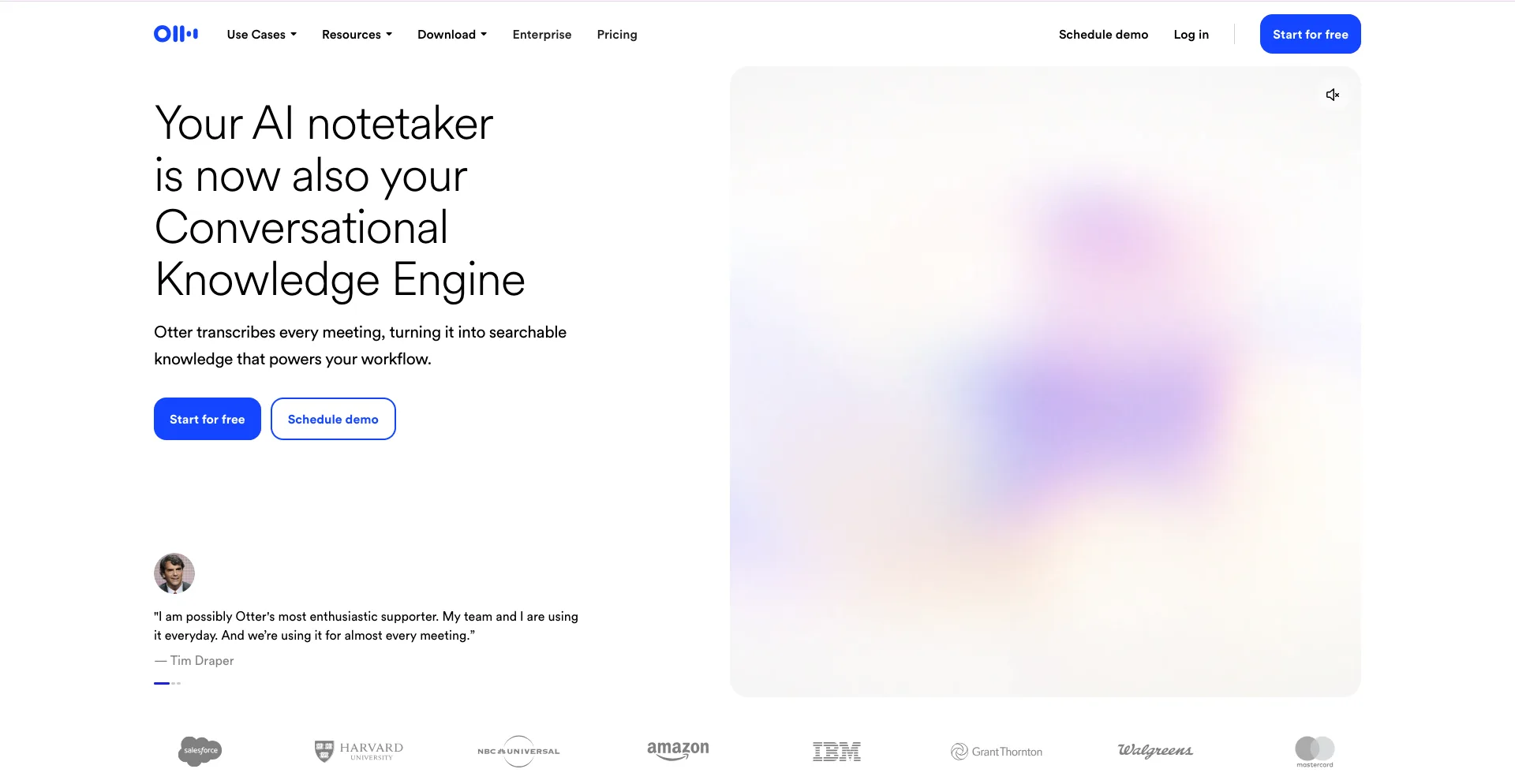
Otter.ai automatically records, transcribes, and summarizes meetings, allowing teams to focus on conversations instead of note-taking.
Best For
- Meetings
- Interviews
- Lectures
- Team collaboration
Key Features
- Live transcription
- Meeting summaries
- Speaker identification
- Searchable notes
Why It Stands Out
It eliminates manual meeting notes.
9. Zapier AI
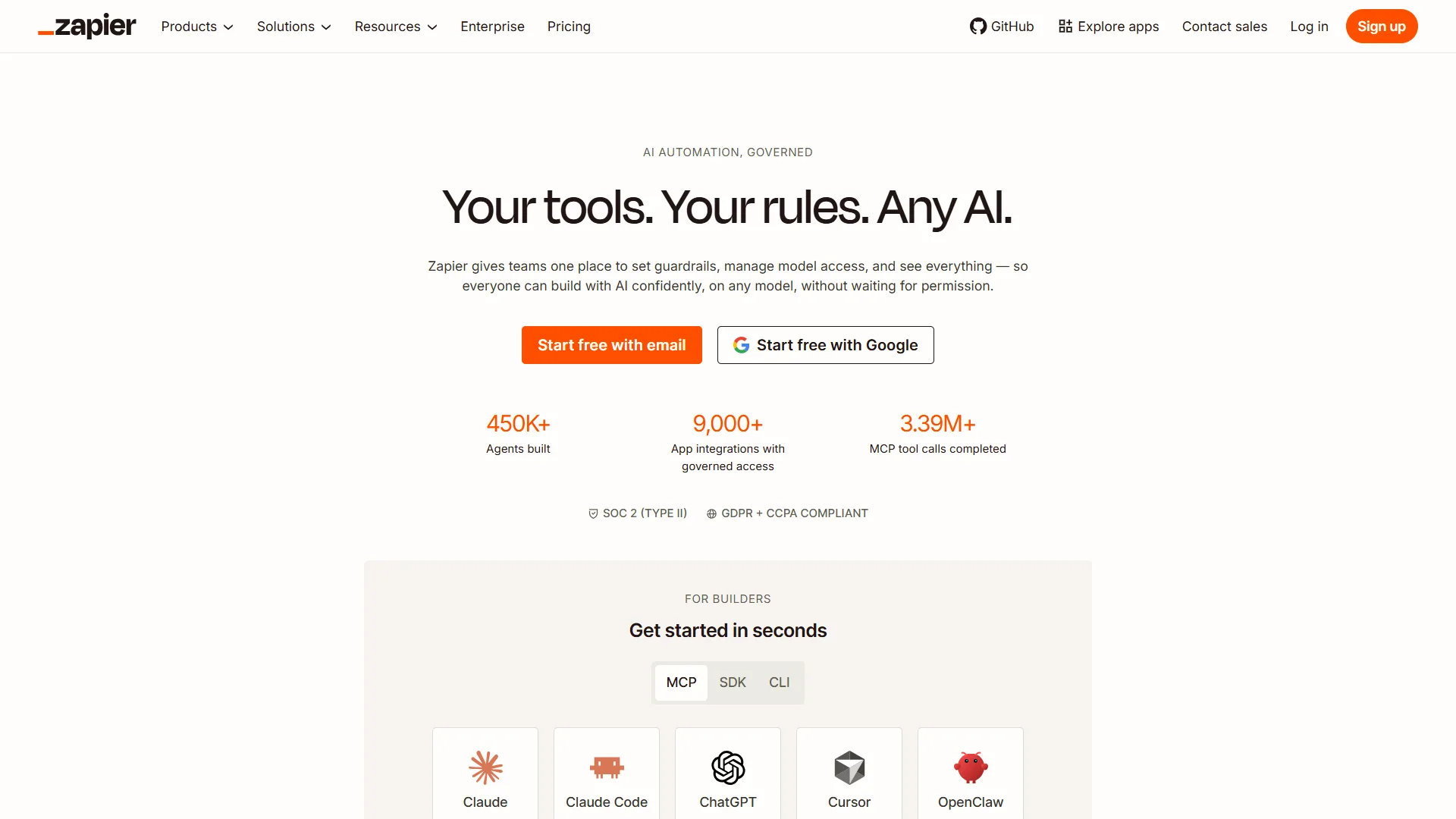
Zapier AI extends workflow automation by allowing users to create intelligent automations using natural language.
Best For
- Workflow automation
- Business operations
- Marketing
- CRM integration
Key Features
- AI automation
- Thousands of app integrations
- Workflow builder
- Natural language setup
Why It Stands Out
It connects hundreds of business apps without coding.
10. ClickUp AI
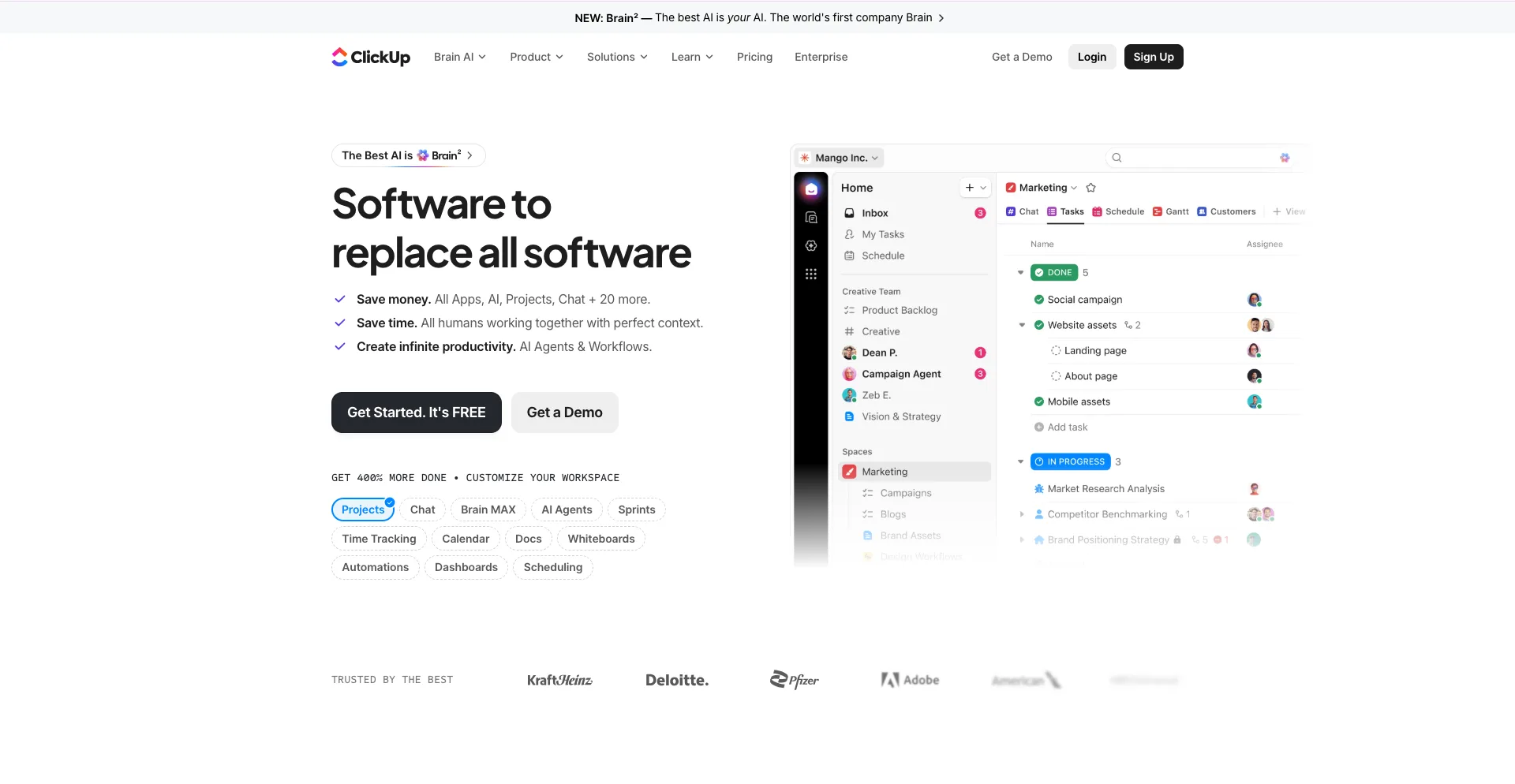
ClickUp AI enhances project management by helping teams create tasks, write documentation, summarize updates, and manage projects more efficiently.
Best For
- Teams
- Project management
- Agencies
- Businesses
Key Features
- AI writing
- Task generation
- Meeting summaries
- Workflow management
Why It Stands Out
It combines productivity and AI in one workspace.
11. Canva AI
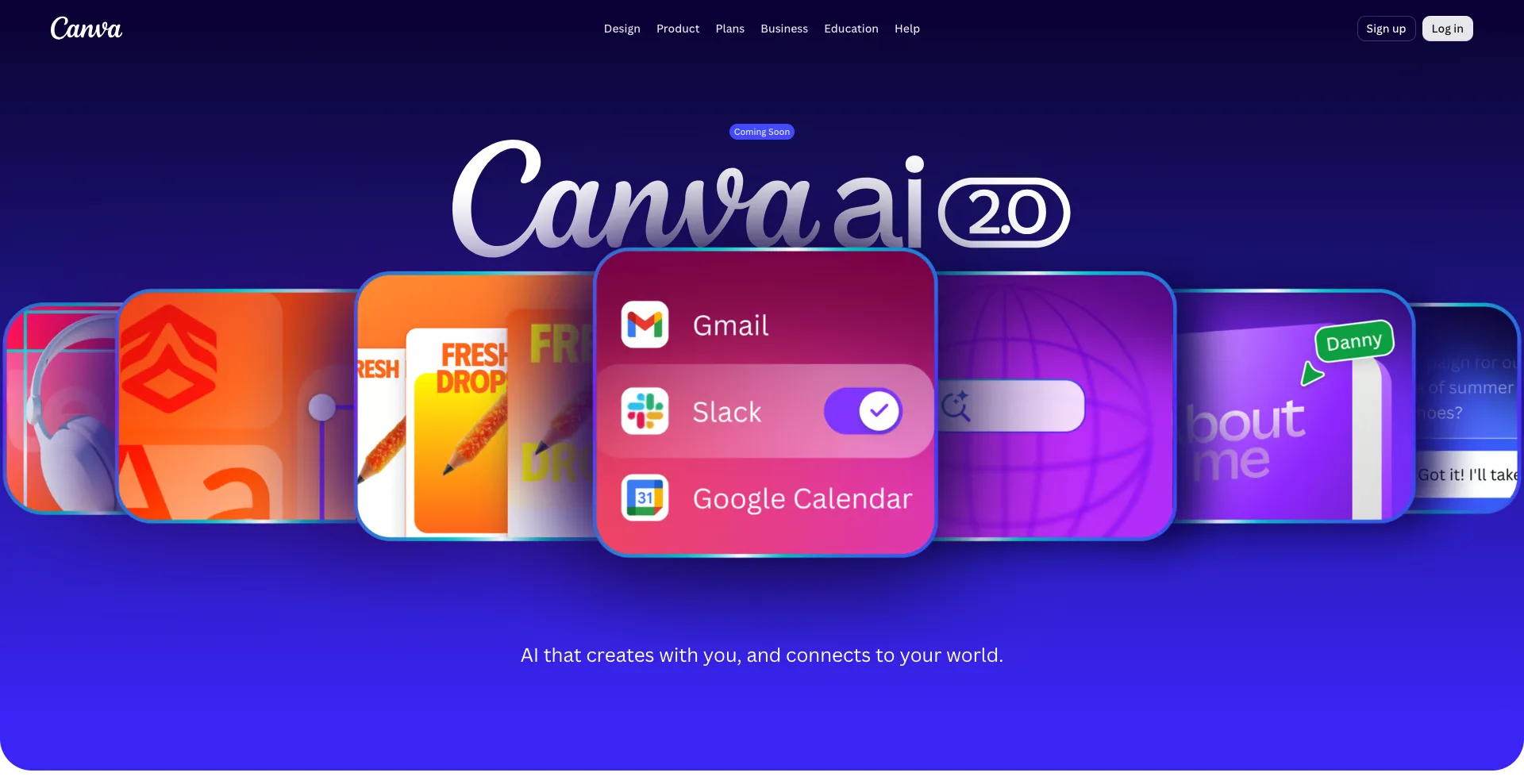
Canva has expanded its AI capabilities to simplify graphic design, presentations, videos, and marketing content.
Best For
- Marketing
- Social media
- Presentations
- Content creators
Key Features
- Magic Design
- AI image generation
- Presentation builder
- Video editing
Why It Stands Out
Professional-quality designs can be created in minutes.
12. Cursor
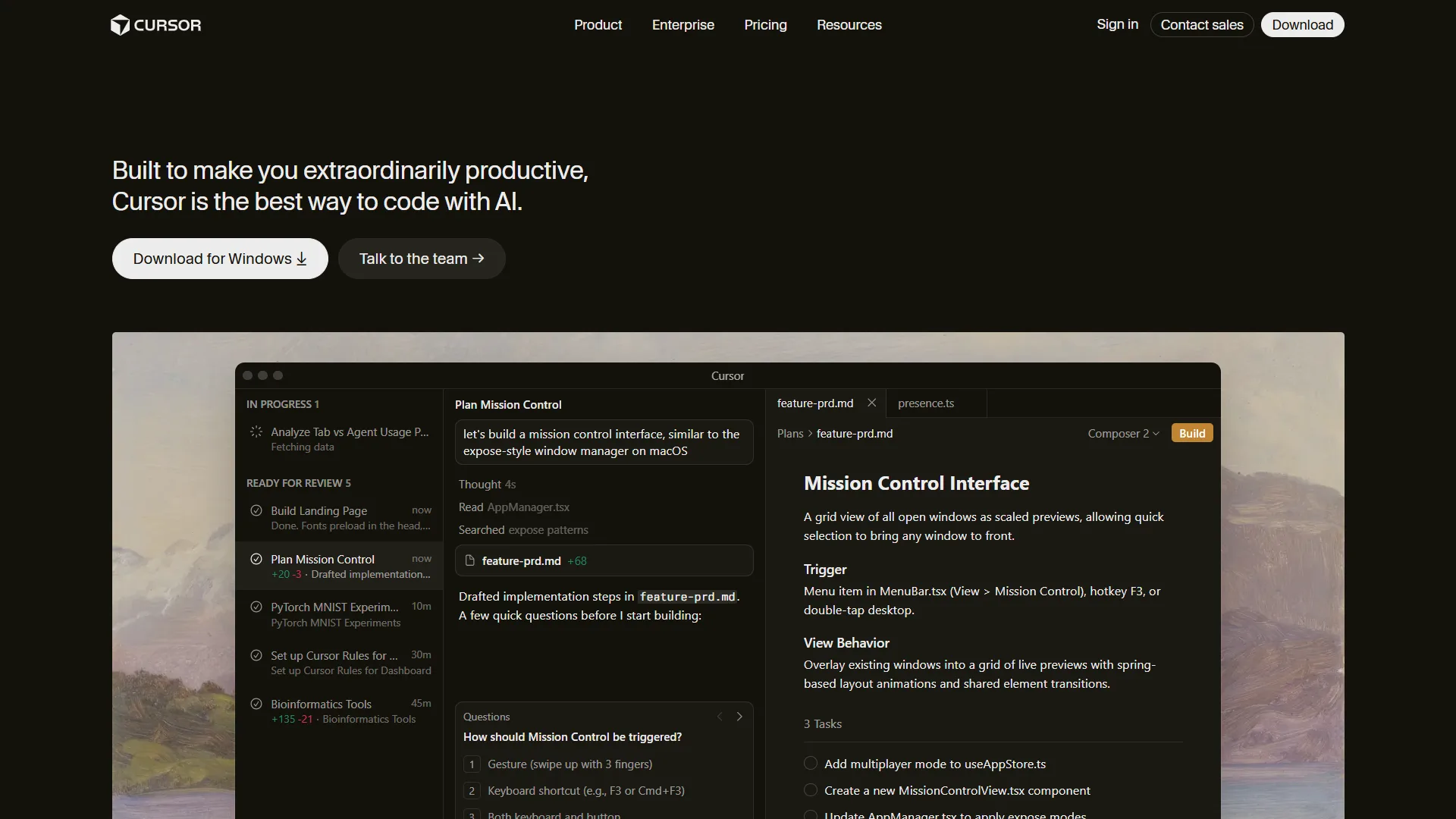
Cursor is an AI-powered code editor that has become extremely popular among software developers. It accelerates coding, debugging, and project development with built-in AI assistance.
Best For
- Developers
- Software engineers
- Startups
- Technical teams
Key Features
- AI code completion
- Code explanation
- Refactoring
- Bug fixing
- Natural language coding
Why It Stands Out
It significantly speeds up software development while maintaining code quality.
Comparison Table
| Tool | Best For | Primary Strength |
|---|---|---|
| ChatGPT | General productivity | Versatility |
| Claude | Research | Long-document analysis |
| Microsoft Copilot | Office work | Microsoft 365 integration |
| Google Gemini | Google Workspace | Productivity ecosystem |
| Notion AI | Documentation | Knowledge management |
| Perplexity AI | Research | AI search with sources |
| Grammarly | Writing | Grammar and clarity |
| Otter.ai | Meetings | Transcription |
| Zapier AI | Automation | Workflow integration |
| ClickUp AI | Project management | Team productivity |
| Canva AI | Design | Visual content creation |
| Cursor | Software development | AI coding assistance |
How to Choose the Right AI Productivity Tool
The best AI tool depends on your workflow:
- Writers and marketers should consider ChatGPT, Claude, and Grammarly.
- Business teams will benefit from Microsoft Copilot, ClickUp AI, and Notion AI.
- Researchers should look at Claude and Perplexity AI.
- Developers will find Cursor and ChatGPT invaluable.
- Designers and content creators can speed up production with Canva AI.
- Businesses seeking automation should explore Zapier AI.
Many professionals use several of these tools together to create an efficient AI-powered workflow.
Conclusion
AI productivity tools are no longer optional for professionals who want to stay competitive. They help automate repetitive work, improve communication, accelerate research, and simplify complex tasks.
Whether you’re writing reports, managing projects, building software, designing content, or running a business, the right AI tools can save hours every week and improve the quality of your work.
The best approach is to start with one or two tools that match your biggest productivity challenges, then expand your toolkit as your needs grow. In 2026, embracing AI isn’t just about working faster—it’s about working smarter. You may also like to read: 12 AI Productivity Tools That Will Save You Hours.