

By using this site, you agree to the Privacy Policy and Terms of Use.
Accept
Sparktopus Blog
Friday, Aug 7, 2026
  • What's Hot:
  • AI
  • Business Growth
  • Website Development
  • Home
  • Latest
  • Technology
    • AI Automation
    • AI
    • App Development
    • Cloud Services
    • Cybersecurity
    • Search Engine Optimization
    • Domains
      • Configuration and management
    • Hosting
      • VPS
        • Pre-installed applications
    • Tech News
  • Business
    • Marketing
    • Sales
    • Monetization
    • Personal brand
    • Communication
    • Digital Marketing
    • Productivity
  • Website
    • Website Design
    • Website Development
  • Creative & Media
    • Graphic Design
    • Video Ads
    • Prompt
  • Learning
    • Free Courses
  • Make money online
Reading: 8 Free PDF to PPT Converters That Actually Work
Advertise
Latest
11 Best Link in Bio Tools to Grow Faster in 2026
Should You Choose a .UK Domain? Pros, Cons & Insights
7 Trending Dropshipping Products You Can Sell in 2026
8 Free PDF to PPT Converters That Actually Work
8 Free AI Portfolio Makers You Should Try in 2026
Font ResizerAa
Sparktopus BlogSparktopus Blog
  • Home
  • Latest
  • Tech News
  • Technology
  • Business
  • Marketing
  • Sales
  • Monetization
  • AI Automation
  • Website Development
  • App Development
  • Digital Marketing
  • Search Engine Optimization
  • Graphic Design
  • Video Ads
  • Cybersecurity
  • Cloud Services
Search
  • Home
  • Latest
  • Advertise with us
  • About Us
  • Contact
  • Newsletter
  • Sitemap
  • Terms of Service
  • Privacy Policy

Trending →

7 Proven AI Automation Hacks to Skyrocket Your Business

By MrSparktopus
11 months ago

5 Powerful Ways to Protect Your Business from Hackers

By MrSparktopus
11 months ago

10 Proven Design Tips to Boost Your Business Success

By MrSparktopus
11 months ago

5 Powerful Cloud Services Every Business Must Use

By MrSparktopus
11 months ago

10 Smart Digital Marketing Tips to Boost Business Growth

By MrSparktopus
11 months ago
Follow US
© 2026 Sparktopus Blog. All Rights Reserved.

- Advertisement -

Home » Latest » 8 Free PDF to PPT Converters That Actually Work
Productivity

8 Free PDF to PPT Converters That Actually Work

Emmanuel Masebinu - Sparktopus CEO
Last updated: August 7, 2026 9:39 am
By MrSparktopus
Share
7 Min Read
8 Free PDF to PPT Converters That Actually Work
SHARE
Contents
  • Why Use an AI PDF to PPT Converter?
  • 1. Adobe Acrobat Online
    • Best For
    • Key Features
    • Pros
    • Cons
  • 2. Smallpdf
    • Best For
    • Key Features
    • Pros
    • Cons
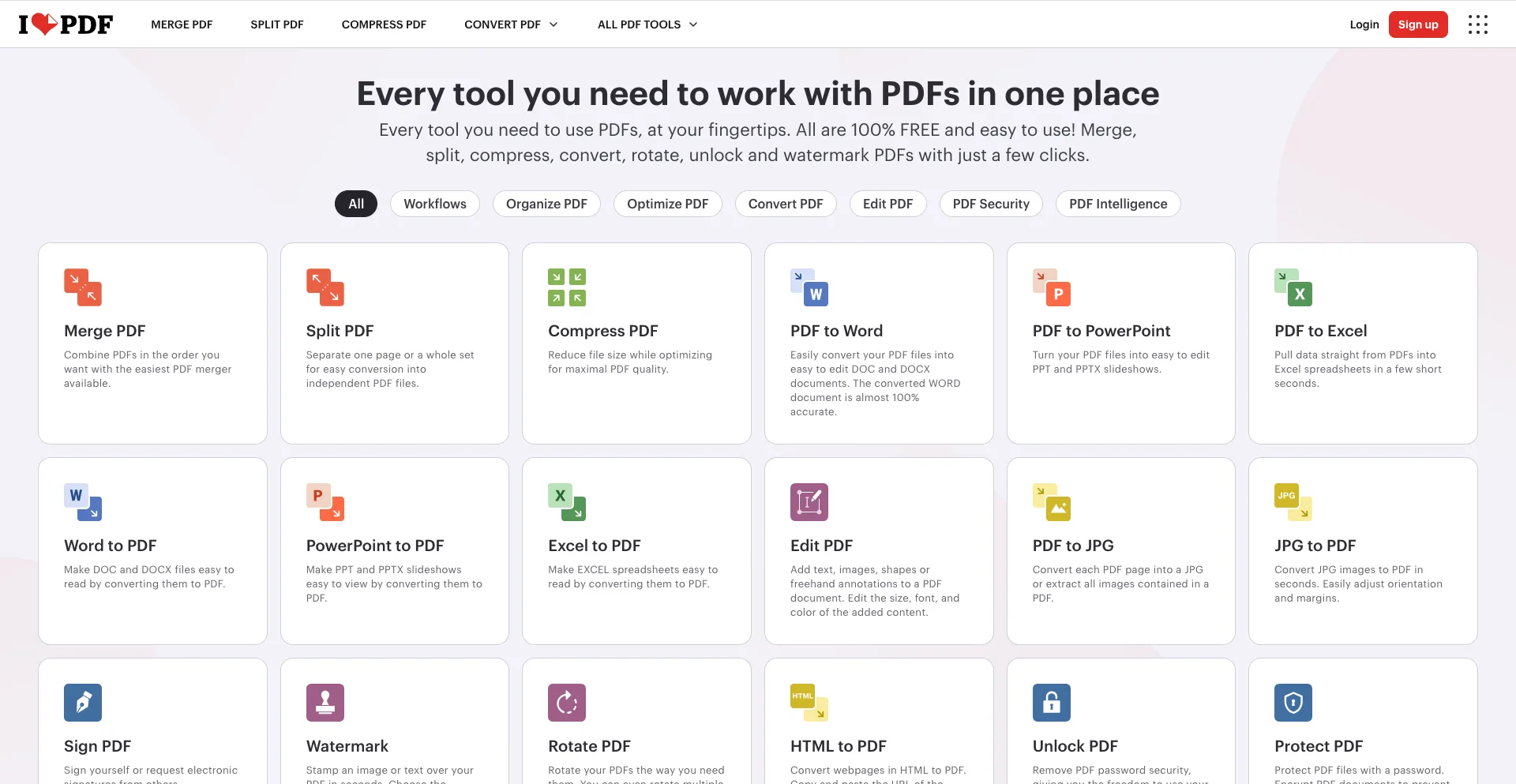
  • 3. iLovePDF
    • Best For
    • Key Features
    • Pros
    • Cons
  • 4. Canva
    • Best For
    • Key Features
    • Pros
    • Cons
  • 5. PDFgear
    • Best For
    • Key Features
    • Pros
    • Cons
  • 6. WPS PDF Tools
    • Best For
    • Key Features
    • Pros
    • Cons
  • 7. HiPDF
    • Best For
    • Key Features
    • Pros
    • Cons
  • 8. LightPDF
    • Best For
    • Key Features
    • Pros
    • Cons
  • Comparison Table
  • How to Choose the Right PDF to PPT Converter
  • Conclusion

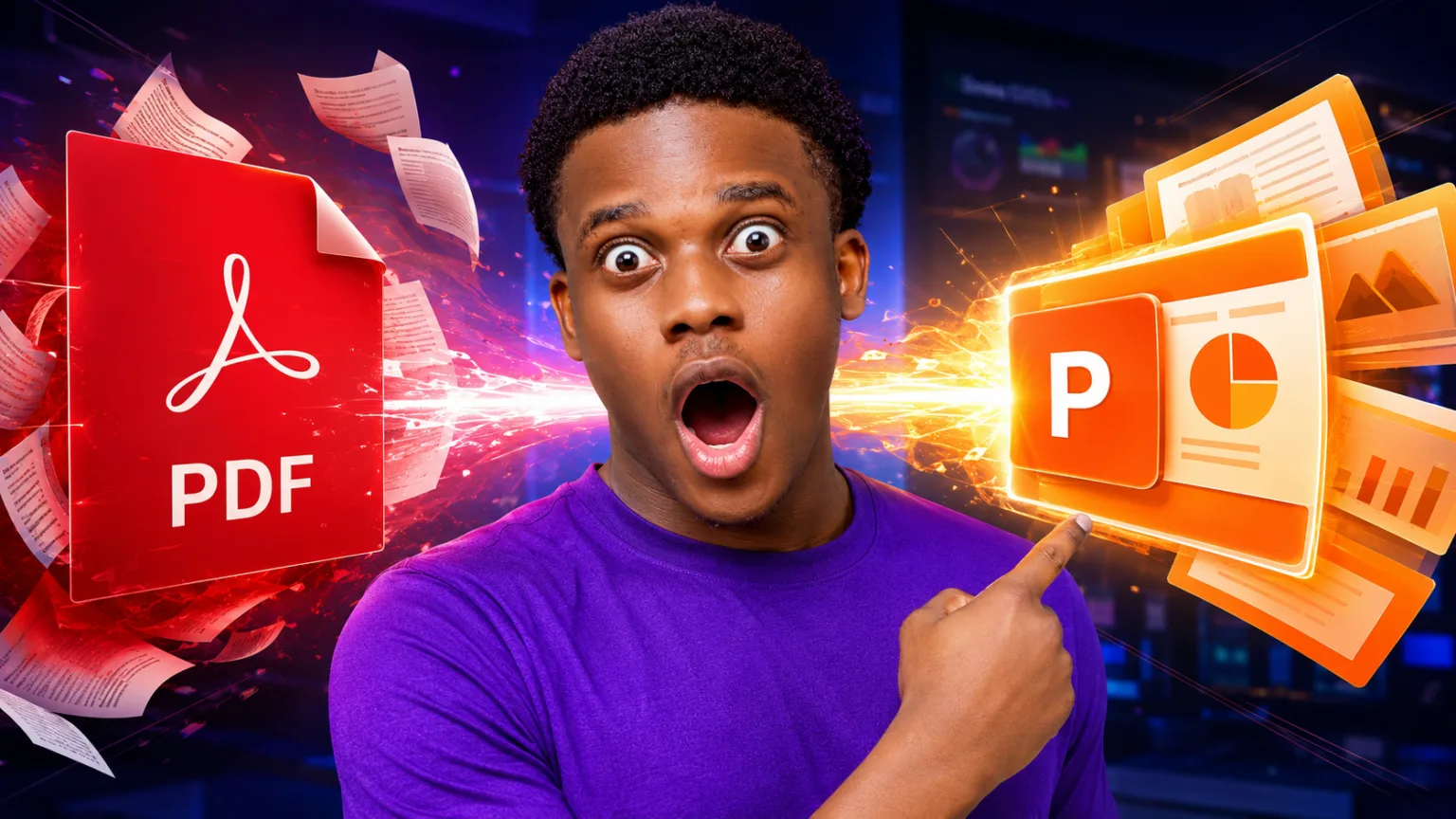
Converting a PDF into an editable PowerPoint presentation used to be a frustrating task. Formatting errors, missing images, and broken layouts often meant spending hours fixing slides manually.

Fortunately, modern AI-powered PDF to PPT converters have made the process much easier. These tools can recognize text, preserve formatting, extract images, and generate editable PowerPoint presentations in just a few minutes.

Whether you’re a student, teacher, business professional, or content creator, these are the 8 best free PDF to PPT converters that actually work in 2026.

Why Use an AI PDF to PPT Converter?

A good PDF-to-PowerPoint converter can help you:

  • Save hours of manual work
  • Preserve layouts and formatting
  • Convert scanned PDFs using OCR
  • Create editable PowerPoint slides
  • Extract images and graphics
  • Improve collaboration
  • Prepare presentations quickly

Many of these tools offer generous free plans that are suitable for occasional use.

1. Adobe Acrobat Online
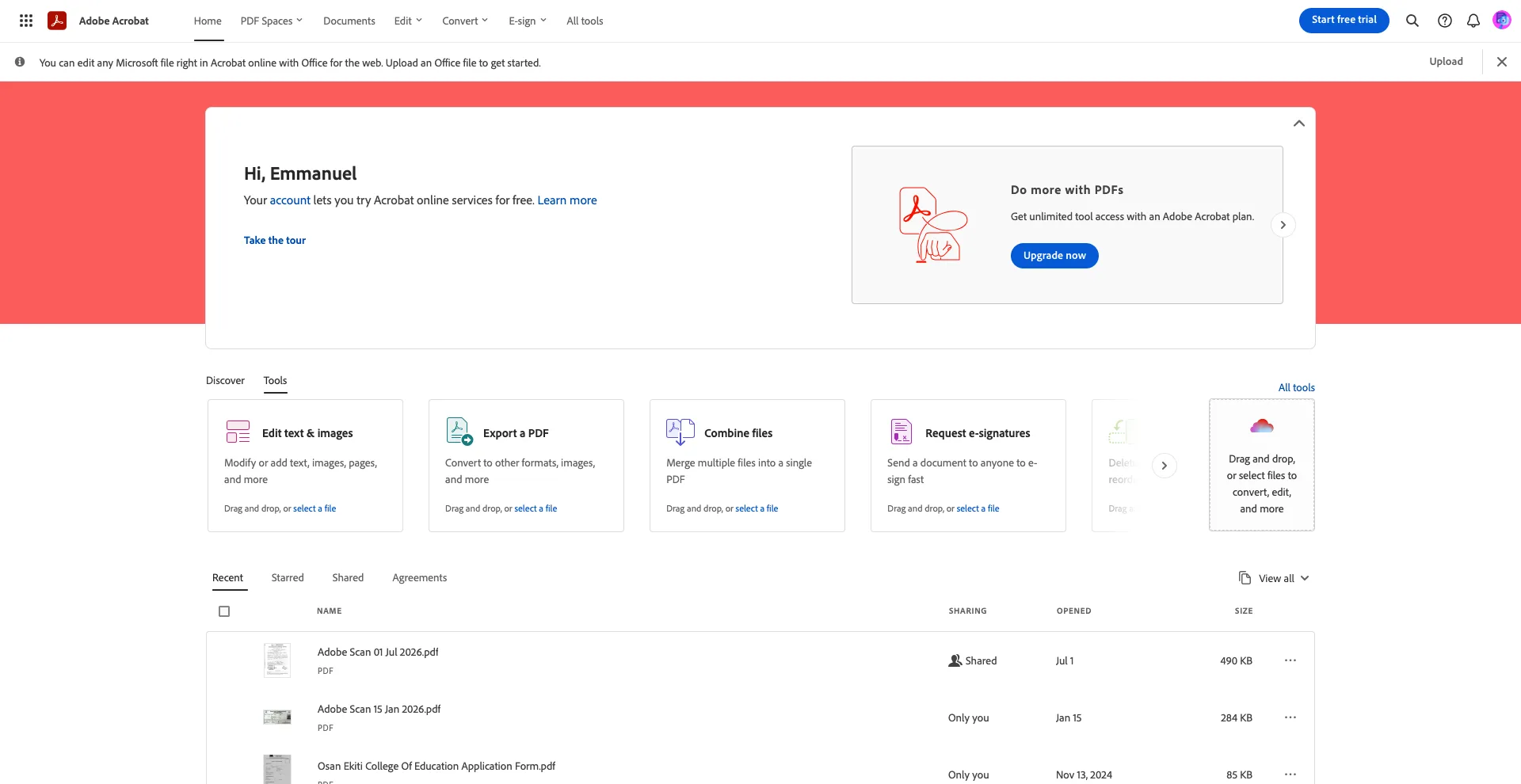
Adobe Acrobat Online

Adobe created the PDF format, so it’s no surprise that its online converter remains one of the most reliable options.

Best For

  • Business users
  • Professionals
  • High-quality conversions

Key Features

  • PDF to PowerPoint conversion
  • Preserves formatting
  • Cloud storage integration
  • OCR support
  • Secure file handling

Pros

  • Excellent accuracy
  • Professional-quality results
  • Easy to use

Cons

  • Daily free conversion limits

2. Smallpdf
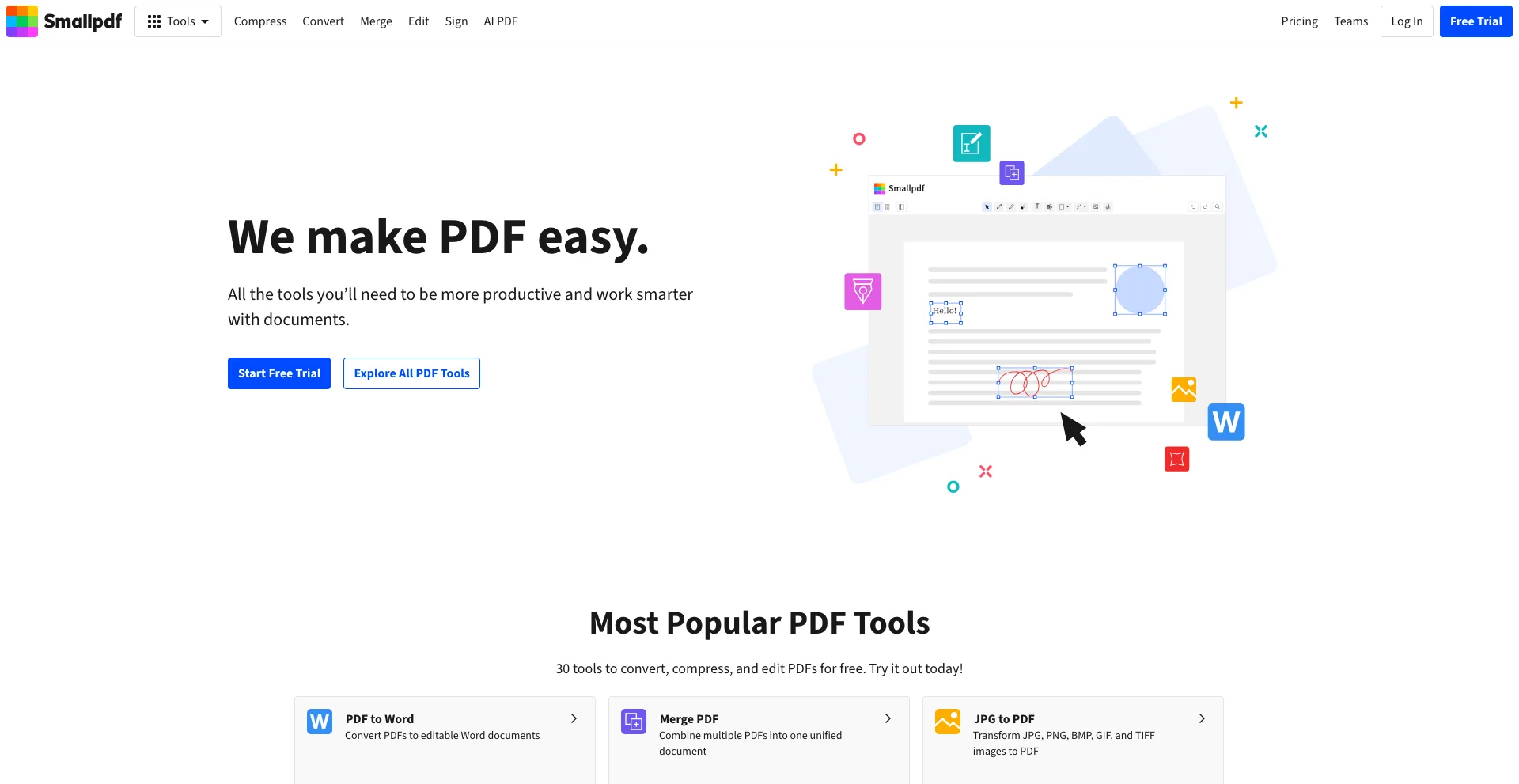
Smallpdf
Smallpdf

Smallpdf is one of the most popular online PDF platforms, offering fast and reliable PDF-to-PowerPoint conversion.

Best For

  • Students
  • Office users
  • Everyday document conversion

Key Features

  • PDF to PPT
  • OCR technology
  • Cloud integration
  • Drag-and-drop uploads
  • Browser-based editing

Pros

  • Simple interface
  • Fast processing
  • Good formatting retention

Cons

  • Limited free conversions

3. iLovePDF

iLovePDF
iLovePDF

iLovePDF offers a comprehensive suite of PDF tools, including an efficient PDF-to-PowerPoint converter.

Best For

  • Students
  • Teachers
  • Small businesses

Key Features

  • PDF to PPT
  • Batch conversion
  • OCR support
  • Cloud storage integration
  • Mobile compatibility

Pros

  • Easy to use
  • Multiple PDF tools
  • Good free plan

Cons

  • Large files may require a premium plan

4. Canva
Canva
Canva

Canva now supports importing PDF documents and transforming them into editable presentations.

Best For

  • Designers
  • Marketing teams
  • Business presentations

Key Features

  • PDF import
  • AI presentation editing
  • Templates
  • Collaboration tools
  • Presentation design

Pros

  • Beautiful slide designs
  • AI design assistance
  • Easy collaboration

Cons

  • Complex PDFs may require adjustments

5. PDFgear
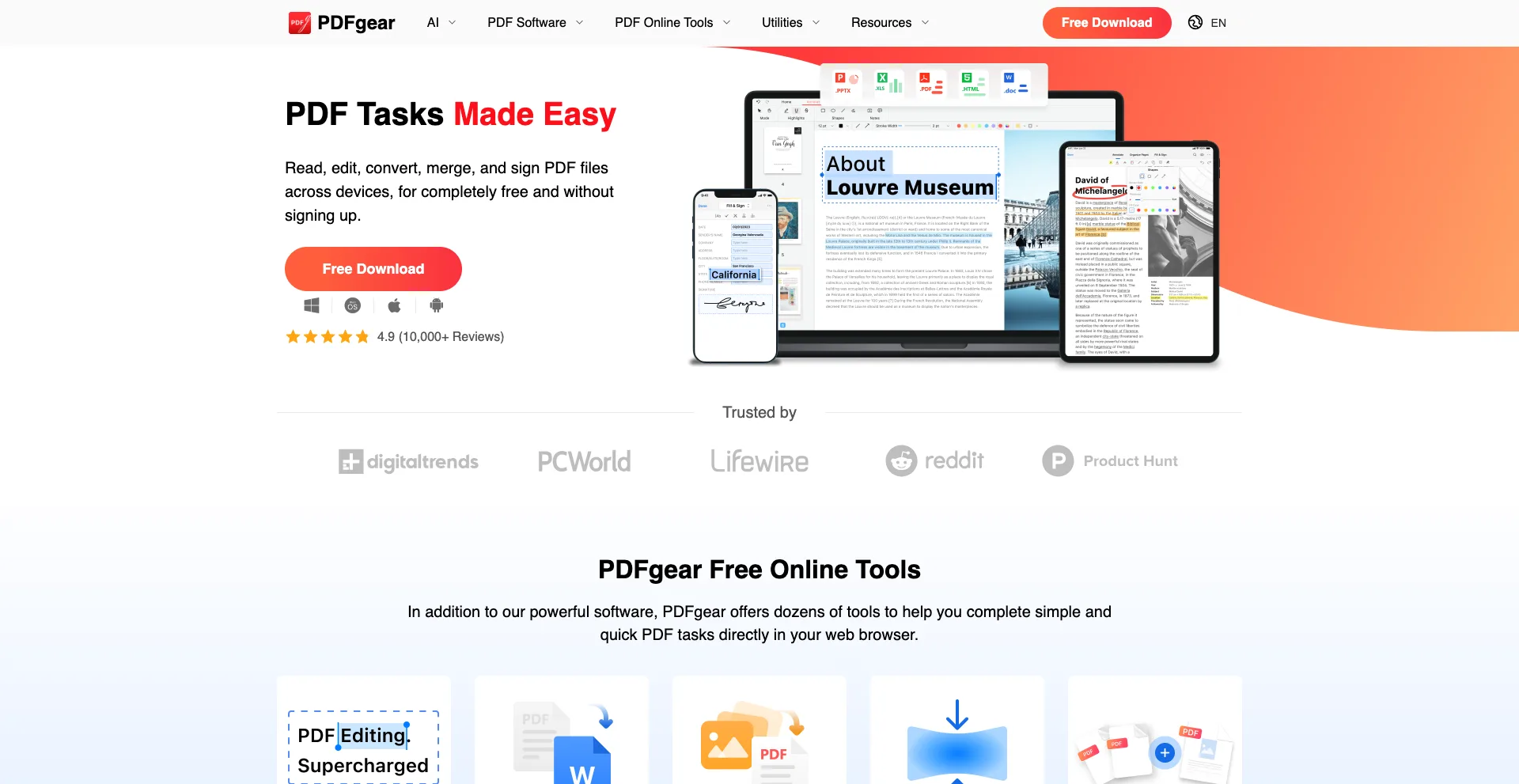
PDFgear
PDFgear

PDFgear has quickly become a favorite thanks to its free desktop and online PDF tools with AI-powered capabilities.

Best For

  • Windows users
  • Students
  • Professionals

Key Features

  • PDF to PPT conversion
  • AI assistant
  • OCR
  • PDF editing
  • No watermark

Pros

  • Completely free for many features
  • Good conversion quality
  • Clean interface

Cons

  • Some advanced tools are desktop-only

6. WPS PDF Tools
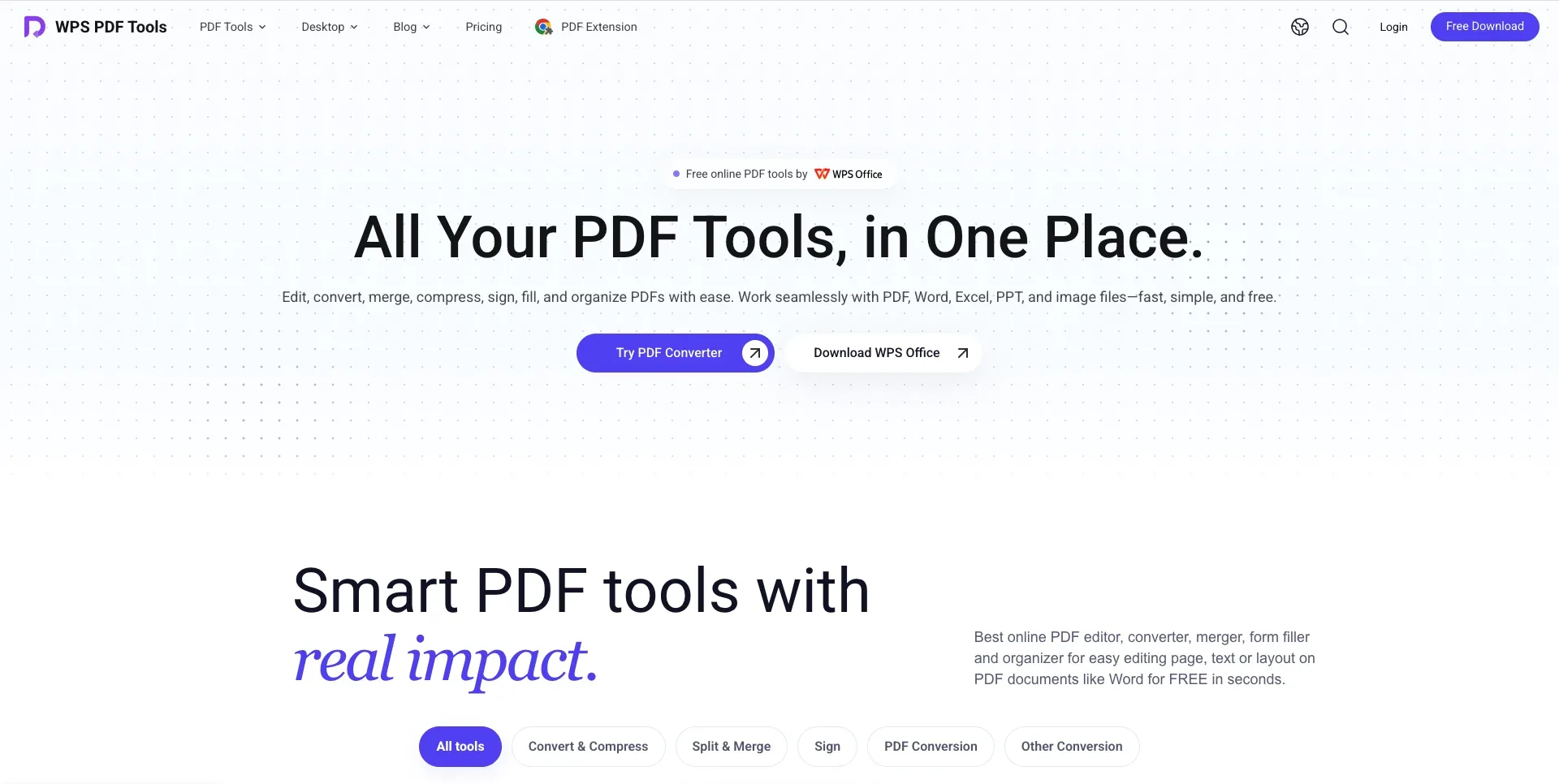
WPS PDF Tools
WPS PDF Tools

WPS Office includes PDF conversion features that make it easy to convert documents into editable PowerPoint presentations.

Best For

  • Office users
  • Students
  • Business professionals

Key Features

  • PDF to PPT
  • Office integration
  • OCR support
  • Cloud storage
  • Multi-format conversion

Pros

  • Works well with Microsoft Office files
  • Easy interface
  • Good conversion quality

Cons

  • Some premium features require a subscription

7. HiPDF
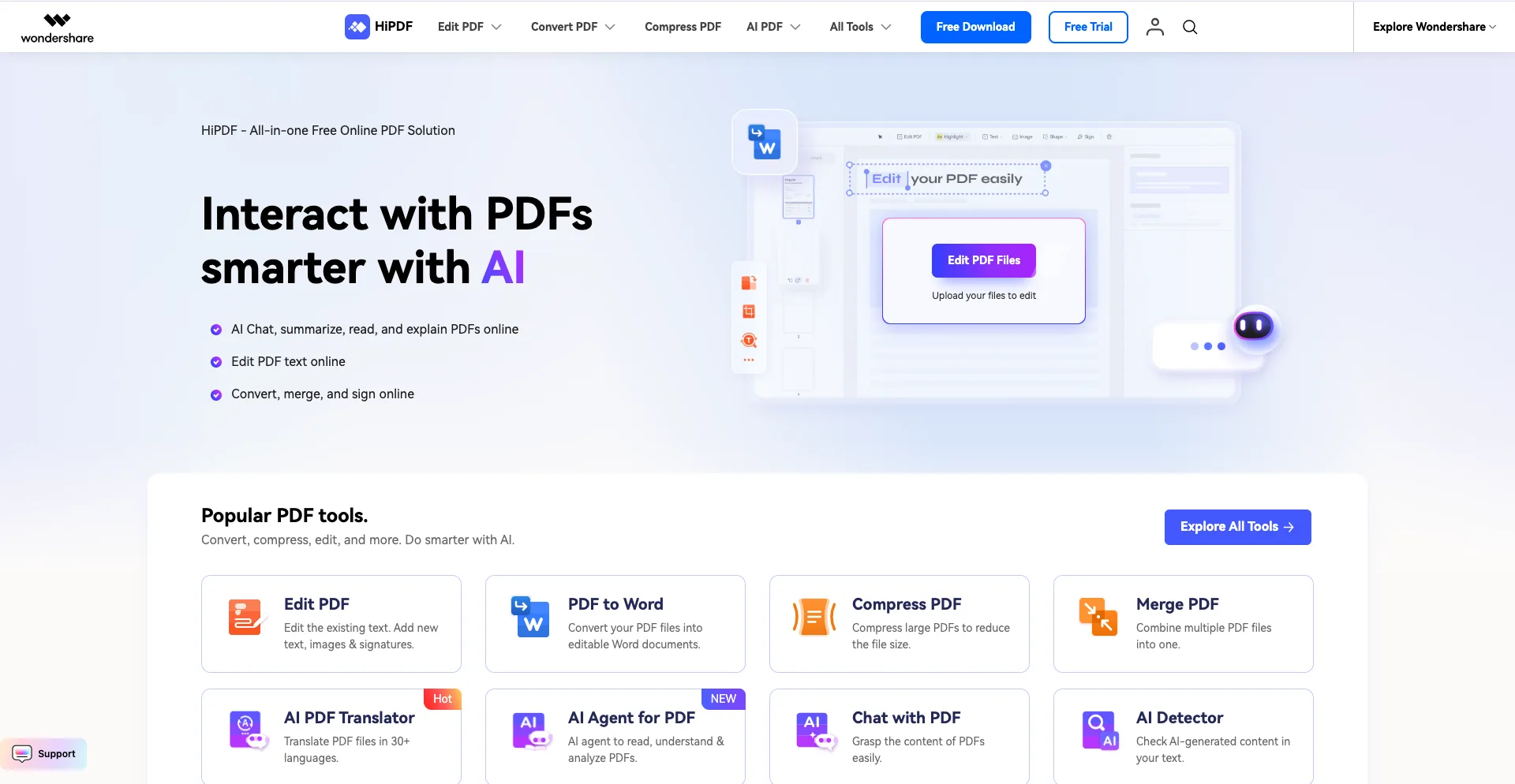
HiPDF
HiPDF

HiPDF provides a cloud-based PDF toolkit with AI-powered document conversion and editing.

Best For

  • Remote workers
  • Freelancers
  • Small businesses

Key Features

  • PDF to PowerPoint
  • OCR
  • PDF editing
  • Compression
  • File management

Pros

  • Browser-based
  • Fast conversions
  • Simple workflow

Cons

  • Free plan has file size limitations

8. LightPDF
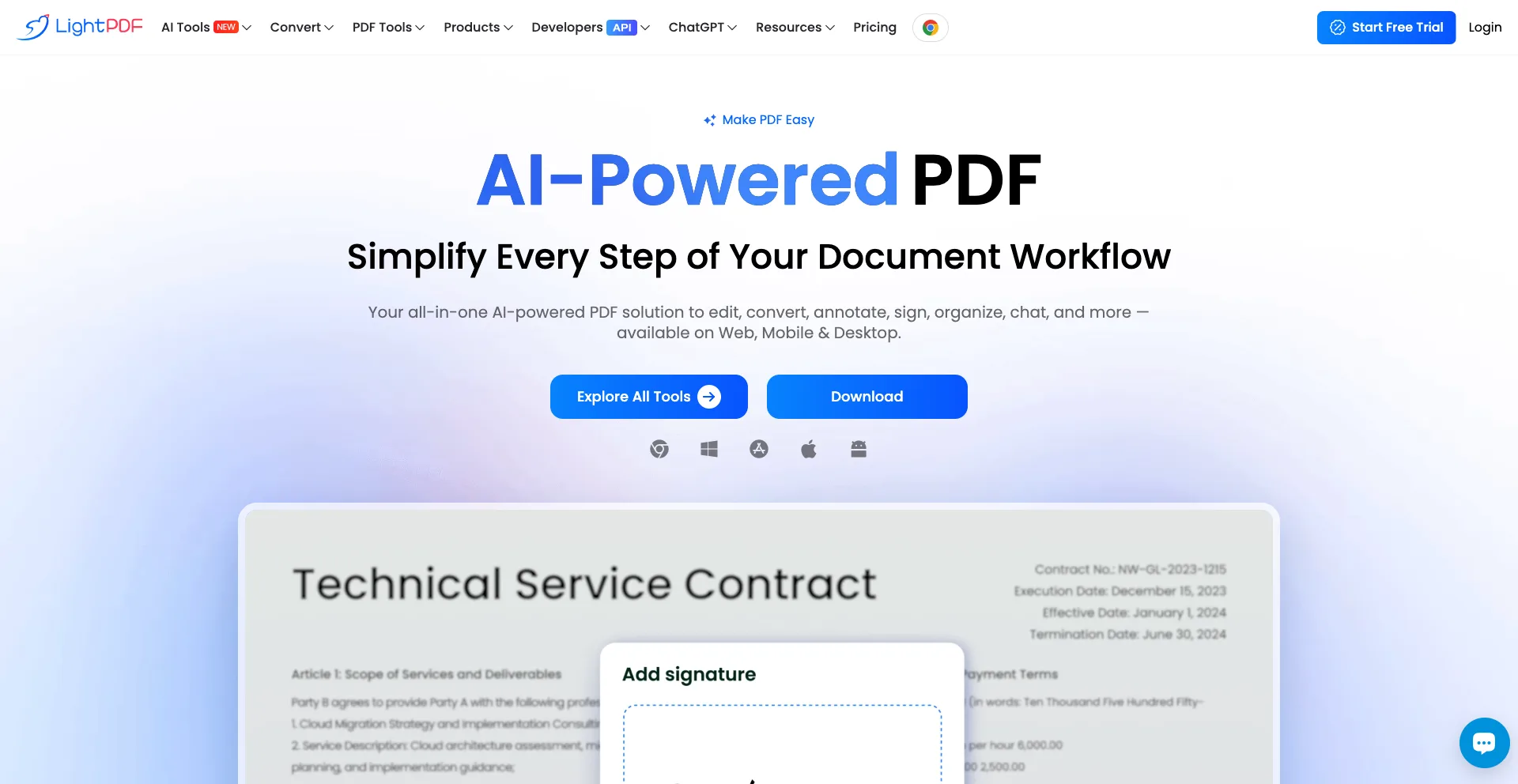
LightPDF
LightPDF

LightPDF combines AI document processing with powerful PDF conversion features, making it one of the best free options available.

Best For

  • Students
  • Business users
  • AI document processing

Key Features

  • AI-powered conversion
  • OCR
  • PDF editing
  • Chat with PDF
  • Cloud storage

Pros

  • Modern AI features
  • High conversion accuracy
  • Easy-to-use interface

Cons

  • Daily usage limits on the free plan

Comparison Table

Tool Best For Main Strength
Adobe Acrobat Online Professionals Highest conversion accuracy
Smallpdf Everyday users Fast online conversions
iLovePDF Students All-in-one PDF toolkit
Canva Designers Editable presentation design
PDFgear Free users Powerful free desktop tools
WPS PDF Tools Office users Microsoft Office compatibility
HiPDF Remote work Browser-based PDF management
LightPDF AI users AI-powered document processing

How to Choose the Right PDF to PPT Converter

The best converter depends on your needs.

  • For maximum accuracy, choose Adobe Acrobat Online.
  • For completely free conversions, PDFgear is an excellent choice.
  • For students, Smallpdf and iLovePDF provide simple and reliable tools.
  • For presentation design, Canva offers editing features beyond basic conversion.
  • For office environments, WPS PDF Tools integrates well with Microsoft Office.
  • For AI-powered document processing, LightPDF stands out with additional smart features.

If you regularly convert PDFs into presentations, it may be worth trying a few tools to find the one that best preserves your documents’ formatting.

Conclusion

A good PDF-to-PowerPoint converter can save hours of manual editing by turning static documents into fully editable presentations. Thanks to AI and OCR technology, today’s converters preserve text, images, and layouts far better than older tools.

Whether you need a quick online conversion or a more advanced AI-powered solution, the eight tools listed above offer reliable ways to transform PDFs into professional PowerPoint presentations. Choose the one that fits your workflow, and you’ll spend less time fixing slides and more time delivering impactful presentations. You may also like to read: 8 Free AI Portfolio Makers You Should Try in 2026.

Emmanuel Masebinu - Sparktopus CEO
MrSparktopus

CEO & Founder of Sparktopus, Inc.

- Advertisement -

TAGGED:AI PDF
Share This Article
Facebook Copy Link
Previous Article 8 Free AI Portfolio Makers You Should Try in 2026 8 Free AI Portfolio Makers You Should Try in 2026
Next Article 7 Trending Dropshipping Products You Can Sell in 2026 7 Trending Dropshipping Products You Can Sell in 2026

Latest Posts

11 Best Link in Bio Tools to Grow Faster in 2026
27 minutes ago
Should You Choose a .UK Domain? Pros, Cons & Insights
1 hour ago
7 Trending Dropshipping Products You Can Sell in 2026
2 hours ago
8 Free AI Portfolio Makers You Should Try in 2026
4 hours ago
12 AI Productivity Tools You Can’t Ignore in 2026
1 day ago
Top 10 South American Hosting Providers in 2026
2 weeks ago
best web hosting companies USA and Canada
Top 10 North American Hosting Providers in 2026
3 weeks ago
best VPS hosting in Europe
Top 10 European Hosting Providers in 2026
3 weeks ago
Y Combinator: History, Mission & How It Built Startup Giants
3 weeks ago
Microsoft: History, Mission & Rise of the Tech Giant
3 weeks ago

You Might Also Like ↷

9 Hacks to Be Dangerously Productive, It Feels Illegal

9 Hacks to Be Dangerously Productive, It Feels Illegal

Productivity
4 months ago
7 Best Content Creation Equipment for Beginners

7 Best Content Creation Equipment for Beginners

Productivity
2 months ago
Manus vs Canva: Best AI Tool for Presentations

Manus vs Canva: Best AI Tool for Presentations

Business Productivity
4 months ago
You’ll Never Doomscroll Again After Reading This

You’ll Never Doomscroll Again After Reading This

Productivity
4 months ago
- Advertisement -
  • Advertise with us
  • About Us
  • Contact
  • Newsletter
  • Sitemap
  • Corrections Policy
  • Diversity Policy
  • Diversity Staffing Report
  • Editorial Principles
  • Ethics Policy
  • Feedback Policy
  • Ownership & Funding
  • Terms of Service
  • Privacy Policy

Sparktopus Blog is your go-to source for insights on AI, technology, business, cybersecurity, digital marketing, websites, monetization, productivity, and more. Discover practical guides, industry news, expert strategies, and innovative ideas designed to help businesses, creators, and entrepreneurs grow in the digital world.

Sparktopus Blog Logo
  • AI Automation
  • App Development
  • Cloud Services
  • Cybersecurity
  • Digital Marketing
  • Free Courses
  • Graphic Design
  • Monetization
  • Search Engine Optimization
  • Video Ads
  • Website Development
FacebookLike
XFollow
InstagramFollow
YoutubeSubscribe
TiktokFollow
WhatsAppFollow

© 2026 Sparktopus Blog. All Rights Reserved.

Designed & Developed by Sparktopus.

Welcome Back!

Sign in to your account

Username or Email Address
Password

New: Instant Back/Forward Navigation

When you opt to “Remember Me”, WordPress will tell your browser to save the state of pages when you navigate away from them. This allows them to be restored instantly when you use the back and forward buttons in your browser.

Lost your password?