

By using this site, you agree to the Privacy Policy and Terms of Use.
Accept
Sparktopus Blog
Friday, Aug 7, 2026
  • What's Hot:
  • AI
  • Business Growth
  • Website Development
  • Home
  • Latest
  • Technology
    • AI Automation
    • AI
    • App Development
    • Cloud Services
    • Cybersecurity
    • Search Engine Optimization
    • Domains
      • Configuration and management
    • Hosting
      • VPS
        • Pre-installed applications
    • Tech News
  • Business
    • Marketing
    • Sales
    • Monetization
    • Personal brand
    • Communication
    • Digital Marketing
    • Productivity
  • Website
    • Website Design
    • Website Development
  • Creative & Media
    • Graphic Design
    • Video Ads
    • Prompt
  • Learning
    • Free Courses
  • Make money online
Reading: 10 Best Business Card Makers That Stand Out
Advertise
Latest
10 Best Business Card Makers That Stand Out
11 Best Link in Bio Tools to Grow Faster in 2026
Should You Choose a .UK Domain? Pros, Cons & Insights
7 Trending Dropshipping Products You Can Sell in 2026
8 Free PDF to PPT Converters That Actually Work
Font ResizerAa
Sparktopus BlogSparktopus Blog
  • Home
  • Latest
  • Tech News
  • Technology
  • Business
  • Marketing
  • Sales
  • Monetization
  • AI Automation
  • Website Development
  • App Development
  • Digital Marketing
  • Search Engine Optimization
  • Graphic Design
  • Video Ads
  • Cybersecurity
  • Cloud Services
Search
  • Home
  • Latest
  • Advertise with us
  • About Us
  • Contact
  • Newsletter
  • Sitemap
  • Terms of Service
  • Privacy Policy

Trending →

7 Proven AI Automation Hacks to Skyrocket Your Business

By MrSparktopus
11 months ago

5 Powerful Ways to Protect Your Business from Hackers

By MrSparktopus
11 months ago

10 Proven Design Tips to Boost Your Business Success

By MrSparktopus
11 months ago

5 Powerful Cloud Services Every Business Must Use

By MrSparktopus
11 months ago

10 Smart Digital Marketing Tips to Boost Business Growth

By MrSparktopus
11 months ago
Follow US
© 2026 Sparktopus Blog. All Rights Reserved.

- Advertisement -

Home » Latest » 10 Best Business Card Makers That Stand Out
Graphic Design

10 Best Business Card Makers That Stand Out

Emmanuel Masebinu - Sparktopus CEO
Last updated: August 7, 2026 12:27 pm
By MrSparktopus
Share
7 Min Read
10 Best Business Card Makers That Stand Out
SHARE
Contents
  • Why Use a Business Card Maker?
  • 1. Canva
    • Best For
    • Key Features
    • Pros
    • Cons
  • 2. Adobe Express
    • Best For
    • Key Features
    • Pros
    • Cons
  • 3. VistaPrint Design Studio
    • Best For
    • Key Features
    • Pros
    • Cons
  • 4. Microsoft Designer
    • Best For
    • Key Features
    • Pros
    • Cons
  • 5. Visme
    • Best For
    • Key Features
    • Pros
    • Cons
  • 6. BrandCrowd
    • Best For
    • Key Features
    • Pros
    • Cons
  • 7. Shopify Business Card Maker
    • Best For
    • Key Features
    • Pros
    • Cons
  • 8. Fotor
    • Best For
    • Key Features
    • Pros
    • Cons
  • 9. Jukebox Print Designer
    • Best For
    • Key Features
    • Pros
    • Cons
  • 10. QRCodeChimp Digital Business Cards
    • Best For
    • Key Features
    • Pros
    • Cons
  • Comparison Table
  • How to Choose the Right Business Card Maker
  • Conclusion

A well-designed business card is still one of the most effective networking tools. Whether you’re attending conferences, meeting clients, or promoting your business, a professional business card helps make a strong first impression.

Today’s business card makers go far beyond simple templates. Many use artificial intelligence to generate layouts, suggest color palettes, recommend fonts, and even create complete brand identities. Others include printing services, QR code generators, and digital business card features.

Here are the 10 best business card makers that stand out in 2026.

Why Use a Business Card Maker?

Modern business card creators help you:

  • Design professional business cards quickly
  • Customize templates with your branding
  • Generate QR codes
  • Create digital business cards
  • Print high-quality cards
  • Save time with AI-assisted design
  • Maintain consistent branding

Whether you’re a freelancer, entrepreneur, or large business, these tools make designing business cards much easier.

1. Canva
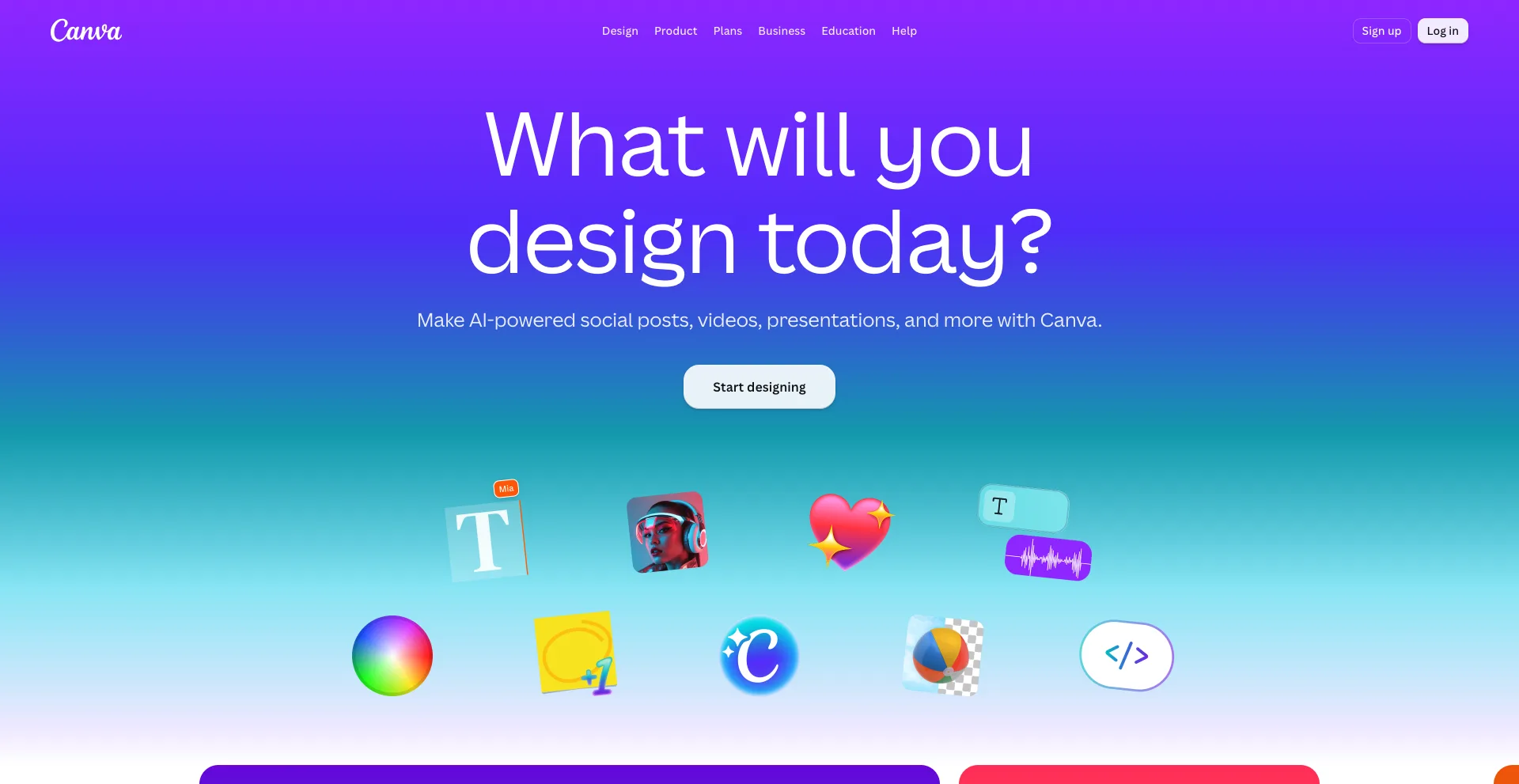
Canva
Canva

Canva remains one of the most popular business card makers thanks to its intuitive drag-and-drop editor and thousands of professionally designed templates.

Best For

  • Small businesses
  • Freelancers
  • Beginners
  • Marketing professionals

Key Features

  • Thousands of templates
  • AI design assistance
  • QR code generator
  • Brand Kit
  • Print services
  • Team collaboration

Pros

  • Extremely easy to use
  • Large template library
  • Free plan available

Cons

  • Some premium templates require Canva Pro

2. Adobe Express
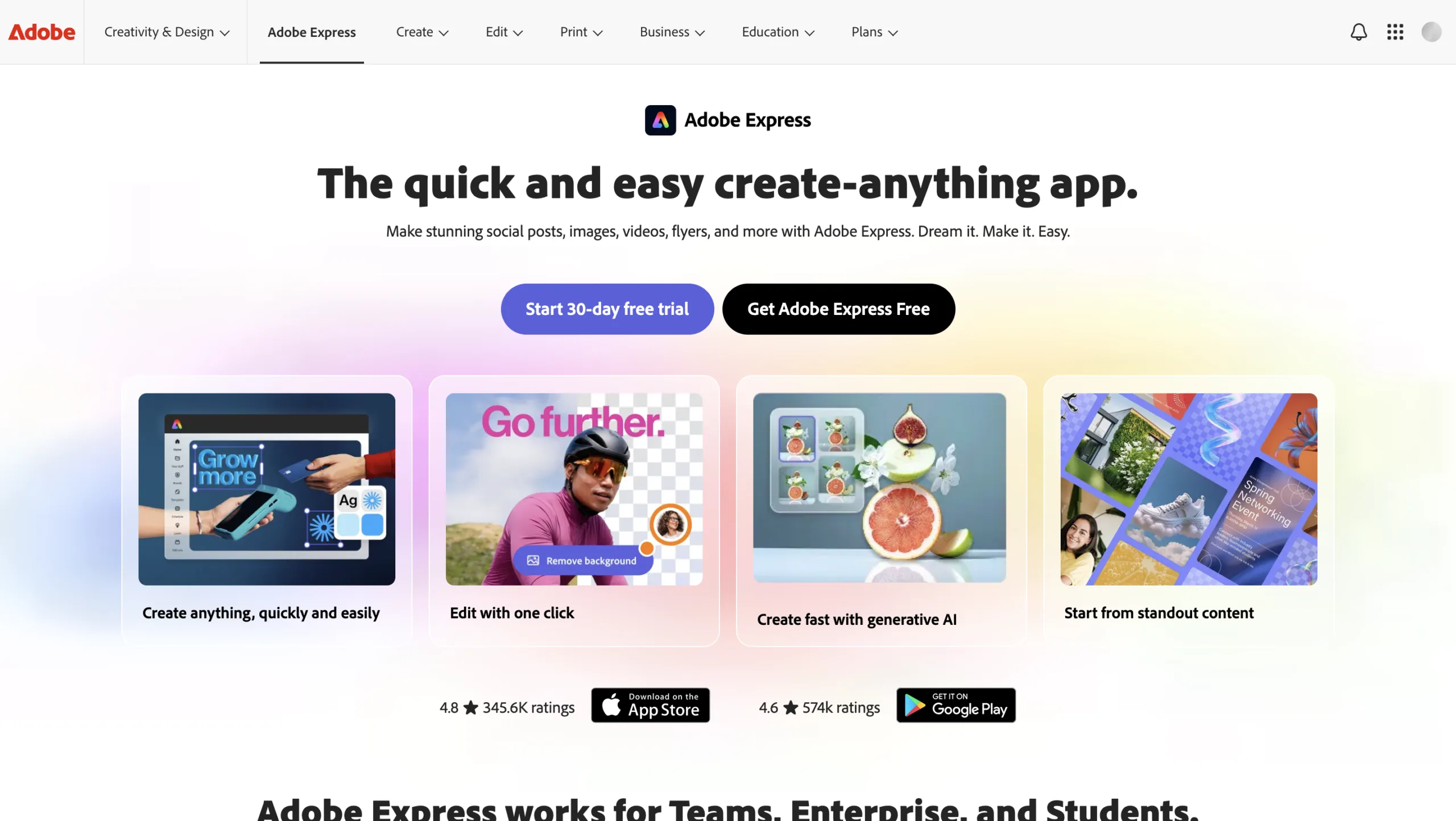
Adobe Express
Adobe Express

Adobe Express combines professional design tools with AI-powered features that simplify business card creation.

Best For

  • Creative professionals
  • Agencies
  • Designers

Key Features

  • AI image generation
  • Professional templates
  • Adobe Fonts
  • Brand management
  • High-resolution exports

Pros

  • Excellent design quality
  • Easy customization
  • Adobe ecosystem integration

Cons

  • Premium features require a subscription

3. VistaPrint Design Studio
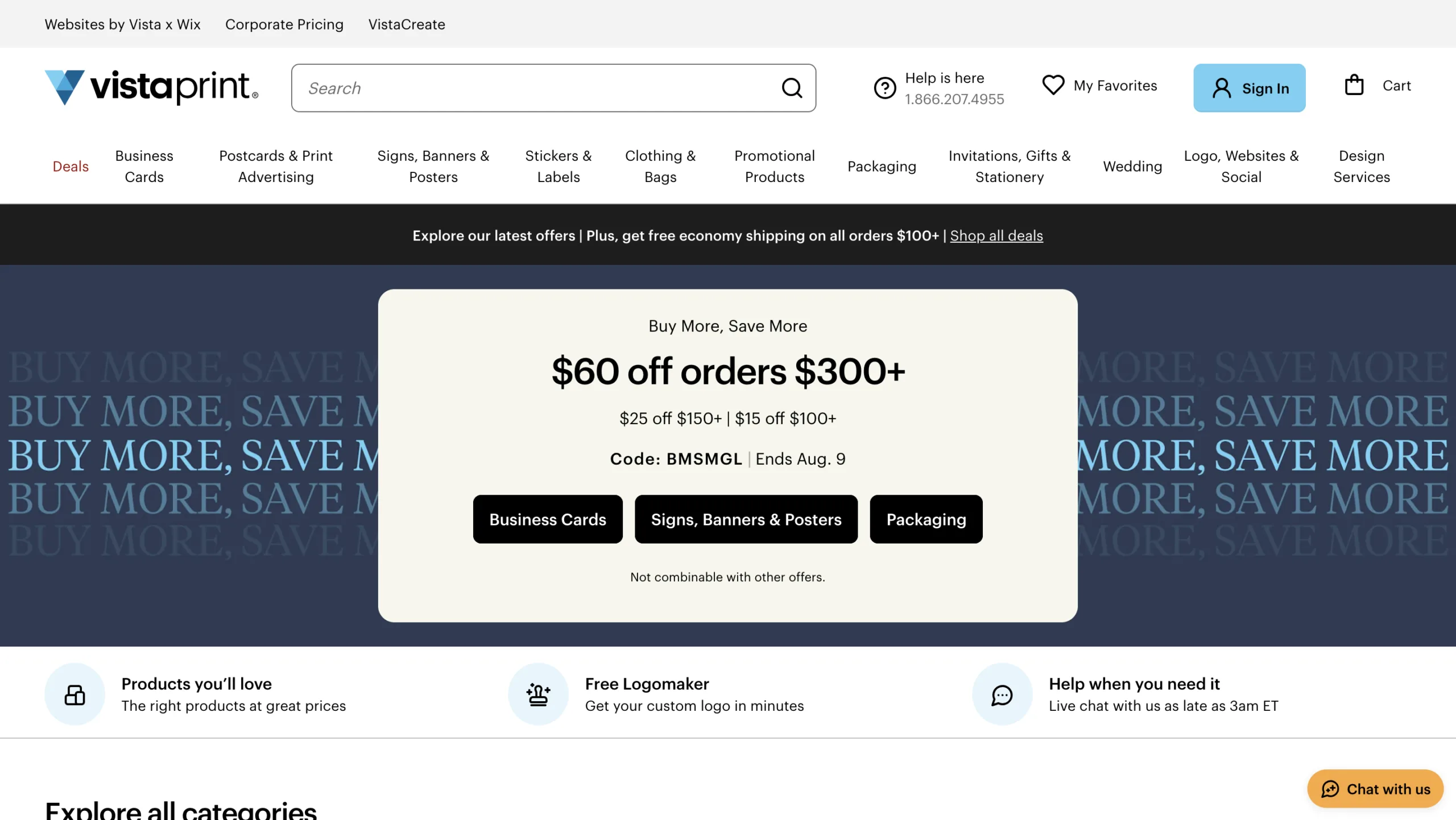
VistaPrint Design Studio

VistaPrint allows users to design and print professional business cards from one platform.

Best For

  • Printed business cards
  • Small businesses
  • Entrepreneurs

Key Features

  • Custom templates
  • Premium paper options
  • QR codes
  • Double-sided printing
  • Logo upload

Pros

  • High-quality printing
  • Easy ordering
  • Reliable shipping

Cons

  • Printing costs vary depending on options

4. Microsoft Designer
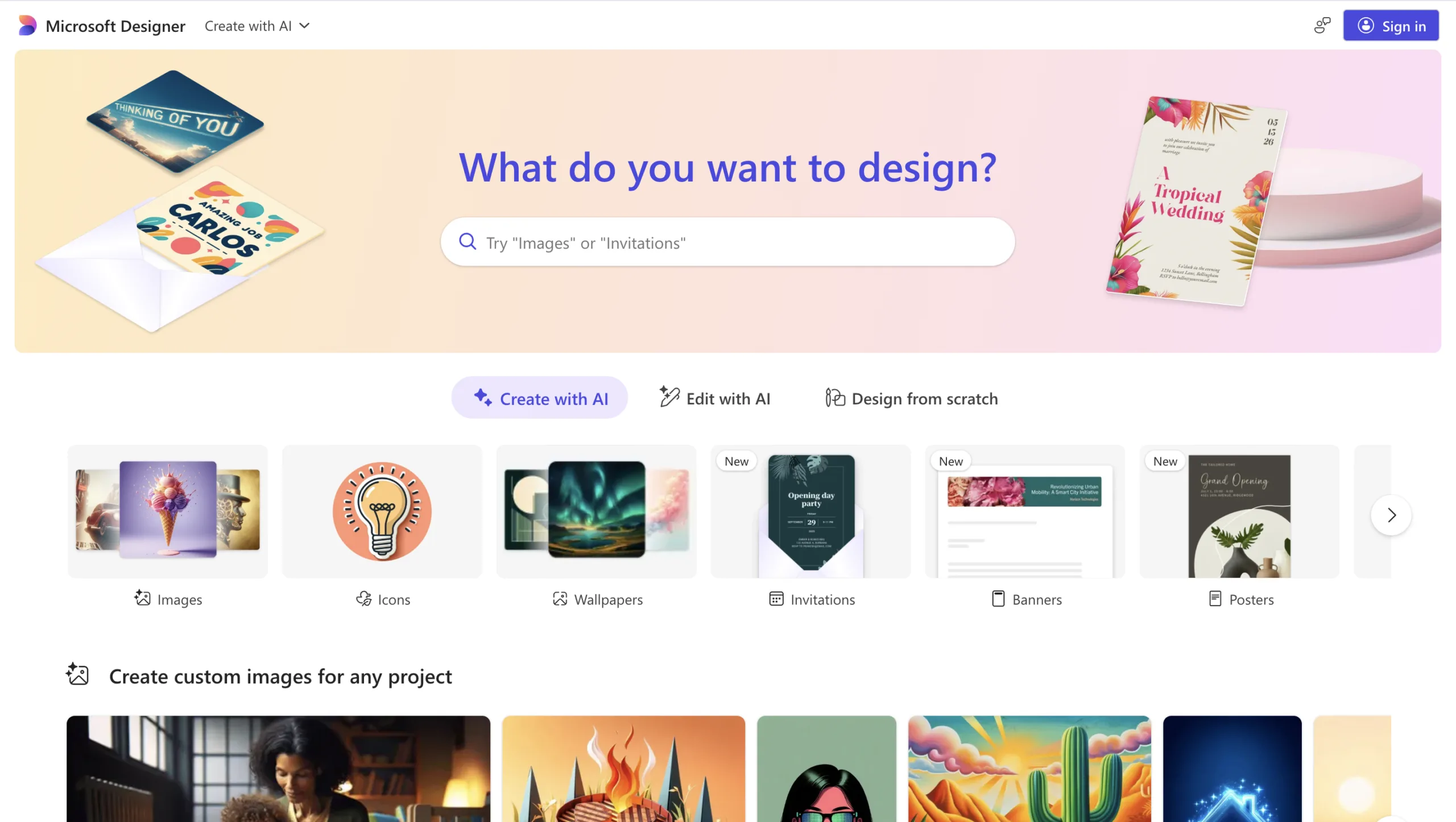
Microsoft Designer
Microsoft Designer

Microsoft Designer uses AI to generate attractive business card layouts from simple prompts.

Best For

  • Professionals
  • Office users
  • Startups

Key Features

  • AI-generated designs
  • Brand suggestions
  • Image editing
  • Microsoft integration

Pros

  • Fast design creation
  • Clean interface
  • AI-powered layouts

Cons

  • Fewer templates than Canva

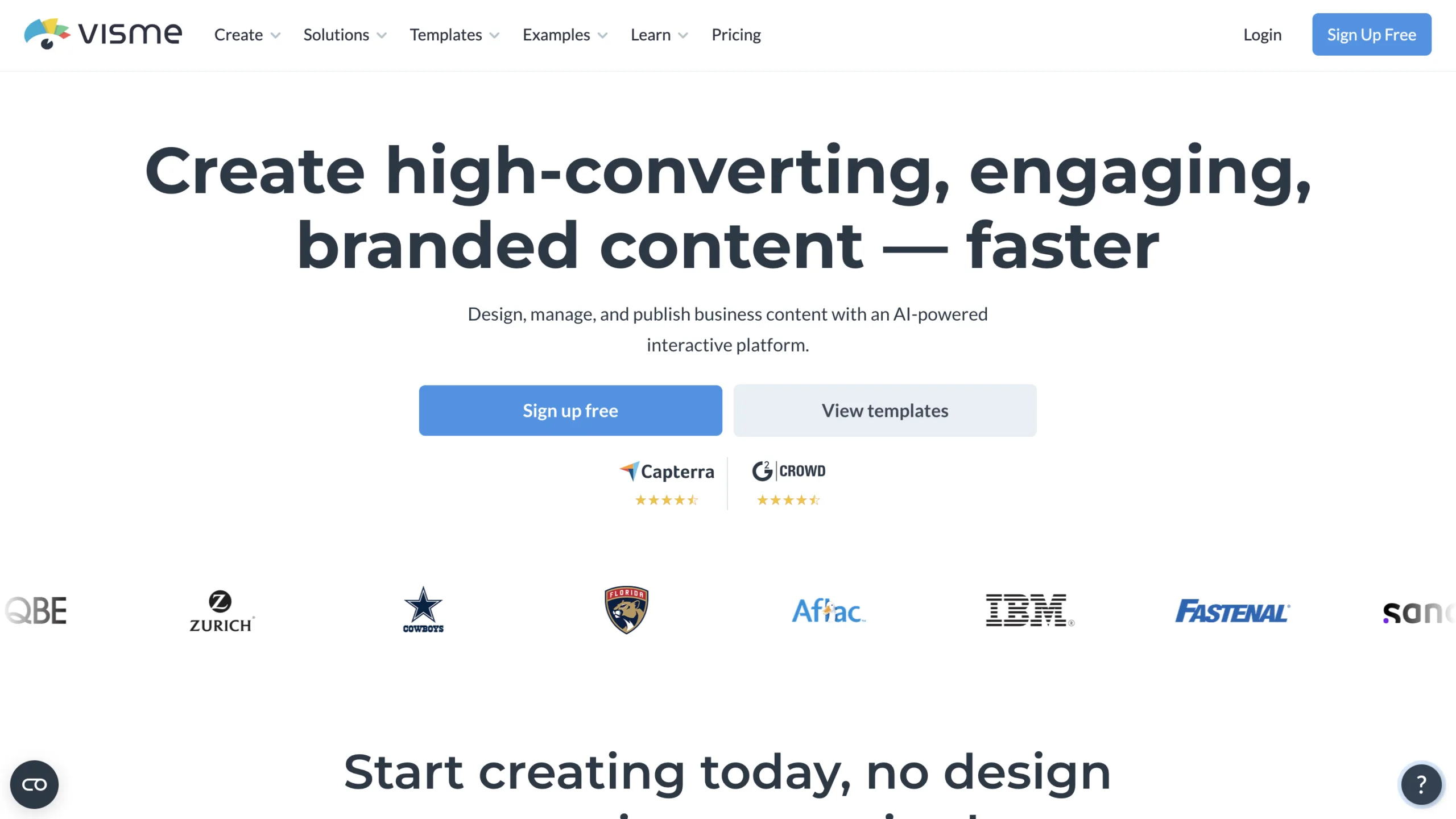
5. Visme

Visme
Visme

Visme offers customizable templates for business cards, presentations, and marketing materials.

Best For

  • Businesses
  • Marketing teams
  • Consultants

Key Features

  • Business card templates
  • Brand assets
  • Icons and graphics
  • Team collaboration
  • Print-ready exports

Pros

  • Professional templates
  • Flexible editing
  • Easy collaboration

Cons

  • Premium assets require a paid plan

6. BrandCrowd
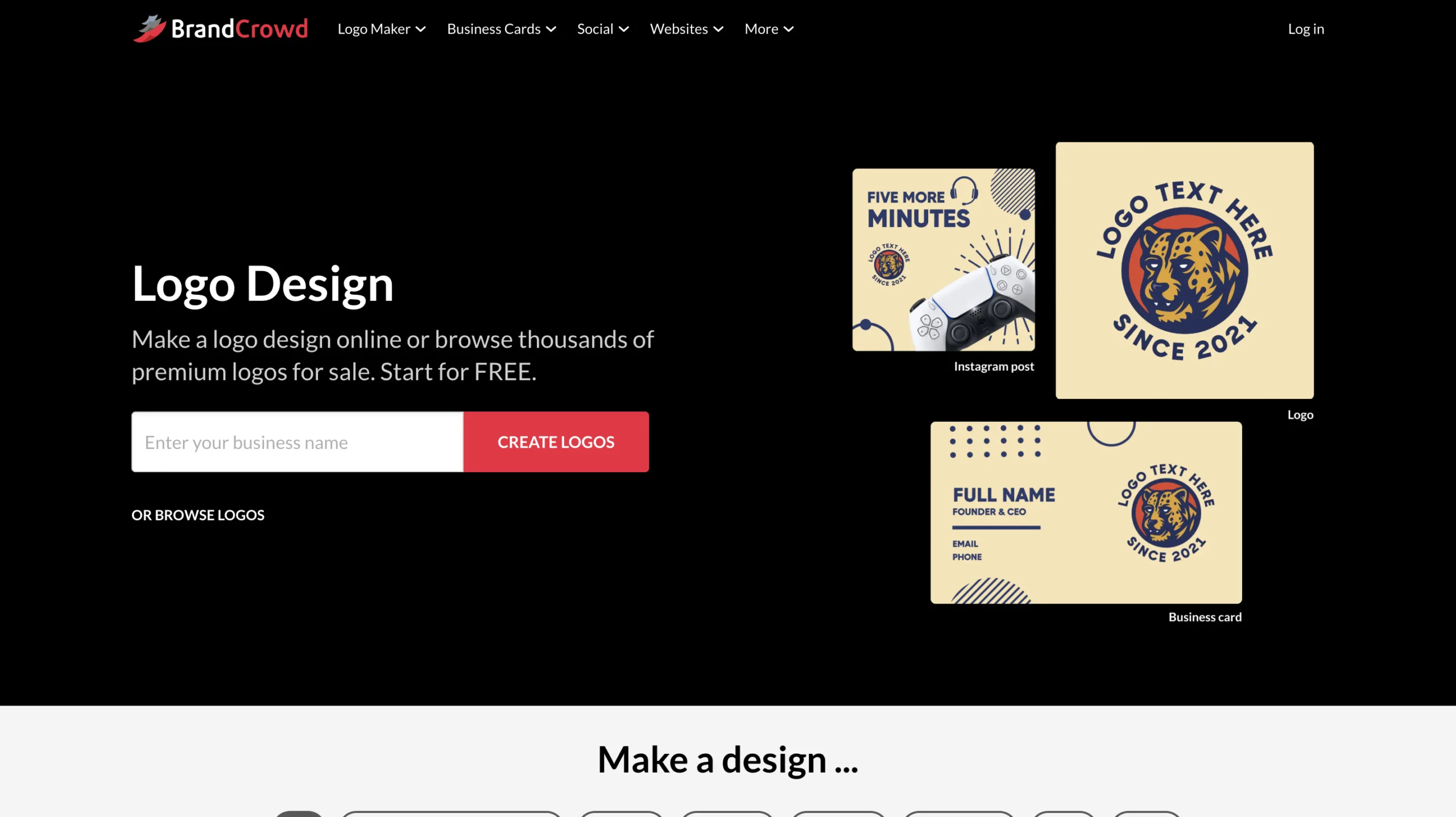
BrandCrowd
BrandCrowd

BrandCrowd specializes in branding, making it easy to create matching logos and business cards.

Best For

  • New businesses
  • Personal brands
  • Startups

Key Features

  • Logo generator
  • Business card creator
  • Brand identity tools
  • Template library
  • Custom downloads

Pros

  • Complete branding solution
  • Professional designs
  • Quick customization

Cons

  • Downloads require payment

7. Shopify Business Card Maker
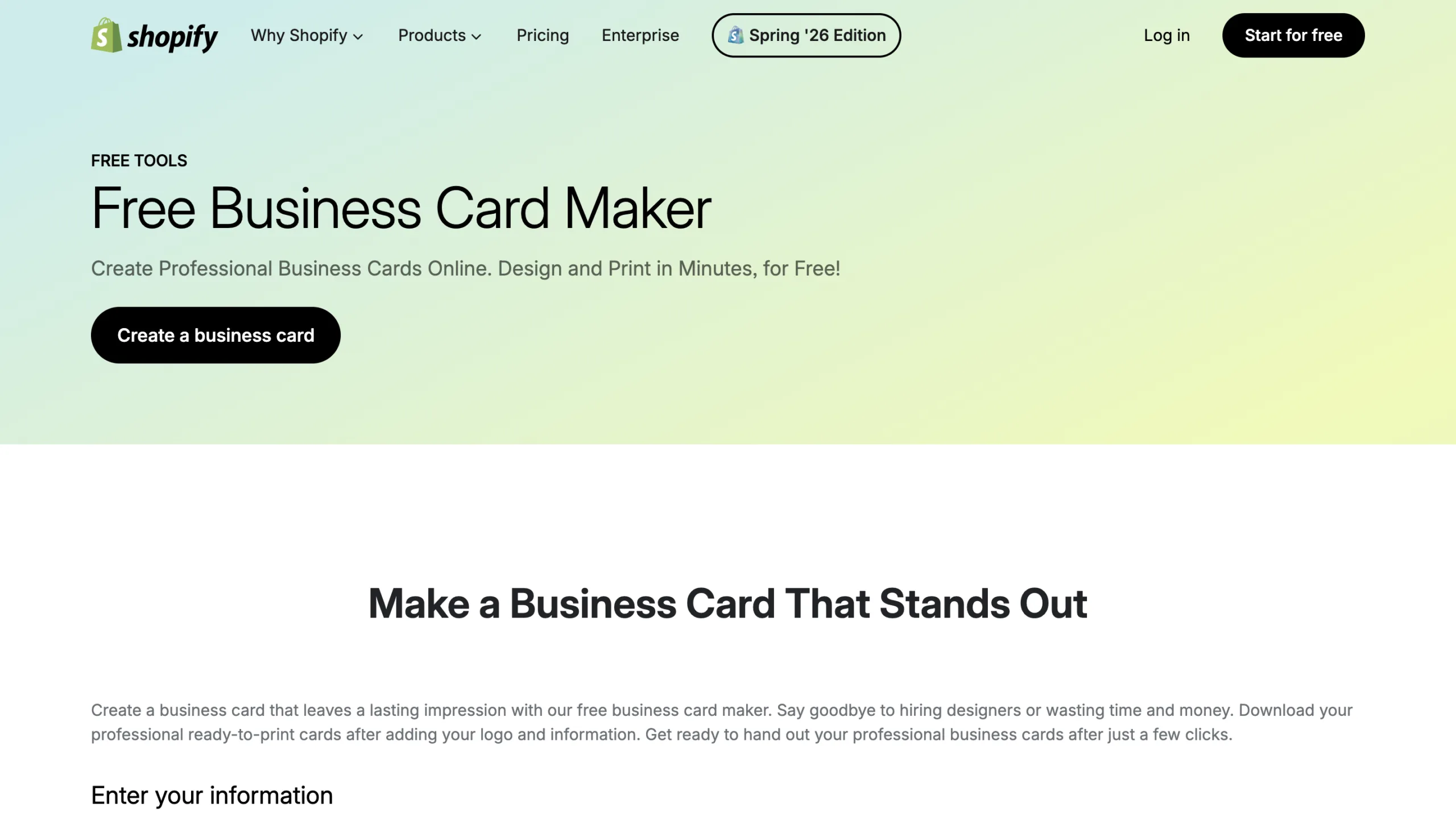
Shopify Business Card Maker

Shopify offers a free online business card maker that’s ideal for entrepreneurs and ecommerce businesses.

Best For

  • Online stores
  • Small businesses
  • Entrepreneurs

Key Features

  • Free templates
  • Simple customization
  • Print-ready files
  • Brand integration

Pros

  • Completely free
  • Beginner-friendly
  • Fast design process

Cons

  • Limited advanced customization

8. Fotor
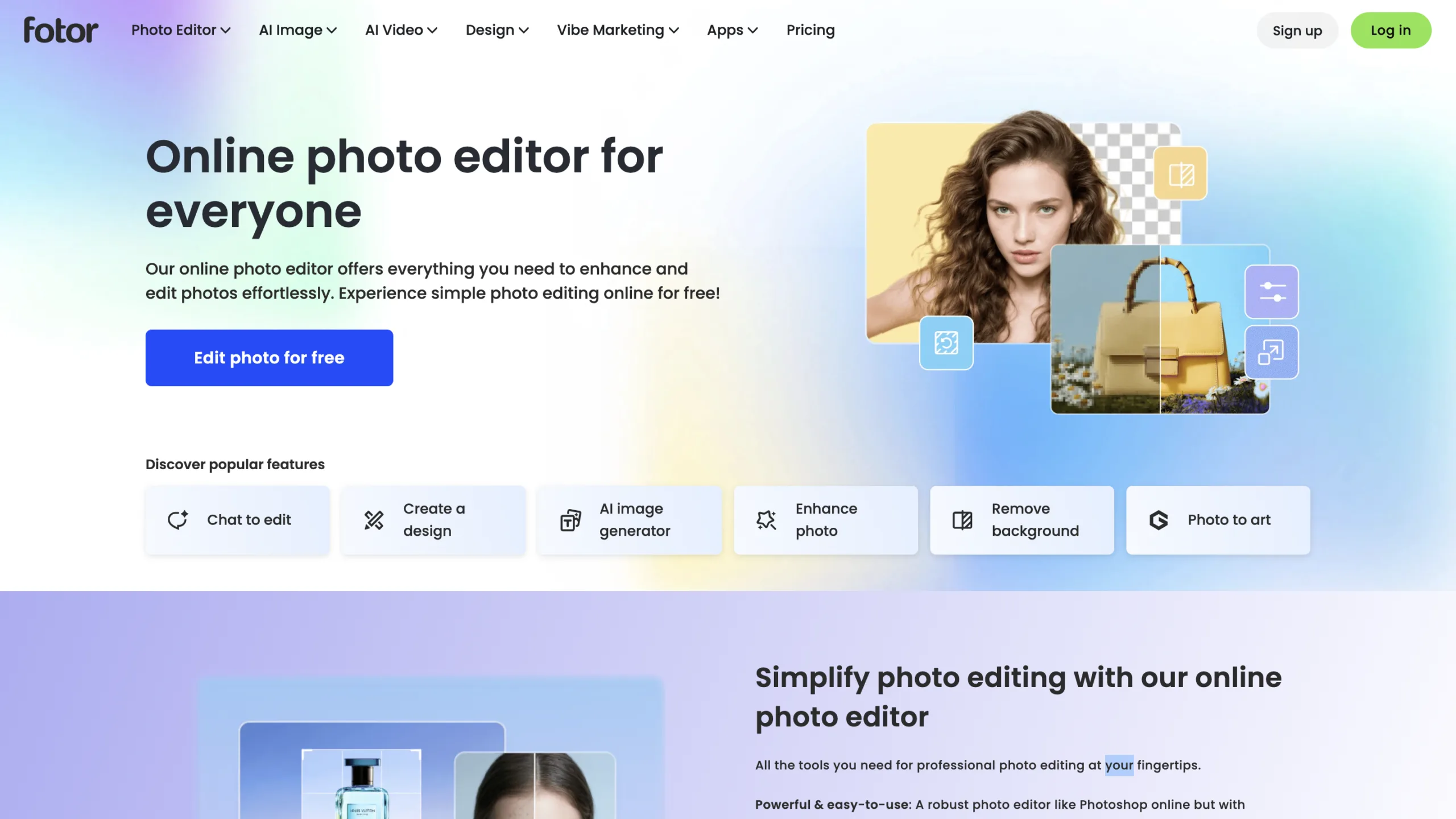
Fotor
Fotor

Fotor uses AI-powered editing tools to help users design attractive business cards quickly.

Best For

  • Freelancers
  • Content creators
  • Small businesses

Key Features

  • AI design tools
  • Background removal
  • Templates
  • Image enhancement
  • Brand customization

Pros

  • Easy editing
  • AI-assisted design
  • Affordable pricing

Cons

  • Some export options require a premium plan

9. Jukebox Print Designer
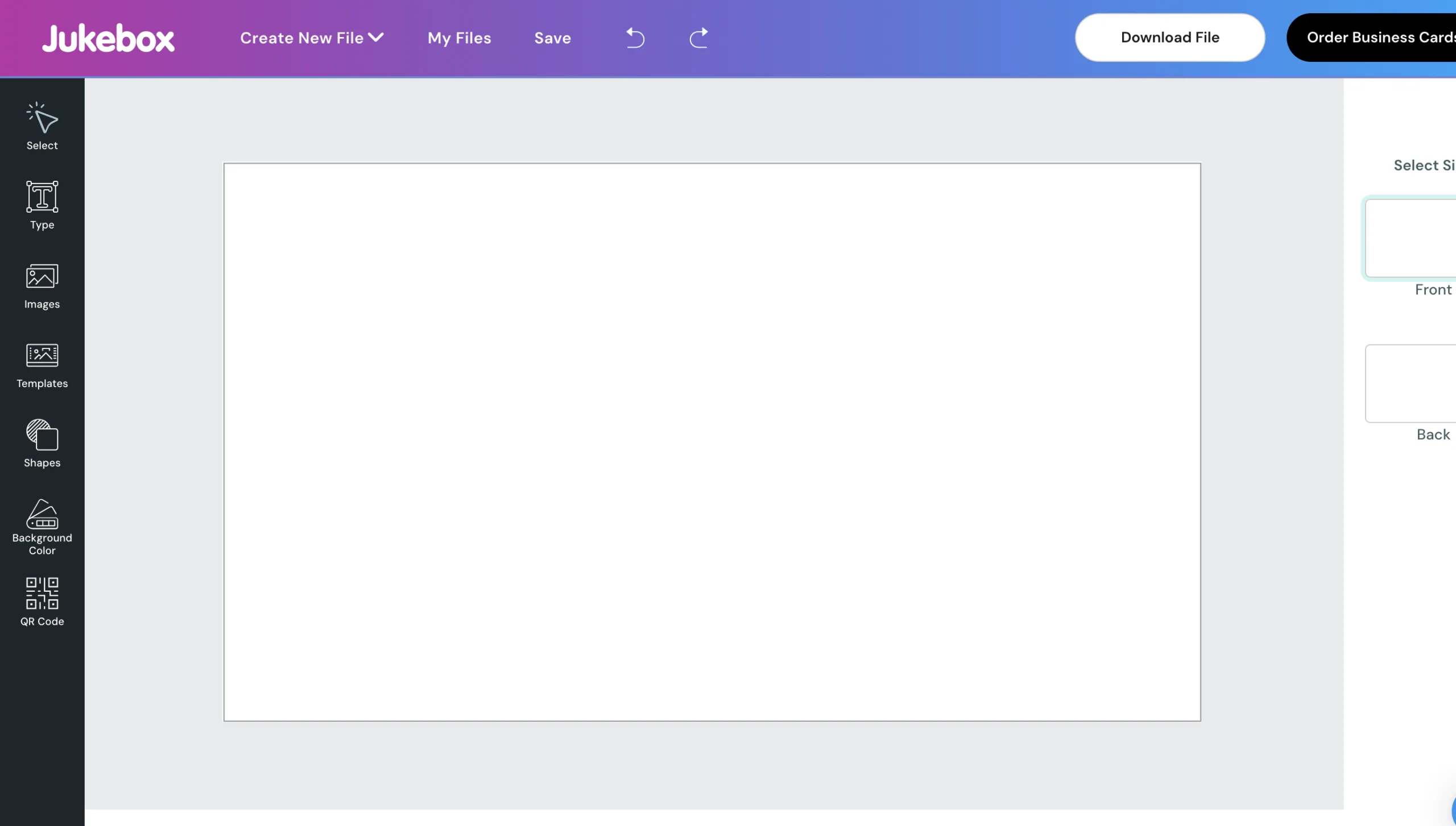
Jukebox Print Designer

Jukebox provides premium business card templates alongside professional printing services.

Best For

  • Luxury brands
  • Agencies
  • Creative professionals

Key Features

  • Premium finishes
  • Custom paper
  • Foil printing
  • Embossing
  • Unique card shapes

Pros

  • Exceptional print quality
  • Creative design options
  • Premium materials

Cons

  • Higher printing costs

10. QRCodeChimp Digital Business Cards
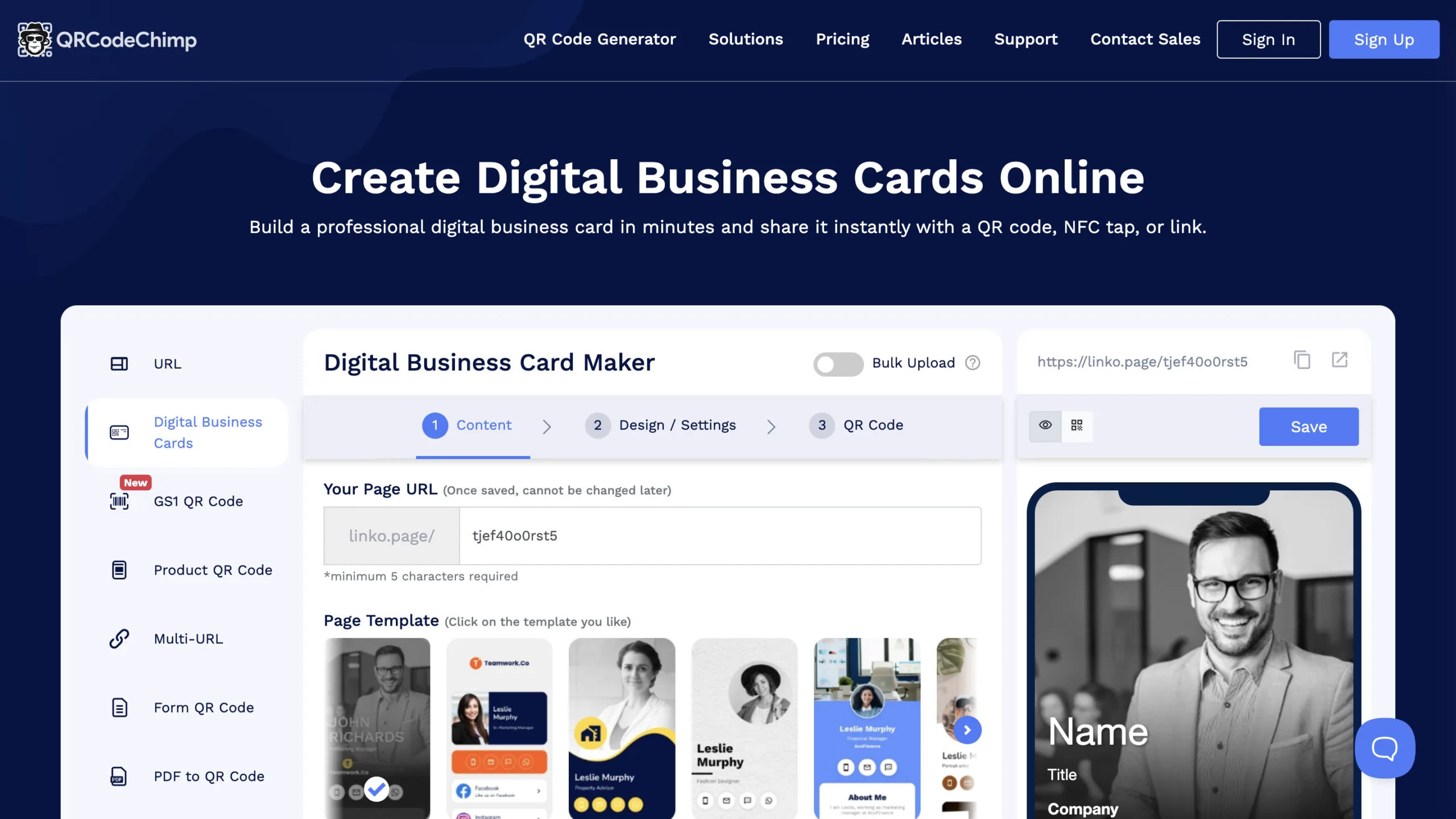
QRCodeChimp Digital Business Cards

QRCodeChimp focuses on digital business cards that can be shared instantly using QR codes, making networking more convenient.

Best For

  • Digital networking
  • Sales professionals
  • Consultants
  • Modern businesses

Key Features

  • Digital business cards
  • QR code sharing
  • Contact management
  • Analytics
  • Mobile optimization

Pros

  • Paperless networking
  • Easy sharing
  • Modern presentation

Cons

  • Less suitable if you need traditional printed cards

Comparison Table

Business Card Maker Best For Main Strength
Canva Beginners Easy customization
Adobe Express Designers Professional design tools
VistaPrint Printed cards High-quality printing
Microsoft Designer Professionals AI-generated layouts
Visme Businesses Brand consistency
BrandCrowd Startups Branding and logos
Shopify Business Card Maker Ecommerce Free business card creation
Fotor Freelancers AI-powered editing
Jukebox Print Designer Premium brands Luxury printing options
QRCodeChimp Digital networking Smart digital business cards

How to Choose the Right Business Card Maker

Choosing the best business card maker depends on your goals.

  • Beginners should start with Canva or Shopify Business Card Maker.
  • Creative professionals will appreciate Adobe Express and Visme.
  • Businesses needing premium printed cards should consider VistaPrint or Jukebox Print Designer.
  • Startups looking to build a complete brand identity can benefit from BrandCrowd.
  • Professionals embracing digital networking should explore QRCodeChimp for QR-enabled business cards.

Think about whether you need printed cards, digital cards, or both, and choose a platform that fits your branding needs and budget.

Conclusion

Business cards remain a powerful networking tool, and today’s design platforms make creating them easier than ever. From AI-assisted layouts and customizable templates to premium printing and digital QR code cards, there’s a solution for every professional.

Whether you’re launching a new business, refreshing your brand, or preparing for your next networking event, these 10 business card makers offer the tools you need to create cards that leave a lasting impression. Choose the one that aligns with your style, customize it with your branding, and make every introduction count.

Emmanuel Masebinu - Sparktopus CEO
MrSparktopus

CEO & Founder of Sparktopus, Inc.

- Advertisement -

Share This Article
Facebook Copy Link
Previous Article 11 Best Link in Bio Tools to Grow Faster in 2026 11 Best Link in Bio Tools to Grow Faster in 2026

Latest Posts

11 Best Link in Bio Tools to Grow Faster in 2026
50 minutes ago
Should You Choose a .UK Domain? Pros, Cons & Insights
2 hours ago
7 Trending Dropshipping Products You Can Sell in 2026
2 hours ago
8 Free PDF to PPT Converters That Actually Work
3 hours ago
8 Free AI Portfolio Makers You Should Try in 2026
5 hours ago
12 AI Productivity Tools You Can’t Ignore in 2026
1 day ago
Top 10 South American Hosting Providers in 2026
2 weeks ago
best web hosting companies USA and Canada
Top 10 North American Hosting Providers in 2026
3 weeks ago
best VPS hosting in Europe
Top 10 European Hosting Providers in 2026
3 weeks ago
Y Combinator: History, Mission & How It Built Startup Giants
3 weeks ago

You Might Also Like ↷

9 Brilliant Graphic Tips Every Business Must Use

9 Brilliant Graphic Tips Every Business Must Use

Graphic Design
9 months ago
Entrepreneurs collaborating in a modern office, reviewing design concepts and digital mockups that highlight creativity and business growth.

5 Creative Design Hacks to Skyrocket Business Growth

Graphic Design
11 months ago
Want More Customers? Boost Your Brand with Custom Graphics in 2026

Want More Customers? Boost Your Brand with Custom Graphics in 2026

Graphic Design
10 months ago
“Business owner reviewing messy and inconsistent design elements representing branding mistakes.

10 Costly Design Mistakes Every Business Must Avoid

Graphic Design
11 months ago
- Advertisement -
  • Advertise with us
  • About Us
  • Contact
  • Newsletter
  • Sitemap
  • Corrections Policy
  • Diversity Policy
  • Diversity Staffing Report
  • Editorial Principles
  • Ethics Policy
  • Feedback Policy
  • Ownership & Funding
  • Terms of Service
  • Privacy Policy

Sparktopus Blog is your go-to source for insights on AI, technology, business, cybersecurity, digital marketing, websites, monetization, productivity, and more. Discover practical guides, industry news, expert strategies, and innovative ideas designed to help businesses, creators, and entrepreneurs grow in the digital world.

Sparktopus Blog Logo
  • AI Automation
  • App Development
  • Cloud Services
  • Cybersecurity
  • Digital Marketing
  • Free Courses
  • Graphic Design
  • Monetization
  • Search Engine Optimization
  • Video Ads
  • Website Development
FacebookLike
XFollow
InstagramFollow
YoutubeSubscribe
TiktokFollow
WhatsAppFollow

© 2026 Sparktopus Blog. All Rights Reserved.

Designed & Developed by Sparktopus.

Welcome Back!

Sign in to your account

Username or Email Address
Password

New: Instant Back/Forward Navigation

When you opt to “Remember Me”, WordPress will tell your browser to save the state of pages when you navigate away from them. This allows them to be restored instantly when you use the back and forward buttons in your browser.

Lost your password?