


Most entrepreneurs don’t struggle with ideas. They struggle with presenting those ideas clearly, quickly, and persuasively.
That’s where free AI presentation tools come in. They compress hours of work into minutes and remove the friction between thinking and communicating.
But here’s the problem. Most people use the wrong tools or use the right tools the wrong way. They chase flashy features instead of strategic advantage.
This list cuts through that noise. These are the best AI presentation makers in 2026 that actually move the needle.
Why AI Presentation Tools Matter More Than Ever
Presentations are no longer just slides. They are sales assets, investor narratives, and decision-making tools.
If your slides are weak, your business looks weak.
AI presentation tools give you leverage:
- Faster content generation
- Cleaner design without hiring designers
- Consistent storytelling across teams
- Better iteration speed
Used properly, they don’t just save time. They increase conversion.
1. Gamma
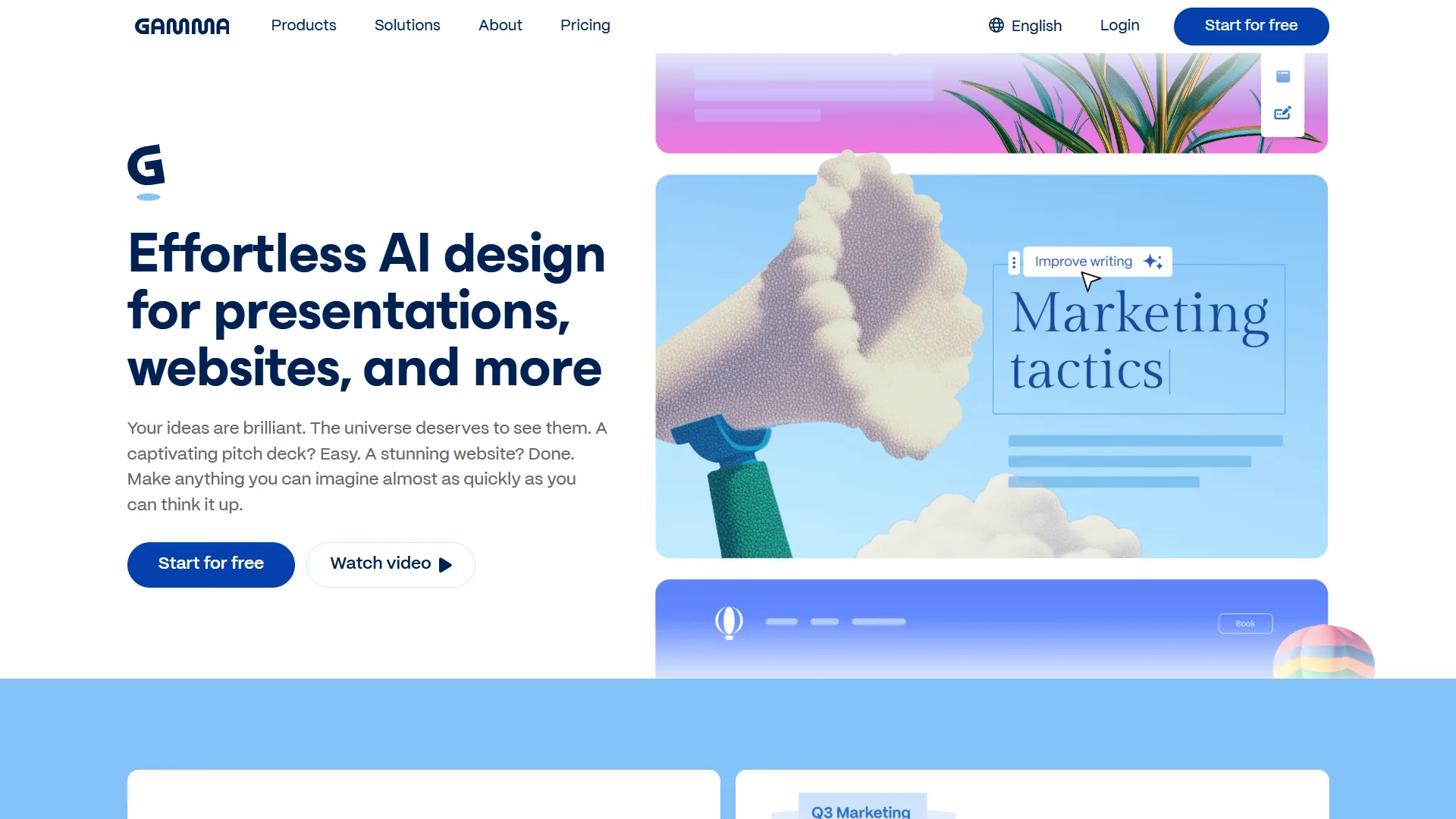
Gamma is what happens when you stop thinking in slides and start thinking in flow.
It turns text into structured, modern presentations instantly. The layouts feel like something a design team would produce, not a template library.
Why it stands out:
- Generous free credits make it actually usable
- Strong for async sharing instead of static slides
- Clean, modern UI that feels premium
Where most tools give you slides, Gamma gives you a narrative system.
2. Canva Magic Design
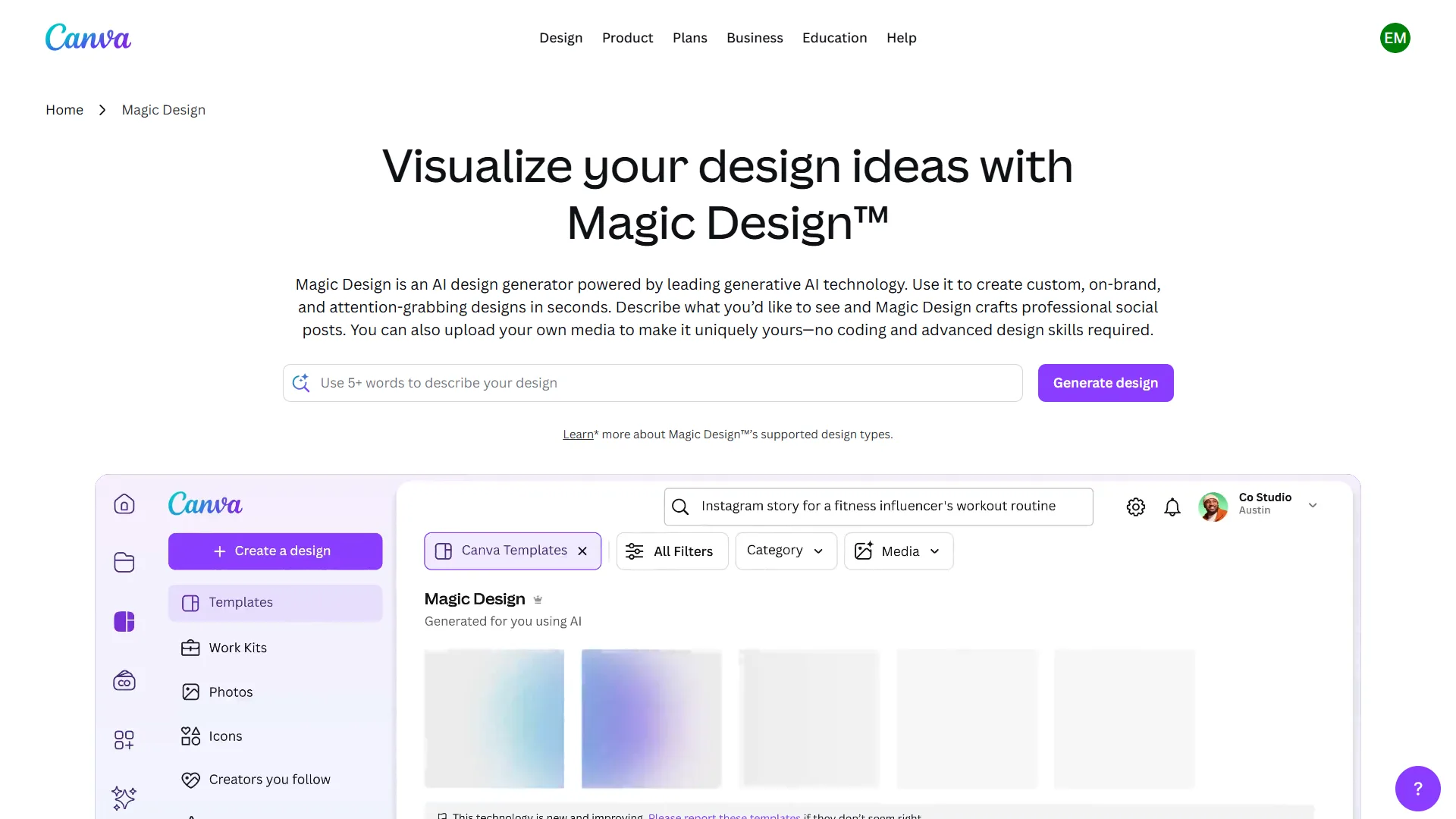
Canva remains one of the most accessible design ecosystems, and its AI presentation generator fits perfectly into that.
It is not the most advanced AI engine, but it wins on usability.
Why it works:
- Massive template library
- Drag-and-drop simplicity
- Free tier is genuinely useful
If your team is non-technical, Canva is a safe bet. It reduces friction to near zero.
3. Plus AI
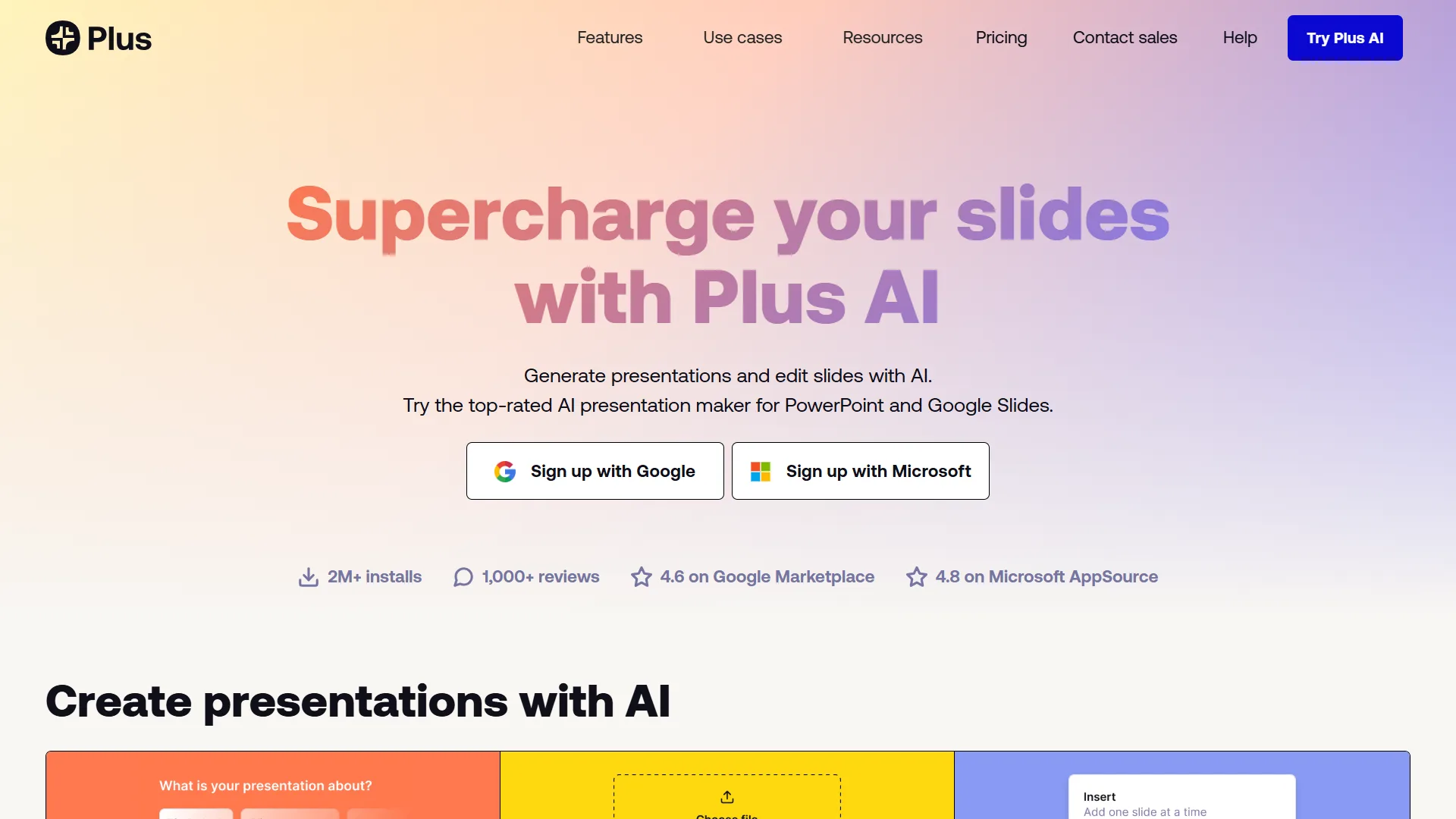
Plus AI integrates directly into Google Slides, which is its biggest strength.
Instead of forcing you into a new tool, it upgrades what you already use.
Strategic advantage:
- Edit existing decks instead of rebuilding from scratch
- Native Google Slides experience
- Ideal for teams already using Google Workspace
This is not about creating slides. It is about improving workflows.
4. Slidesgo AI
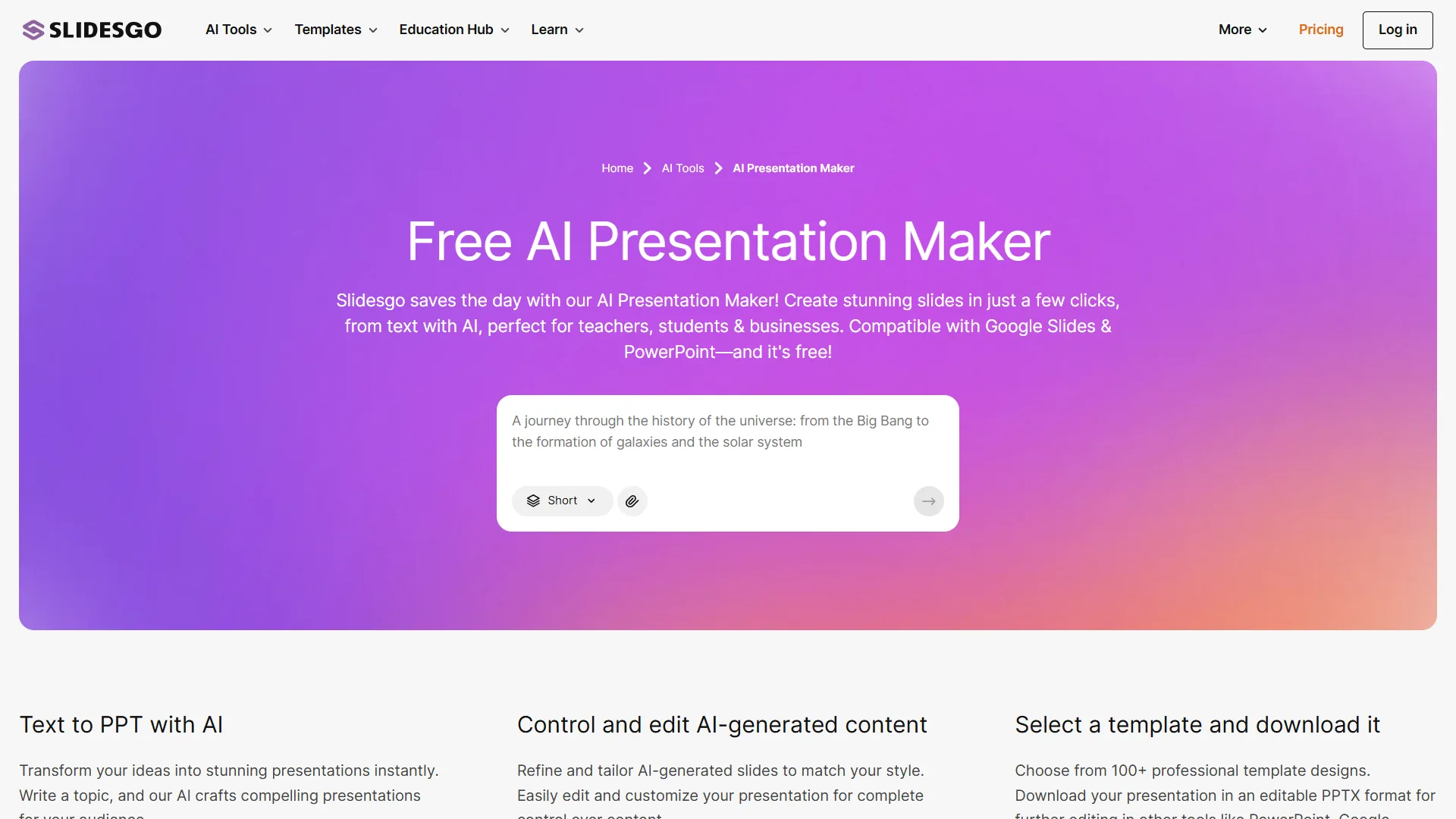
Slidesgo AI combines AI generation with strong visual templates.
It is particularly useful when design quality matters just as much as content.
Why entrepreneurs use it:
- High-quality templates
- Compatible with PowerPoint and Google Slides
- Limited free presentations monthly
It is a good middle ground between automation and design control.
5. SlidesAI
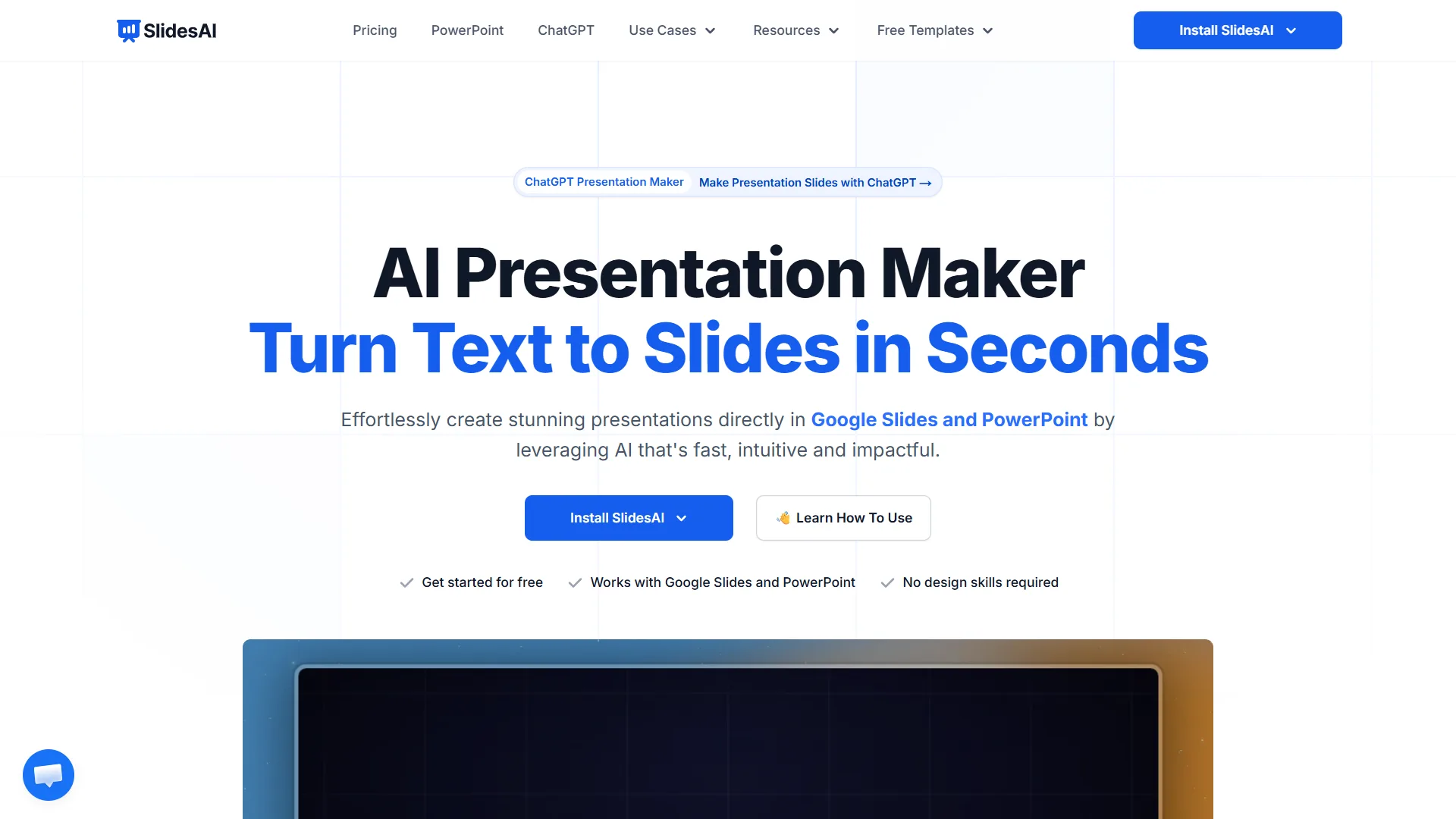
SlidesAI focuses on one thing and does it well. Turning text into slides.
No unnecessary complexity. Just input content and get a structured deck.
Why it matters:
- Works as an add-on for Google Slides and PowerPoint
- Fast conversion from text to slides
- Free tier available
This is ideal when speed is your priority.
6. Presentations.AI
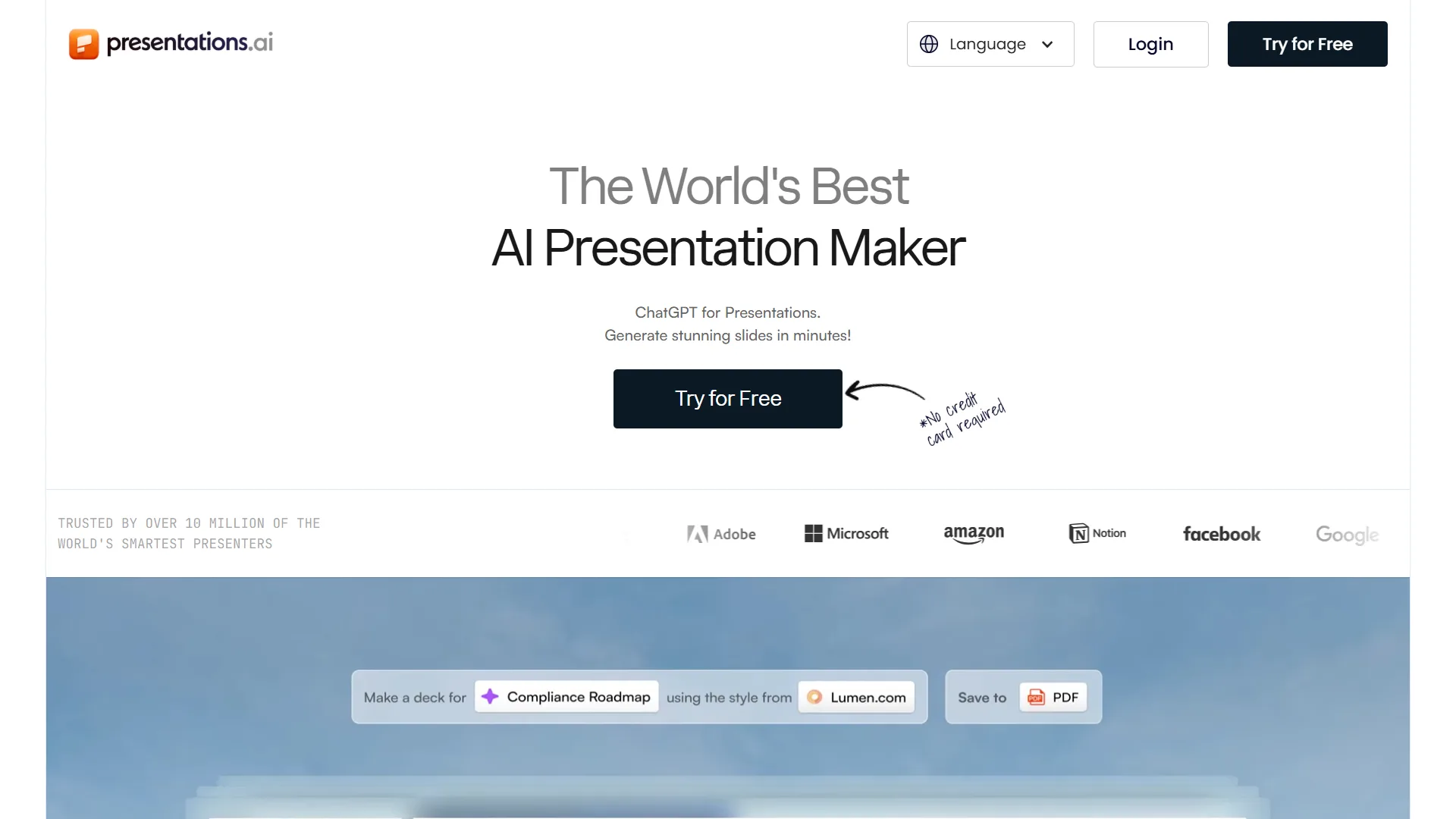
Presentations.AI leans heavily into prompt-based creation.
You describe what you want, and it builds the structure for you.
Where it wins:
- Strong AI-driven layout generation
- Simple prompt interface
- Free plan with limitations
It is useful when you need a starting point quickly.
7. Pitch
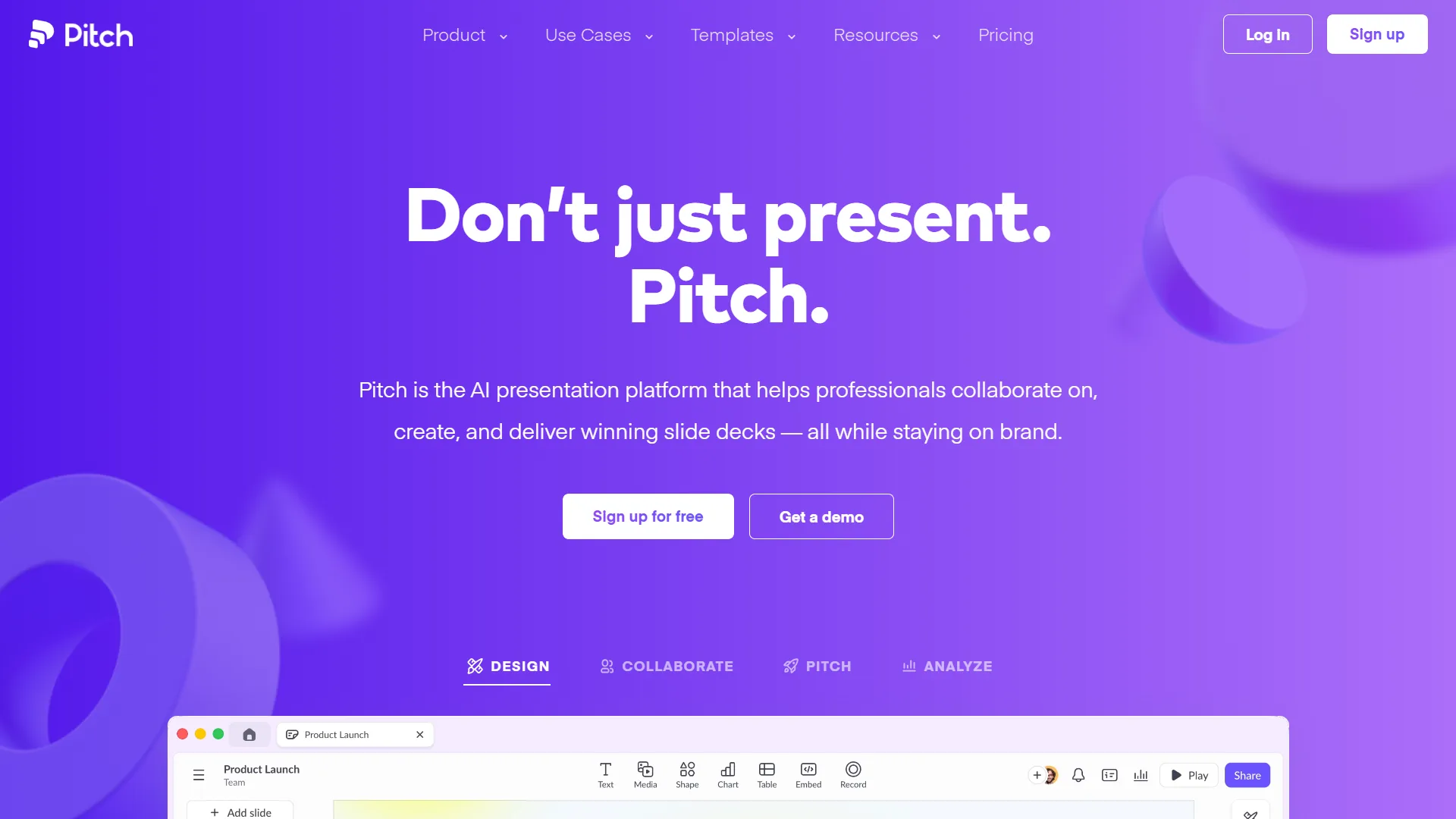
Pitch is built for teams, especially those focused on sales and collaboration.
It goes beyond slide creation into performance tracking.
Key strengths:
- Analytics features for presentations
- Team collaboration tools
- Free plan available
If your presentations are tied to revenue, this tool gives you visibility.
8. MagicSlides
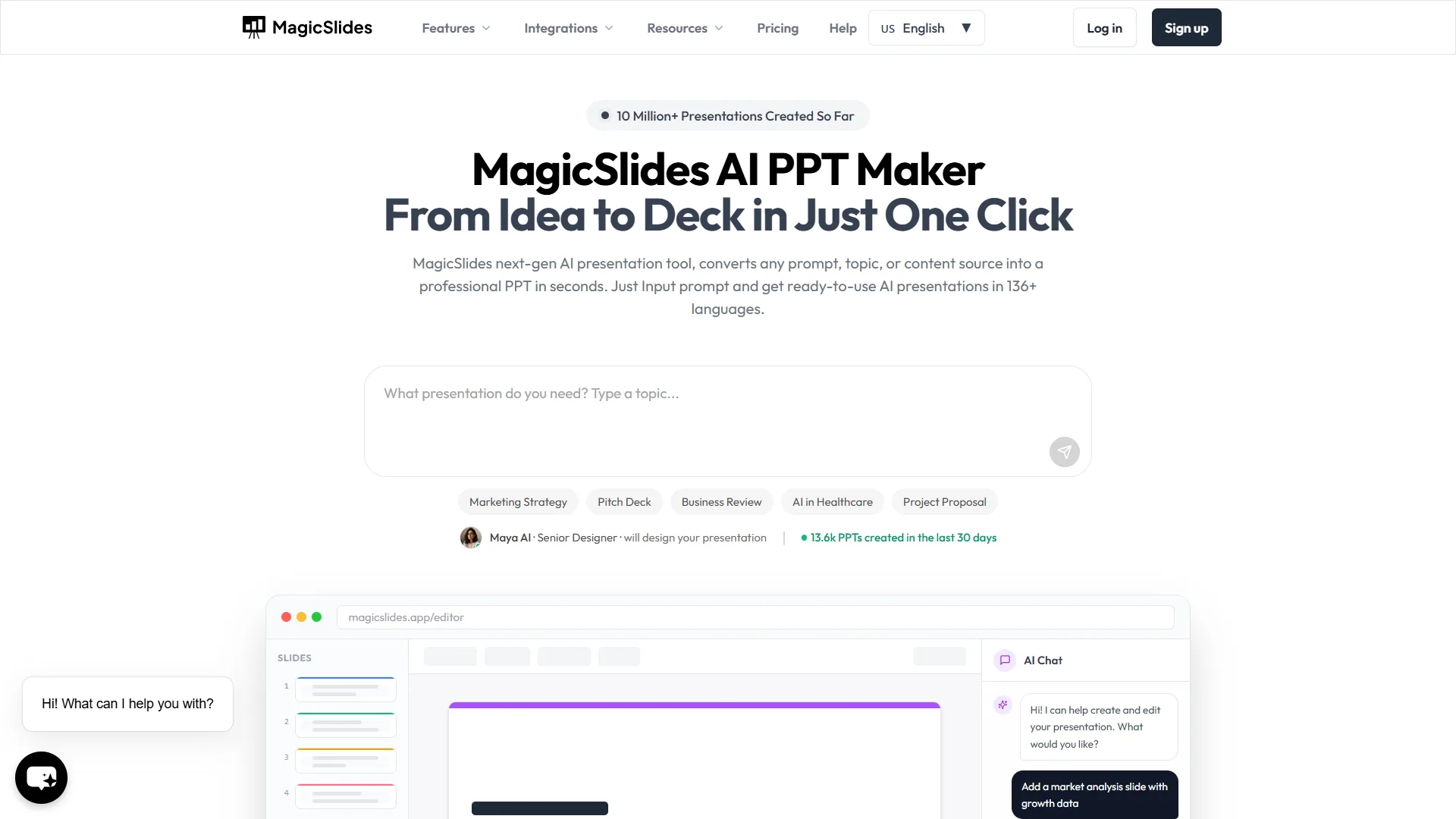
MagicSlides is another Google Slides add-on, but with broader input options.
It can generate slides from text, PDFs, and even videos.
Why that matters:
- Multi-source input
- Fast content transformation
- Free but limited usage
This is about repurposing content efficiently.
9. Tome
Tome is not trying to be PowerPoint. It is trying to redefine presentations entirely.
It focuses on storytelling over traditional slide structures.
What makes it different:
- Narrative-first design
- Interactive presentation style
- Free tier available
Use Tome when your goal is persuasion, not just information.
10. Decktopus
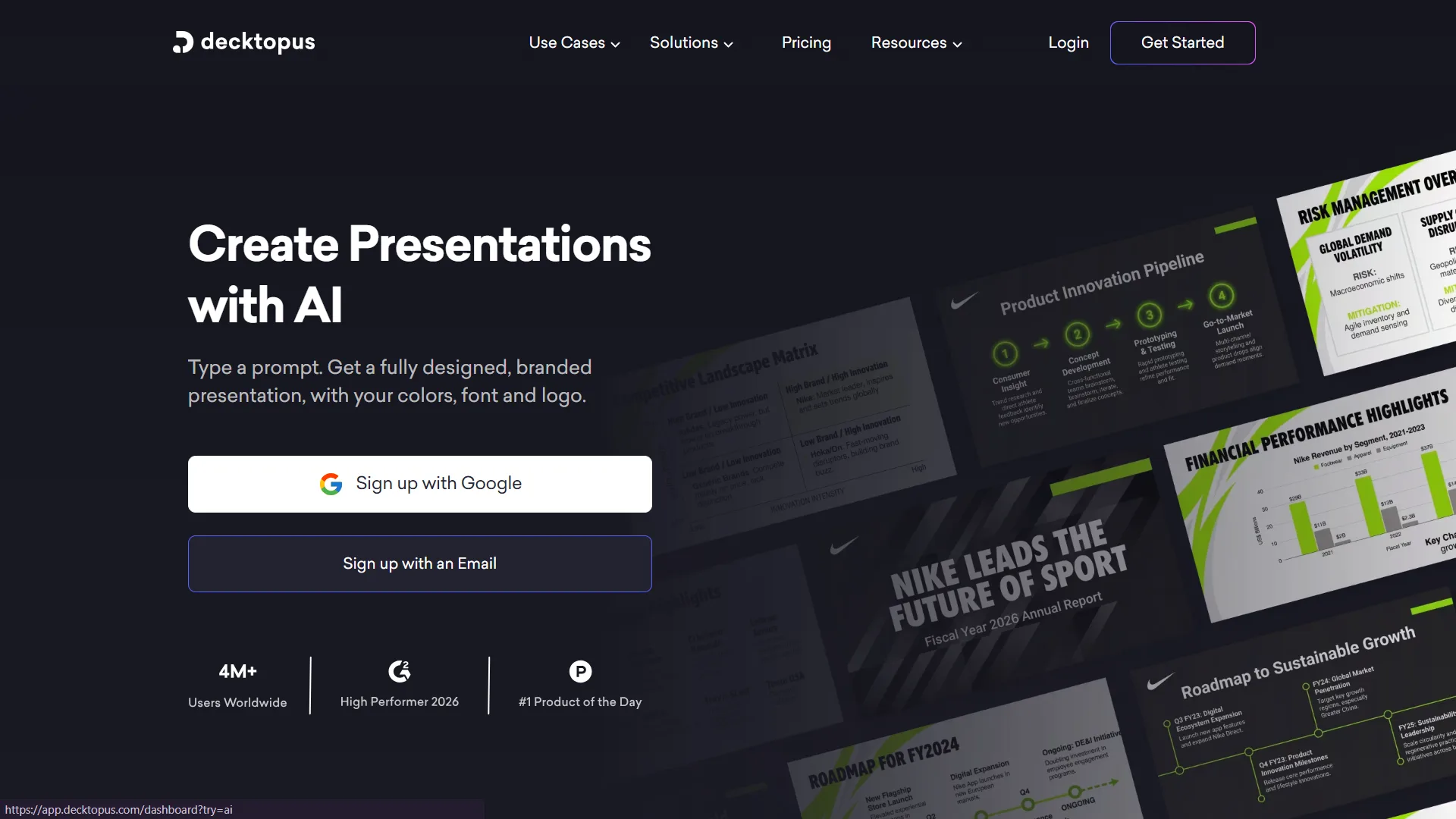
Decktopus combines AI generation with branding controls.
This makes it useful for businesses that care about consistency.
Why it is valuable:
- Branding customization
- AI-assisted slide creation
- Limited free plan
It is a practical tool for maintaining a professional image.
How to Choose the Right AI Presentation Tool
Here is the truth most people ignore.
The best AI presentation software is not the one with the most features. It is the one that fits your workflow.
Ask yourself:
- Do you need speed or control?
- Are you working solo or with a team?
- Do you care more about storytelling or design?
For example:
- Use Gamma or Tome for storytelling
- Use Canva or Slidesgo for design
- Use Plus AI or MagicSlides for workflow efficiency
- Use Pitch for team collaboration
Anything else is just noise.
The Strategic Mistake Most Founders Make
They think tools will fix bad thinking.
They won’t.
AI presentation tools amplify whatever you feed them. If your idea is weak, your slides will just look professionally weak.
The real leverage comes from combining:
- Clear thinking
- Strong messaging
- The right AI tool
That combination is what creates presentations that actually convert.
Final Take
Free AI presentation tools in 2026 are powerful enough to replace hours of manual work.
But tools are not the advantage. Strategy is.
Use these tools to move faster, test more ideas, and communicate better than your competitors.
If you do that consistently, your presentations stop being slides.
They become assets that drive growth.