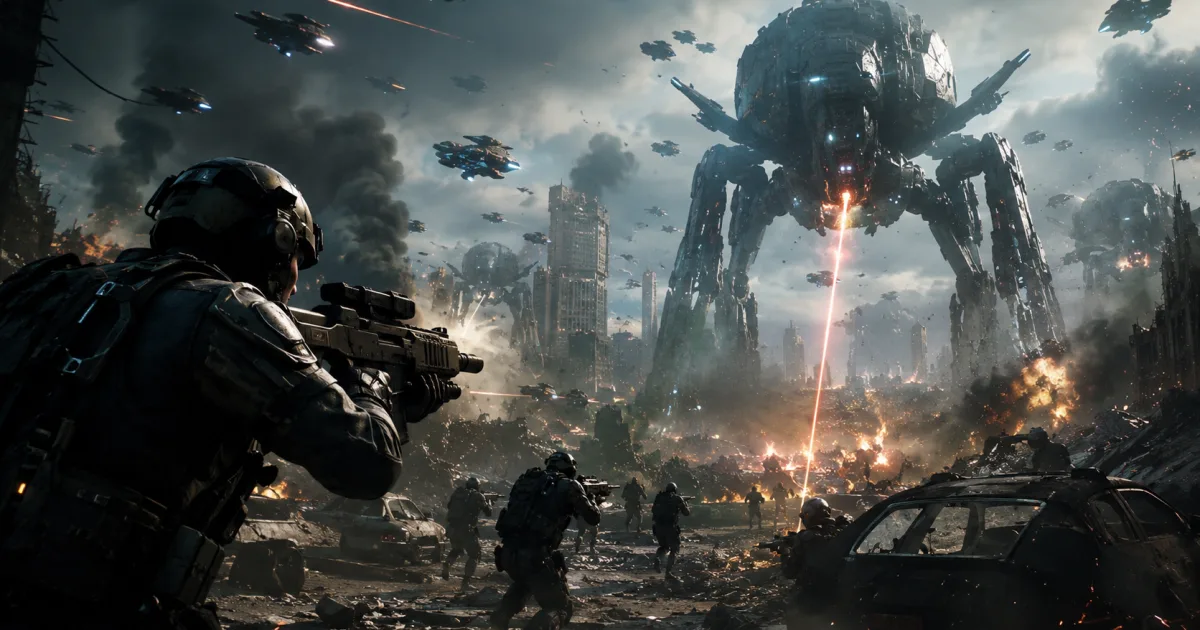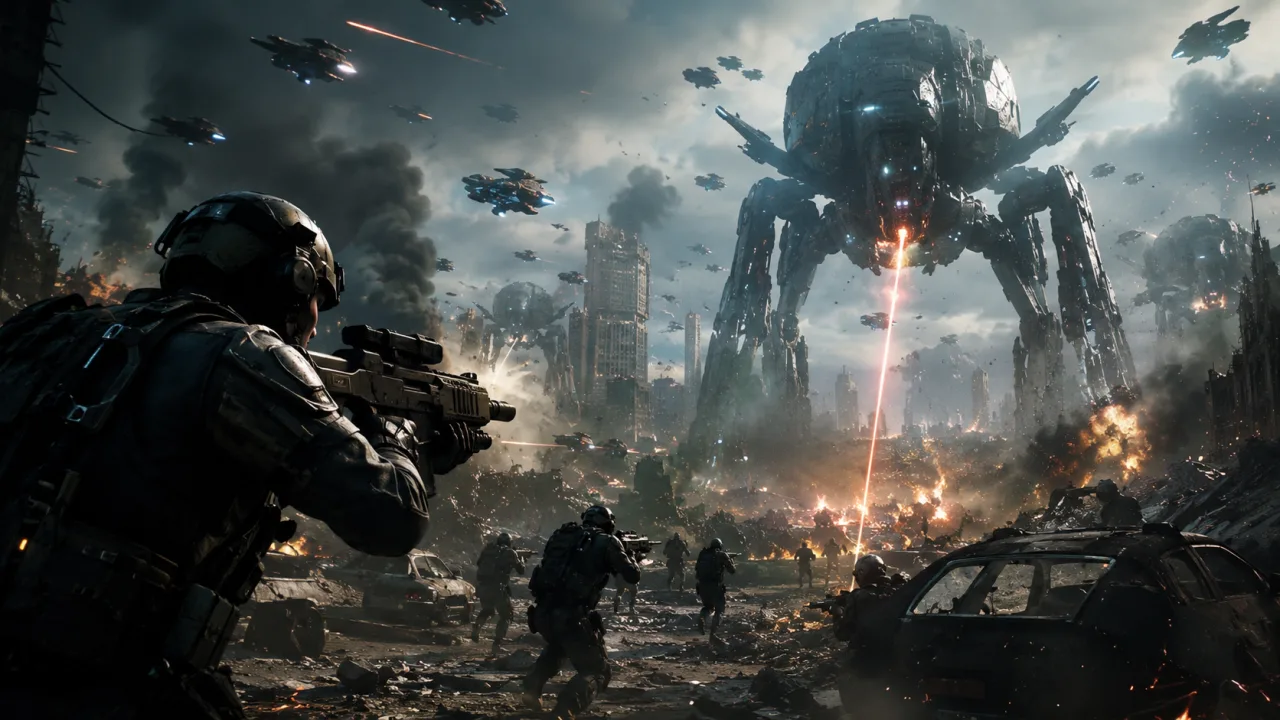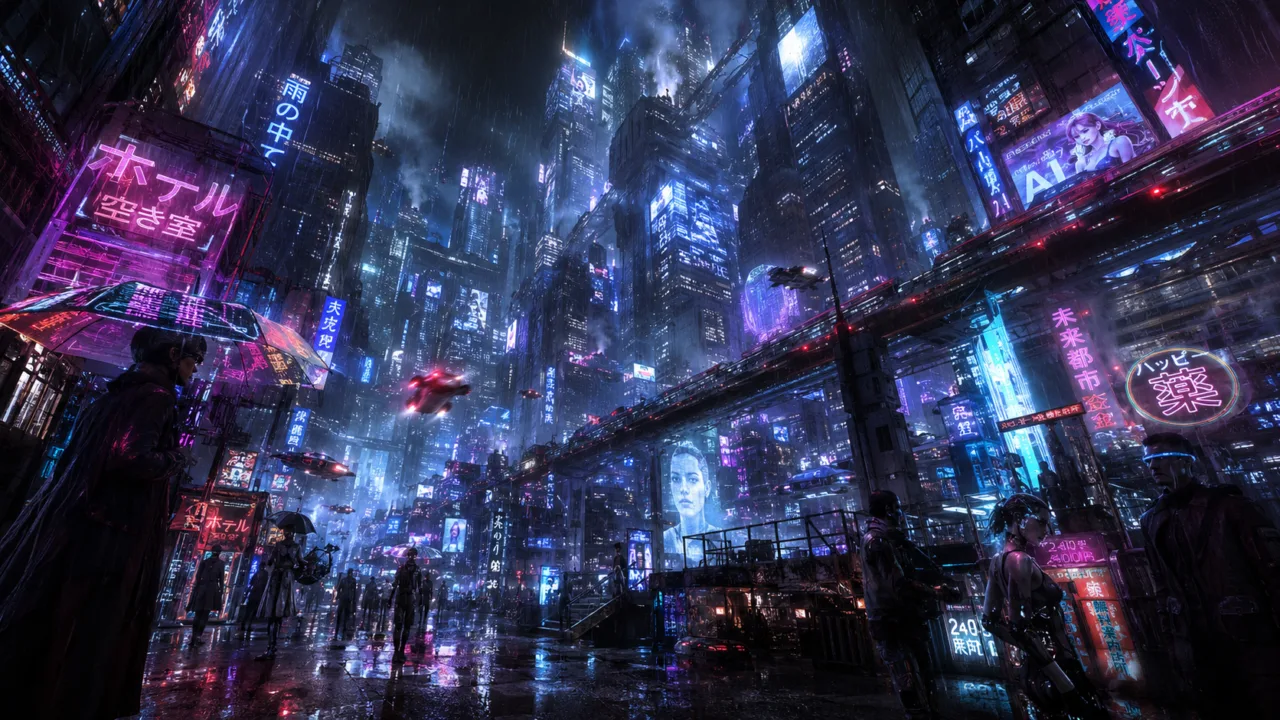


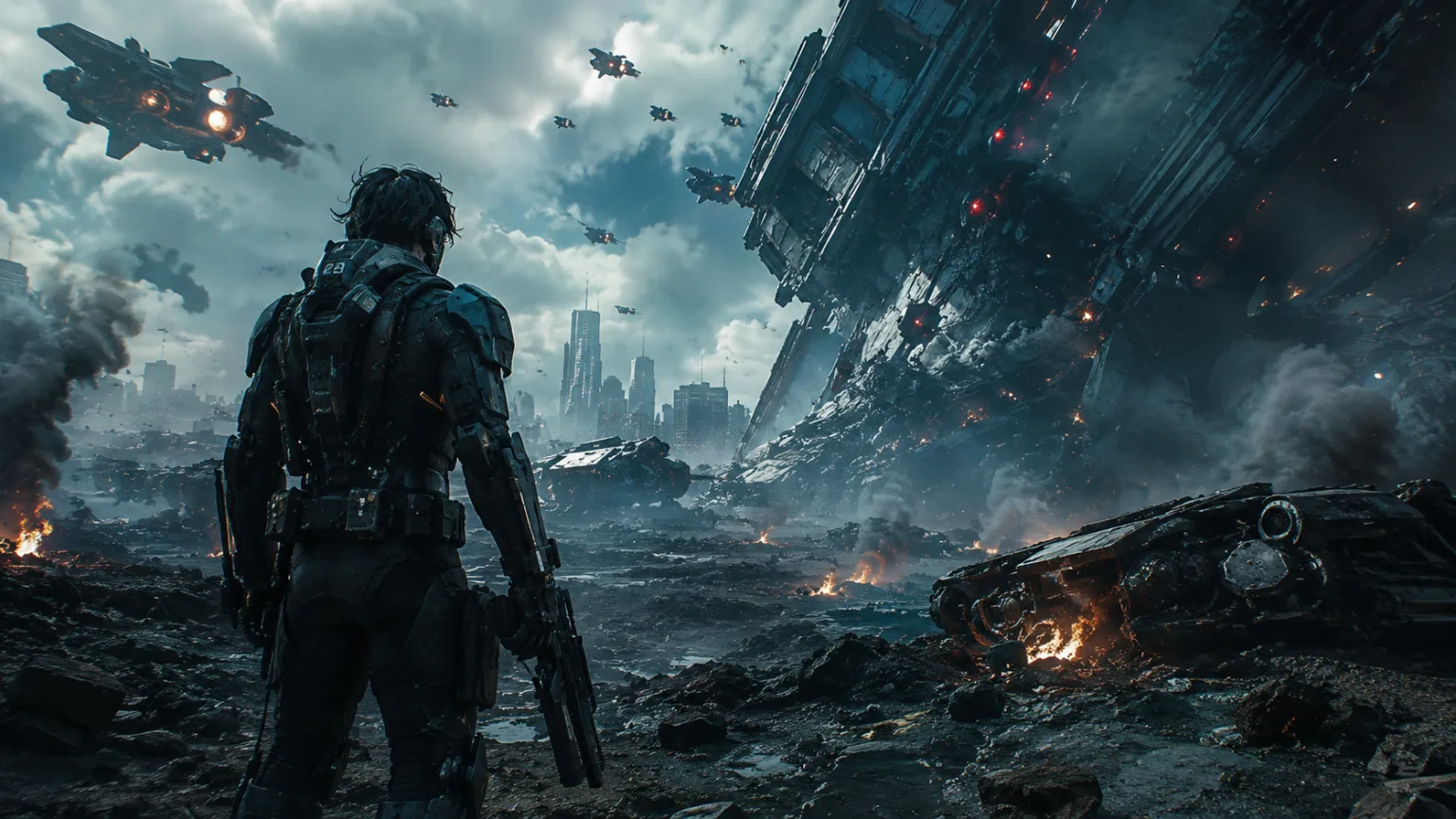
AI video generators have made it possible for anyone to create videos in minutes. Whether you’re using Seedance, Gemini Omni, or another AI video platform, the technology is becoming more powerful every month.
Yet many creators face the same frustrating problem.
Their AI videos look artificial, inconsistent, and far from cinematic.
The good news is that the issue is rarely the AI tool itself. In most cases, the real problem is how the video is being generated.
If your AI videos look bad, here are the most common reasons why and how you can fix them.
Your Prompts Are Too Generic
One of the biggest mistakes creators make is writing prompts that are too simple.
For example:
“A man walking in a city.”
This prompt gives the AI almost no information about the scene, atmosphere, camera angle, lighting, or style.
A stronger prompt would be:
“A businessman walking through a futuristic city at sunset, cinematic tracking shot, golden-hour lighting, realistic reflections, ultra-detailed environment, blockbuster movie quality.”
The more useful details you provide, the better the output usually becomes.
You Ignore Camera Movements
Professional films rely heavily on camera work.
Many AI-generated videos feel boring because users never specify how the camera should behave.
Useful camera instructions include:
- Tracking shot
- Drone shot
- Slow zoom
- Cinematic pan
- Wide-angle shot
- Close-up shot
Adding camera movement immediately makes videos feel more dynamic and professional.
You Forget About Lighting
Lighting is one of the most important factors in visual storytelling.
Without lighting instructions, AI often creates flat and lifeless scenes.
Try adding terms such as:
- Golden-hour lighting
- Dramatic lighting
- Studio lighting
- Soft natural light
- Neon lighting
- Volumetric lighting
Great lighting can completely transform an AI-generated video.
Your Scene Lacks Atmosphere
Atmosphere creates emotion.
Many weak AI videos describe only the subject while ignoring the environment.
Instead of:
“A castle.”
Try:
“An ancient castle surrounded by misty mountains, dramatic clouds, cinematic atmosphere, soft sunrise light, detailed architecture, fantasy film quality.”
Atmospheric details help AI generate more immersive visuals.
You’re Using Too Few Details
AI models work best when given context.
A detailed prompt helps the system understand:
- The subject
- The location
- The mood
- The style
- The lighting
- The camera movement
- The environment
Think of AI as a director following instructions. Better instructions usually produce better scenes.
You Don’t Specify a Visual Style
Many creators forget to tell the AI what kind of video they want.
Adding style references can improve results significantly.
Examples include:
- Cinematic film style
- Hollywood movie quality
- Luxury commercial
- Documentary style
- Science fiction film
- Fantasy movie
- Professional cinematography
These visual cues help guide the AI toward a specific aesthetic.
You Expect One Prompt to Do Everything
Many users try to generate an entire story with a single prompt.
The best creators often break projects into multiple scenes.
Instead of generating one long sequence, create separate shots for:
- Opening scene
- Character introduction
- Action sequence
- Emotional moment
- Ending scene
This approach often produces more consistent and professional results.
You Focus on the Tool Instead of the Prompt
Many people believe better software automatically creates better videos.
In reality, prompt quality often matters more than the platform itself.
Whether you’re using:
- Seedance
- Gemini Omni
- Other AI video generators
The quality of your instructions has a huge impact on the final result.
A well-crafted prompt can dramatically outperform a poorly written prompt, even on the same platform.
The Formula for Better AI Videos
Many successful creators follow a simple structure:
Subject + Environment + Lighting + Camera Movement + Mood + Visual Style
For example:
“A luxury sports car driving along a coastal road at sunset, golden-hour lighting, cinematic drone shot, realistic reflections, premium commercial style, ultra-detailed visuals, smooth motion.”
This formula gives AI the information it needs to create a compelling scene.
Why Prompt Engineering Matters
Prompt engineering is becoming one of the most valuable skills in AI content creation.
The best AI videos are not produced by chance.
They are created through carefully designed prompts that guide the model toward a specific result.
As AI video technology improves, creators who understand prompting will continue to produce better content than those who rely on generic instructions.
Final Thoughts
If your AI videos look bad, don’t assume the platform is the problem.
In many cases, the issue is a lack of detail, weak scene descriptions, missing camera instructions, poor lighting specifications, or the absence of a clear visual style.
Whether you’re using Seedance, Gemini Omni, or another AI video generator, better prompts almost always lead to better results.
The difference between amateur-looking AI videos and cinematic AI videos often comes down to a few extra lines of description.
👉 Want 100+ Proven AI Video Prompts?
Stop guessing and start creating.
Download “AI Video Prompts Handbook“ and get access to over 100 cinematic prompts designed to help you create professional-quality AI videos faster.
Get your copy today and elevate your AI video creation skills.