

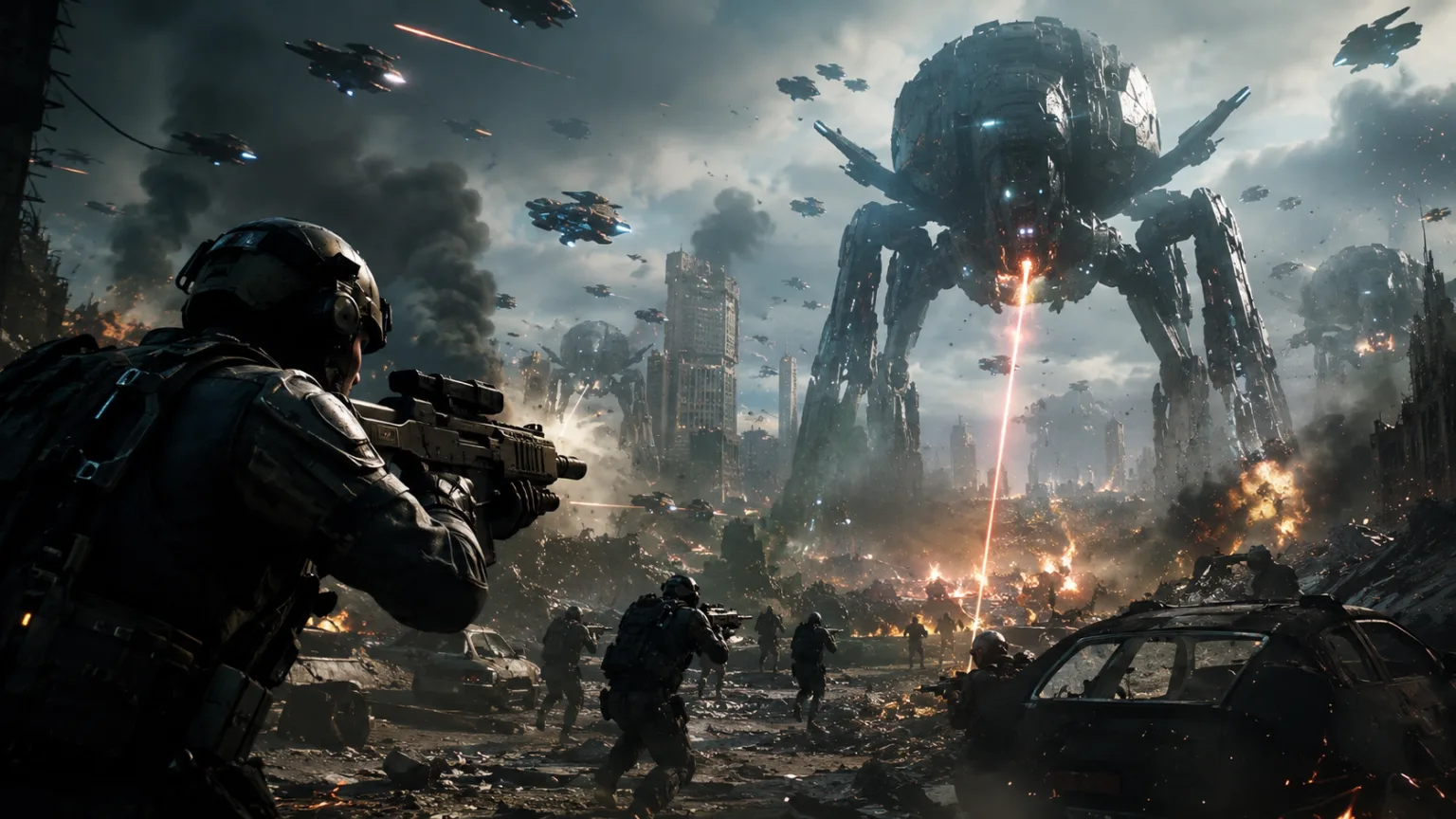
Creating cinematic videos once required expensive cameras, professional editing software, and years of experience. Today, AI video generators are changing everything.
Tools like Seedance, Gemini Omni, and other advanced AI platforms can generate impressive videos from simple text prompts. This means creators, entrepreneurs, marketers, and business owners can produce professional-looking content without learning complex editing techniques.
The secret is not editing.
The secret is prompting.
If you know how to communicate your vision effectively, AI can handle much of the creative work for you.
Why Editing Skills Are No Longer a Barrier
Traditional video production involves multiple steps:
- Filming
- Lighting setup
- Color grading
- Scene transitions
- Motion effects
- Post-production editing
These tasks often require specialized software and technical expertise.
AI video generation removes much of this complexity by allowing users to describe what they want instead of manually creating it.
A well-written prompt can generate scenes that would normally take hours or even days to produce.
Focus on the Vision, Not the Software
Many beginners assume they need to master editing software before creating quality videos.
In reality, modern AI video tools are shifting the focus toward creative direction.
Instead of asking:
“How do I edit this?”
You ask:
“What scene do I want to create?”
The better you describe the scene, the better the AI can generate it.
Use Cinematic Descriptions
One of the fastest ways to improve AI-generated videos is to think like a filmmaker.
Rather than writing:
“A man standing on a beach.”
Try:
“A man standing on a quiet beach during sunset, golden-hour lighting, cinematic wide-angle shot, gentle ocean waves, dramatic clouds, professional film quality.”
This provides the AI with clear visual direction.
Include Camera Movements
Camera movement is one of the biggest differences between amateur and cinematic footage.
Useful prompt elements include:
- Drone shot
- Tracking shot
- Slow zoom
- Cinematic pan
- Close-up shot
- Wide-angle shot
These instructions help AI generate videos that feel more professional and engaging.
Add Professional Lighting
Lighting creates mood and visual depth.
Many beginners forget to include lighting instructions in their prompts.
Examples include:
- Golden-hour lighting
- Dramatic lighting
- Soft natural light
- Studio lighting
- Neon lighting
- Volumetric lighting
Lighting alone can significantly improve the cinematic quality of an AI-generated scene.
Create Atmosphere
Professional films focus heavily on atmosphere.
Atmosphere makes scenes memorable and emotionally engaging.
For example:
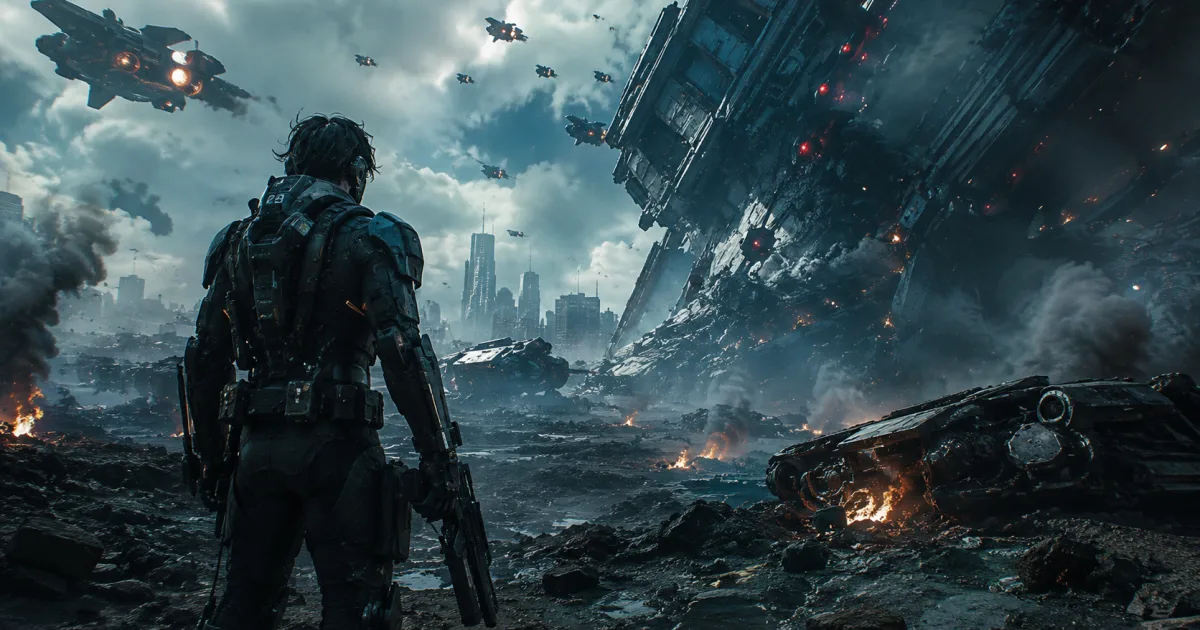
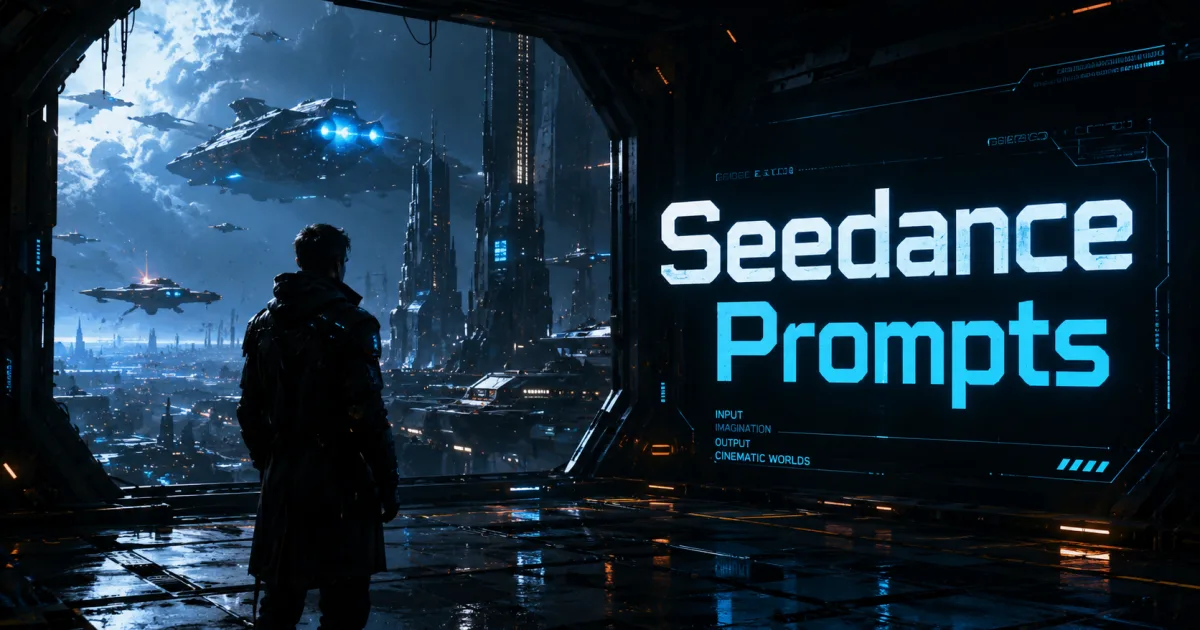
“A futuristic city street at night, neon lights reflecting on wet pavement, atmospheric fog, cinematic lighting, realistic reflections, science fiction movie quality.”
These details create a much richer visual experience than a simple subject description.
Break Videos Into Multiple Scenes
Many creators try to generate an entire story with a single prompt.
A better approach is to create multiple individual scenes.
For example:
Scene One
Introduce the environment.
Scene Two
Introduce the character.
Scene Three
Show the action.
Scene Four
Deliver the emotional moment.
Scene Five
Create a memorable ending.
This technique often produces more polished and professional results.
Use Proven Prompt Structures
Many successful AI creators follow a simple formula:
Subject + Environment + Lighting + Camera Movement + Mood + Visual Style
Example:
“A luxury yacht sailing through crystal-clear waters at sunset, golden-hour lighting, cinematic drone shot, peaceful atmosphere, premium commercial quality, ultra-realistic visuals.”
This structure helps AI understand exactly what you want.
Choose the Right AI Video Tool
Modern platforms such as Seedance and Gemini Omni continue to improve their ability to generate cinematic content.
However, even the most advanced AI system depends on prompt quality.
A strong prompt on a good platform will almost always outperform a weak prompt on the same platform.
The tool matters.
The prompt matters even more.
Why Prompt Skills Matter More Than Editing Skills
The future of video creation is moving toward direction rather than technical production.
Instead of spending years learning editing software, creators can focus on storytelling, visual concepts, and prompt engineering.
Those who master prompting can produce high-quality content faster and more efficiently than ever before.
As AI technology evolves, prompt design is becoming one of the most valuable creative skills available.
Final Thoughts
You no longer need professional editing skills to create cinematic videos.
With tools like Seedance, Gemini Omni, and other AI video generators, high-quality video production is becoming accessible to everyone.
The key is learning how to describe scenes effectively through detailed prompts that include atmosphere, lighting, camera movement, and visual style.
The best AI videos are not created by editing expertise alone. They are created by clear creative direction.
👉 Want 100+ Ready-to-Use Cinematic AI Video Prompts?
Stop guessing and start creating.
Download “AI Video Prompts Handbook“ and gain access to over 100 proven prompts designed to help you create stunning cinematic AI videos in minutes.
Get your copy today and unlock the full power of AI video creation.