

Turning a written idea into a video no longer requires a camera, editing team, or expensive software. The best text to video AI tools can transform a simple prompt into cinematic scenes, social media clips, advertisements, and visual stories in minutes.
In 2026, tools such as Google Flow, Runway, Kling AI, Higgsfield, Luma, Vibes.ai, and Pika have made AI video generation far more capable. However, they are not identical. Some focus on cinematic filmmaking, while others are better suited to social content, experimentation, or detailed creative control.
Here are seven of the best AI video generators from text worth trying.
1. Google Flow
Best for: AI filmmaking and cinematic storytelling
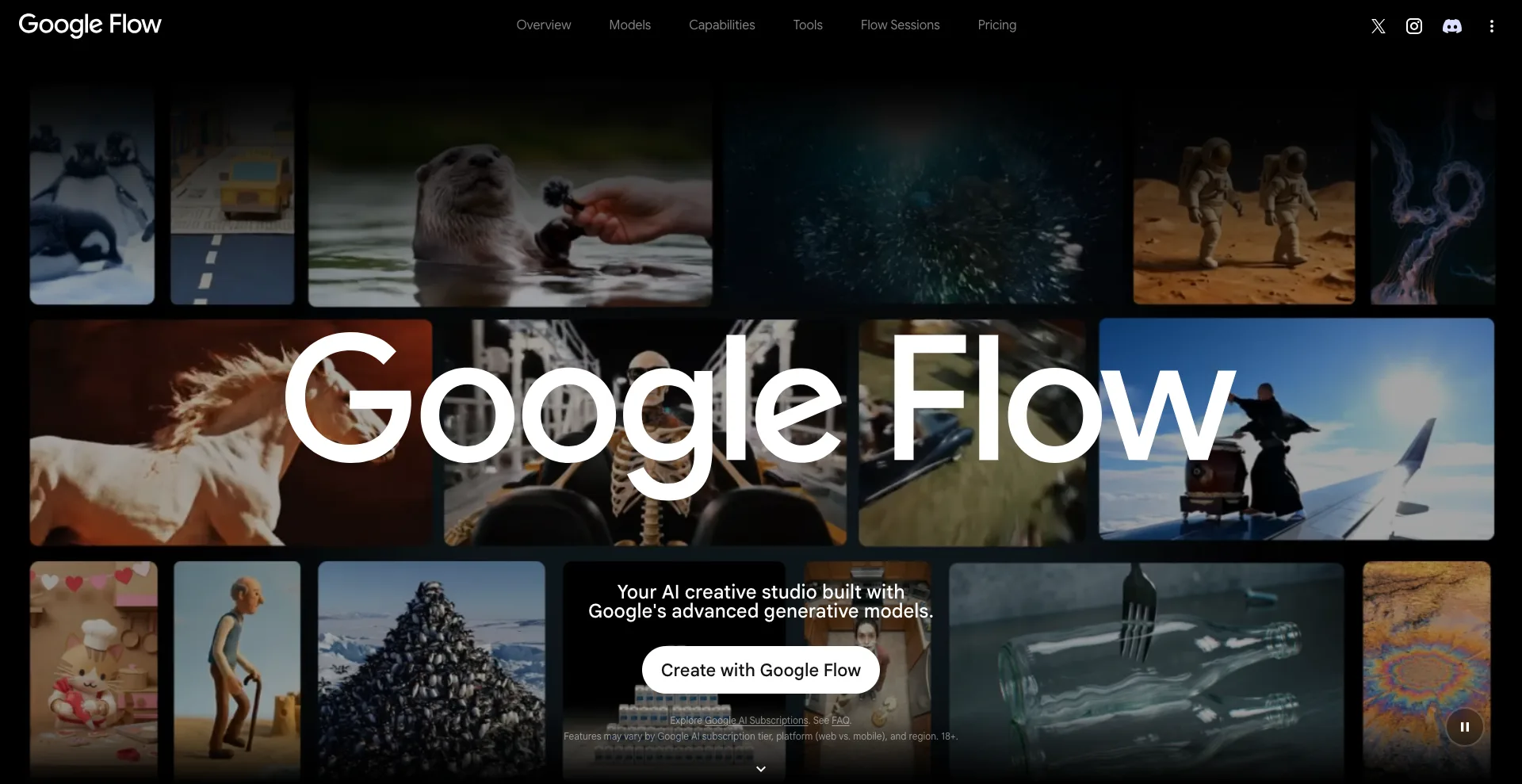
Google Flow is designed as an AI creative studio and filmmaking environment built around Google’s generative models.
Flow currently includes Veo 3.1, which provides text-to-video generation alongside features such as Frames to Video, Ingredients to Video, video extension, and scene-building tools. Google also says Veo 3.1 supports native audio and improved creative control.
That makes Flow particularly interesting if you want more than a single AI-generated clip. You can use it to develop scenes and build a broader visual sequence.
Why Google Flow stands out
- Built around Google’s advanced generative models
- Supports text-to-video generation
- Veo 3.1 includes native audio
- Supports reference-based workflows
- Includes tools for extending and building scenes
- Useful for cinematic storytelling
Google also offers a free way to try Flow, with paid plans providing additional credits and capabilities.
Best for: Filmmakers, storytellers, and creators who want a more complete AI filmmaking workflow.
2. Runway
Best for: Professional creative workflows
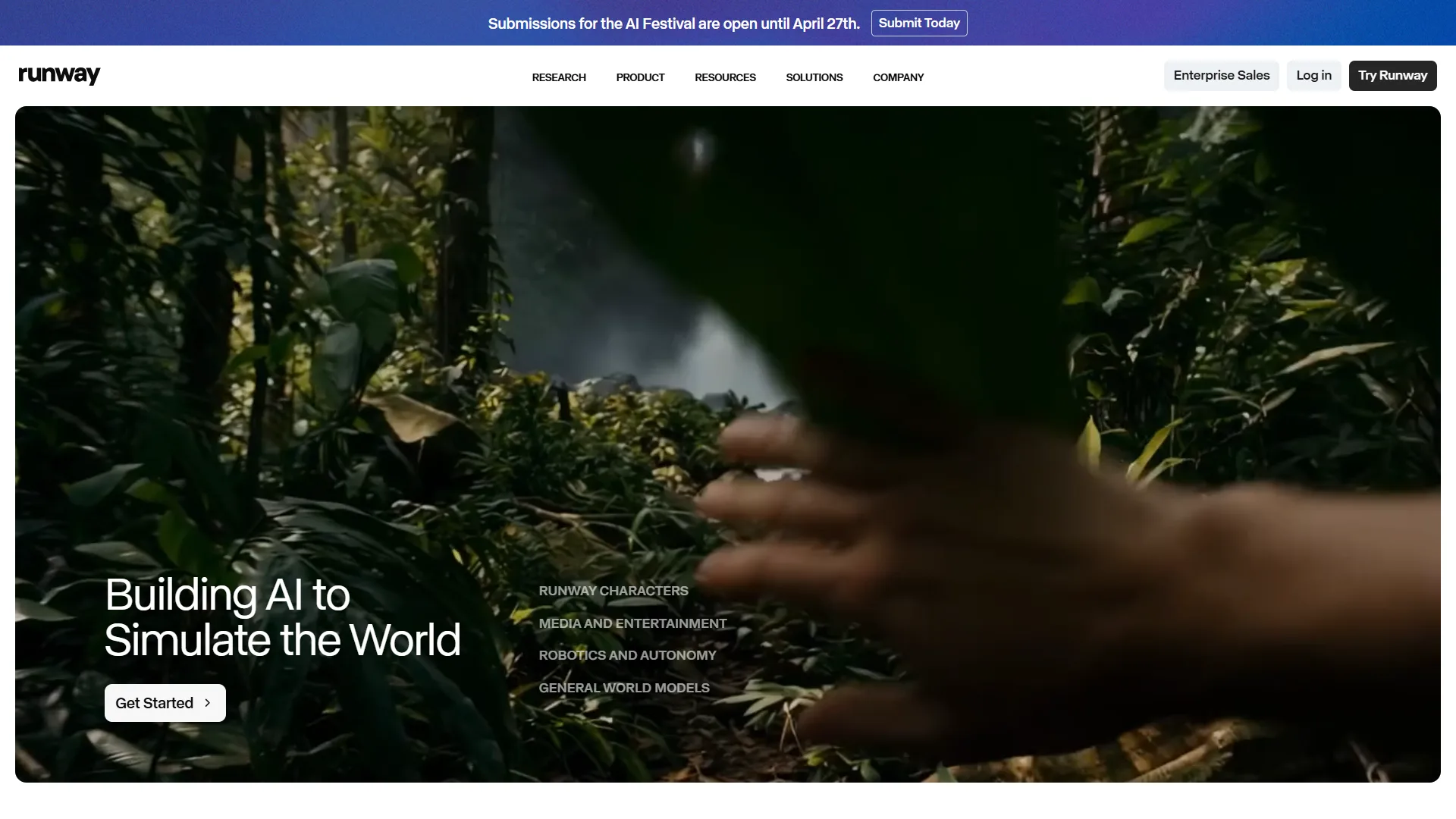
Runway remains one of the most established names in generative video.
Its latest Gen-4.5 model supports both text-to-video and image-to-video generation. Runway’s current text-to-video guidance recommends describing both the visual elements and the motion you want to see.
Runway is particularly strong when you want to generate clips and then continue working on them. The platform also includes AI editing capabilities and workflows for building longer sequences from multiple generations.
Why Runway stands out
- Gen-4.5 supports text-to-video
- Strong control over motion and visual direction
- Useful for cinematic scenes and B-roll
- Supports image-to-video workflows
- Includes AI editing and creative tools
- Designed for professional content production
Runway’s free plan lets new users experiment, although free generations have limitations and include a watermark.
Best for: Creators, filmmakers, marketers, and professionals who want a powerful production environment.
3. Kling AI
Best for: Realistic motion and character consistency
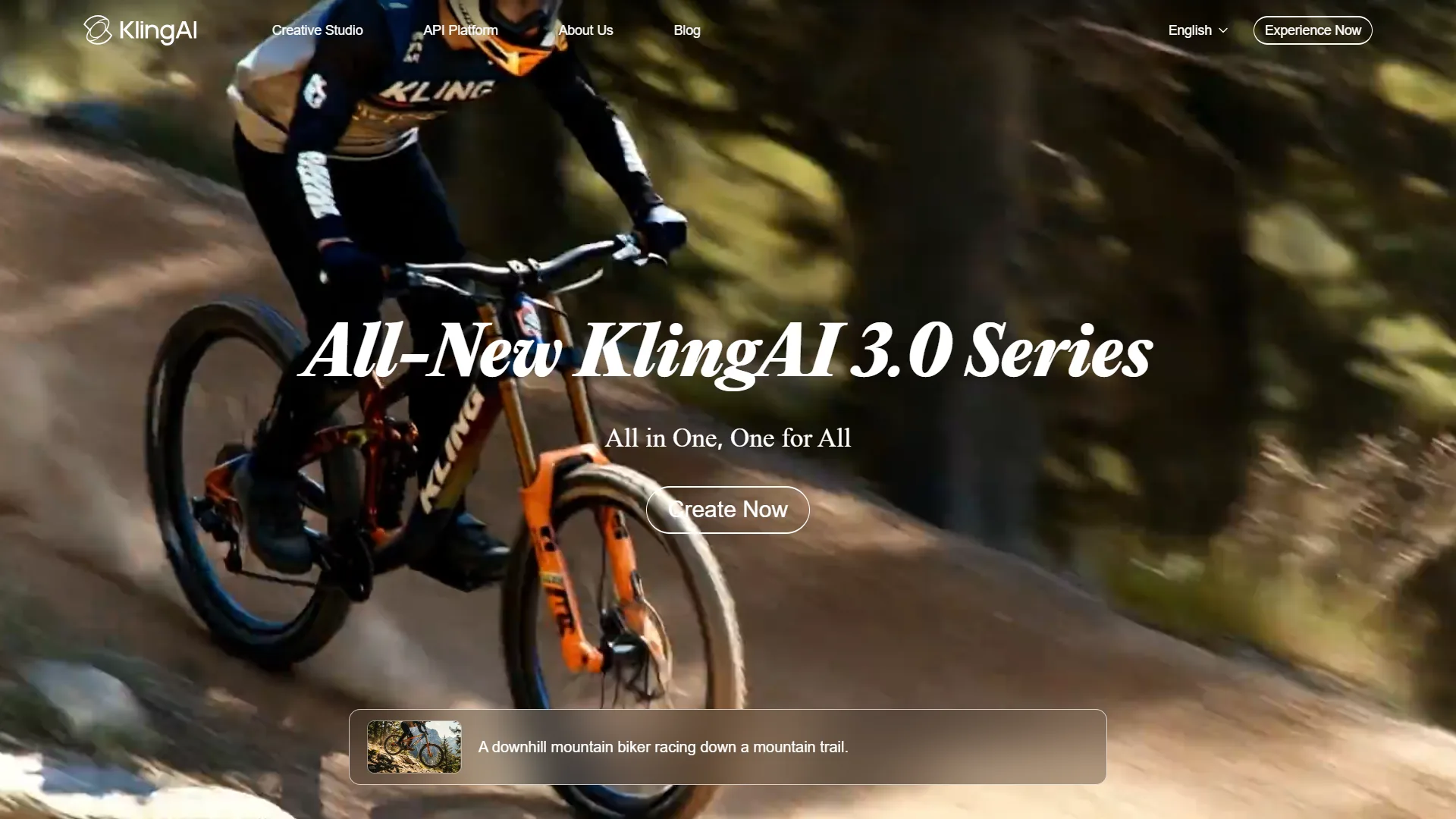
Kling AI has become a major player in AI video generation, and Kling 3.0 adds several features aimed at more complex storytelling.
Kling 3.0 supports text-to-video, image-to-video, native audio, multi-shot generation, element references, and videos of up to 15 seconds.
One of its biggest advantages is subject consistency. You can use reference images or elements to help maintain the appearance of characters and objects while the camera moves through a scene.
It also supports native audio and lip synchronization, which can make generated scenes feel more complete without requiring separate audio-generation tools.
Why Kling AI stands out
- Strong text-to-video generation
- Good character consistency
- Native audio generation
- Multi-shot storytelling
- Up to 15-second generation
- Supports high-resolution output
- Useful for cinematic and social content
Best for: Creators who care about realistic movement, consistent characters, and more complex AI-generated scenes.
4. Higgsfield AI
Best for: Social media, ads, and cinematic content
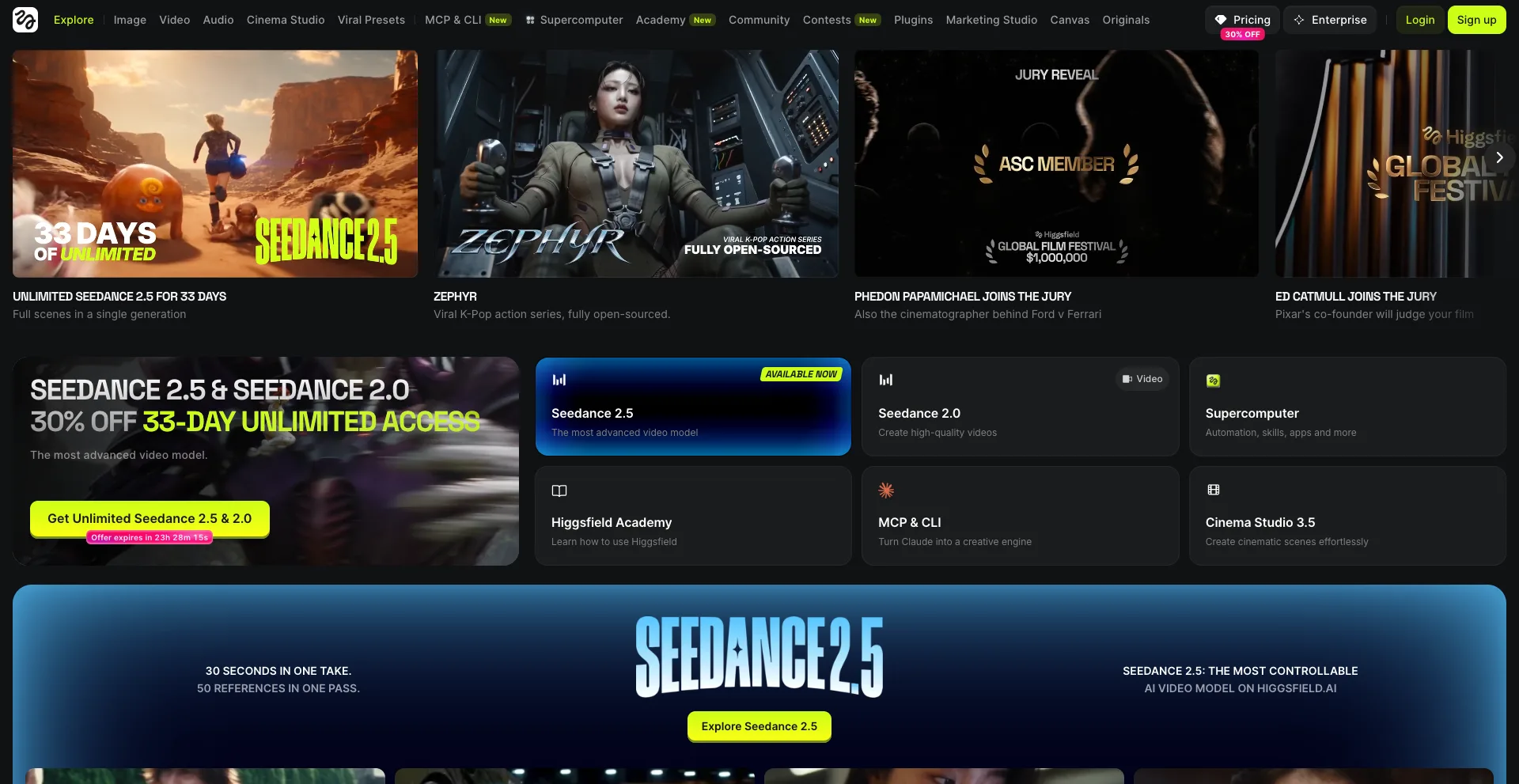
Higgsfield takes a different approach from many standalone AI video generators. Instead of focusing on only one model, it brings multiple AI video models and creative controls into one workspace.
Its text-to-video tool can turn prompts and scripts into videos while giving users controls for visual style, motion, lighting, and camera direction.
Higgsfield also integrates models from different providers, including Kling, Veo, Sora, and others, depending on the available workflow.
This makes it useful if you want to experiment with different models without constantly switching between platforms.
Why Higgsfield stands out
- Multiple video models in one platform
- Text-to-video generation
- Cinematic camera controls
- Useful for advertising and social media
- Supports reference images and clips
- Includes broader video editing capabilities
Best for: Social media creators, marketers, agencies, and anyone who wants multiple AI video models in one workspace.
5. Luma
Best for: High-quality cinematic generation
Luma has evolved significantly from its earlier Dream Machine generation. Its current video model is Ray3.2, which Luma released in June 2026. The model focuses on greater creative control, including frame-level direction and professional video workflows.
Luma supports text-to-video and image-to-video generation, along with features such as keyframe direction, video modification, reframing, and video extension.
This makes Luma particularly appealing when you want to move beyond basic prompt-to-video generation and have more control over how a scene develops.
Why Luma stands out
- Ray3.2 is built for professional video generation
- Supports text-to-video
- Native 1080p generation
- Frame-level creative control
- Keyframe-based workflows
- Video modification and extension
- Strong cinematic focus
Best for: Filmmakers, agencies, advertisers, and creators who want detailed control over AI-generated footage.
6. Vibes.ai
Best for: Creative experimentation and social content
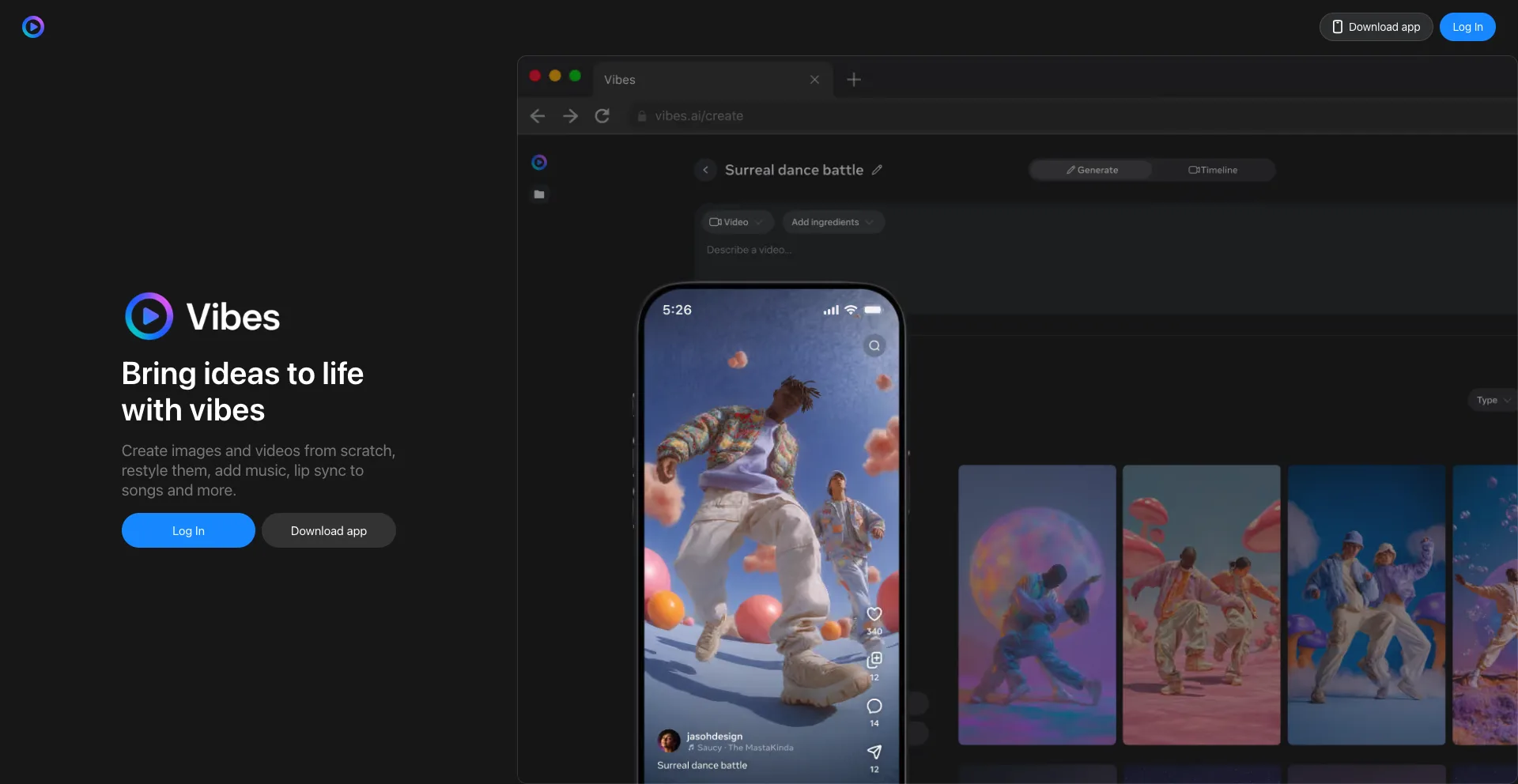
Vibes.ai is built around creating and combining different forms of generative media. Its platform lets users create images and videos from scratch, restyle existing content, add music, and work with lip-sync features.
One useful feature is its approach to reusable “ingredients.” You can reference a style, character, or object and reuse those elements to help create a consistent visual story.
The platform also combines video, images, text, music, and voiceover within project-based workflows.
Why Vibes.ai stands out
- Creates images and videos from prompts
- Supports restyling
- Reusable visual references
- Music and voiceover tools
- Lip-sync capabilities
- Designed around creative projects
Best for: Creators who want to experiment with different types of AI-generated media in one workspace.
7. Pika
Best for: Fun, short-form, and social videos
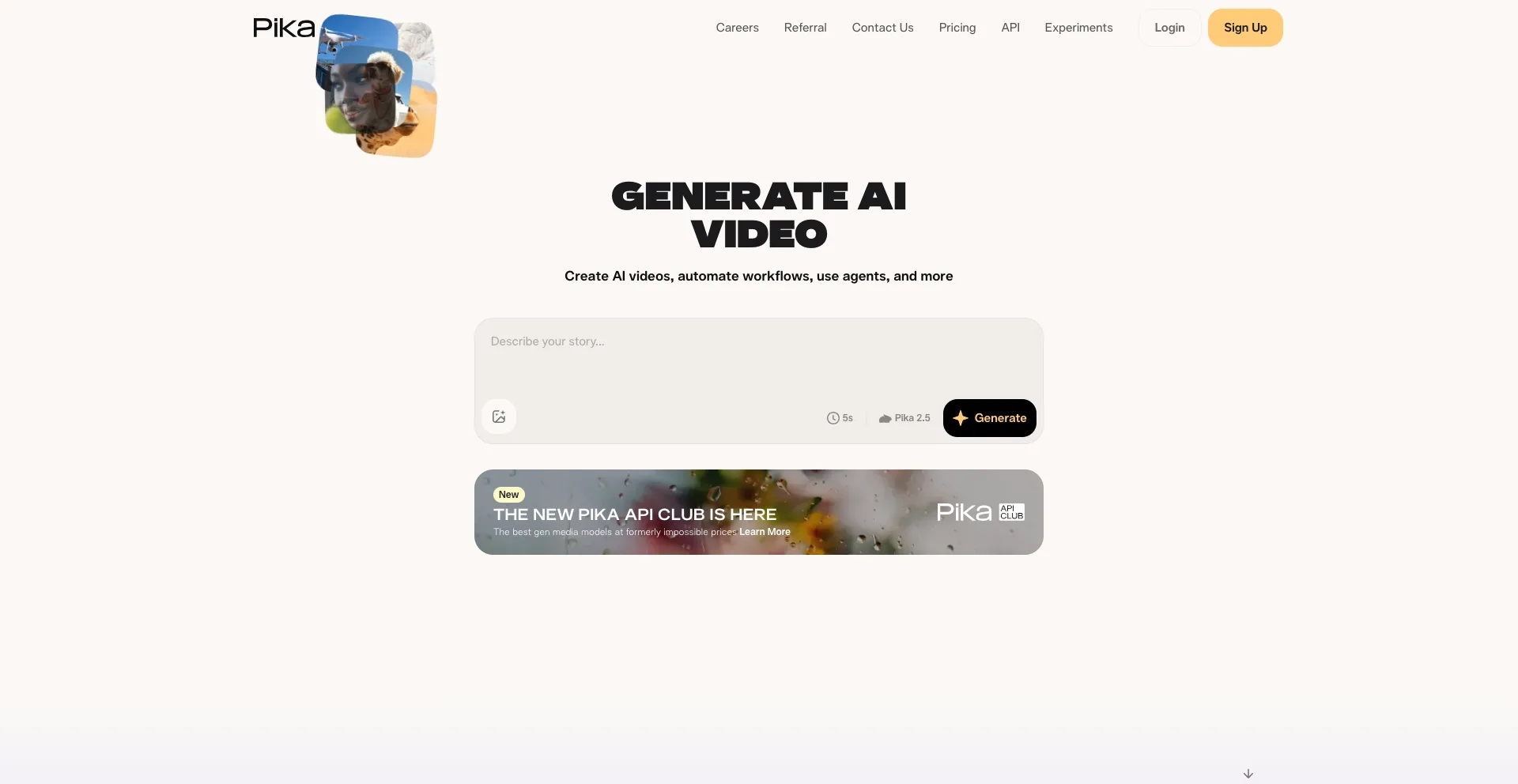
Pika is another popular AI video creation platform aimed at making generative video accessible to creators.
It is especially useful for short-form content where the goal is to create something visually interesting without building a complicated production pipeline.
For creators making social media posts, visual experiments, memes, short clips, or attention-grabbing effects, Pika can be a practical option.
Why Pika stands out
- Easy-to-use AI video creation
- Useful for short-form content
- Good for creative experiments
- Suitable for social media videos
- Supports text-based creative workflows
Best for: Social media creators and beginners who want to experiment with AI-generated video.
Which Text to Video AI Tool Should You Choose?
The best option depends on what you want to create.
| Tool | Best For |
|---|---|
| Google Flow | AI filmmaking and storytelling |
| Runway | Professional creative workflows |
| Kling AI | Realistic motion and characters |
| Higgsfield | Ads, social content, and multiple models |
| Luma | Cinematic production and control |
| Vibes.ai | Creative experimentation |
| Pika | Short-form social content |
If you want cinematic storytelling, Google Flow, Runway, and Luma are strong choices.
If character consistency and realistic motion are your priorities, Kling AI is worth testing.
For advertising and social media, Higgsfield can be especially useful because it combines several models and production tools.
And if you simply want to experiment with creative AI video without building a complicated workflow, Vibes.ai and Pika are worth exploring.
How to Get Better Results From Text to Video AI
The quality of your output depends heavily on the prompt.
Instead of writing:
“A man walking in a city.”
Give the model more useful direction:
“A young traveler walks through a busy futuristic city at sunset, cinematic wide shot, slow camera tracking, warm natural lighting, realistic movement.”
Describe the subject, environment, action, camera movement, lighting, and visual style when those details matter.
Runway’s own text-to-video guidance similarly recommends clearly describing what appears in the scene and how those elements move.
It is also better to generate short clips and refine them rather than expecting one prompt to produce an entire polished film.
Final Thoughts
The best text to video AI tools have moved well beyond simple experimental clips. In 2026, platforms such as Google Flow, Runway, Kling AI, Higgsfield, Luma, Vibes.ai, and Pika can help turn written ideas into useful video content.
There is no single winner for every creator. Google Flow and Runway are strong choices for filmmaking, Kling AI excels at character consistency and motion, Higgsfield is useful for multi-model workflows, and Luma offers powerful cinematic control. Vibes.ai and Pika are appealing for creative experimentation and social content.
The best approach is to test a few platforms with the same prompt, compare the results, and choose the tool that best matches your workflow and content goals.