

3D animation and visual effects have become essential across film, television, gaming, advertising, architecture, and digital content. The right 3D animation and VFX software can help artists model characters, create simulations, animate scenes, build environments, and produce complex visual effects.
However, no single program does everything equally well. Some tools specialize in procedural effects, others focus on character animation, sculpting, compositing, motion graphics, or real-time production.
Here are 10 of the best professional and widely used tools to consider in 2026.
1. SideFX Houdini
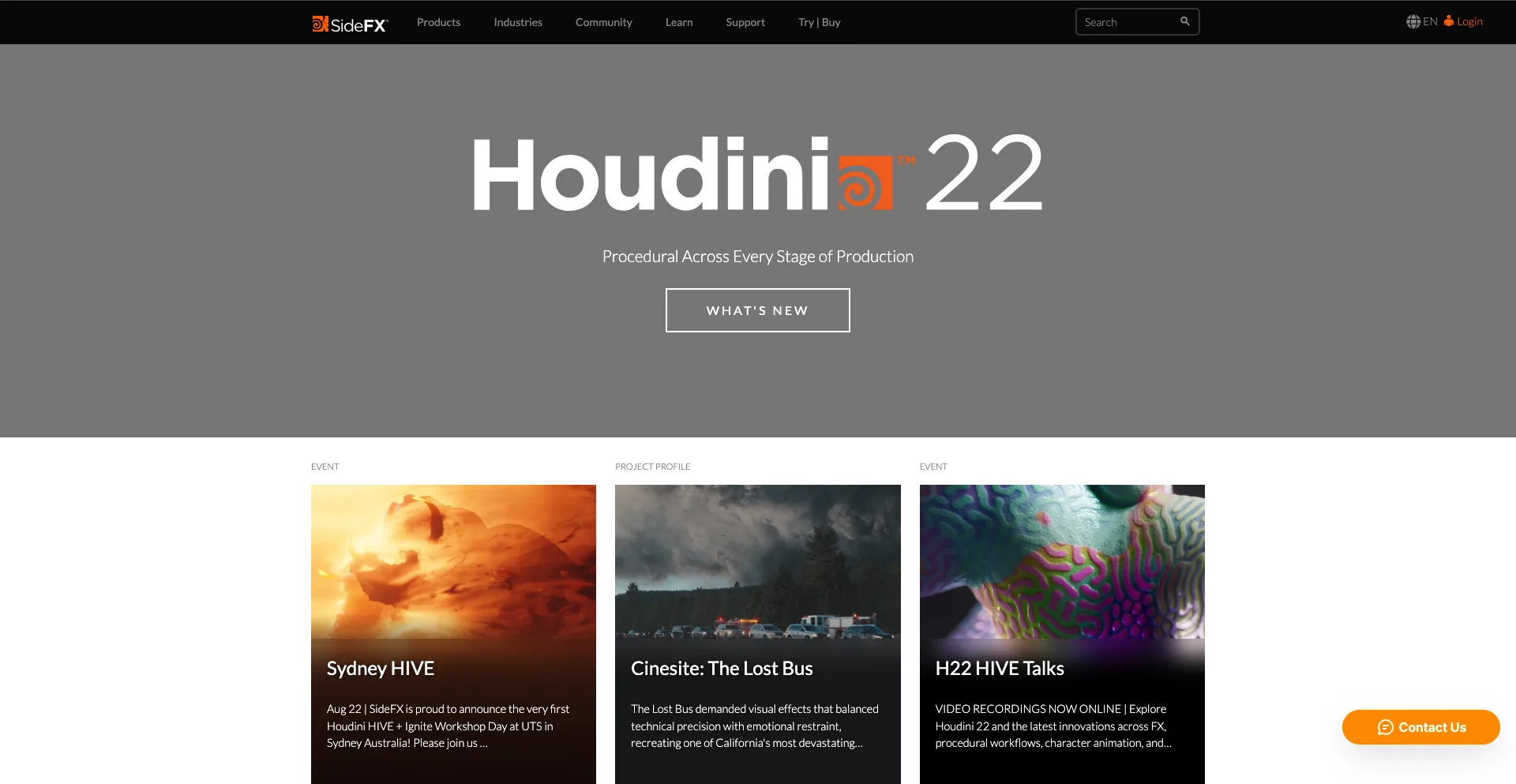
Best for: Procedural effects and simulations
Houdini is one of the most powerful tools for creating complex 3D effects. Its procedural, node-based workflow allows artists to build systems that can be modified and reused instead of manually creating every element.
It is particularly well known for simulations involving smoke, fire, water, destruction, particles, crowds, and other dynamic effects. SideFX describes Houdini as a package for procedural modeling, animation, effects, simulation, rendering, and compositing.
Houdini is also designed to integrate into larger production pipelines. Houdini Engine allows procedural assets to be used inside applications such as Maya, 3ds Max, Cinema 4D, Unity, and Unreal Engine.
Why Houdini stands out
- Powerful procedural workflow
- Advanced VFX simulations
- Particle and fluid effects
- Destruction and environment creation
- Procedural modeling
- Strong studio pipeline integration
Best for: VFX artists, technical artists, simulation artists, and large film or game productions.
2. Foundry Nuke
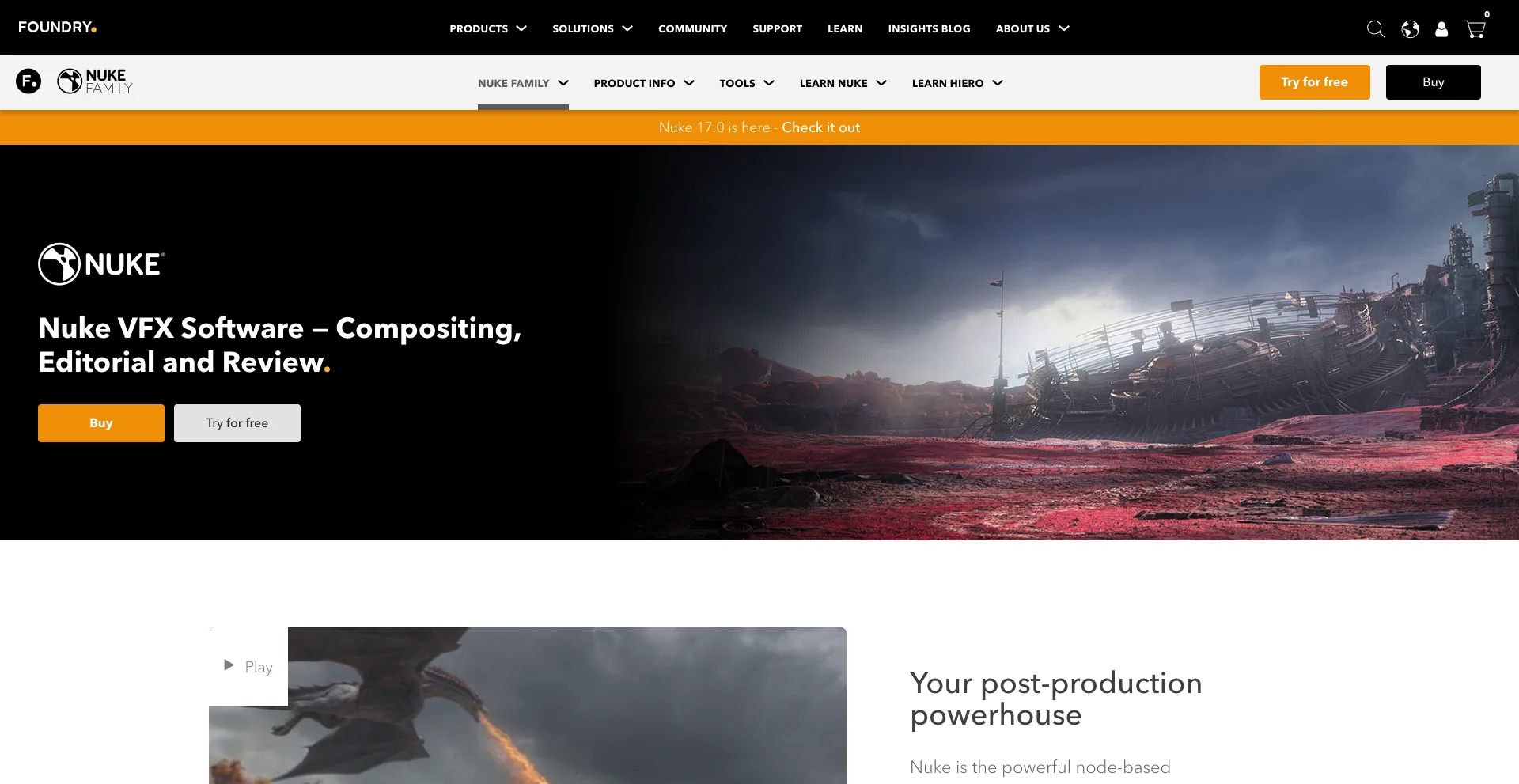
Best for: Professional compositing
Nuke is a high-end compositing platform used to combine live-action footage, CGI, visual effects, and other digital elements into finished shots.
Its node-based workflow gives compositors detailed control over individual operations. The Nuke family includes Nuke, NukeX, Nuke Studio, and related tools for compositing, editorial, review, and production workflows.
Foundry says Nuke provides more than 200 creative nodes and supports advanced techniques such as deep compositing and integrated 3D workflows.
Nuke 17.0, released in February 2026, added features including native Gaussian Splat support, a new USD-based 3D system, and expanded machine-learning capabilities.
Why Nuke stands out
- Professional node-based compositing
- Advanced keying and rotoscoping
- Deep image compositing
- 2D and 3D workflows
- Strong VFX pipeline integration
- Used in major film and television production
Best for: Professional compositors and VFX studios.
3. Autodesk Maya
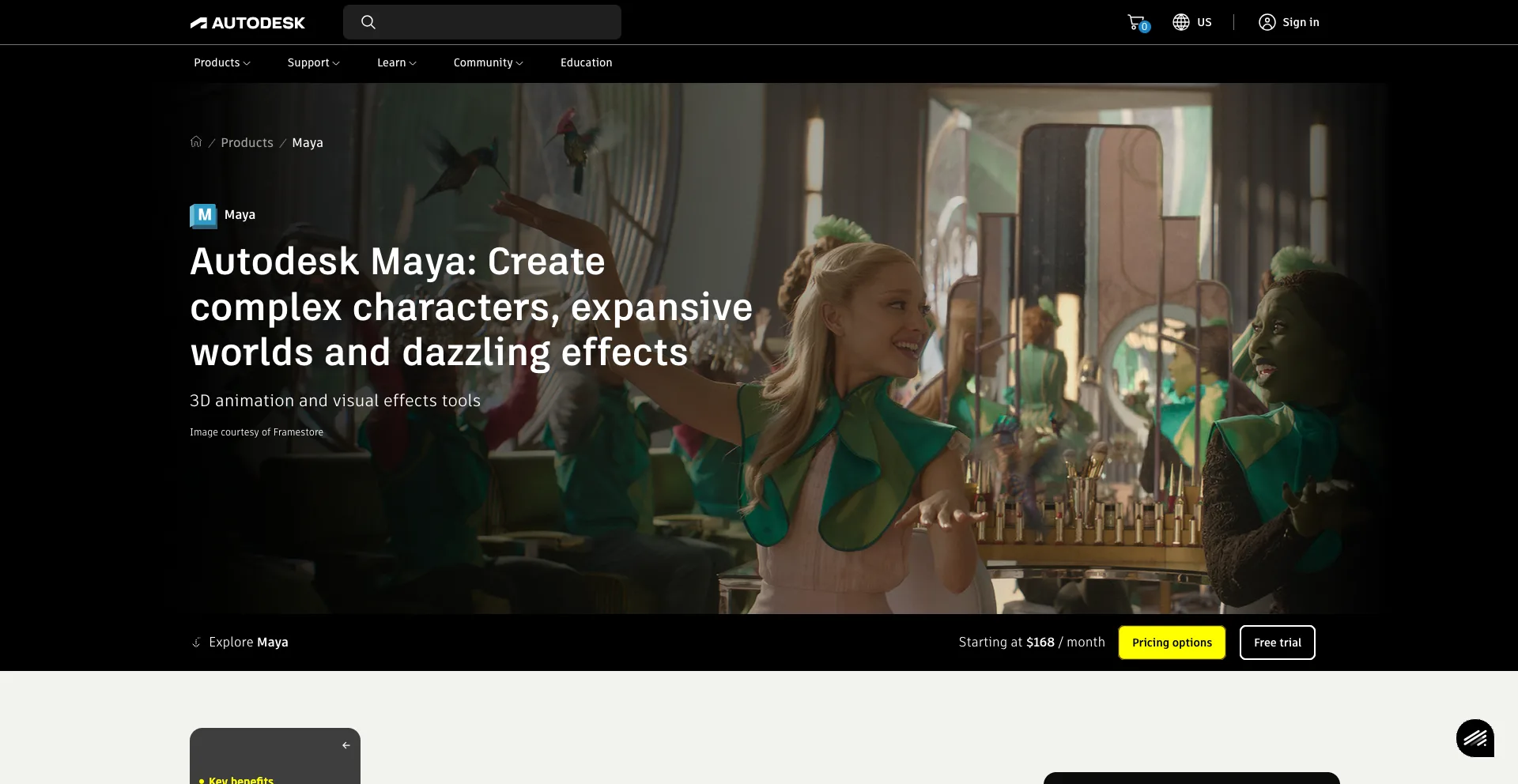
Best for: Character animation and 3D production
Autodesk Maya is one of the most established 3D applications in the entertainment industry.
It provides tools for modeling, rigging, animation, simulation, rendering, and effects. Its animation and rigging capabilities make it especially popular for creating characters and complex animated scenes.
Maya can also integrate with other tools in a studio pipeline, making it suitable for large productions where different departments handle different stages of the process.
Why Maya stands out
- Advanced character animation
- Powerful rigging tools
- 3D modeling
- Animation and simulation
- Production-ready workflows
- Extensive third-party ecosystem
Best for: Character artists, animators, riggers, and professional 3D studios.
4. Adobe After Effects
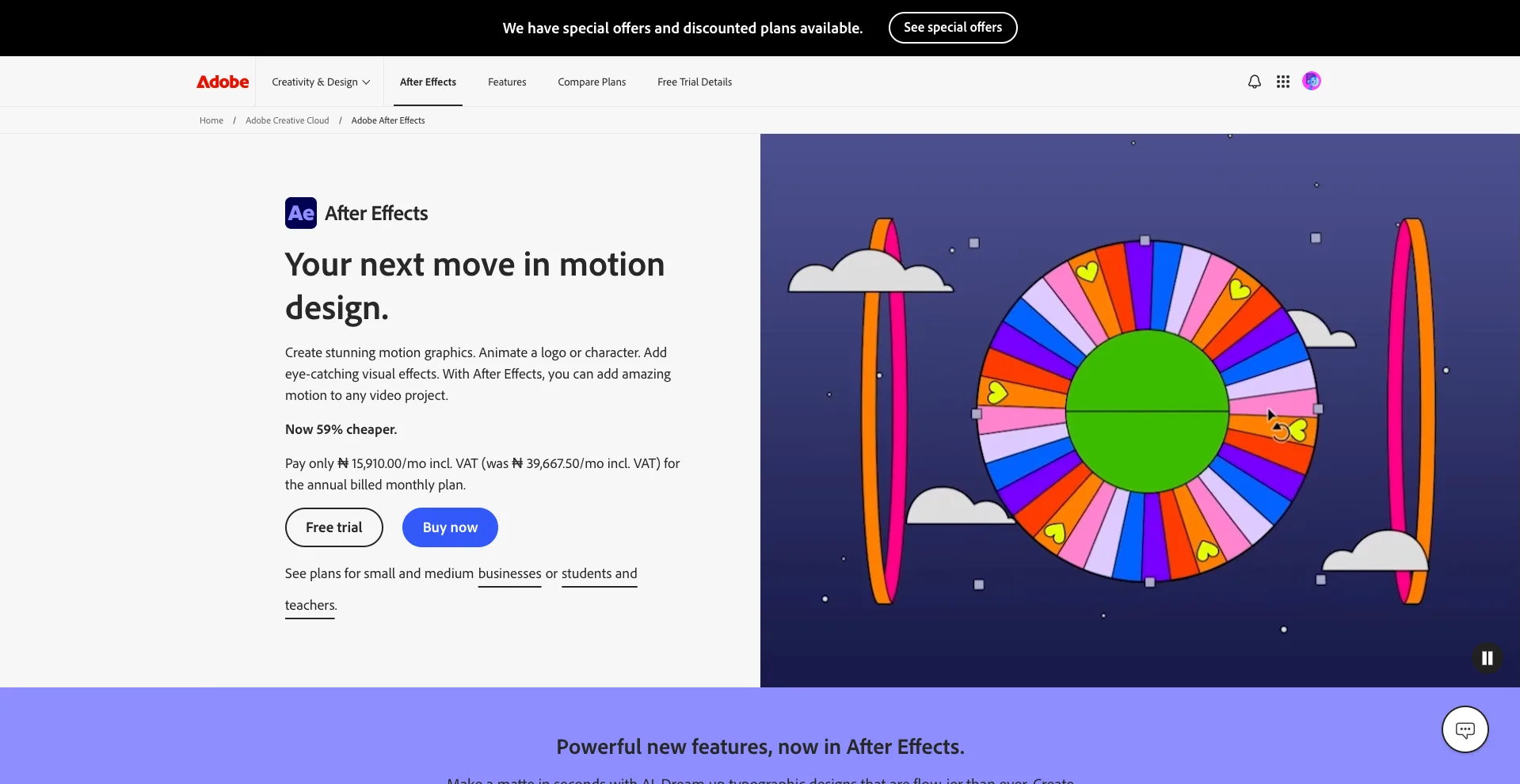
Best for: Motion graphics and 2D visual effects
After Effects is one of the most popular tools for motion graphics, compositing, animation, and visual effects.
Unlike dedicated 3D applications, After Effects is heavily focused on 2D and motion design workflows. It is commonly used for animated titles, advertisements, social media graphics, explainers, transitions, and visual effects.
It also works closely with other Adobe applications, which makes it useful for designers and video editors who already work within the Adobe ecosystem.
Why After Effects stands out
- Motion graphics
- 2D animation
- Visual effects
- Compositing
- Animated typography
- Large plugin ecosystem
Best for: Motion designers, video creators, advertisers, and visual effects artists.
5. Blender
Best for: All-around 3D creation
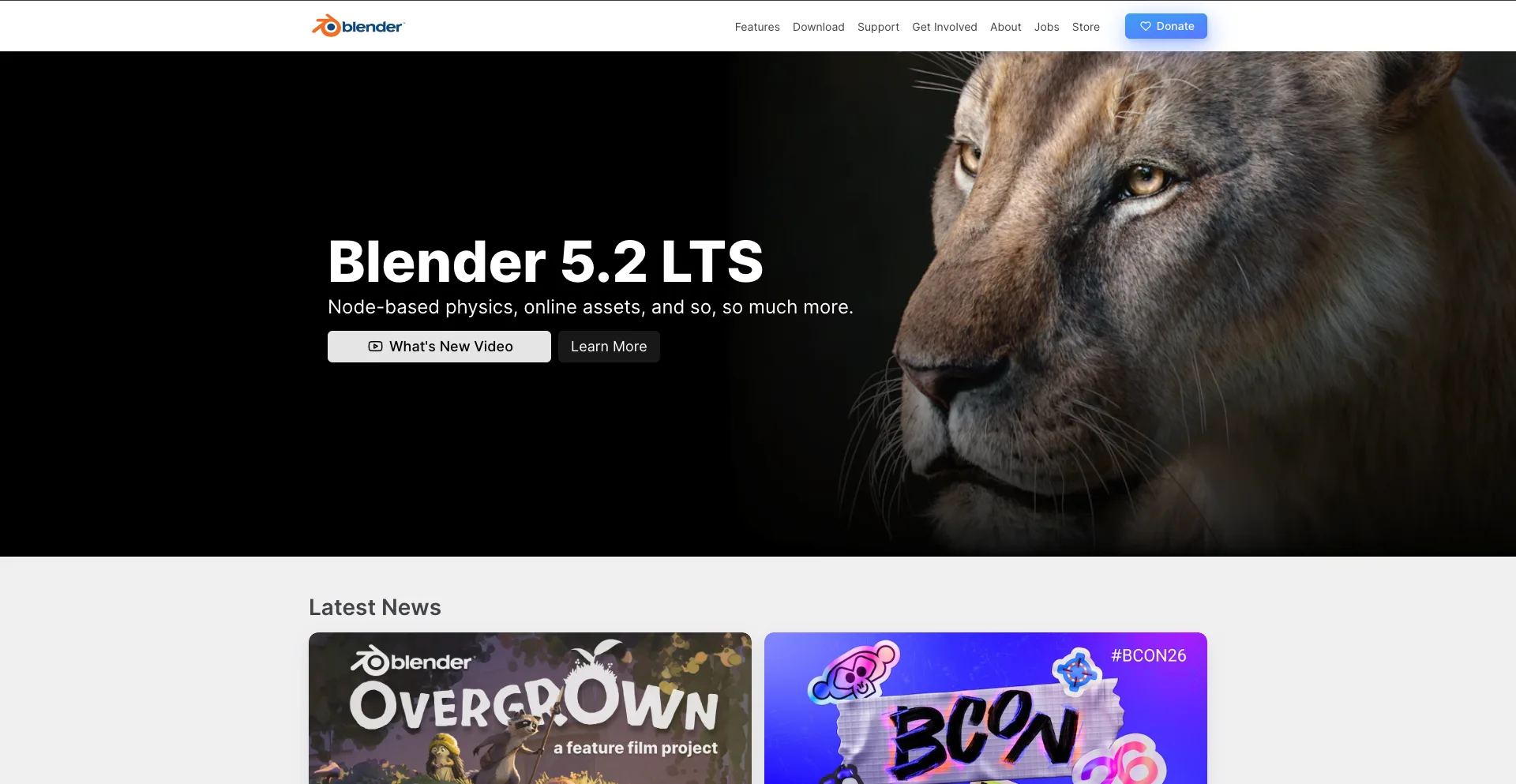
Blender is a free, open-source 3D creation platform that provides an unusually broad collection of tools in one application.
You can use it for modeling, sculpting, rigging, animation, rendering, simulation, compositing, motion tracking, and video editing.
Blender 5.2 LTS, released in July 2026, introduced significant improvements including Geometry Nodes-based physics, improved rendering, remotely hosted asset libraries, and direct compositing in the Video Sequence Editor.
This makes Blender particularly attractive to independent artists and smaller studios that want a complete production pipeline without buying multiple expensive applications.
Why Blender stands out
- Free and open source
- Complete 3D pipeline
- Modeling and sculpting
- Character animation
- Simulation
- Rendering
- Compositing
Best for: Beginners, independent artists, YouTubers, students, and professional 3D artists.
6. Unreal Engine
Best for: Real-time 3D and virtual production
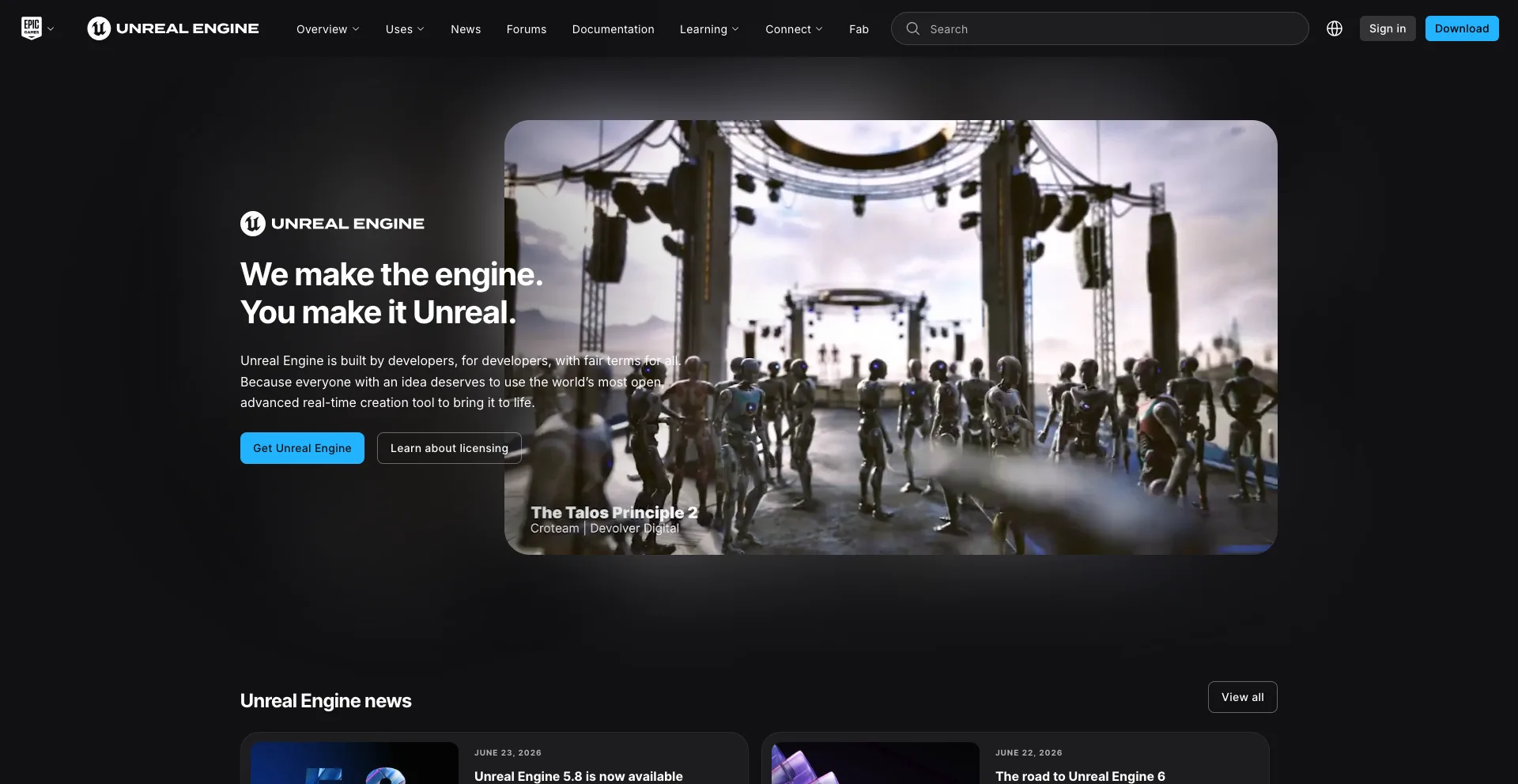
Unreal Engine has expanded far beyond traditional game development.
Its real-time rendering capabilities make it useful for virtual production, cinematic animation, architectural visualization, interactive experiences, simulations, and game development.
Artists can create detailed environments, lighting, characters, and cinematic sequences while seeing results in real time.
Why Unreal Engine stands out
- Real-time rendering
- Game development
- Virtual production
- Cinematic animation
- Large environment creation
- Interactive 3D experiences
Best for: Game developers, virtual production teams, technical artists, and real-time 3D creators.
7. Maxon Cinema 4D
Best for: Motion graphics and 3D design
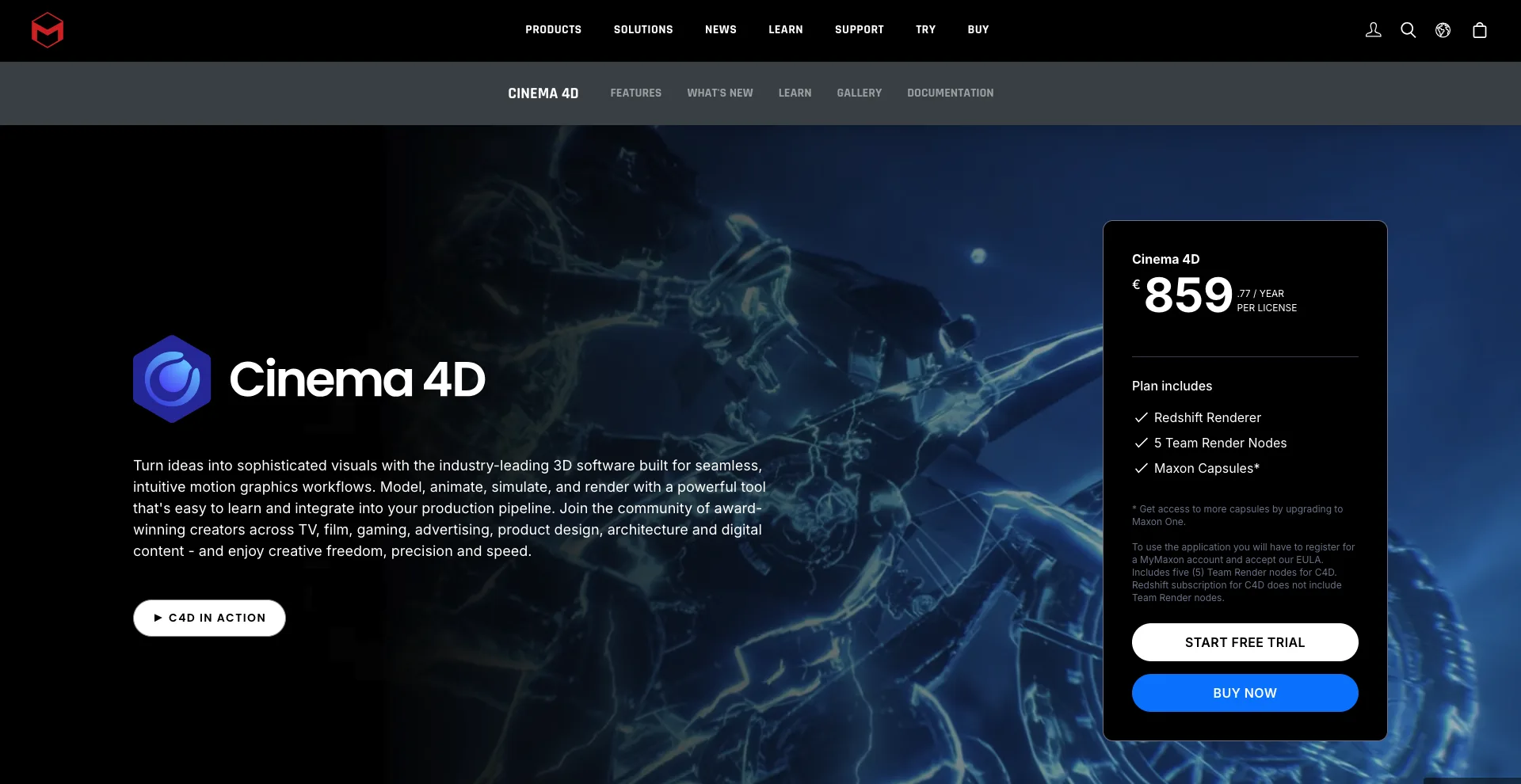
Cinema 4D is particularly popular among motion designers because of its accessible workflow and strong motion-graphics capabilities.
It can be used for modeling, animation, rendering, simulations, and visual effects, but its reputation in advertising, broadcast design, and motion graphics makes it especially appealing to designers.
Cinema 4D also integrates with other creative tools and render engines, making it useful for professional production environments.
Why Cinema 4D stands out
- Excellent motion graphics tools
- 3D modeling
- Animation
- Procedural workflows
- Strong rendering options
- Designer-friendly interface
Best for: Motion designers, advertisers, 3D artists, and creative agencies.
8. Maxon ZBrush
Best for: Digital sculpting
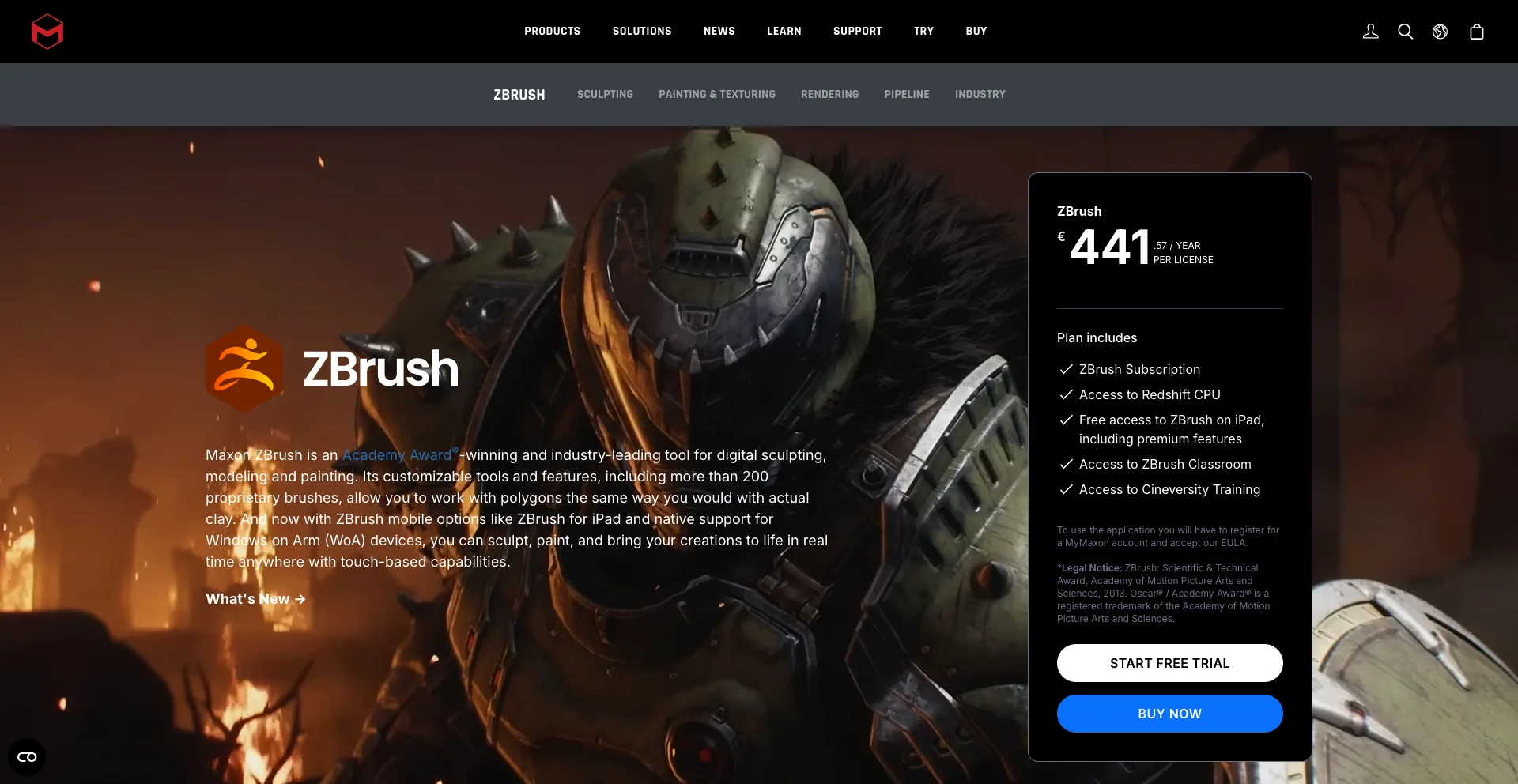
ZBrush specializes in digital sculpting and is widely used to create highly detailed characters, creatures, environments, and other 3D models.
Instead of thinking primarily in terms of traditional polygon modeling, artists can work more like digital sculptors, shaping and detailing models at extremely high levels of complexity.
ZBrush is particularly valuable during character and creature development, where fine surface details can make a major difference.
Why ZBrush stands out
- Advanced digital sculpting
- High-detail character creation
- Creature design
- Organic modeling
- Texture and surface detailing
- Professional character workflows
Best for: Character artists, creature designers, sculptors, and game artists.
9. Autodesk 3ds Max
Best for: 3D modeling and visualization
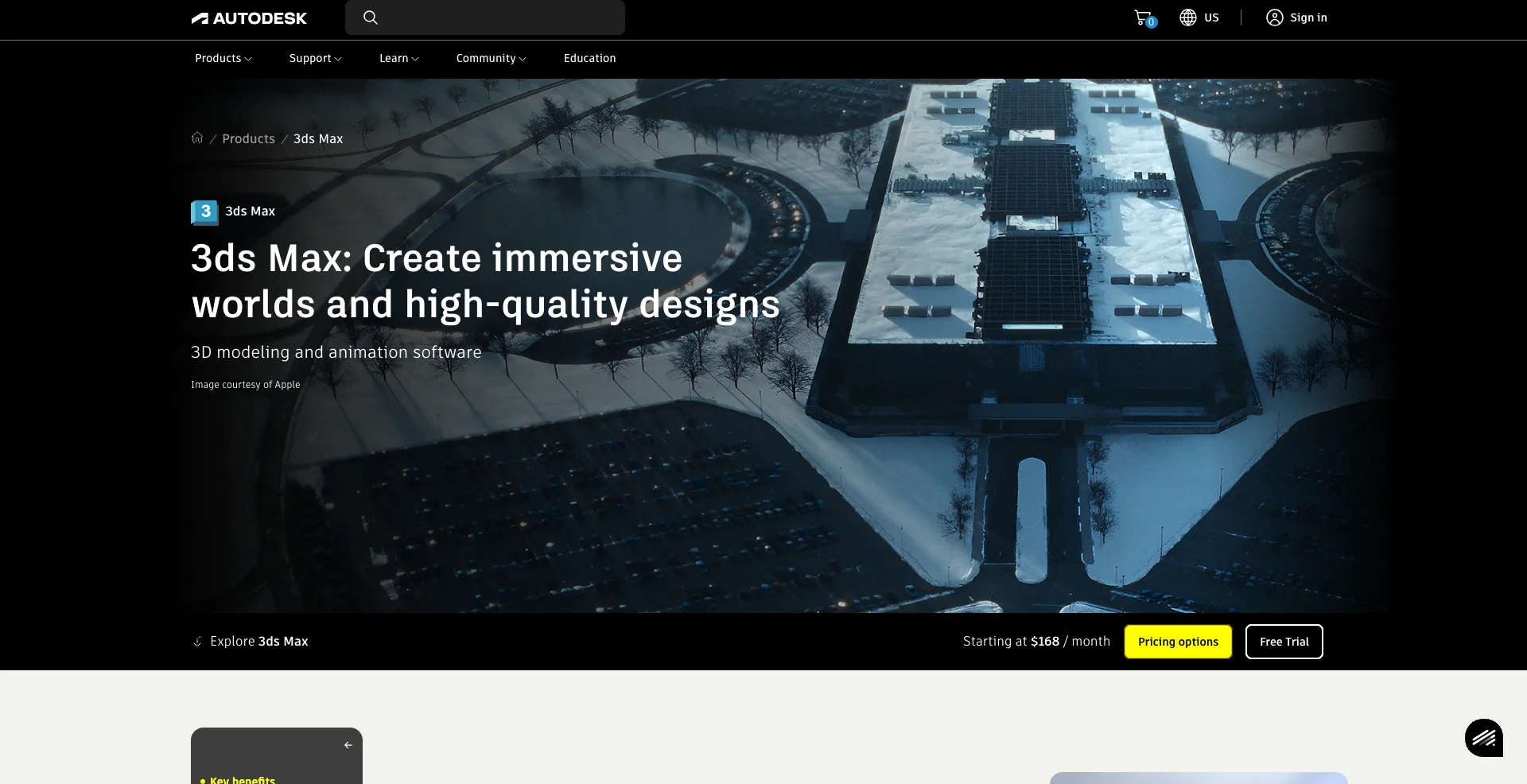
3ds Max is another long-established Autodesk application used for 3D modeling, animation, rendering, and visualization.
It is particularly popular in architectural visualization, product visualization, game development, and other areas where detailed environments and objects need to be created.
Its modeling tools provide extensive control over geometry, materials, lighting, and scenes.
Why 3ds Max stands out
- Powerful modeling tools
- Architectural visualization
- Product visualization
- Animation
- Rendering
- Large plugin ecosystem
Best for: 3D modelers, architects, visualization artists, and game artists.
10. Blackmagic Fusion
Best for: Compositing and visual effects
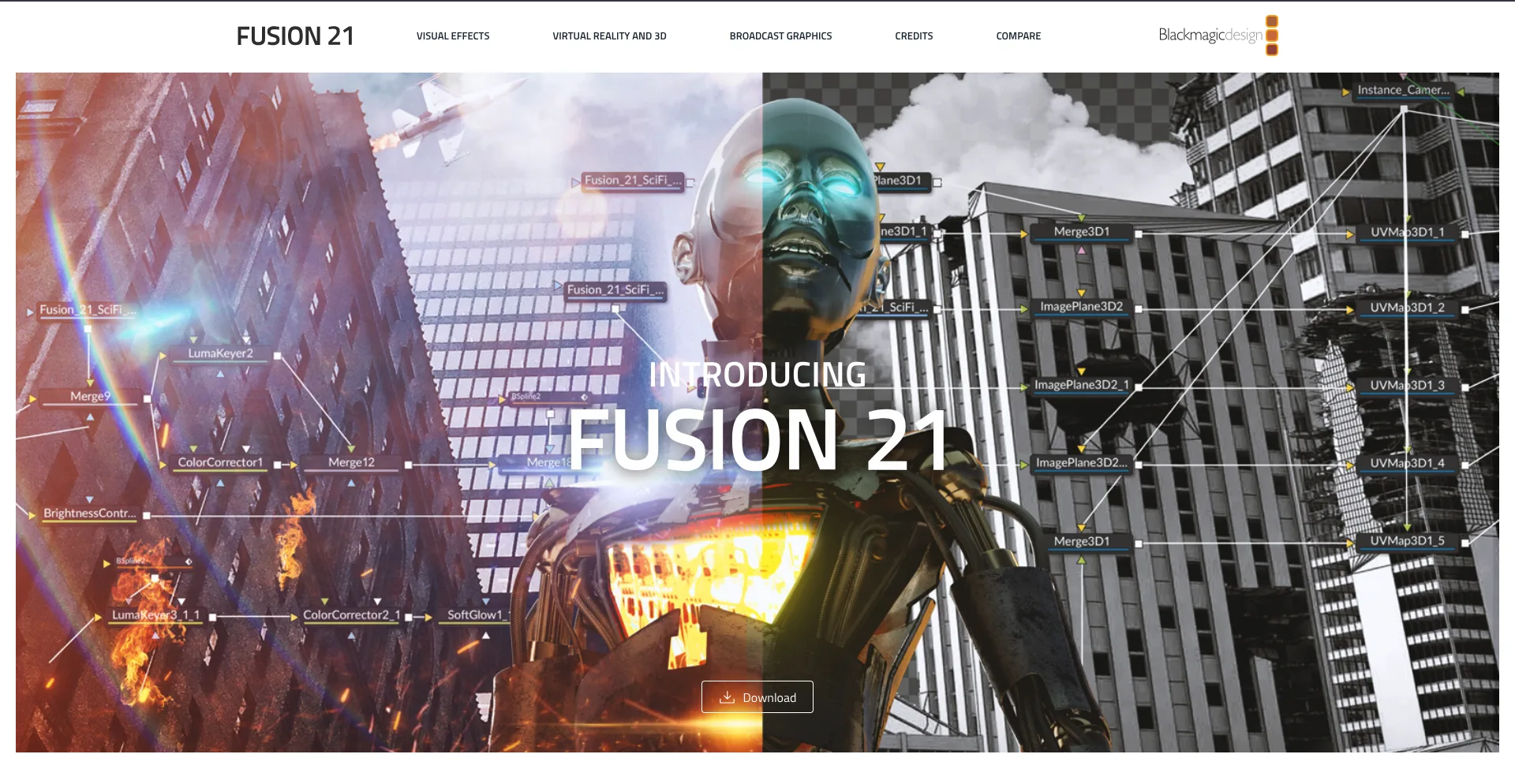
Fusion is Blackmagic Design’s node-based compositing and visual-effects environment. It is also integrated into DaVinci Resolve, allowing users to work across editing, color, audio, and VFX workflows.
Fusion can be used for motion graphics, compositing, tracking, keying, particle effects, and other visual-effects tasks.
Its node-based approach provides a powerful alternative to layer-based compositing workflows.
Why Fusion stands out
- Node-based compositing
- Visual effects
- Motion graphics
- 3D compositing
- Tracking and keying
- Integration with DaVinci Resolve
Best for: Video editors, VFX artists, filmmakers, and creators who want an integrated post-production workflow.
Which 3D Animation or VFX Software Should You Choose?
The best software depends on the type of work you want to create.
| Software | Best For |
|---|---|
| Houdini | Procedural effects and simulations |
| Nuke | Professional compositing |
| Maya | Character animation and rigging |
| After Effects | Motion graphics and 2D VFX |
| Blender | All-around 3D creation |
| Unreal Engine | Real-time 3D and virtual production |
| Cinema 4D | Motion graphics and 3D design |
| ZBrush | Digital sculpting |
| 3ds Max | Modeling and visualization |
| Fusion | Compositing and VFX |
If you want to learn 3D animation from scratch, Blender is an excellent starting point because it provides a broad set of tools in one free, open-source application.
For character animation, Maya is a strong choice. For advanced VFX simulations, Houdini is difficult to beat.
If your focus is compositing, Nuke and Fusion are worth exploring. For motion graphics, After Effects and Cinema 4D are especially useful.
And if you are interested in real-time production or games, Unreal Engine is one of the most important tools to understand.
How to Choose the Right 3D Software
Consider your career goal
Start by deciding what you actually want to create.
A character animator needs different tools from a compositor. A motion designer does not necessarily need the same software as a simulation artist.
Your target area might be:
- Character animation
- 3D modeling
- Digital sculpting
- Motion graphics
- VFX simulations
- Compositing
- Game development
- Virtual production
- Architectural visualization
Choosing based on your intended specialty can save you months of learning tools you may never use.
Consider your budget
Software costs can vary considerably.
Blender provides a powerful free option, while other professional applications use subscription or commercial licensing models. Some tools also offer free learning or limited versions.
Before committing, check current licensing terms and whether the software fits your budget.
Think about your entire workflow
Professional visual production rarely happens inside one application.
For example, an artist might model a character in Maya, sculpt details in ZBrush, create effects in Houdini, render the scene, and composite the final footage in Nuke.
Understanding how different applications work together can be more valuable than trying to find one program that does everything.
Final Thoughts
The best 3D animation and VFX software in 2026 depends on your creative goals and production workflow.
Houdini is a powerhouse for procedural effects and simulations, Nuke excels at professional compositing, and Maya remains a major choice for character animation. Blender offers an impressive all-around 3D toolkit, while Unreal Engine brings real-time production to games and virtual production.
For motion graphics, After Effects and Cinema 4D are strong choices. ZBrush specializes in digital sculpting, 3ds Max is widely used for modeling and visualization, and Fusion provides powerful node-based compositing.
The important thing is to choose software based on the work you want to do. You do not need to master all 10 programs. Start with one that matches your goal, learn the fundamentals, and add other tools as your workflow becomes more advanced.