

AI app builders are changing how software gets created. You no longer need to spend months learning a programming language before you can build a working application. Modern AI app builders can turn a description of your idea into an app, generate code, create interfaces, connect databases, and help you fix problems along the way.
Whether you want to build a startup MVP, internal business tool, customer portal, directory, marketplace, or mobile app, these platforms can significantly reduce the time between an idea and a working product.
Here are 12 AI app builders worth trying in 2026.
1. Lovable
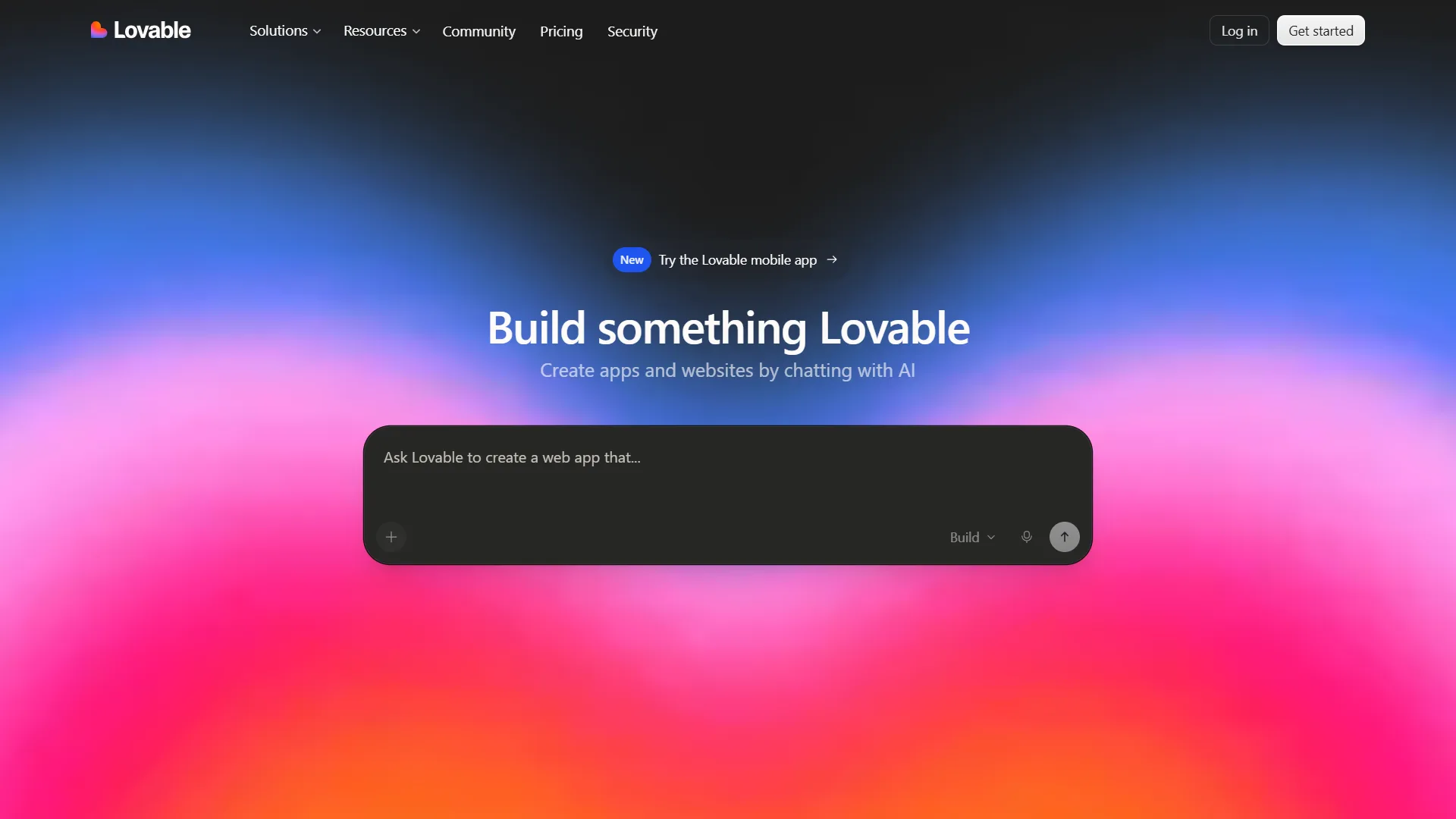
Best for: Building web apps with natural-language prompts
Lovable is an AI-powered development platform designed to help you create applications by describing what you want.
You can explain your idea in plain language, and Lovable can generate a working application that you can continue refining through conversation.
The platform is particularly useful for prototypes, dashboards, SaaS products, landing pages, and other web applications.
Why Lovable stands out
- Build apps using natural-language prompts
- AI-generated code
- Rapid prototyping
- Useful for SaaS ideas
- Supports database integrations
- Lets you refine projects conversationally
Best for: Founders, developers, designers, and beginners who want to turn ideas into working web applications quickly.
2. Bolt.new
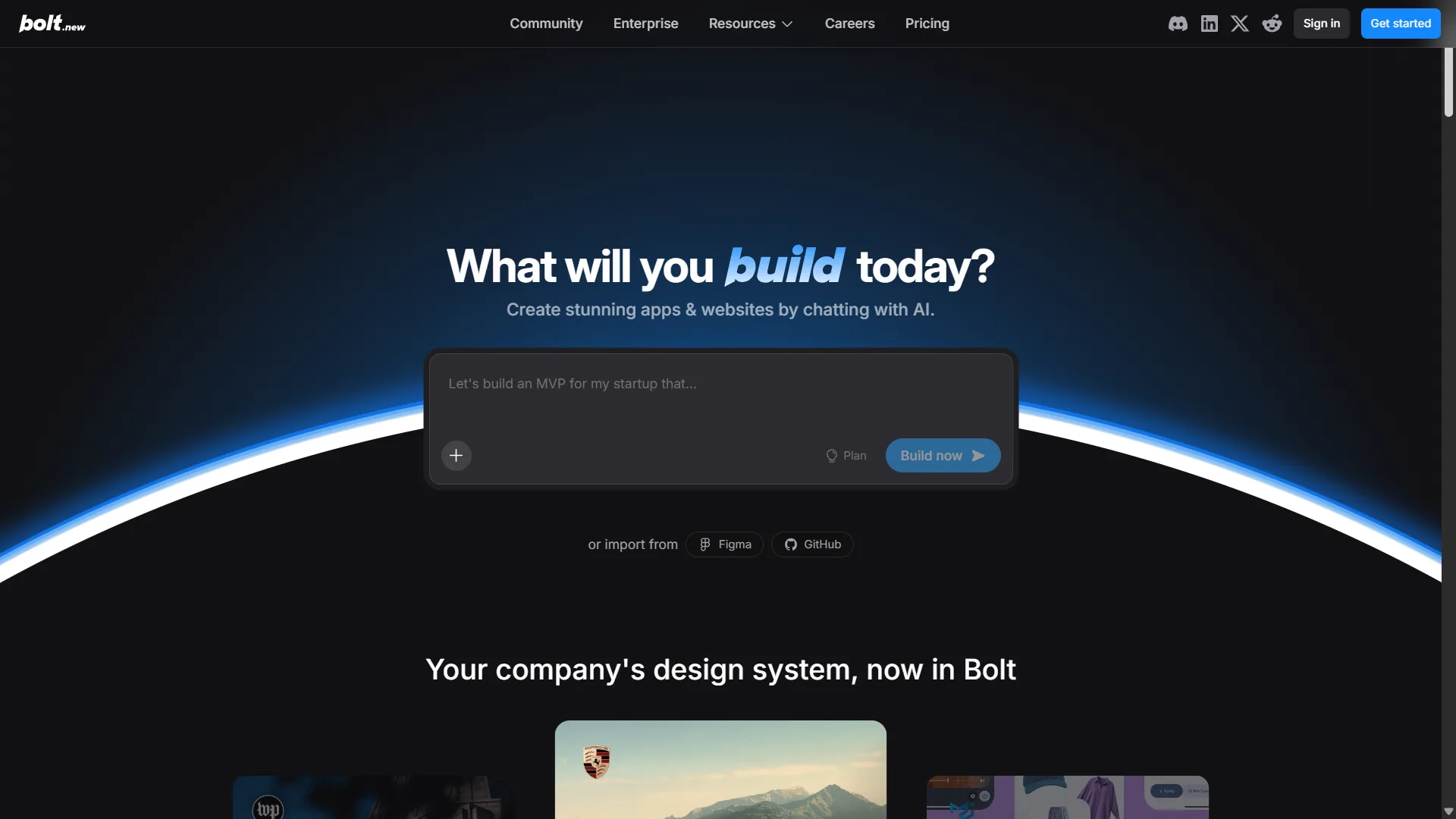
Best for: Fast full-stack web development
Bolt.new lets you describe an application and use AI to generate and modify the code directly in the browser.
It is designed for building full-stack web applications and gives users a development environment where they can see the result and continue making changes.
This makes Bolt particularly useful for quickly testing an idea without setting up a traditional development environment from scratch.
Why Bolt.new stands out
- AI-assisted coding
- Browser-based development
- Full-stack app creation
- Rapid prototyping
- Live previews
- Useful for developers and non-developers
Best for: People who want AI to handle much of the initial coding while still having access to the underlying project.
3. Replit
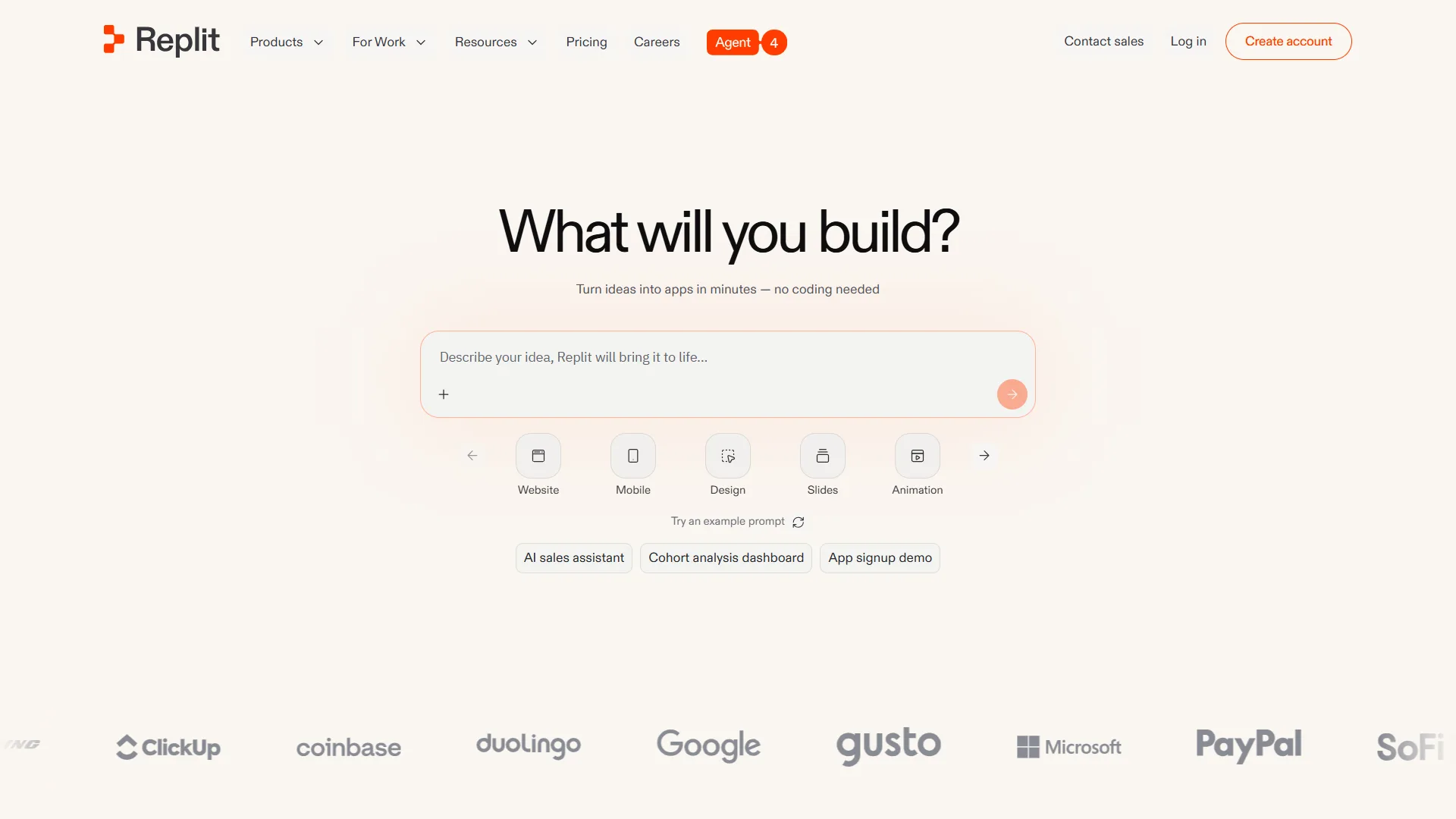
Best for: Building and deploying apps in one place
Replit combines an online development environment with AI-powered app creation tools.
Its AI agent can help create applications from natural-language instructions, modify existing projects, debug problems, and work across different parts of an application.
Because development and deployment happen within the same platform, Replit can be convenient for people who want to go from an idea to a live project without managing a complicated local setup.
Why Replit stands out
- AI-assisted development
- Browser-based coding environment
- App deployment
- Database capabilities
- Debugging assistance
- Supports multiple programming languages
Best for: Beginners, students, developers, and entrepreneurs who want an all-in-one development environment.
4. Base44
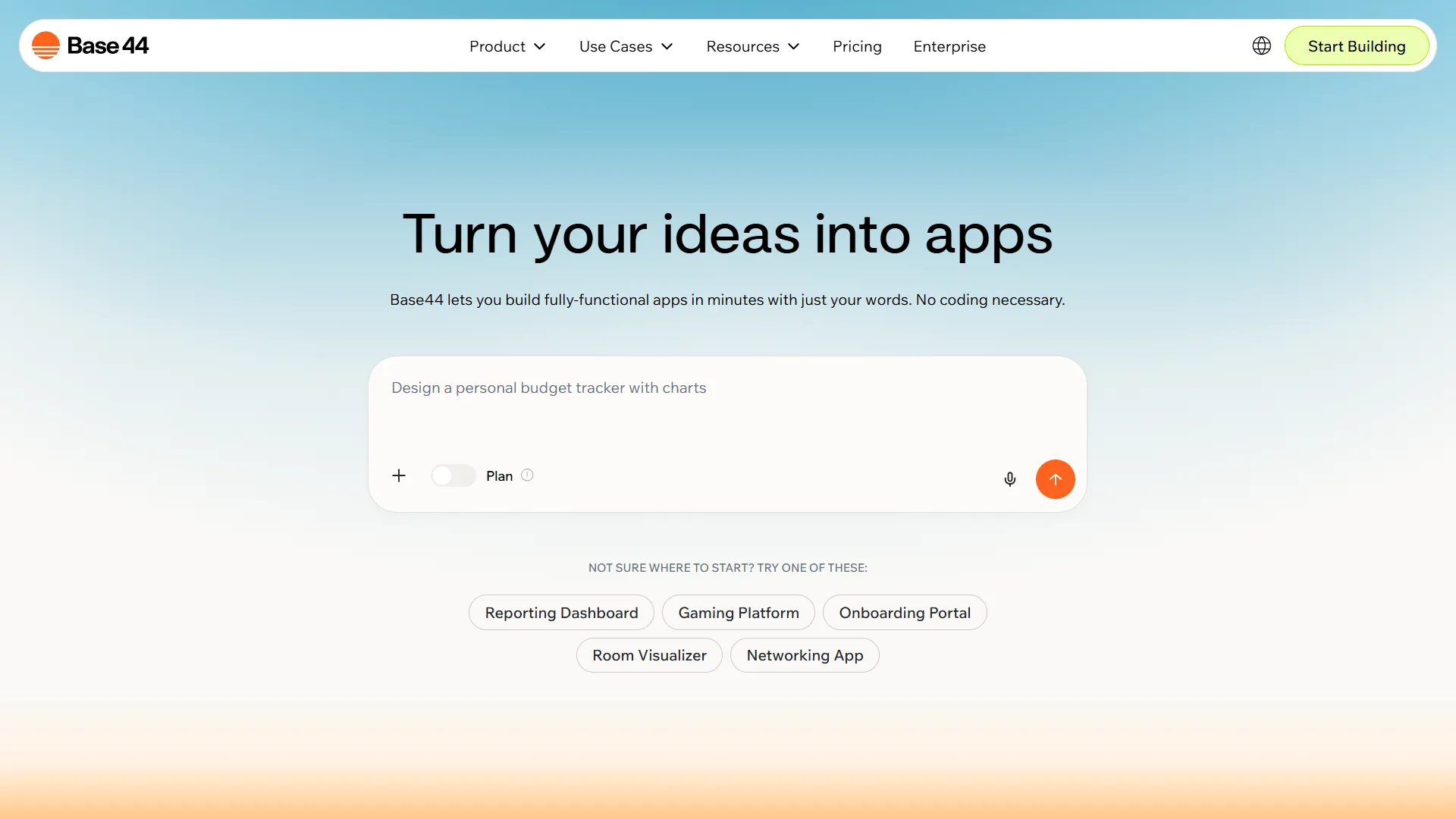
Best for: Building business apps without traditional coding
Base44 focuses on letting users create applications by explaining what they want in natural language.
You can describe the functionality, interface, data, and workflows you need, and the platform can generate the application.
This makes it useful for internal business tools, customer portals, dashboards, directories, and other applications that might traditionally require a developer.
Why Base44 stands out
- Natural-language app creation
- AI-generated applications
- Built-in backend capabilities
- Useful for business tools
- Rapid prototyping
- Beginner-friendly workflow
Best for: Entrepreneurs, small businesses, and teams that want to create functional applications without building everything manually.
5. Google Firebase Studio
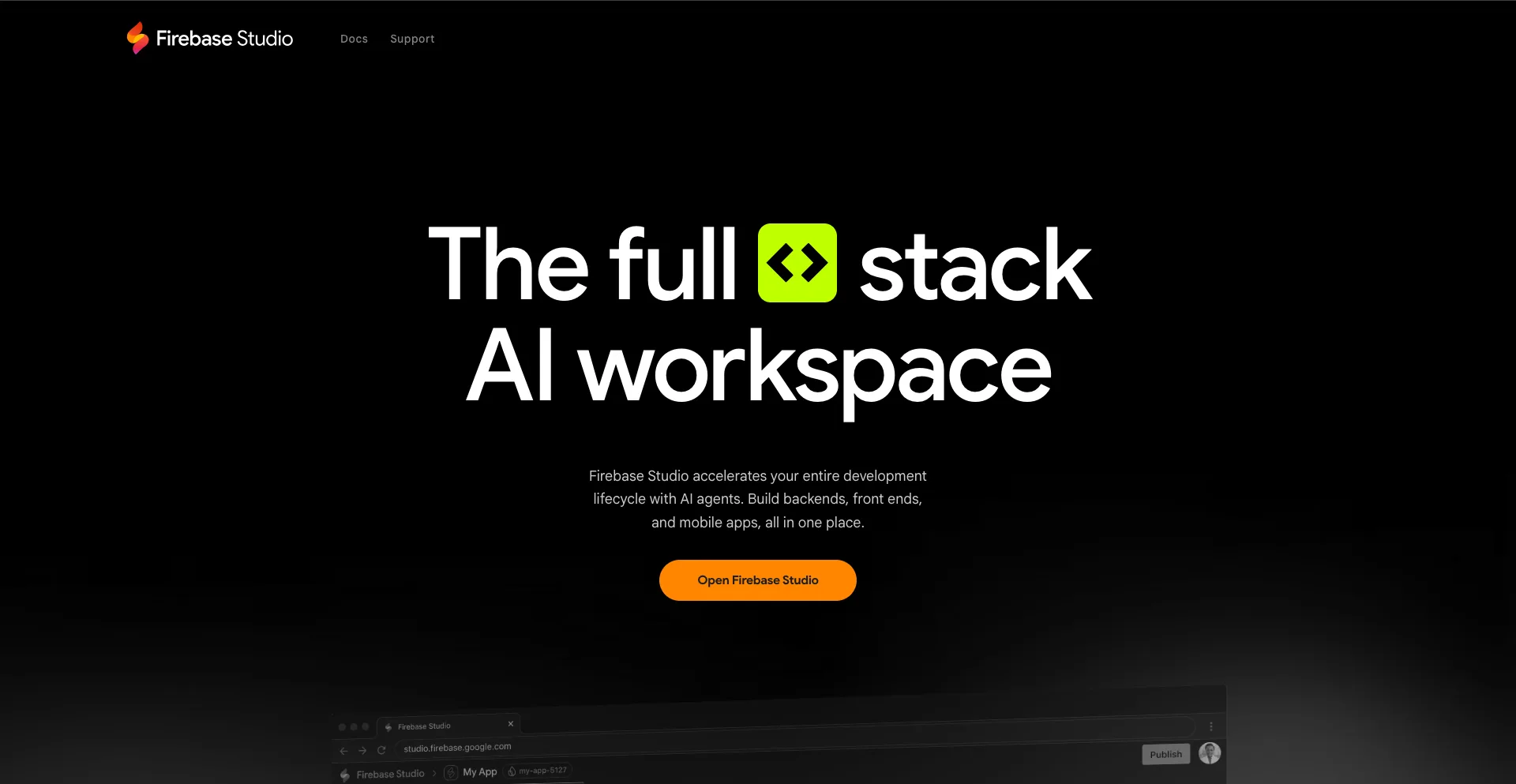
Best for: Developers building full-stack applications
Firebase Studio is Google’s browser-based development environment for building full-stack applications with AI assistance.
It integrates with Firebase services, giving developers access to tools for databases, authentication, hosting, and other backend functionality.
The AI-assisted development experience can help users prototype applications and work through development tasks faster.
Why Firebase Studio stands out
- Google ecosystem integration
- AI-assisted development
- Firebase backend services
- Authentication and databases
- Hosting capabilities
- Browser-based development
Best for: Developers and technical founders who want AI-assisted development with Google’s application infrastructure.
6. v0 by Vercel
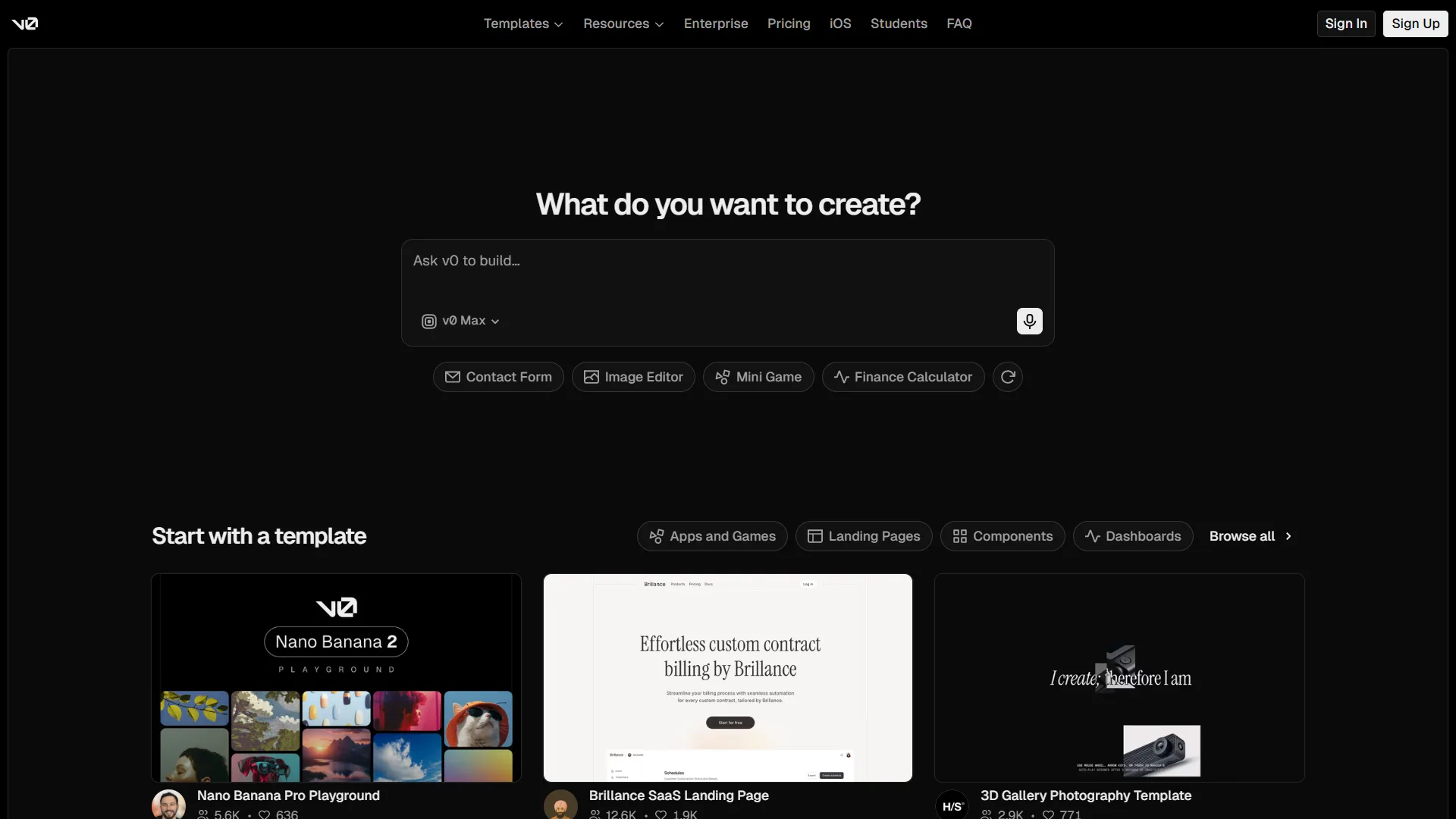
Best for: Creating polished web interfaces
v0 is Vercel’s AI-powered development tool for generating user interfaces and applications from natural-language descriptions.
You can describe the interface you want and iterate on the result through prompts. It is particularly strong for modern web UI and frontend development.
Because it comes from Vercel, it also fits naturally into workflows involving modern web technologies and deployment.
Why v0 stands out
- AI-generated user interfaces
- Natural-language prompts
- Rapid frontend development
- Modern web design
- Iterative editing
- Vercel deployment ecosystem
Best for: Developers, designers, and founders who care about creating polished web interfaces quickly.
7. Glide
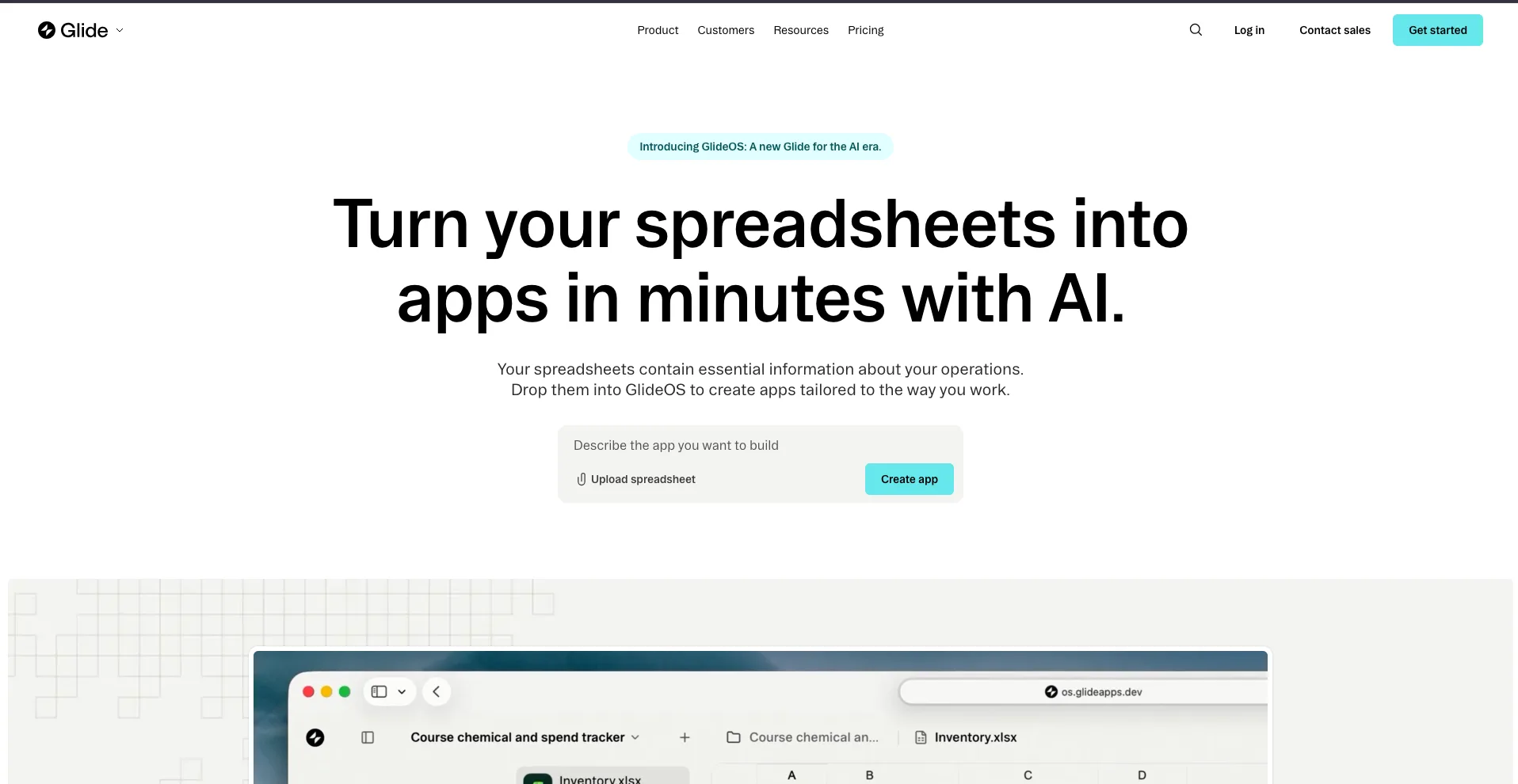
Best for: Business apps and internal tools
Glide is a no-code platform that lets you create applications from data sources such as spreadsheets and databases.
Its AI features can help users generate app components and work with data without requiring traditional programming.
Glide is particularly useful for internal business applications, directories, inventory systems, CRM-style tools, project trackers, and customer portals.
Why Glide stands out
- No-code development
- Business-focused applications
- Spreadsheet and database integration
- AI-assisted app creation
- Mobile-friendly applications
- Fast deployment
Best for: Businesses that need practical internal tools without building a custom application from scratch.
8. Bubble
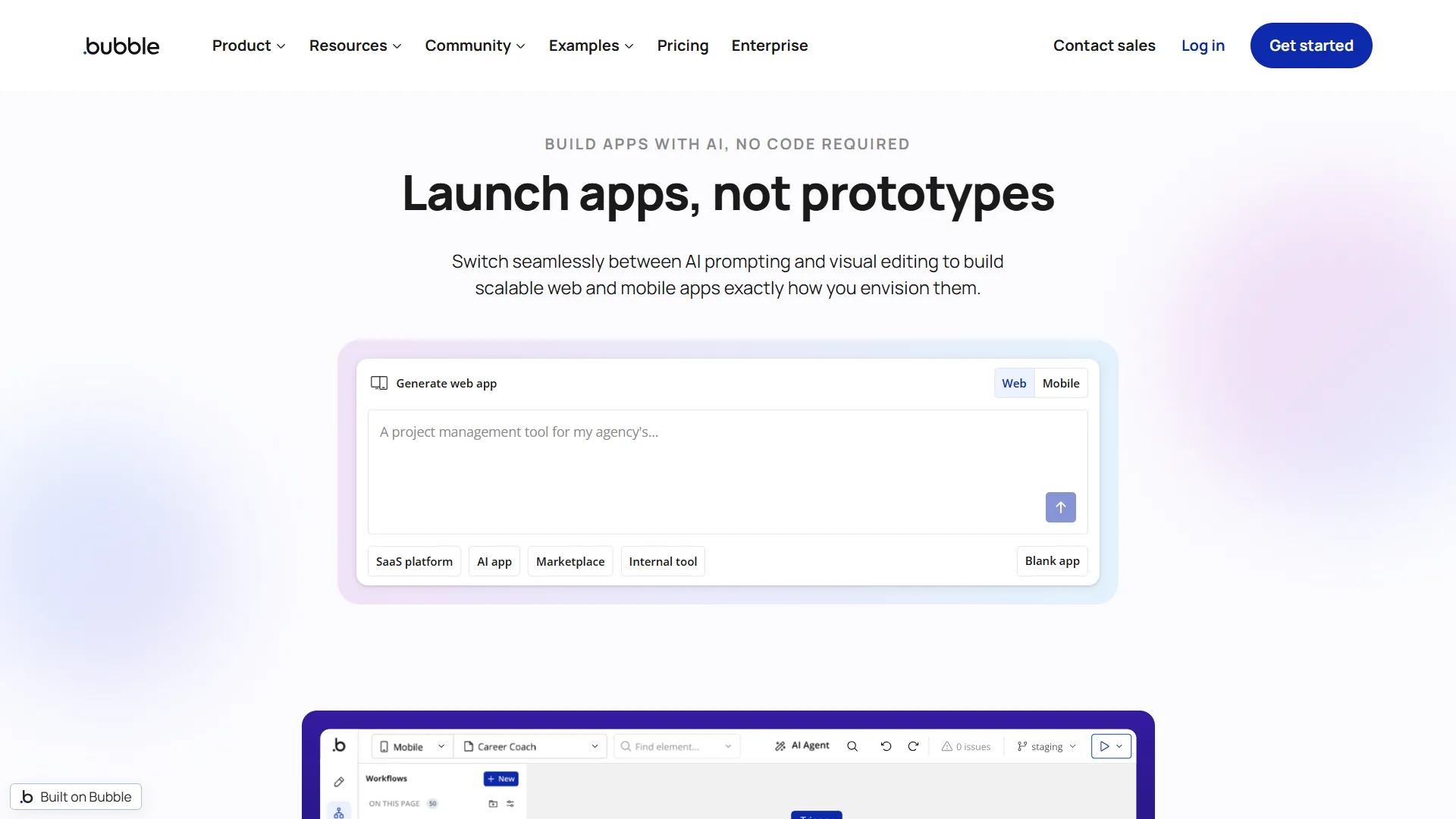
Best for: Complex no-code web applications
Bubble has been one of the major names in no-code development for years, and its AI features are making app creation even more accessible.
You can use Bubble to build applications with databases, user accounts, workflows, APIs, payments, and other advanced functionality without writing traditional code for every feature.
Its flexibility makes it a strong choice for startups that need more than a basic website.
Why Bubble stands out
- Powerful no-code platform
- AI-assisted development
- Database functionality
- Custom workflows
- API integrations
- Suitable for complex web apps
Best for: Startup founders and businesses building sophisticated web applications without a traditional development team.
9. Softr
Best for: Portals, directories, and business tools
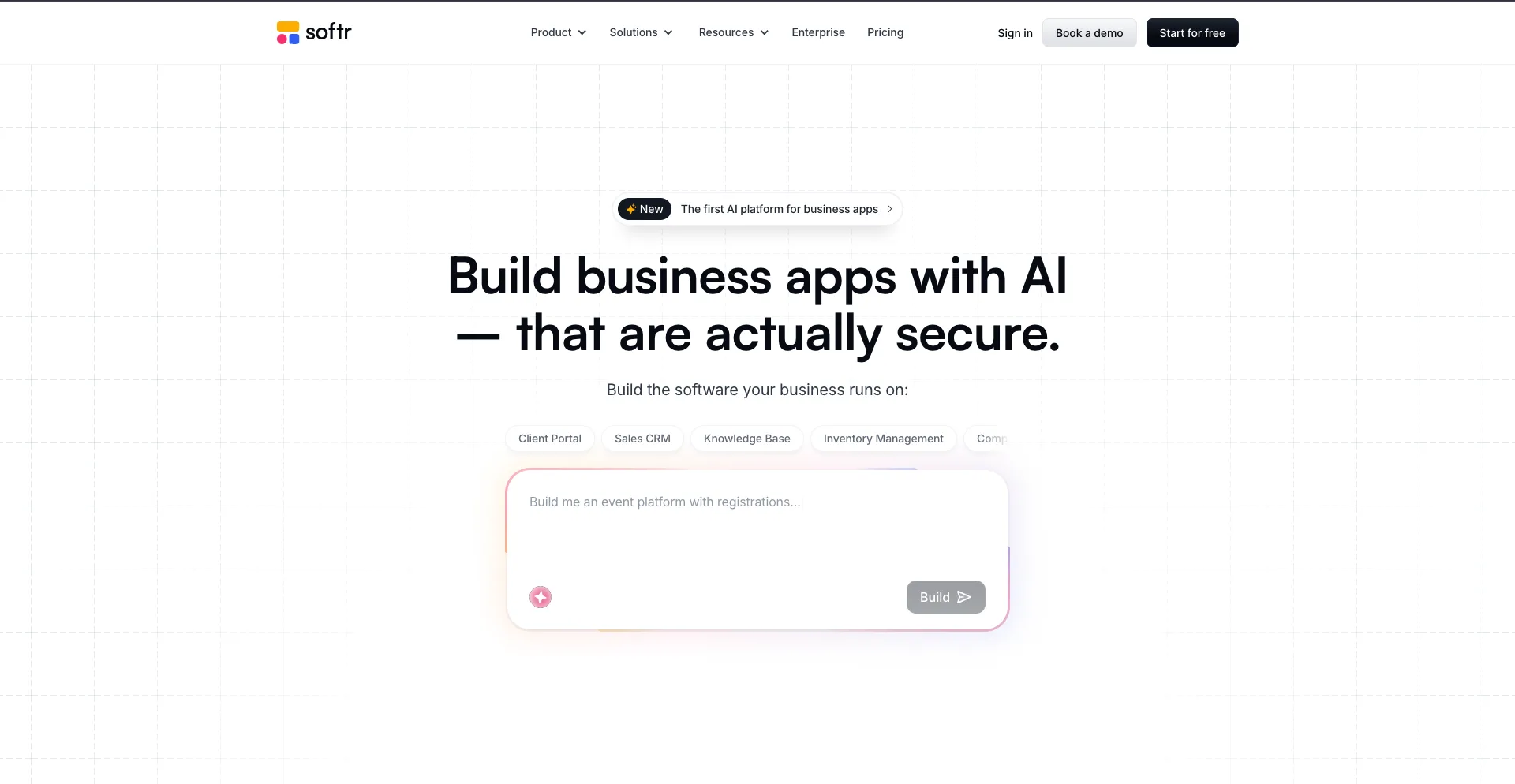
Softr is a no-code platform designed for building web applications and business tools using databases and other data sources.
Its AI-powered app generation features can help turn a description into a starting application, which you can then customize.
Softr is particularly useful for directories, client portals, membership sites, internal tools, and simple CRM-style applications.
Why Softr stands out
- AI-assisted app generation
- No-code interface
- Client portals
- Directories
- Membership applications
- Database integrations
Best for: Businesses and creators building data-driven applications without coding.
10. FlutterFlow
Best for: Mobile applications
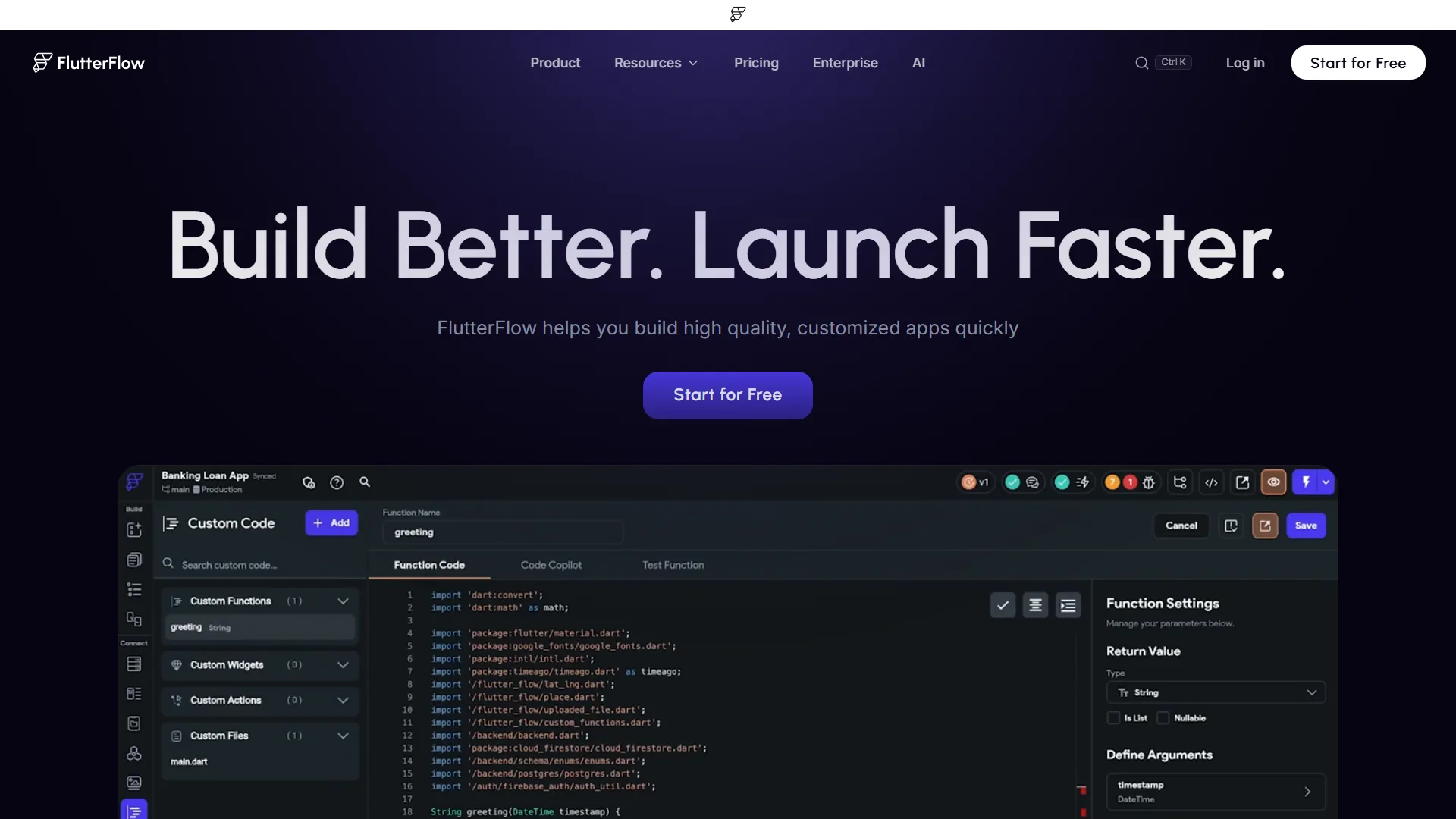
FlutterFlow is focused heavily on building mobile and web applications using a visual development environment.
Its AI capabilities can help generate components and accelerate development, while its visual builder provides greater control than many simple no-code tools.
A major advantage is its focus on Flutter, which can allow developers to work with code rather than being completely locked into a closed platform.
Why FlutterFlow stands out
- Mobile app development
- Visual development
- AI-assisted features
- Flutter-based applications
- Custom UI design
- Code export capabilities
Best for: Founders and developers building more advanced mobile applications.
11. Adalo
Best for: No-code mobile apps
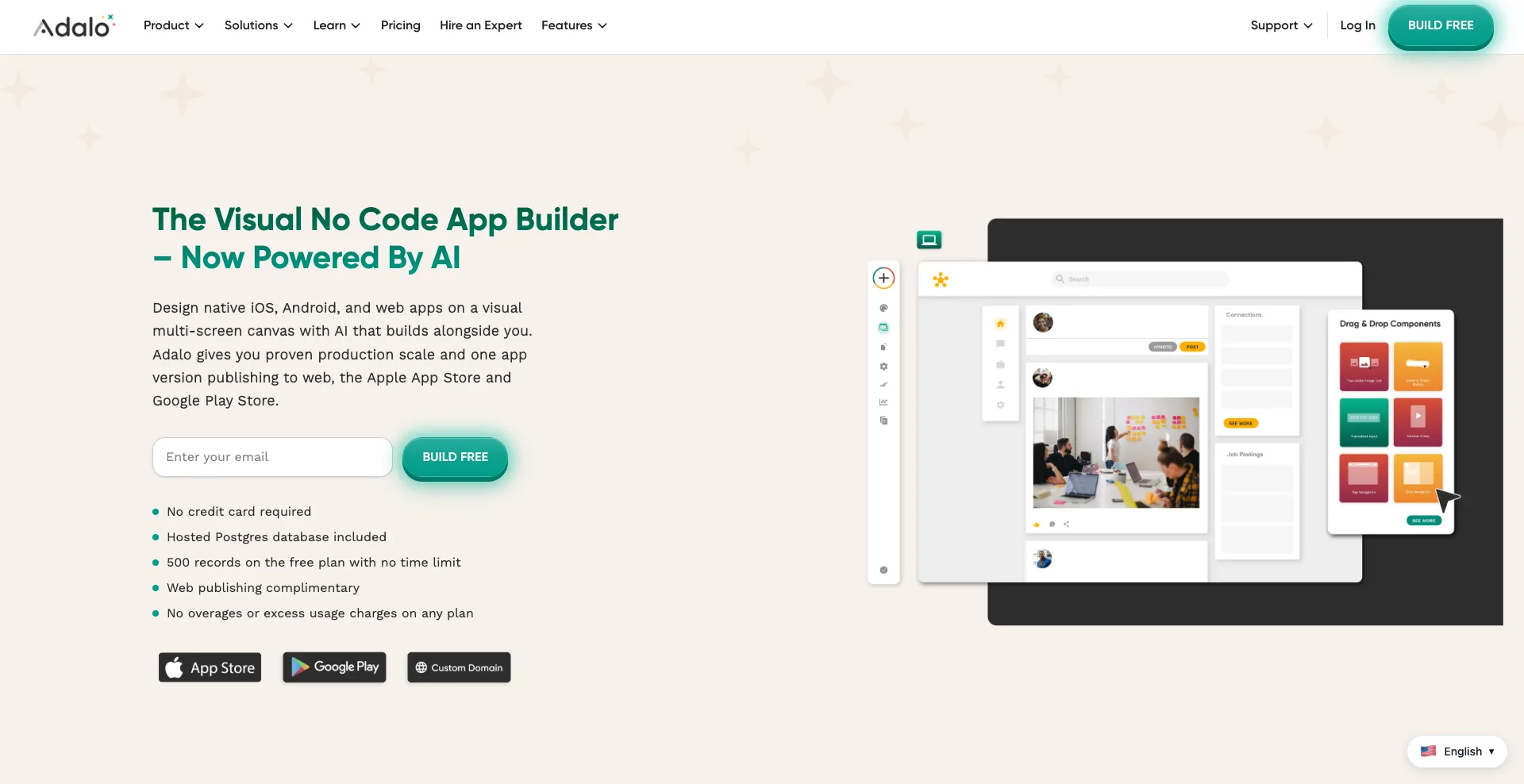
Adalo makes it possible to create applications visually without requiring traditional programming skills.
You can build screens, databases, user accounts, navigation, and other application features through its visual interface.
It is particularly useful when your goal is to validate an app idea quickly before investing in a more complex development process.
Why Adalo stands out
- Visual app builder
- No-code development
- Mobile app focus
- Database functionality
- User authentication
- Rapid prototyping
Best for: Entrepreneurs and beginners who want to prototype mobile apps without learning to code.
12. AppSheet
Best for: Business process automation
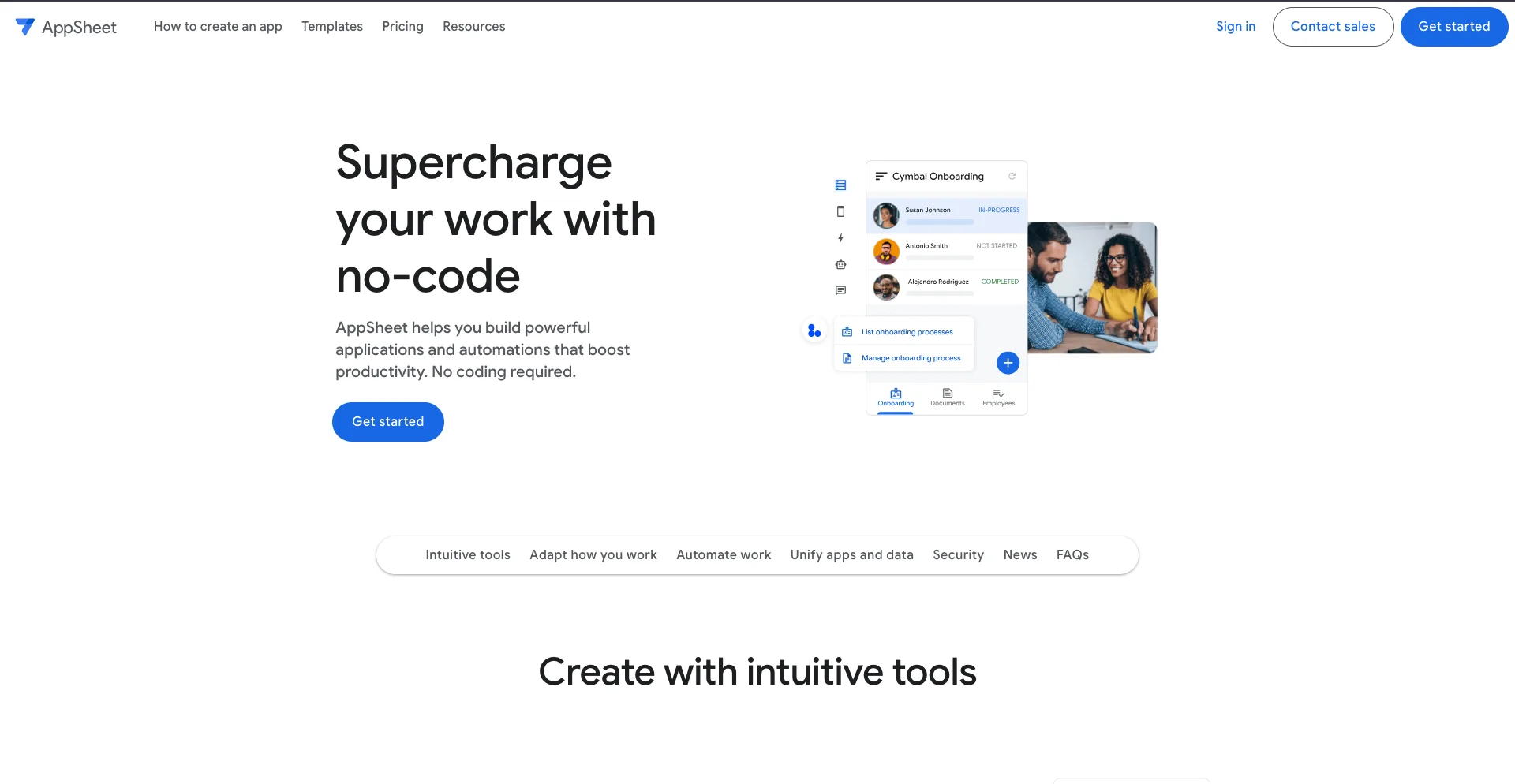
AppSheet is Google’s no-code application development platform. It is designed primarily around helping businesses build applications connected to their existing data and workflows.
You can create applications for inventory, inspections, field operations, project management, data collection, and other business processes.
Its integration with Google Workspace and other data sources makes it particularly useful for organizations already using Google’s ecosystem.
Why AppSheet stands out
- No-code application development
- Google ecosystem integration
- Data-driven applications
- Workflow automation
- Business process tools
- Useful for internal apps
Best for: Businesses that want to digitize internal processes without developing a custom application from scratch.
Which AI App Builder Should You Choose?
The right platform depends heavily on what you are trying to build.
| AI App Builder | Best For |
|---|---|
| Lovable | Rapid web app development |
| Bolt.new | AI-assisted full-stack development |
| Replit | Development and deployment |
| Base44 | Business applications |
| Firebase Studio | Full-stack apps with Google infrastructure |
| v0 | Modern web interfaces |
| Glide | Internal business tools |
| Bubble | Complex no-code web apps |
| Softr | Portals and directories |
| FlutterFlow | Mobile and web apps |
| Adalo | No-code mobile apps |
| AppSheet | Business process automation |
If you want to build a web app quickly with natural-language prompts, Lovable, Bolt.new, and Replit are strong places to start.
For complex no-code applications, Bubble offers much more flexibility.
If your focus is mobile app development, FlutterFlow and Adalo are worth exploring.
For internal business tools, Glide, Softr, and AppSheet can be particularly useful.
How to Choose an AI App Builder
Before choosing a platform, think about what you actually need from your application.
1. Decide what you are building
A simple directory does not require the same platform as a SaaS product.
Define your core requirements first:
- Web or mobile?
- User accounts?
- Database?
- Payments?
- API integrations?
- Admin dashboard?
- Notifications?
- File uploads?
- AI features?
This will quickly narrow down your options.
2. Check how much control you need
Some AI builders are designed for beginners and hide most of the technical complexity.
Others give you access to the generated code and underlying infrastructure.
If you are comfortable with development, a platform such as Replit, Bolt.new, or Firebase Studio may give you more flexibility. If you want to avoid code entirely, platforms such as Glide, Softr, or Adalo may be easier.
3. Look at deployment options
Creating an app is only one part of the process.
Check whether the platform supports the deployment environment you need, such as:
- Custom domains
- Web hosting
- Android apps
- iOS apps
- App Store publishing
- Database hosting
- API integrations
A platform that makes development easy but limits how you can deploy your application may become frustrating later.
4. Think about scalability
An AI-generated prototype and a production application are not necessarily the same thing.
If you are building a serious startup, consider the platform’s database capabilities, security, performance, integrations, pricing, and ability to export or modify your application.
Final Thoughts
The best AI app builders in 2026 can dramatically reduce the time and technical knowledge needed to turn an idea into a working application.
Lovable, Bolt.new, and Replit are strong choices for AI-assisted development, while Bubble, Glide, Softr, and AppSheet are useful for no-code business applications. For mobile development, FlutterFlow and Adalo are worth considering, while Firebase Studio and v0 offer powerful options for more technical users.
The key is not to choose the platform with the longest feature list. Choose the one that matches your application’s requirements, your technical skills, and how much control you need over the final product.
AI can accelerate development, but you should still test your application carefully, review generated code where applicable, protect user data, and validate the product with real users before relying on it in production. You may also like to read: 6 Best Website Builders to Use in 2026.