

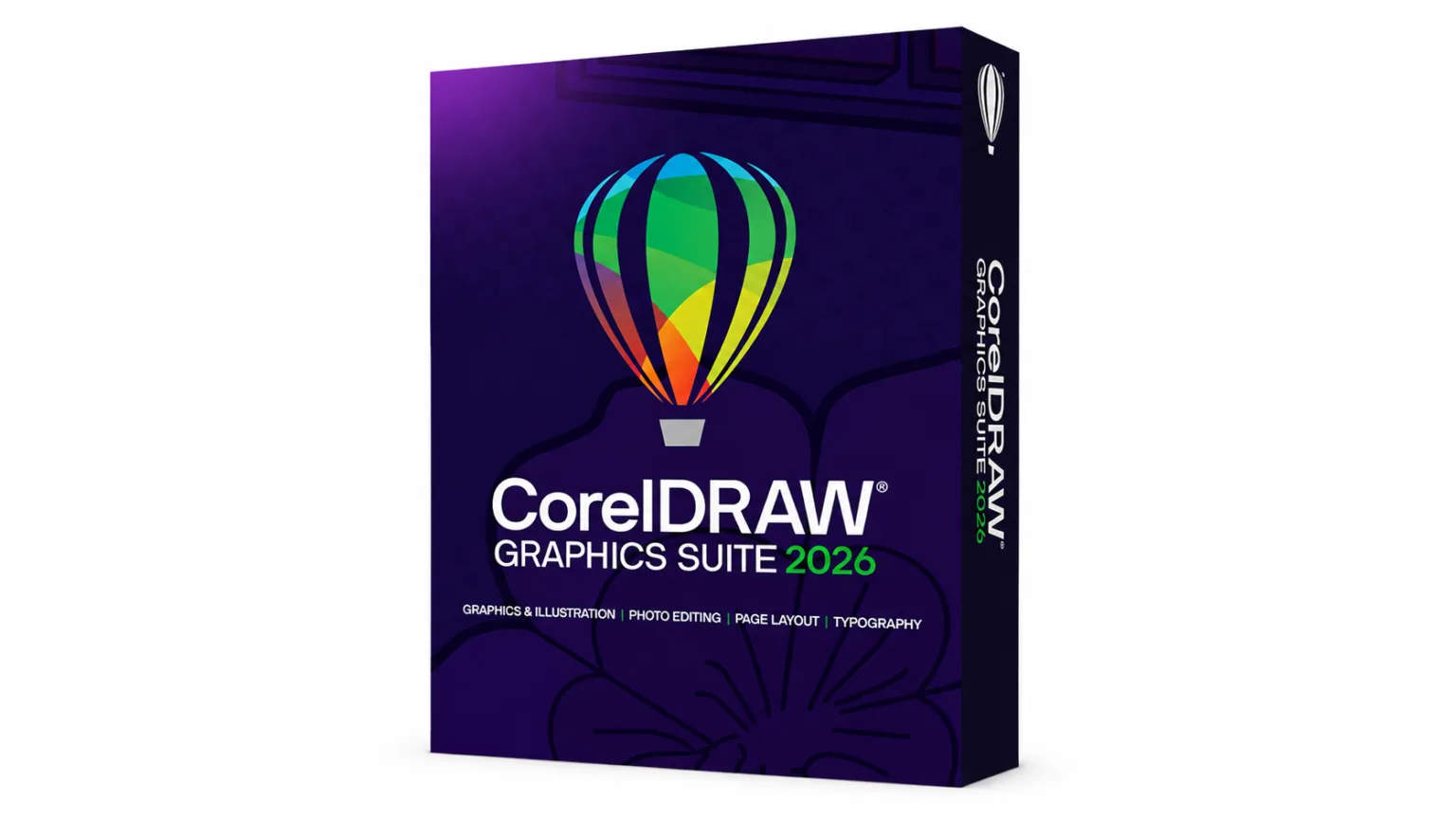
CorelDRAW Graphics Suite 2026 is a professional graphic design suite for vector illustration, page layout, photo editing, typography, and web-based design. The 2026 release adds AI-powered image generation, AI background removal, AI masking, a refreshed interface, faster performance, and new subscriber content. It is available for both Windows and Mac.
If you are looking for the CorelDRAW Graphics Suite 2026 download, this guide covers the new features, system requirements, installation steps, pricing, licensing, and free trial.
What’s New in CorelDRAW Graphics Suite 2026
CorelDRAW Graphics Suite 2026 focuses heavily on AI-assisted design while keeping the designer in control. The release also includes interface, performance, and content improvements.
AI Generate
One of the biggest additions is AI Generate, a prompt-based image creation tool available in CorelDRAW and Corel PHOTO-PAINT.
You can use text prompts to create original images, work from reference images, or remix existing visuals. Generated results can then be adjusted inside CorelDRAW to better match your project.
AI Background Removal
CorelDRAW Graphics Suite 2026 introduces an AI-powered background remover that can automatically identify the foreground subject and remove its background.
This can be useful when preparing product images, promotional graphics, portraits, and other designs where manually selecting a subject would take more time.
AI-Powered Masking
Corel PHOTO-PAINT also gains AI-powered object selection and masking capabilities. These tools can help select subjects and create masks more quickly, while still allowing designers to refine the result manually.
AI Credits
Generative AI features use AI credits. Corel states that perpetual-license users receive a one-time balance of 2,000 credits, while subscribers and maintenance customers receive 2,000 credits each month.
Refreshed Interface
The 2026 version includes a modernized interface with refined icons, updated colors, improved navigation, and greater consistency between desktop and web experiences.
Faster Performance
Corel has also focused on performance and stability. According to Corel, some application launch times can be around three times faster, alongside improvements to font handling, zoom controls, file operations, and overall stability.
New Templates and Brushes
Subscribers get additional creative content, including more than 200 new cloud-based templates and 50 new brushes.
CorelDRAW Graphics Suite 2026 System Requirements
Before downloading CorelDRAW Graphics Suite 2026, make sure your computer meets the minimum requirements.
Windows Requirements
Corel lists the following requirements for Windows:
- Windows 10 or Windows 11, 64-bit, with the latest updates
- Intel Core i3, i5, i7, or i9 processor from 7th generation or newer, or compatible AMD Ryzen, Threadripper, or EPYC processor
- 8 GB RAM, with 16 GB or more recommended
- 5.5 GB available storage
- OpenCL 1.2-compatible graphics card with at least 3 GB VRAM
- 1280 × 720 display at 100% scaling, with 1920 × 1080 or higher recommended
- Mouse, tablet, or multi-touch screen
- Internet connection for installation and authentication
Mac Requirements
For Mac users, Corel supports:
- macOS Sonoma 14, Sequoia 15, or Tahoe 26, with the latest revision
- Apple Silicon or a multicore Intel processor with AVX2 support
- 8 GB RAM, with 16 GB or more recommended
- 3 GB available storage
- SSD recommended
- OpenCL 1.2-compatible graphics card with at least 3 GB VRAM
- 1920 × 1200 display resolution
- Mouse or tablet
- Internet connection for installation and authentication
Check your system before starting the installation. Running software below its minimum requirements can lead to slower performance or reduced functionality.
How to Download CorelDRAW Graphics Suite 2026
The safest way to download CorelDRAW Graphics Suite 2026 is through Corel’s official website.
Download CorelDRAW Graphics Suite 2026 from Corel
Follow these steps:
- Visit the official CorelDRAW website.
- Find CorelDRAW Graphics Suite 2026.
- Choose the trial or purchase option that suits you.
- Sign in or create a Corel account if required.
- Download the installer for Windows or Mac.
- Open the downloaded installer.
- Follow the on-screen installation instructions.
- Sign in and activate the software when prompted.
Corel also provides official installation and activation support if you encounter problems during setup.
How to Install CorelDRAW Graphics Suite 2026 on Windows
After downloading the Windows installer, installation is straightforward.
Step 1: Open the Installer
Locate the CorelDRAW installer in your Downloads folder and open it.
Step 2: Follow the Setup Instructions
The installer will guide you through the installation process. Review the license terms and select the appropriate installation options.
Step 3: Sign In
You may need to sign in with your Corel account to authenticate the software.
Step 4: Complete Installation
Allow the installer to copy the necessary application files to your computer. The installation requires approximately 5.5 GB of available storage.
Step 5: Launch CorelDRAW
Once installation finishes, open CorelDRAW Graphics Suite 2026 from the Start menu or desktop shortcut.
If you experience activation or installation issues, use Corel’s official support resources rather than downloading modified installers from unofficial websites.
How to Install CorelDRAW Graphics Suite 2026 on Mac
Mac installation is similarly simple.
Step 1: Download the Mac Installer
Download the official macOS installer from Corel.
Step 2: Open the Downloaded File
Open the installer and follow the instructions displayed on screen.
Step 3: Install the Suite
Choose the appropriate installation options and allow macOS to complete the installation.
Step 4: Sign In and Authenticate
Launch CorelDRAW and sign in with your Corel account if required.
Step 5: Start Designing
After activation, you can open CorelDRAW, Corel PHOTO-PAINT, and other applications included with your license.
Corel requires an internet connection for installation and authentication, as well as for certain online features and content.
CorelDRAW Graphics Suite 2026 for Windows
The Windows version provides the full professional design environment, including vector illustration, page layout, photo editing, typography, and other creative tools.
CorelDRAW Graphics Suite 2026 supports Windows 10 and Windows 11 64-bit systems. For better performance, Corel recommends 16 GB or more RAM and a display of at least 1920 × 1080.
Windows users can also access CorelDRAW Web through supported browsers when their subscription or maintenance plan includes the service.
CorelDRAW Graphics Suite 2026 for Mac
CorelDRAW Graphics Suite 2026 is also available for modern Macs.
The software supports both Apple Silicon and compatible Intel Macs. Corel recommends 16 GB or more RAM for a better experience, while the minimum is 8 GB.
The Mac version supports macOS Sonoma, Sequoia, and Tahoe with the latest revisions.
CorelDRAW Graphics Suite 2026 Free Trial
If you are not ready to purchase CorelDRAW, you can test the software before committing.
Corel currently advertises a 15-day free trial of CorelDRAW Graphics Suite. The official website also states that the trial does not require a credit card.
Try CorelDRAW Graphics Suite free
A trial is useful if you want to check whether the software works properly on your computer before choosing a license.
Pricing and Licensing
CorelDRAW Graphics Suite 2026 is offered through different purchasing options, including subscription plans and a one-time purchase option. The exact prices can vary by region, currency, promotions, and tax.
The subscription option provides access to the latest version, exclusive features and content, cloud-related capabilities, and recurring AI credits.
Corel also offers a 2026 one-time purchase option for customers who prefer a perpetual license. However, subscription-exclusive features and benefits may differ from those included with the perpetual version.
For current pricing, check the official CorelDRAW product page because prices and promotions can change.
Is CorelDRAW Graphics Suite 2026 Free?
No, the full version of CorelDRAW Graphics Suite 2026 is not free.
However, Corel provides a free trial that allows users to test the software before purchasing. The full product is available through subscription and one-time purchase options.
Be careful with websites offering a supposedly free, cracked, or modified copy of CorelDRAW. Apart from licensing concerns, unofficial installers can create security and reliability problems.
CorelDRAW Graphics Suite 2026 Update
Corel has already released an update for the 2026 version.
The July 2026 Update, version 27.1, includes enhancements as well as performance and stability improvements. Corel states that it applies to the March 2026 release, version 27.0.0.121.
Keeping CorelDRAW updated can help you benefit from bug fixes, performance improvements, and other changes released after the initial launch.
FAQs
Is CorelDRAW Graphics Suite 2026 available for Windows and Mac?
Yes. CorelDRAW Graphics Suite 2026 is available for both Windows and Mac.
Can I try CorelDRAW Graphics Suite 2026 for free?
Yes. Corel currently offers a 15-day free trial.
How much RAM does CorelDRAW 2026 need?
The minimum is 8 GB RAM on both Windows and Mac, while 16 GB or more is recommended.
Does CorelDRAW 2026 use AI?
Yes. The 2026 release includes AI Generate, AI-powered background removal, and AI-assisted masking tools.
Does CorelDRAW 2026 require an internet connection?
An internet connection is required for installation and authentication, as well as for some online features, content, and included components.
Is CorelDRAW Graphics Suite 2026 available as a one-time purchase?
Yes. Corel lists a 2026 one-time purchase option alongside subscription plans.
What is the latest CorelDRAW 2026 update?
As of August 2026, Corel lists the July 2026 Update, version 27.1, as the latest 2026 update on its patches and updates page.
Conclusion
CorelDRAW Graphics Suite 2026 is a major update for designers who want professional vector, layout, photo-editing, and typography tools with newer AI capabilities. Its biggest additions include AI Generate, AI background removal, AI masking, a refreshed interface, improved performance, and new subscriber content.
Before you download CorelDRAW Graphics Suite 2026, check your Windows or Mac specifications and choose between the free trial, subscription, or one-time purchase option. For the safest installation, always use the official CorelDRAW download and support pages.
Trademark notice: CorelDRAW is a trademark of Corel Corporation. Sparktopus is not affiliated with or endorsed by Corel Corporation.