

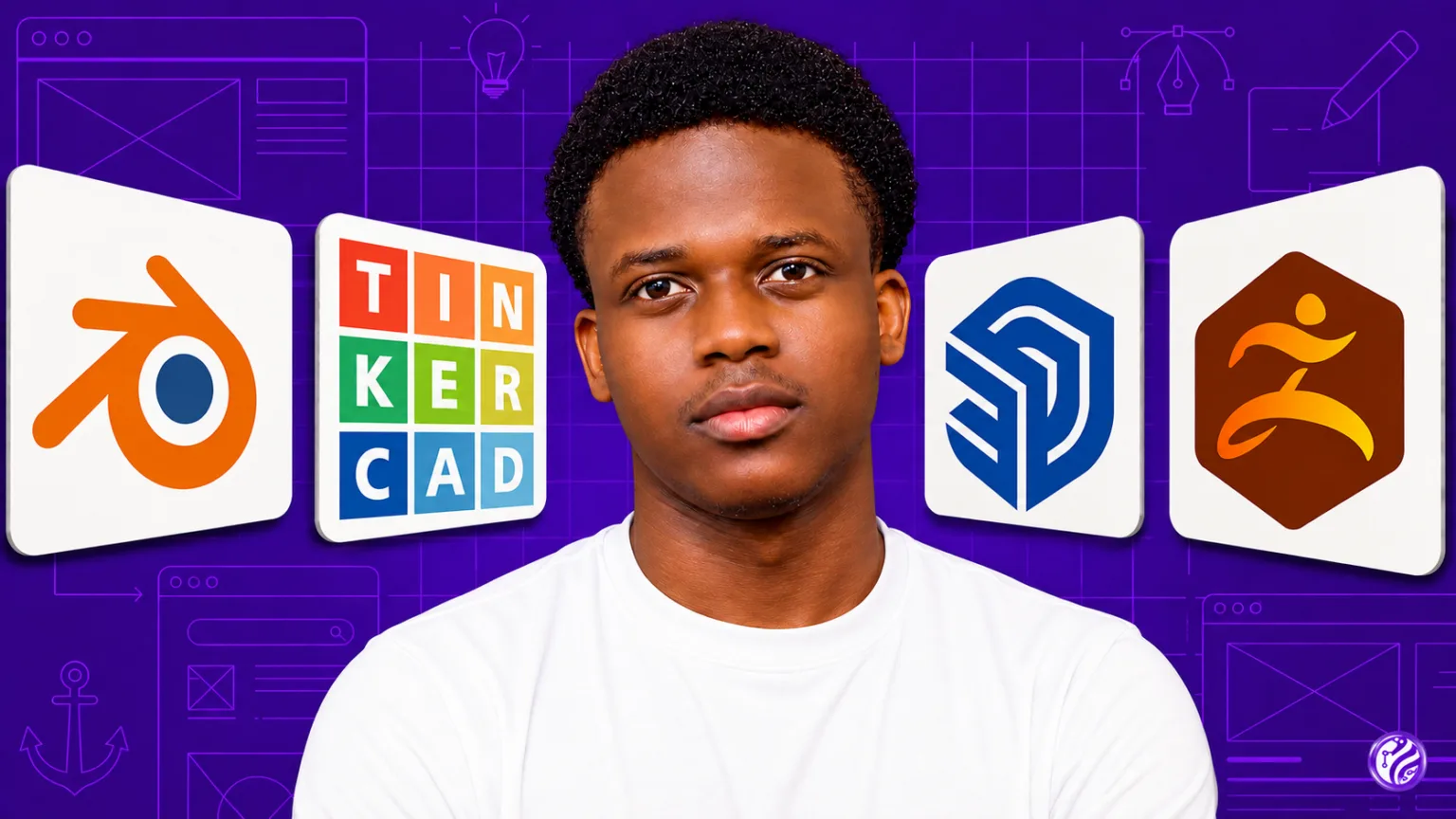
If you are new to 3D modeling, animation, or digital design, choosing the right software can make the learning process much easier. The best 3D software for beginners in 2026 should offer an approachable interface, useful learning resources, and enough features to grow with your skills.
From free tools such as Blender to professional platforms such as Autodesk Maya, there are options for almost every type of beginner. Here are 10 of the best 3D programs to consider.
1. Blender
Best for: Overall 3D learning and versatility
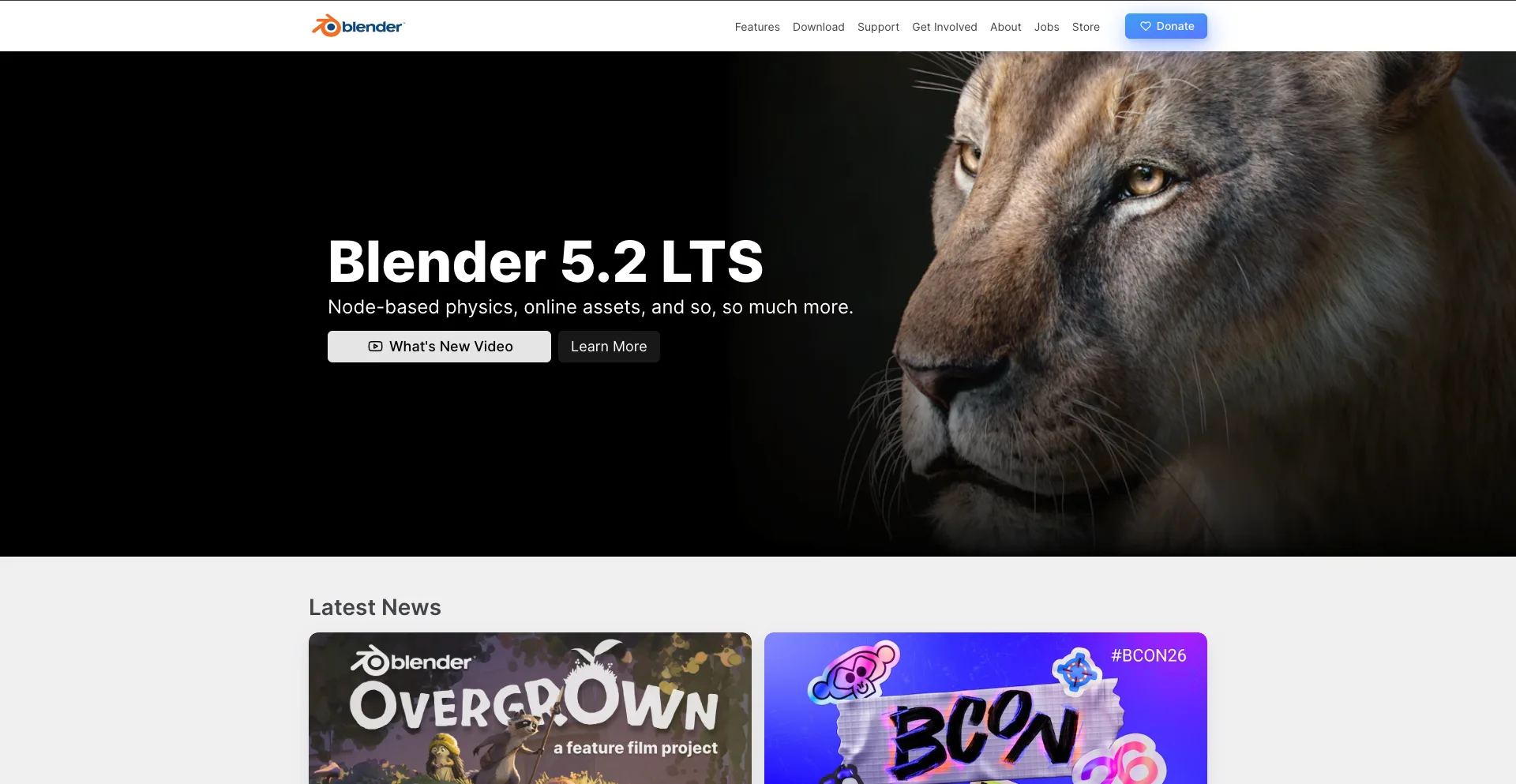
Blender is one of the strongest choices for beginners who want a powerful 3D application without paying for a subscription. It is open-source and includes tools for modeling, sculpting, animation, rendering, compositing, simulation, and more.
Its large community also means beginners can find thousands of tutorials and learning resources online.
Blender can be used for everything from simple 3D models to animated films, product visualization, and game assets.
Why beginners should try it:
- Free and open-source
- Extensive modeling tools
- Built-in animation and rigging
- Powerful Cycles and Eevee rendering
- Large learning community
- Supports many professional workflows
The biggest challenge is that Blender has a lot of features, which can make the interface feel overwhelming at first.
2. Tinkercad
Best for: Absolute beginners and simple 3D designs
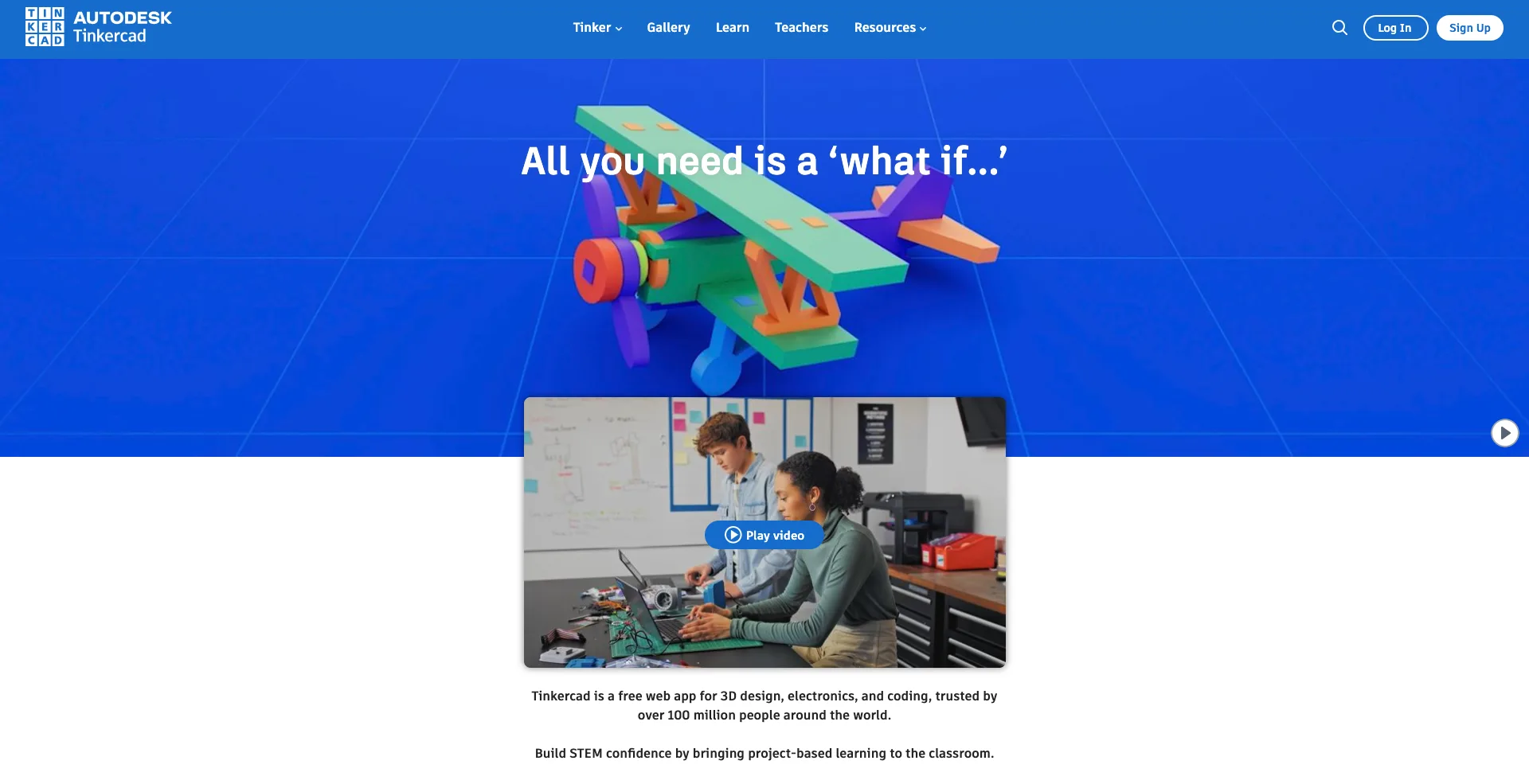
Tinkercad is a browser-based 3D design platform designed to make 3D modeling accessible to beginners. Instead of starting with complicated modeling tools, users can combine simple geometric shapes to create objects.
It is particularly useful for students, educators, hobbyists, and people interested in learning the basics of 3D printing.
You can create a model without needing previous 3D design experience, making Tinkercad one of the easiest 3D modeling programs to learn.
3. SketchUp
Best for: Architecture and interior design
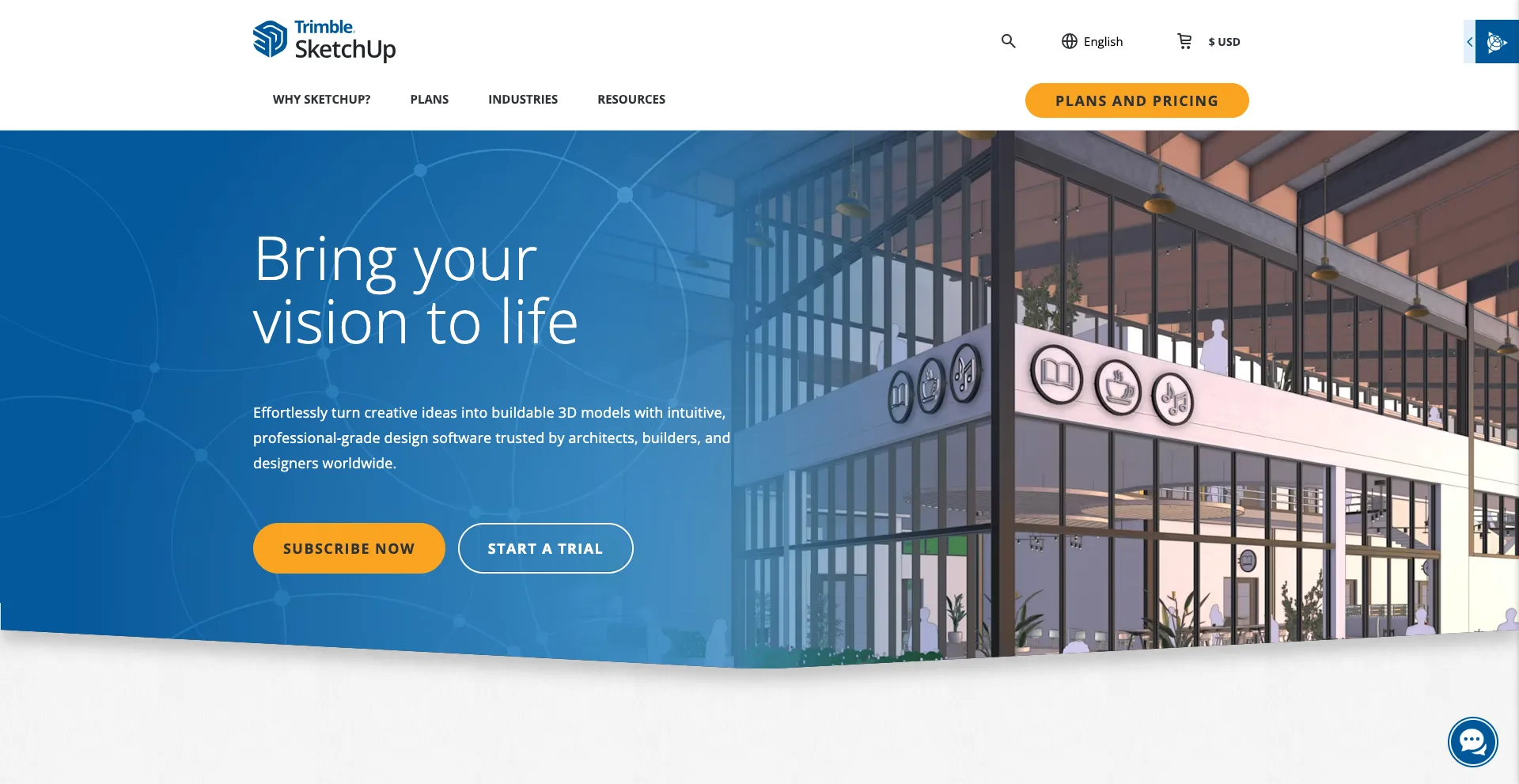
SketchUp is well known for its relatively simple approach to 3D modeling. It is particularly popular for architectural visualization, interior design, construction planning, and other applications where users need to build accurate 3D spaces.
The software’s push-and-pull modeling workflow makes it possible to create and modify structures without mastering complex sculpting techniques.
Beginners can start with simple rooms and buildings before moving into more detailed architectural projects.
4. Autodesk Fusion
Best for: Product design and engineering
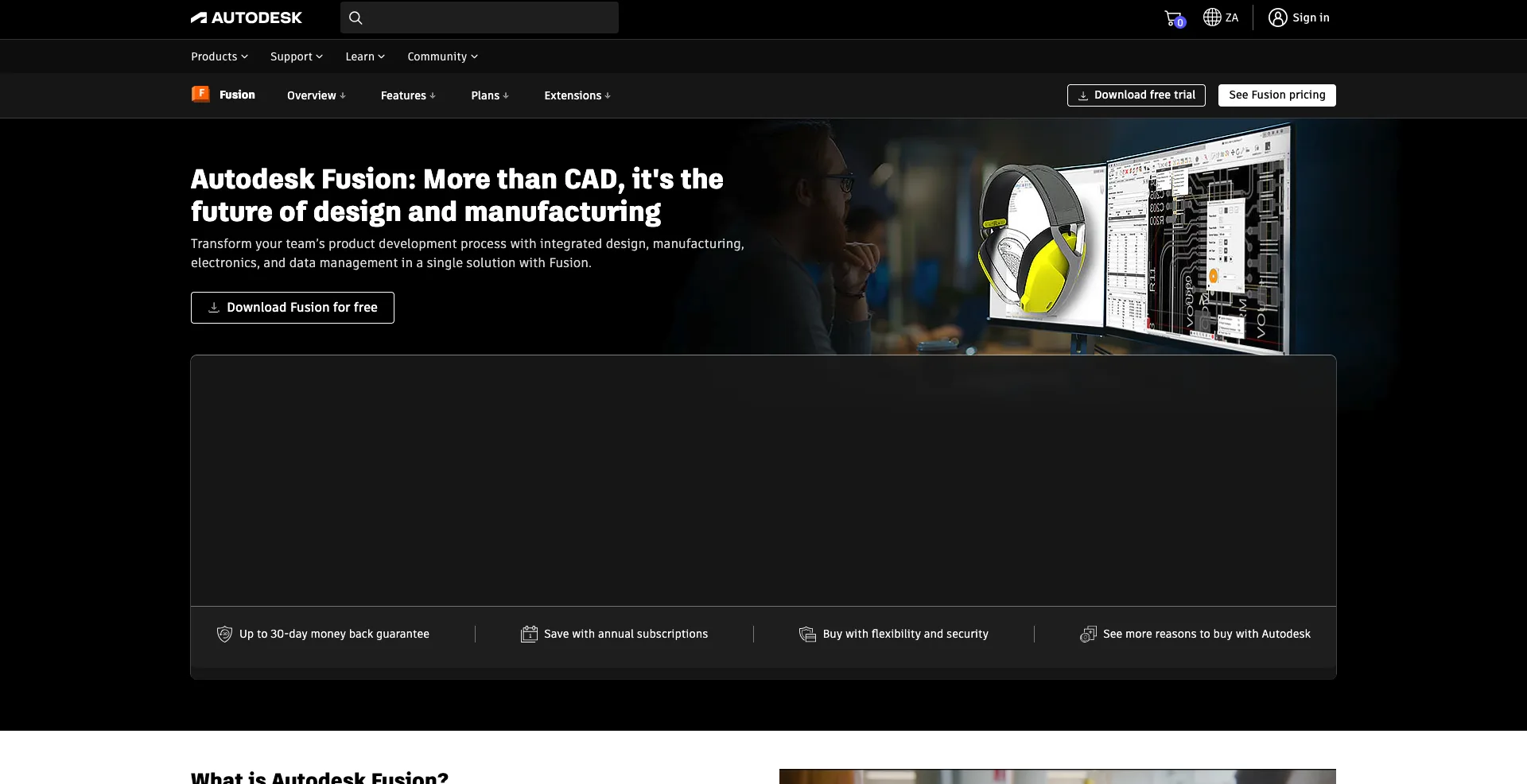
Autodesk Fusion combines 3D modeling with computer-aided design, engineering, and manufacturing tools. It is a strong choice for beginners who are interested in designing physical products rather than characters or animated scenes.
You can use it to create mechanical parts, prototypes, assemblies, and product concepts.
Fusion may take longer to learn than simpler modeling tools, but it provides a useful path for people interested in engineering and industrial design.
5. Autodesk Maya
Best for: Animation and visual effects
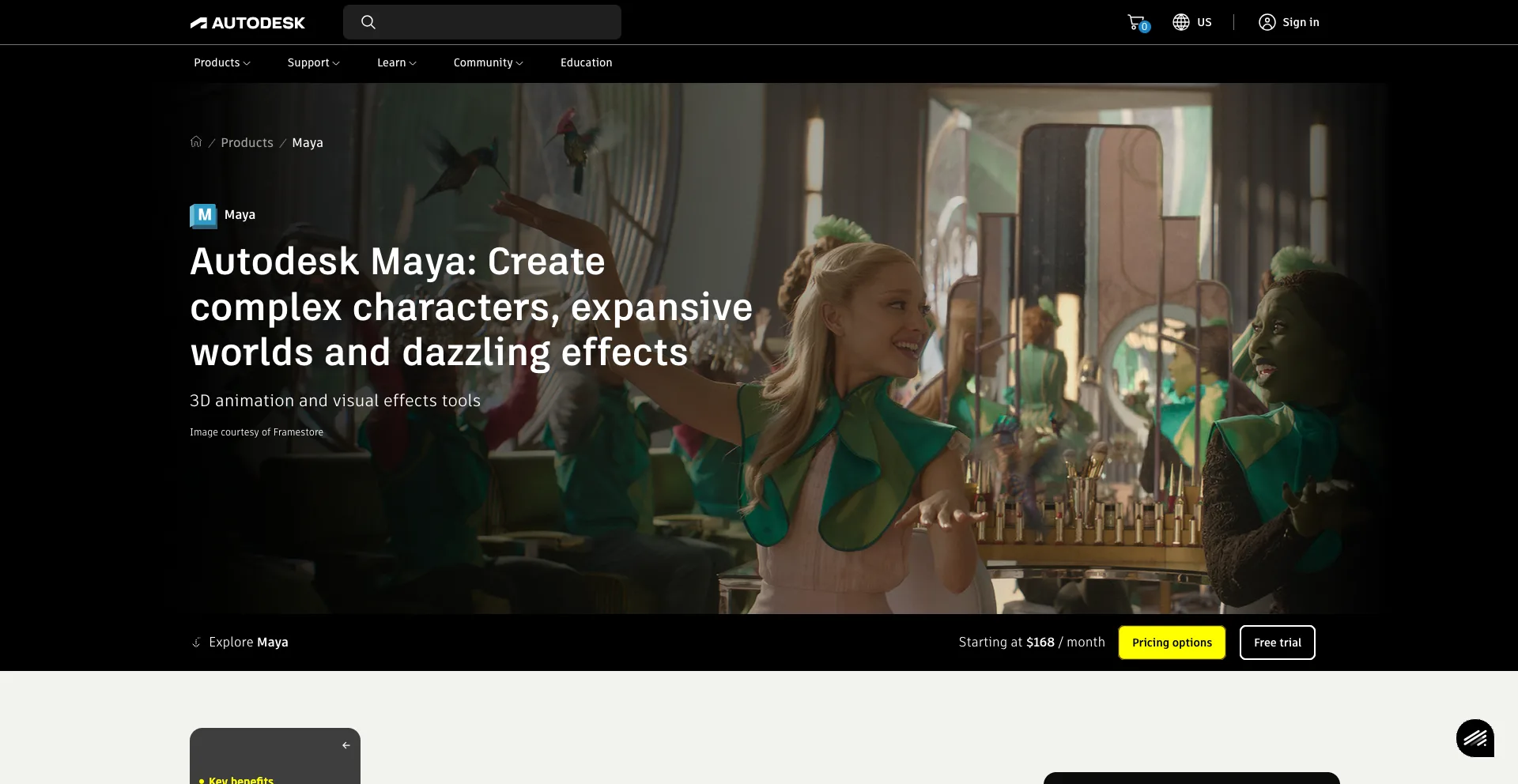
Autodesk Maya is a professional 3D application widely used in animation, visual effects, and game development.
It includes sophisticated tools for modeling, rigging, animation, simulation, and rendering. Although Maya is more complex than many beginner-focused applications, learning it can be valuable for people who want to pursue professional 3D animation.
New users should start with basic modeling and animation exercises before exploring its more advanced features.
6. Cinema 4D
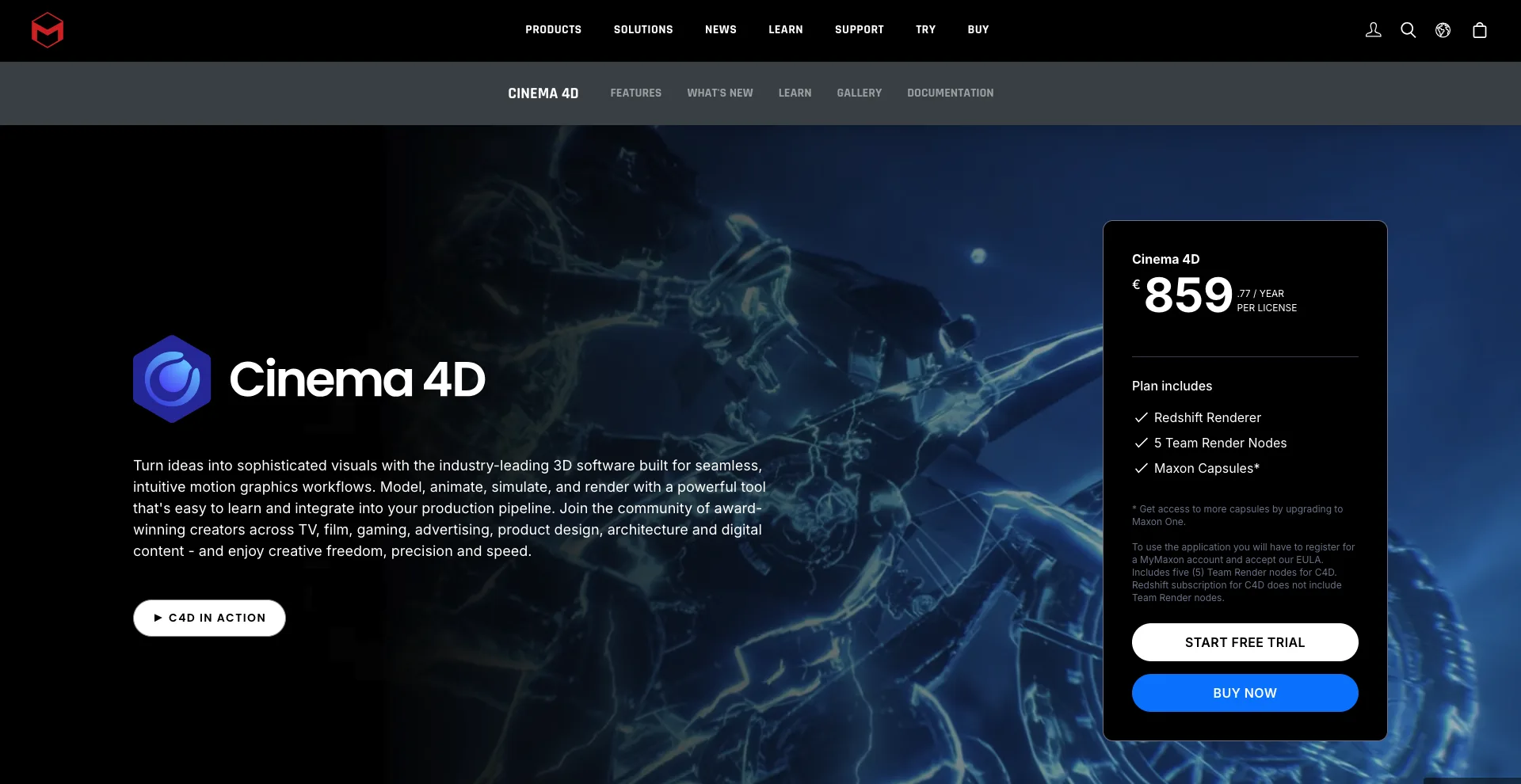
Best for: Motion graphics and creative 3D
Maxon Cinema 4D is a popular 3D application known for modeling, animation, rendering, and motion graphics.
Its workflow is often considered approachable compared with some other professional 3D applications. It is especially popular among motion designers creating animated typography, product visuals, broadcast graphics, and other creative content.
For beginners interested in motion graphics, Cinema 4D is worth considering.
7. ZBrush
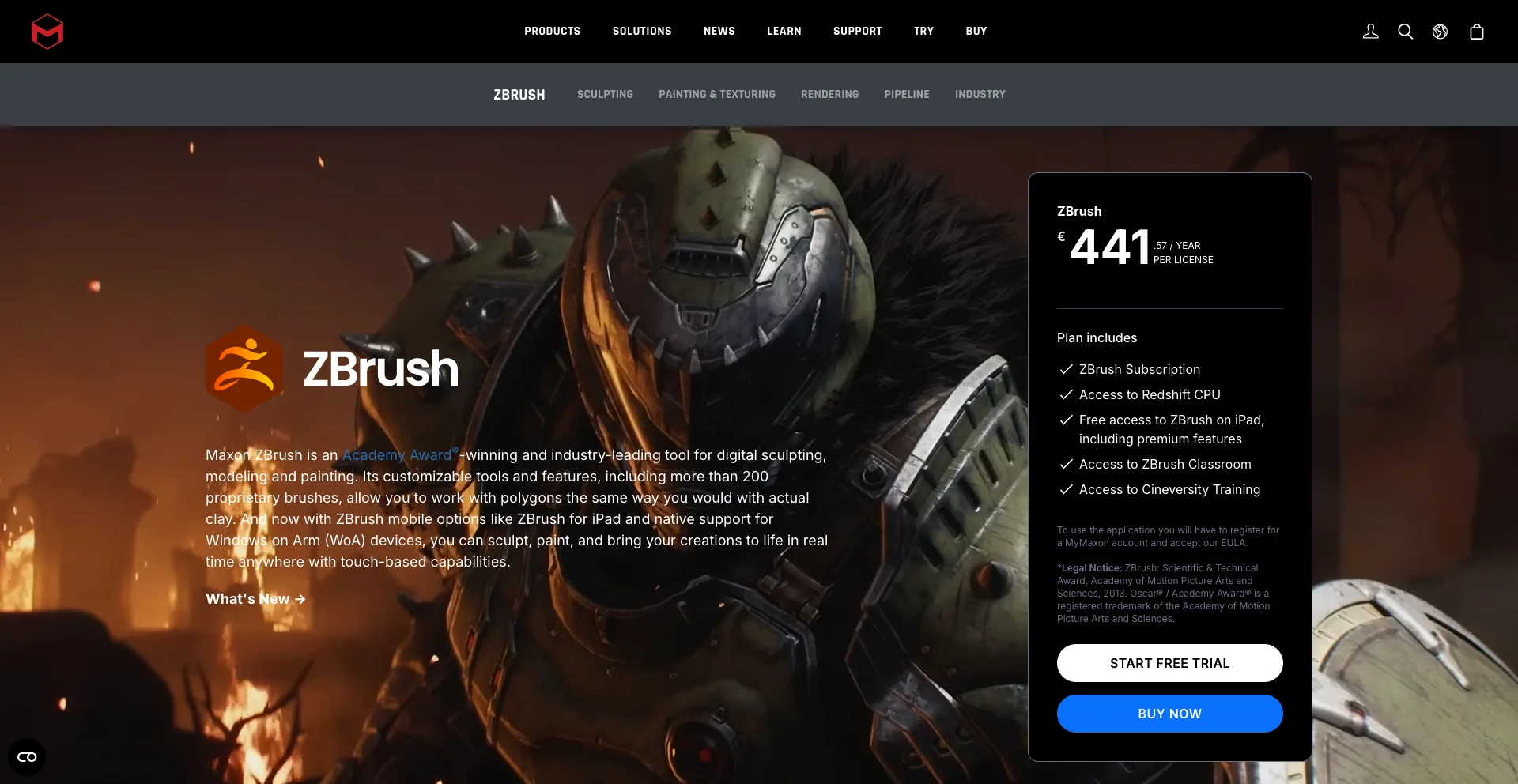
Best for: Digital sculpting
ZBrush takes a different approach to 3D creation. Instead of focusing primarily on traditional polygon modeling, it is designed around digital sculpting.
Artists can use it to create highly detailed characters, creatures, objects, and other organic models.
Beginners who are interested in character art or creature design may find ZBrush particularly useful. However, its extensive sculpting features mean there is still a learning curve.
8. 3ds Max
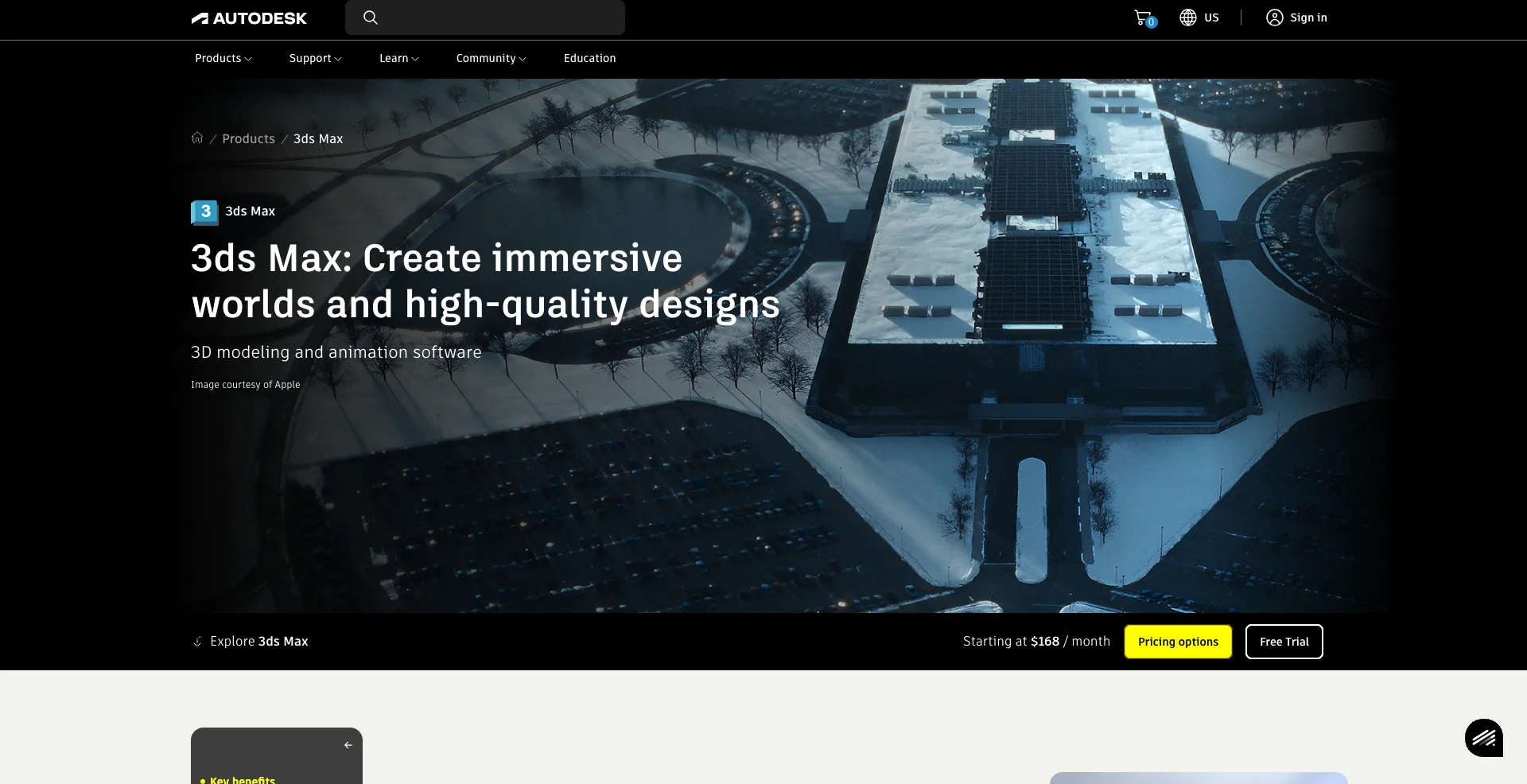
Best for: 3D modeling and visualization
Another application from Autodesk, 3ds Max is widely used for modeling, visualization, animation, and design.
It has a long history in architectural visualization, game development, product visualization, and other 3D workflows.
For beginners, the software provides a broad set of tools that can support different career paths. However, new users should focus on one area, such as modeling or visualization, rather than trying to learn every feature at once.
9. Daz Studio
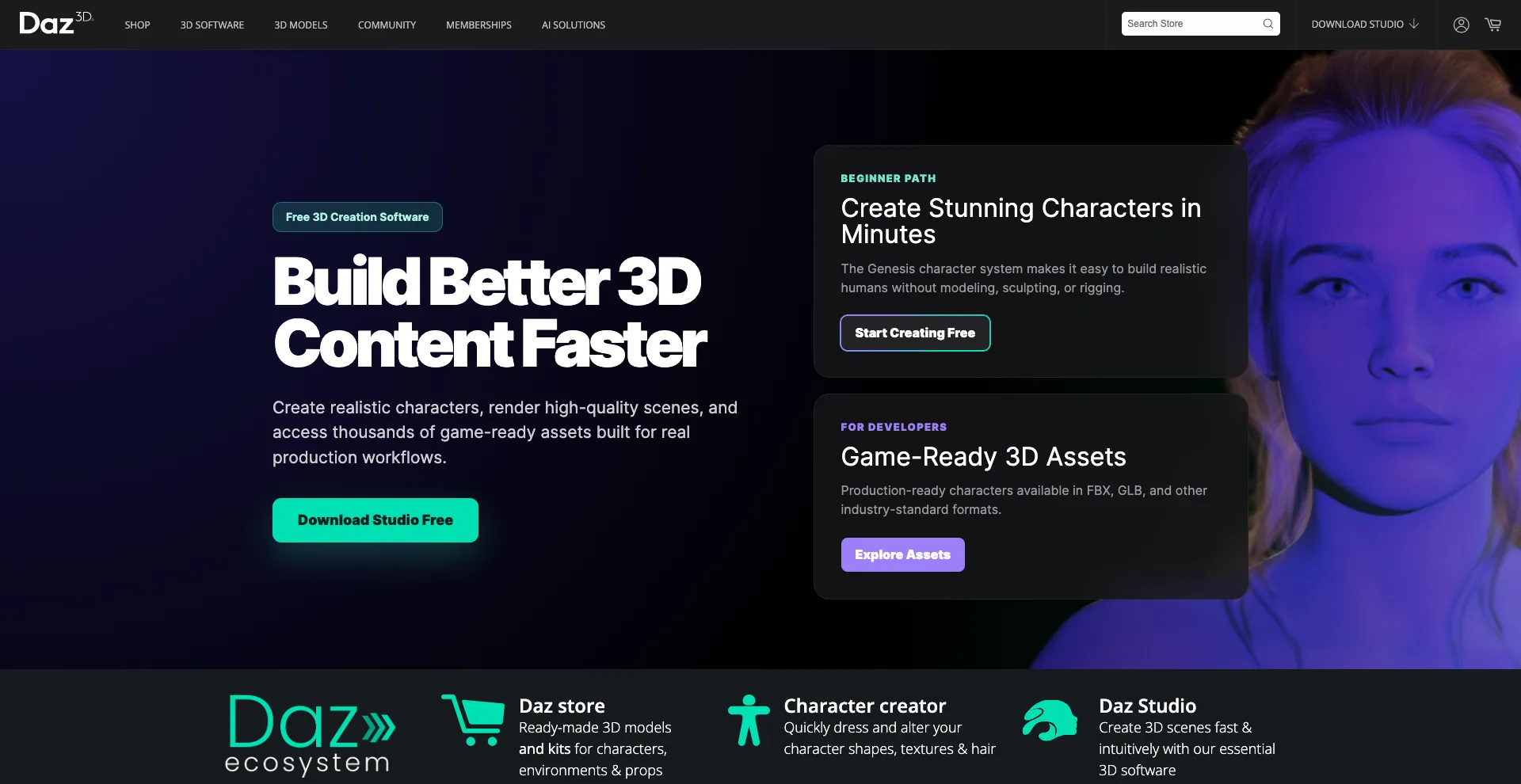
Best for: Character-based 3D scenes
Daz Studio is useful for beginners who want to create character-based scenes without building every character from scratch.
Users can work with 3D characters, environments, clothing, poses, lighting, and other assets to produce images and scenes.
This makes it a practical starting point for people who are more interested in creating finished scenes than learning traditional 3D modeling from the ground up.
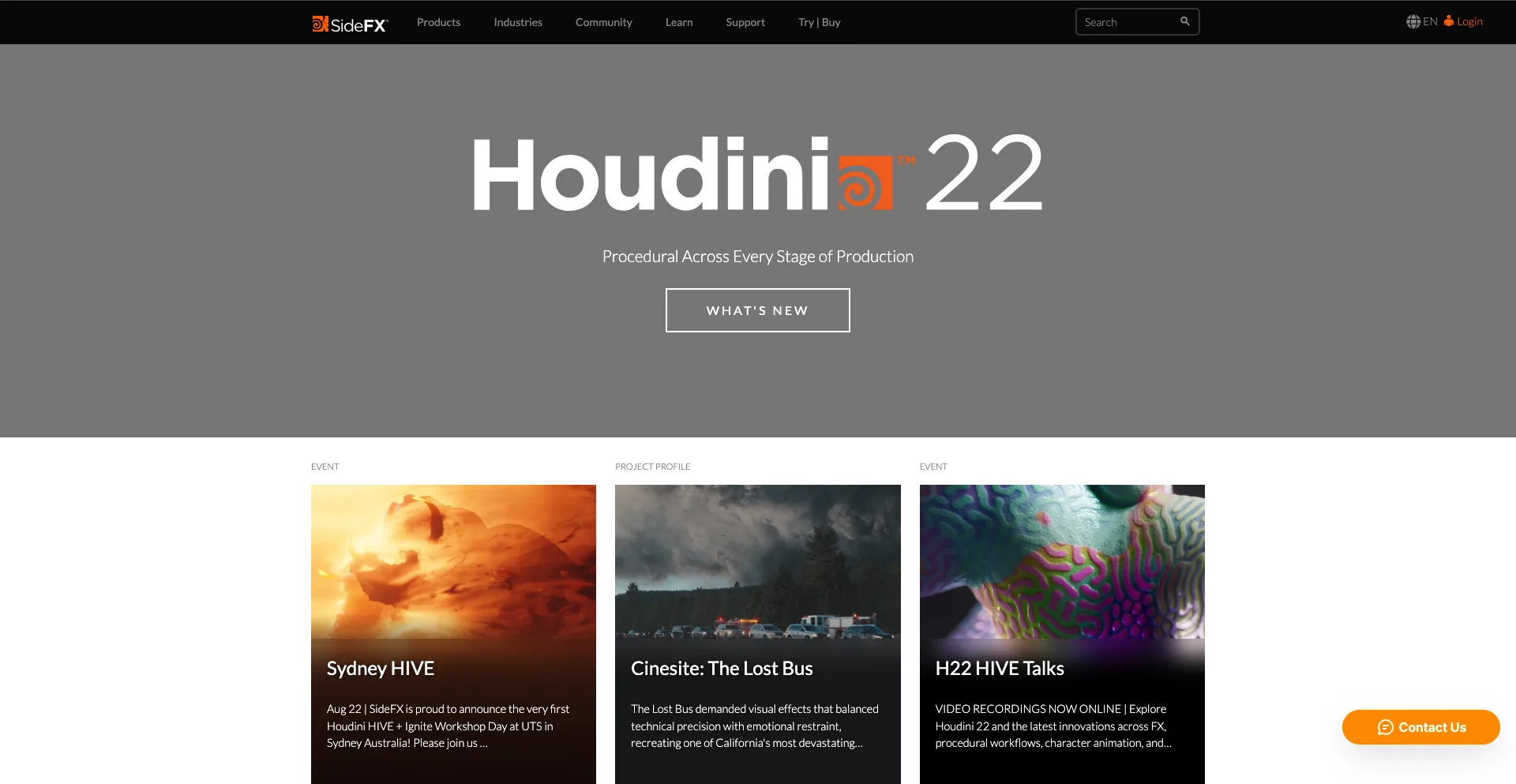
10. Houdini
Best for: Procedural modeling and visual effects
SideFX Houdini is a powerful 3D application known for procedural workflows, simulations, visual effects, and complex environments.
It is widely used in professional film, television, advertising, and game production.
Houdini has a steeper learning curve than many tools on this list. However, beginners interested in visual effects can learn its fundamentals and gradually progress toward more advanced procedural workflows.
How to Choose the Best 3D Software as a Beginner
The right software depends heavily on what you want to create.
For general 3D modeling
Blender is an excellent starting point because it provides a broad collection of tools without requiring a paid subscription.
For simple 3D design
Tinkercad is easier to approach if you have never worked with 3D software before.
For architecture
SketchUp is a strong option for creating buildings, rooms, and architectural concepts.
For product design
Autodesk Fusion is better suited to engineering, manufacturing, and physical product development.
For animation
Maya and Cinema 4D are strong choices for people interested in professional animation and motion graphics.
For digital sculpting
ZBrush is designed for detailed organic modeling and sculpting.
For visual effects
Houdini is worth learning if you want to explore procedural effects and advanced simulations.
Free vs. Paid 3D Software
Free 3D software can be an excellent way to start learning without a major financial commitment. Blender is particularly notable because it provides professional-level capabilities at no cost.
Paid applications can offer specialized workflows, professional support, industry-standard pipelines, or features designed for particular industries.
You do not necessarily need expensive software when starting out. Learning fundamental skills such as modeling, materials, lighting, cameras, and composition is more important than choosing the most expensive application.
What Should You Learn First?
Regardless of which program you choose, start with the fundamentals.
Focus on:
- Navigating the 3D viewport
- Creating and editing basic geometry
- Understanding vertices, edges, and faces
- Applying materials and textures
- Setting up basic lighting
- Using cameras
- Learning simple rendering
- Understanding basic animation principles
Once you understand these concepts, switching between different 3D applications becomes much easier.
Final Thoughts
The best 3D software for beginners in 2026 depends on your goals. Blender is arguably the best all-around starting point, while Tinkercad is excellent for complete beginners. SketchUp works well for architecture, Fusion for product design, Maya and Cinema 4D for animation, ZBrush for sculpting, and Houdini for visual effects.
Instead of trying to learn several programs at once, choose one that matches your interests and spend time building real projects. Your skills will matter more than the software you start with. You may also like to read: 10 Best 3D Animation & VFX Software in 2026.