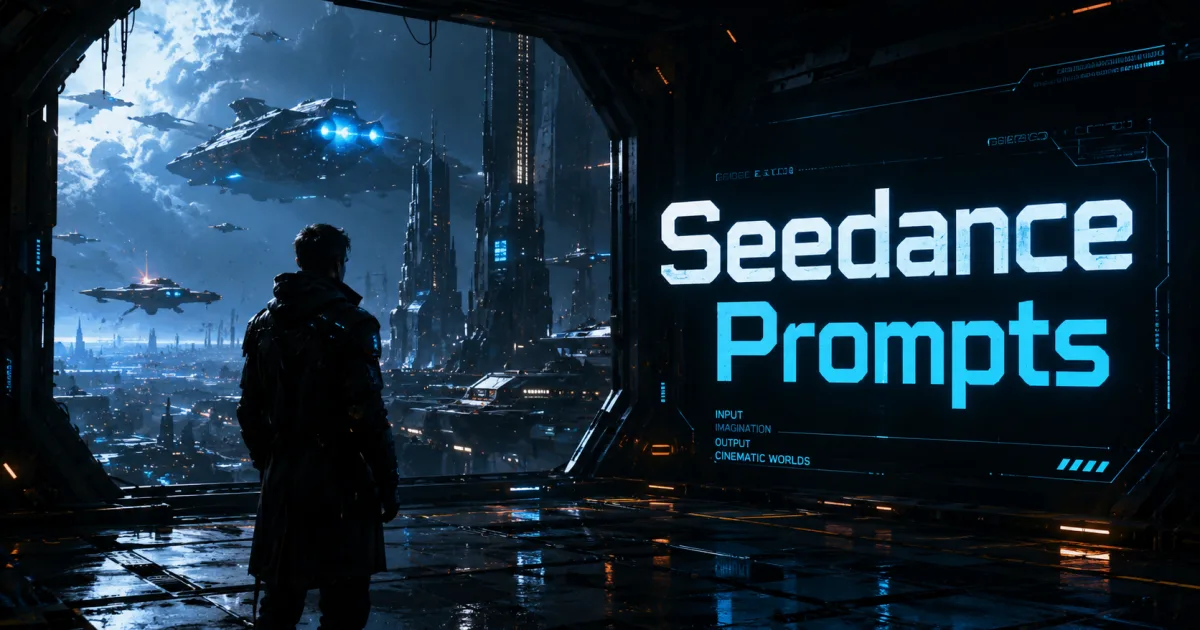


AI video generation has become one of the most exciting developments in content creation. Platforms like Seedance allow creators to transform simple text descriptions into visually impressive videos within minutes.
However, many users quickly discover that not all AI-generated videos look the same.
Some videos appear cinematic and professional.
Others look generic, inconsistent, or lack visual impact.
The difference often comes down to the prompt.
Learning how to use Seedance prompts effectively can dramatically improve the quality of your AI-generated videos and help you create content that stands out.
Why Prompts Matter More Than Most People Realize
Seedance relies on prompts to understand exactly what you want to create.
A prompt acts like a creative brief for the AI.
If your instructions are vague, the AI has to make assumptions. Those assumptions often lead to average results.
For example:
“A car driving on a road.”
This provides very little context.
A stronger version would be:
“A luxury sports car driving along a coastal highway at sunset, cinematic drone shot, golden-hour lighting, realistic reflections, premium commercial quality, ultra-detailed visuals.”
The second prompt gives the AI far more information to work with.
Think Like a Director
One of the easiest ways to improve your prompts is to think like a film director.
Directors do not simply describe what is happening.
They define:
- The environment
- The lighting
- The camera angle
- The atmosphere
- The emotional tone
When creating Seedance prompts, include these same elements.
The more direction you provide, the better the video output tends to be.
Include Detailed Environments
Many beginners focus only on the subject.
Professional-looking videos also depend on the environment.
Instead of writing:
“A warrior.”
Try:
“A warrior standing on a cliff overlooking a stormy ocean, dramatic clouds, cinematic atmosphere, epic fantasy setting, ultra-realistic visuals.”
Detailed environments help create immersive scenes that feel more complete.
Add Camera Instructions
Camera movement is one of the most important aspects of cinematic storytelling.
Useful prompt elements include:
- Tracking shot
- Drone shot
- Slow zoom
- Close-up shot
- Wide-angle shot
- Cinematic pan
These instructions help create motion and visual depth that make videos more engaging.
Use Lighting to Create Mood
Lighting influences how viewers feel about a scene.
Good prompts often specify lighting conditions such as:
- Golden-hour lighting
- Soft natural light
- Neon lighting
- Studio lighting
- Dramatic lighting
- Volumetric lighting
Lighting can instantly make a scene feel more professional and cinematic.
Define the Visual Style
Seedance can generate content in many different styles.
Consider including terms such as:
- Cinematic film quality
- Luxury commercial
- Documentary style
- Science fiction movie
- Fantasy adventure
- Hollywood-quality visuals
Style descriptions help guide the AI toward a specific creative direction.
Focus on Storytelling
People engage with stories more than random visuals.
Instead of generating isolated scenes, think about creating a sequence of moments.
For example:
Beginning
Introduce the setting.
Middle
Introduce conflict, action, or movement.
Ending
Create a memorable conclusion.
Storytelling helps make videos more engaging and shareable.
Use a Proven Prompt Formula
Many successful creators use a simple structure:
Subject + Environment + Lighting + Camera Movement + Mood + Style
Example:
“A lone explorer walking through an ancient desert temple, golden sunset lighting, cinematic tracking shot, mysterious atmosphere, adventure movie quality, ultra-realistic visuals.”
This framework provides Seedance with a clear creative vision.
Avoid Common Prompt Mistakes
Many low-quality AI videos result from common errors.
These include:
- Using very short prompts
- Ignoring camera movements
- Forgetting lighting details
- Providing no emotional context
- Leaving out environmental descriptions
Small improvements in prompt quality often lead to significant improvements in output quality.
Why Better Prompts Save Time
Many creators spend hours regenerating videos because their prompts lack detail.
A strong prompt increases the chances of getting the desired result on the first attempt.
This means:
- Less trial and error
- Faster content creation
- More consistent quality
- Better production efficiency
Prompt engineering is ultimately a productivity skill as much as a creative one.
The Future of AI Video Creation
As AI video technology continues to improve, prompting is becoming one of the most valuable skills for creators.
The ability to clearly communicate a vision to AI can often matter more than traditional editing experience.
Creators who master prompt writing will be able to produce higher-quality content faster than those who rely on generic instructions.
Final Thoughts
Seedance is a powerful AI video generation platform, but achieving professional results requires more than simply entering a few words.
By including detailed environments, camera movements, lighting instructions, storytelling elements, and visual styles, you can dramatically improve your video output.
The best AI videos are rarely created by accident.
They are the result of thoughtful, detailed prompts that guide the AI toward a specific creative goal.
👉 Want 100+ Ready-to-Use Seedance Prompts?
Stop guessing what works.
Download “AI Video Prompts Guide“ and gain access to over 100 proven prompts designed to help you create cinematic, engaging, and professional-quality AI videos faster.