

A professional logo can make a new business look established, but traditional logo design can take days or weeks. AI logo generators make the process much faster by creating logo concepts from your business name, industry, preferred style, colors, and other details.
Today, you can use AI-powered tools to generate logo ideas, customize fonts and icons, build brand kits, and prepare assets for websites and social media. Some tools focus on speed, while others provide deeper design control.
Here are 12 AI logo generators worth considering in 2026.
1. Looka
Best for: Complete brand kits
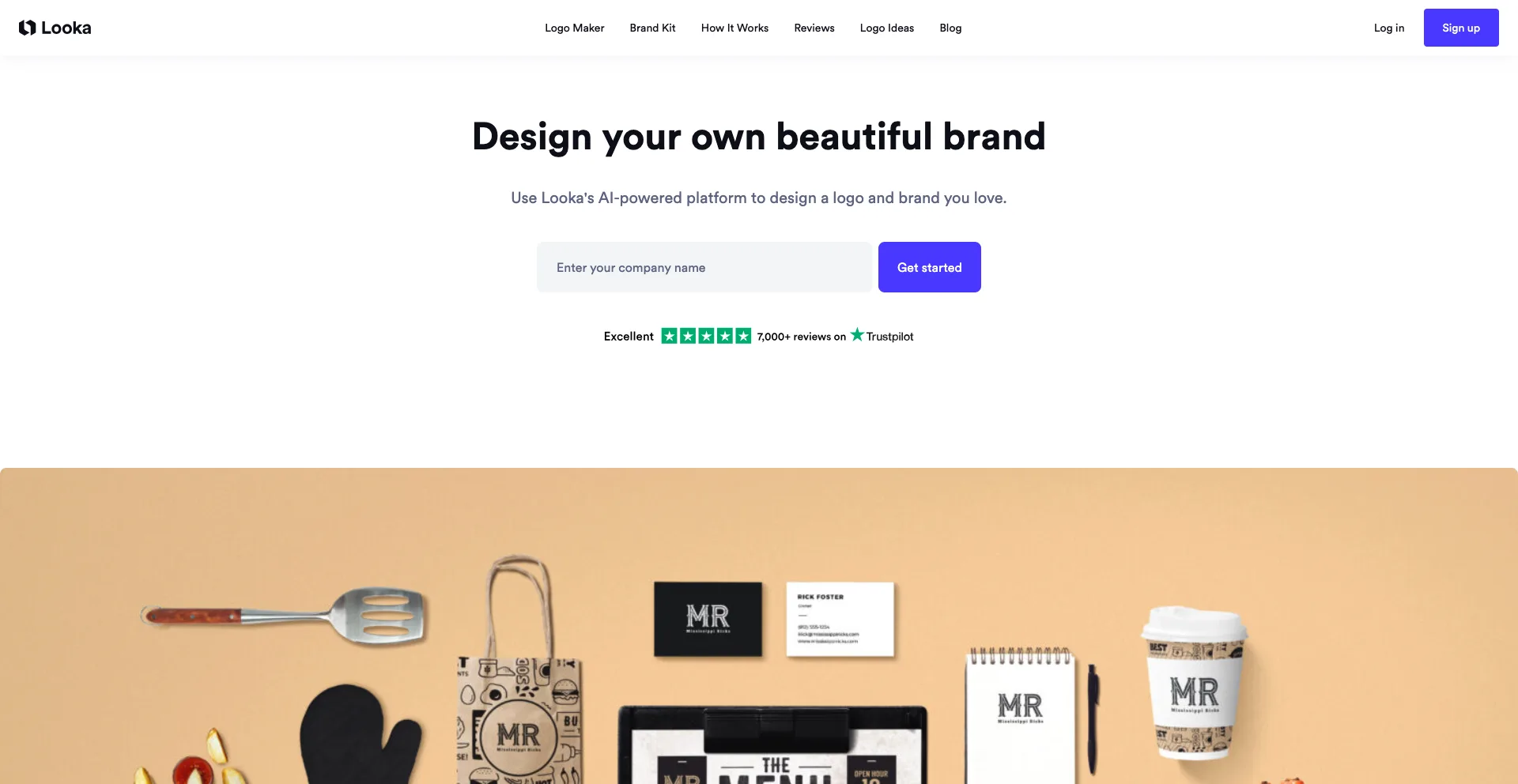
Looka is one of the most established AI-powered logo makers for businesses that want to create a logo and build a broader visual identity.
You provide your business name, industry, design preferences, colors, and other information. Looka then generates logo concepts that you can customize.
Its Brand Kit can extend the chosen visual identity across assets such as business cards, social posts, invoices, and email signatures. Looka also offers high-resolution and vector file formats for purchased logos.
Why Looka stands out
- AI-generated logo concepts
- Large selection of styles and layouts
- Brand Kit for additional marketing materials
- Vector and high-resolution files
- Useful for startups and small businesses
Best for: Entrepreneurs who want a logo plus a broader brand identity.
2. Recraft
Best for: Creative control and vector-style designs
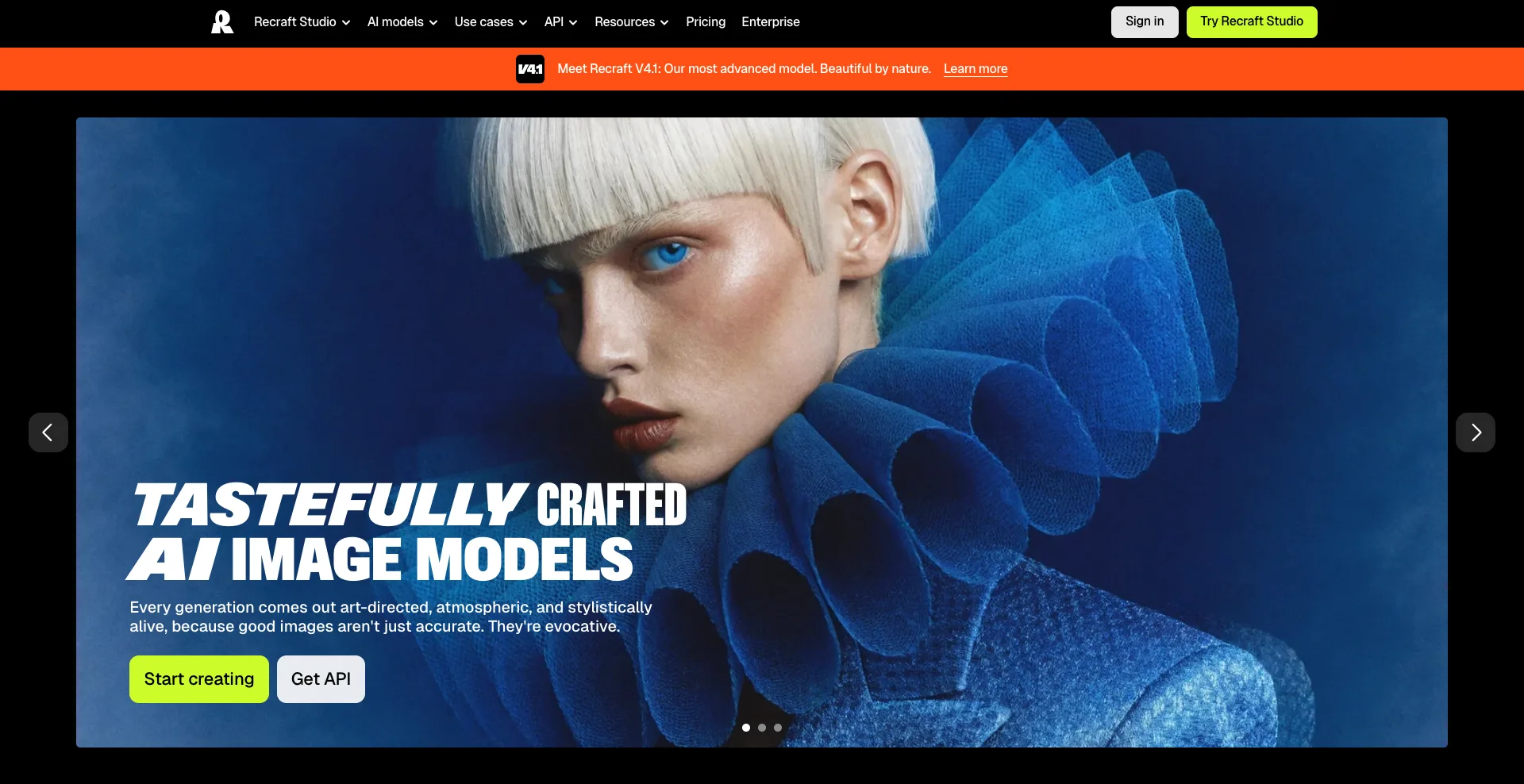
Recraft is an AI design platform that can generate logos directly from text descriptions.
You can describe the logo you want, generate several options, and then iterate by changing colors, detail levels, and other visual elements. Recraft also supports exporting generated designs in different formats and sizes.
This makes Recraft particularly useful when you want something more flexible than a traditional template-based logo maker.
Why Recraft stands out
- Text-to-logo generation
- Strong illustration capabilities
- Vector-oriented workflows
- AI-powered editing
- Color and detail adjustments
- Useful for creative branding concepts
Best for: Designers and creators who want more control over the visual direction.
3. Ideogram
Best for: Logos with readable text
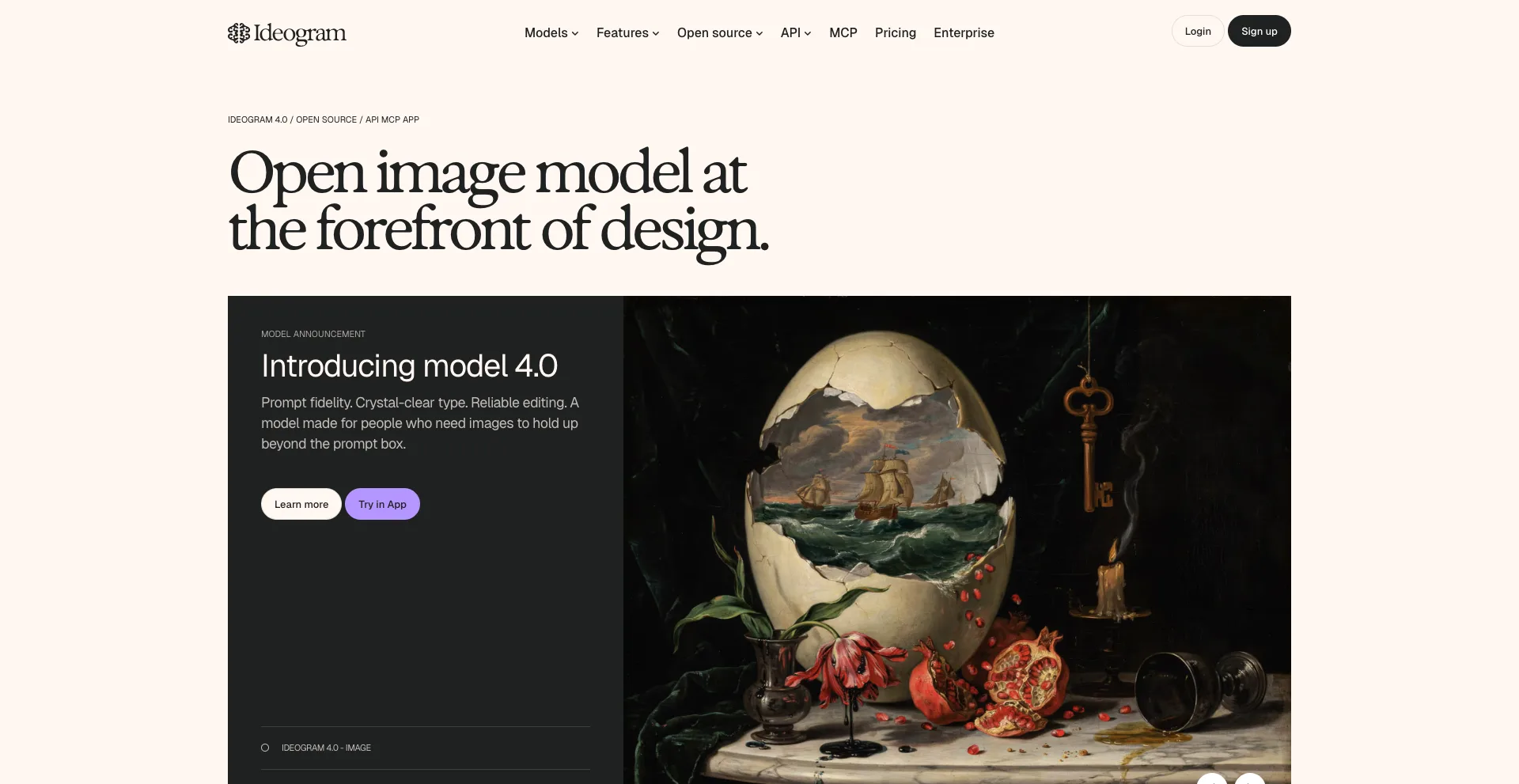
Ideogram is primarily an AI image-generation platform, but its strong text-rendering capabilities make it useful for logo concepts and typography-heavy branding.
Ideogram says its current system achieves high text accuracy and supports designs such as logos, packaging, posters, and other text-focused visuals. Its Layerize Text feature can also extract text into editable layers.
That is particularly useful when the brand name itself is a major part of the logo.
Why Ideogram stands out
- Strong typography generation
- Accurate text rendering
- Useful for wordmark concepts
- Good for visual experimentation
- Supports editable text layers
Best for: Brands that want typography to play a major role in their identity.
4. Canva
Best for: Beginners and all-in-one design
Canva is more than an AI logo generator. It is a complete visual design platform that lets you create logos and immediately use them across marketing materials.
You can start with templates, customize fonts and colors, and use Canva’s AI-powered design features to explore ideas.
Its biggest advantage is what happens after you create the logo. You can quickly apply the design to social posts, presentations, flyers, business cards, websites, and other brand assets.
Canva was also ranked the top overall logo maker in a 2026 TechRadar comparison, which highlighted its ease of use and broad design capabilities.
Why Canva stands out
- Beginner-friendly
- Huge template library
- AI-assisted design features
- Easy logo customization
- Large ecosystem of design tools
- Useful for creating complete marketing materials
Best for: Beginners, creators, small businesses, and social media teams.
5. Brandmark
Best for: Quick brand identity concepts
Brandmark is designed specifically around logo and brand identity creation.
Instead of starting with a blank canvas, you provide information about your company and visual preferences. The platform then generates logo concepts and related branding elements.
This can be useful for entrepreneurs who want to explore several visual directions before deciding on a final identity.
Why Brandmark stands out
- Focused on branding
- AI-generated logo concepts
- Color and typography suggestions
- Brand identity tools
- Fast concept generation
Best for: Startups and entrepreneurs who want a quick branding starting point.
6. Design.com
Best for: Generating many logo ideas quickly
Design.com is built around rapid logo creation. You enter your business information and can explore numerous logo concepts based on different styles and industries.
The platform also extends beyond logo creation into other branding materials, making it useful if you want to build a basic visual identity without hiring a designer immediately.
A 2026 TechRadar comparison highlighted Design.com for its easy AI generation and broad selection of templates.
Why Design.com stands out
- Fast logo generation
- Many design options
- Industry-specific concepts
- Branding resources
- Simple workflow
Best for: Businesses that want to explore lots of logo directions quickly.
7. Shopify’s AI Logo Maker
Best for: Fast logo creation for new businesses
Shopify’s AI logo maker helps entrepreneurs create a professional-looking logo without needing graphic design experience. You can provide basic information about your business, choose a preferred style, and explore logo ideas generated around your brand.
It is especially useful for new businesses that need a logo quickly while setting up their online presence. Instead of starting from a blank canvas, you can use AI-generated concepts as a starting point and customize the design to better match your brand.
Why Shopify’s AI logo maker stands out
- Fast logo creation
- Simple and beginner-friendly
- Designed for entrepreneurs
- Multiple logo concepts
- Useful for online businesses
- Easy way to get started with branding
Best for: Startups, entrepreneurs, and small businesses that need a simple logo without a complicated design process.
8. Adobe Express
Best for: Adobe users and professional-looking designs
Adobe Express combines logo creation with Adobe’s broader collection of creative tools.
You can create a logo and then continue working on social posts, advertisements, presentations, flyers, and other branded content in the same ecosystem.
Adobe Express was also highlighted by TechRadar as a strong option for businesses and Creative Cloud users who want more design control.
Why Adobe Express stands out
- Adobe design ecosystem
- AI-assisted creative tools
- Logo templates
- Easy customization
- Useful for broader marketing content
Best for: Businesses, marketers, and creators already using Adobe products.
9. LogoAI
Best for: Automated logo and brand creation
LogoAI is built around automating the logo-design process.
You provide your company information and preferences, and the platform generates logo concepts based on those inputs. It also offers tools for extending the selected design into other brand materials.
This makes it useful when you want to move from a logo concept to a broader visual identity quickly.
Why LogoAI stands out
- Automated logo generation
- Multiple design concepts
- Brand identity tools
- Business-focused workflow
- Useful marketing assets
Best for: Entrepreneurs who want automated branding beyond a single logo.
10. Turbologo
Best for: Fast customization
Turbologo uses AI to generate logo concepts based on your company information and preferences.
After generating options, you can customize fonts, colors, icons, layouts, and sizing through its editor. The platform also offers branding materials such as business cards and social media designs.
Why Turbologo stands out
- AI-generated logo options
- Extensive customization
- Fonts and colors can be changed
- Multiple logo formats
- Brand kit features
- Fast workflow
Best for: Small businesses that want quick generation with hands-on customization.
11. Tailor Brands
Best for: Startups that need more than a logo
Tailor Brands combines AI logo generation with broader business-branding tools.
Its logo maker asks for information about your business and lets you select from logo styles such as wordmarks, monograms, and icon-based designs. You can also select preferred fonts before the platform generates designs.
The broader platform is designed to help businesses create a consistent visual identity rather than stopping at a single logo.
Why Tailor Brands stands out
- AI logo creation
- Multiple logo styles
- Font selection
- Brand identity tools
- Business-focused platform
- Useful for startups
Best for: New businesses that want to build a complete brand identity.
12. Wix Logo Maker
Best for: Businesses building a website
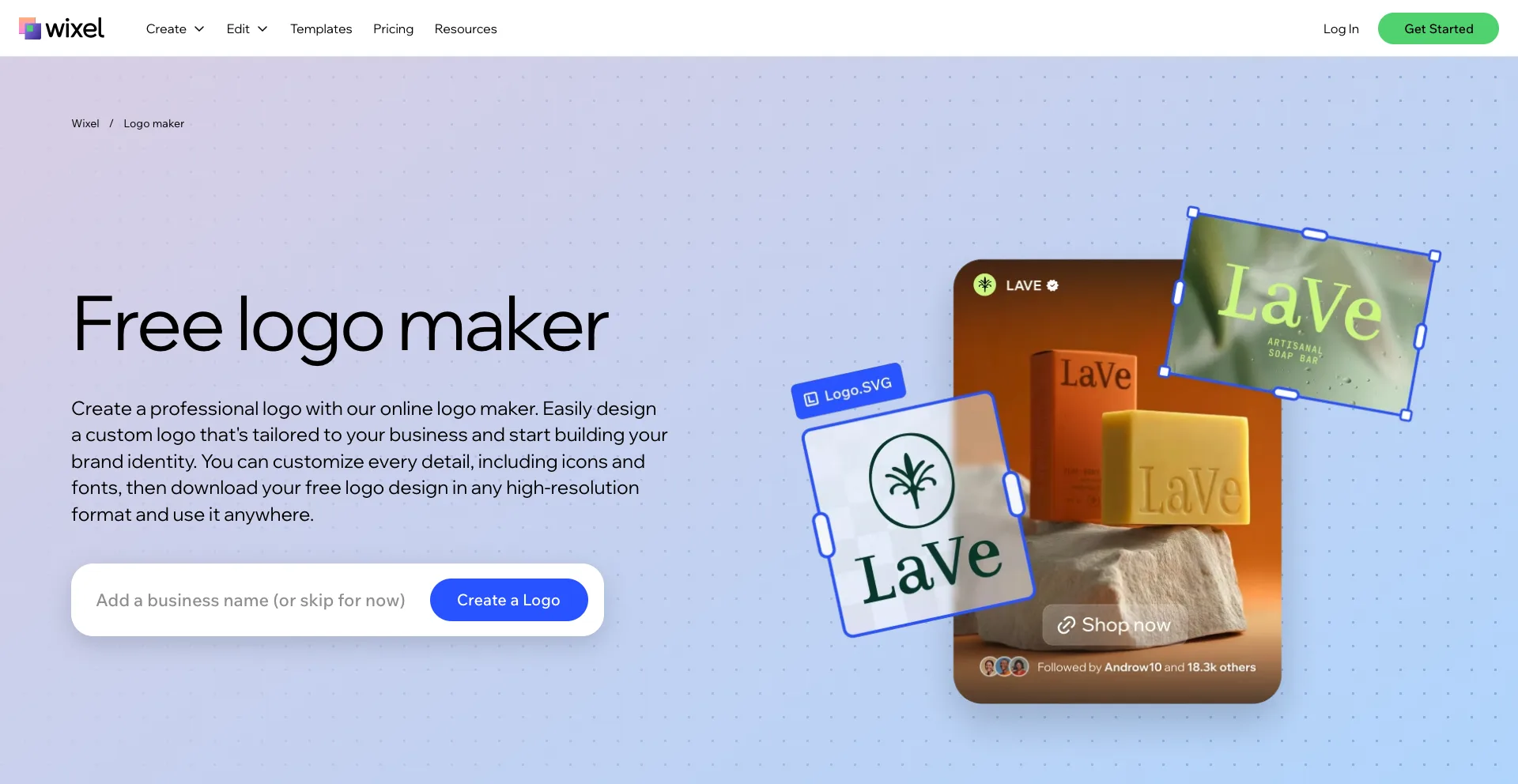
Wix Logo Maker is particularly useful when your logo is part of a larger website-building project.
The tool can use AI to generate a logo, business name, and tagline, while its editor lets you customize fonts, colors, icons, and layouts. Wix also offers branded materials that can extend the logo across websites, business cards, merchandise, and other assets.
Why Wix Logo Maker stands out
- AI-assisted logo generation
- Drag-and-drop customization
- Large icon and font selection
- Website integration
- Branding assets
- Commercial usage options
Best for: Entrepreneurs who want to create a logo and website together.
Which AI Logo Generator Should You Choose?
The best tool depends on how much control you want and what you plan to do with your logo.
| Tool | Best For |
|---|---|
| Looka | Complete brand kits |
| Recraft | Creative and vector-style designs |
| Ideogram | Typography and text-heavy logos |
| Canva | Beginners and all-in-one design |
| Brandmark | Quick brand concepts |
| Design.com | Lots of logo ideas |
| Hatchful | Simple business logos |
| Adobe Express | Professional creative workflows |
| LogoAI | Automated branding |
| Turbologo | Customization |
| Tailor Brands | Startup branding |
| Wix Logo Maker | Logo and website creation |
If you want a complete brand kit, Looka and Tailor Brands are strong choices.
For creative control, Recraft is worth exploring. If your logo relies heavily on text or typography, Ideogram can be particularly useful because text rendering is one of its core strengths.
For beginners, Canva, Wix Logo Maker, and Adobe Express offer approachable design workflows.
How to Get Better Results From AI Logo Generators
AI logo generators work best when you give them specific information about your brand.
Instead of entering:
“Create a logo for my business.”
Try describing:
“Create a modern minimalist logo for a technology startup that helps small businesses automate repetitive tasks. Use a simple geometric icon, clean sans-serif typography, and a professional but approachable visual style.”
Include details such as:
- Business name
- Industry
- Target audience
- Preferred colors
- Logo style
- Icon ideas
- Typography preferences
- Brand personality
Generate several concepts rather than choosing the first result. Then compare the designs at different sizes, including a website header, social media profile, business card, and mobile screen.
Most importantly, check whether the final design is distinctive enough for your brand. An AI-generated logo can be a useful starting point, but you should review its originality, licensing terms, and trademark suitability before building your entire business identity around it.
Final Thoughts
AI logo generators have made it possible to create a basic brand identity in minutes instead of waiting weeks for an initial design concept.
Looka is a strong choice for complete brand kits, Recraft offers creative flexibility, Ideogram is useful for typography, and Canva makes broader design work simple. Meanwhile, Brandmark, Design.com, Hatchful, Adobe Express, LogoAI, Turbologo, Tailor Brands, and Wix Logo Maker each offer different approaches to fast logo creation.
The best option depends on your needs. If speed is your priority, start with a simple AI logo maker. If you need a complete visual identity, choose a platform with brand-kit features. And if the logo will become a major commercial asset, spend time refining the AI-generated concept rather than treating the first result as the finished design. 9 Best AI Video Editing Tools That Save Time.