

AI video editing tools are changing how creators produce content. Tasks that once required hours of manually reviewing footage, cutting clips, adding captions, removing filler words, and cleaning audio can now be automated or completed with a few clicks.
The best AI video editing tools do not simply generate videos. They help you edit existing footage faster while reducing repetitive work. From Descript and CapCut to Adobe Premiere Pro and OpusClip, these tools can make video production much more efficient.
Here are nine AI video editors worth considering in 2026.
1. Descript
Best for: Editing videos through text
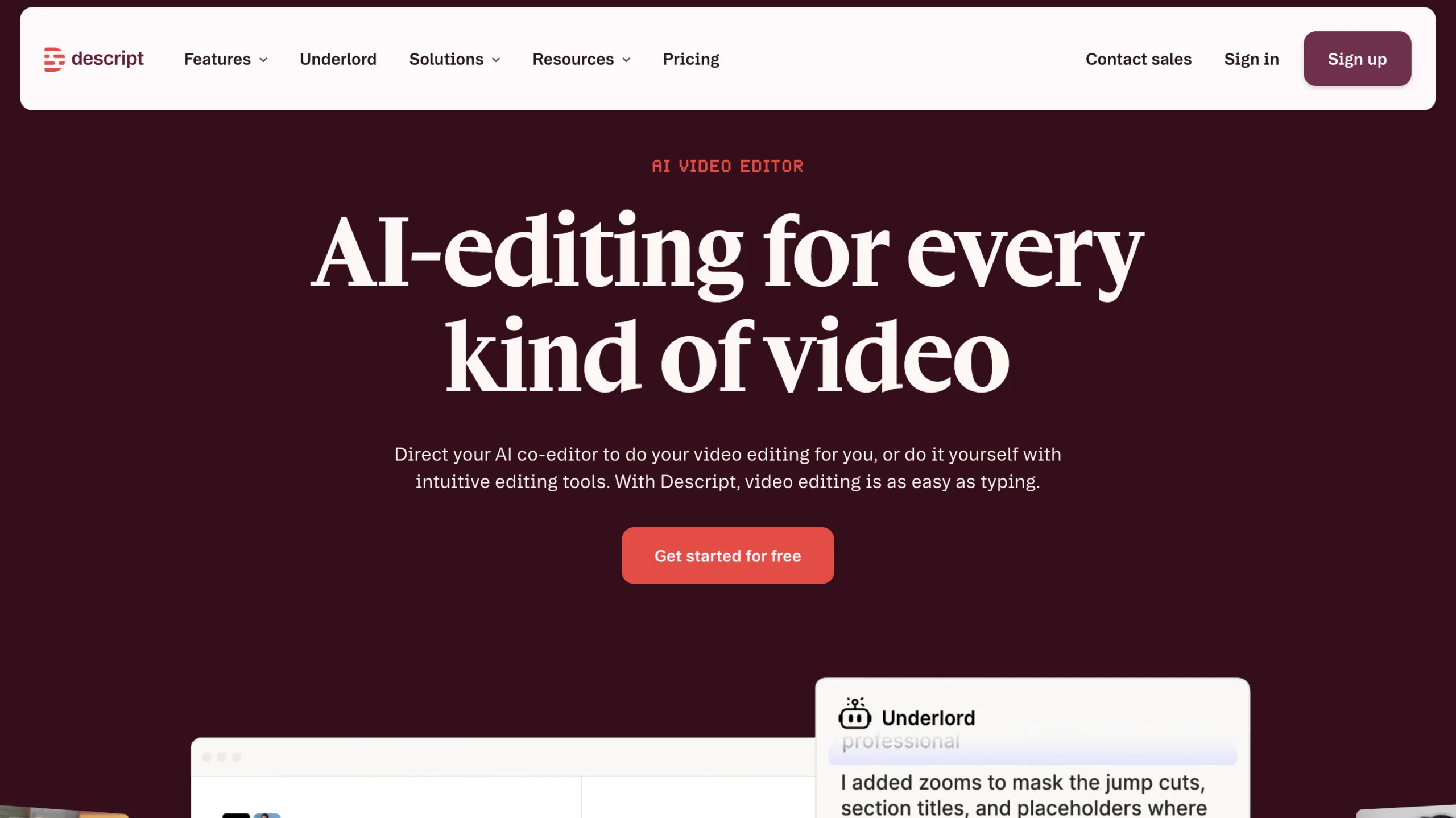
Descript takes a different approach to video editing. Instead of working entirely through a traditional timeline, you can edit much of your video by editing its transcript.
When you remove words from the transcript, the corresponding sections can be removed from the video. This makes Descript particularly useful for interviews, podcasts, tutorials, webinars, and talking-head videos.
Its AI features can also help with transcription, filler-word removal, captions, audio improvement, and other repetitive editing tasks.
Why Descript stands out
- Text-based video editing
- Automatic transcription
- Filler-word removal
- AI-powered audio tools
- Captions and subtitles
- Useful for podcasts and interviews
Best for: Podcasters, YouTubers, educators, and creators working with spoken-word content.
2. CapCut
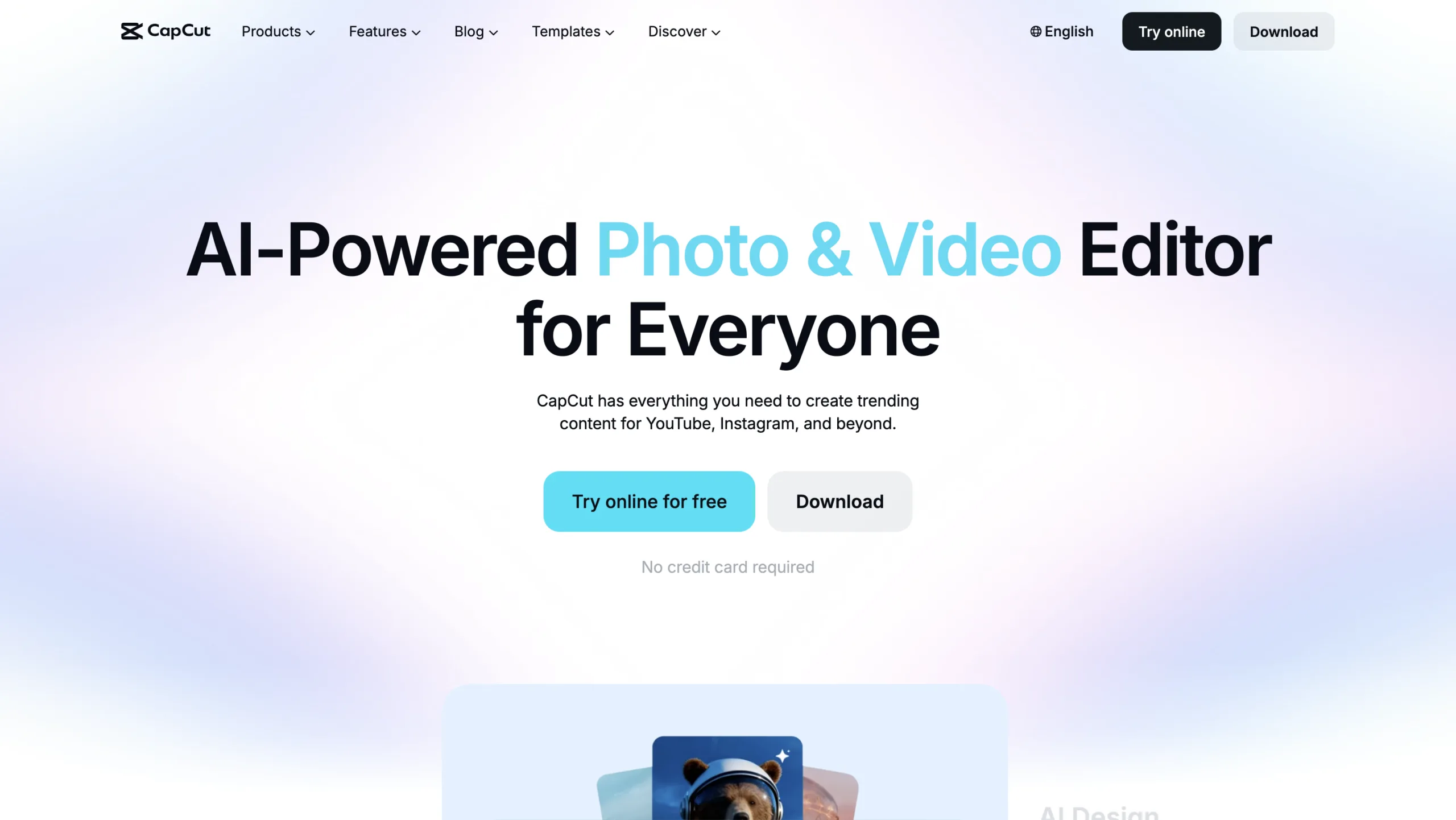
Best for: Short-form social media content
CapCut has become a popular choice for creators making videos for TikTok, Instagram, YouTube, and other social platforms.
Its editing environment combines traditional editing tools with AI-powered features. You can use automatic captions, background removal, effects, templates, audio tools, and other features to speed up production.
For creators who need to publish frequently, templates and automated editing features can eliminate a lot of repetitive work.
Why CapCut stands out
- Beginner-friendly interface
- Automatic captions
- Background removal
- AI-powered effects
- Templates for social content
- Useful desktop and mobile workflows
Best for: TikTok creators, YouTubers, social media managers, and beginners.
3. Adobe Premiere Pro
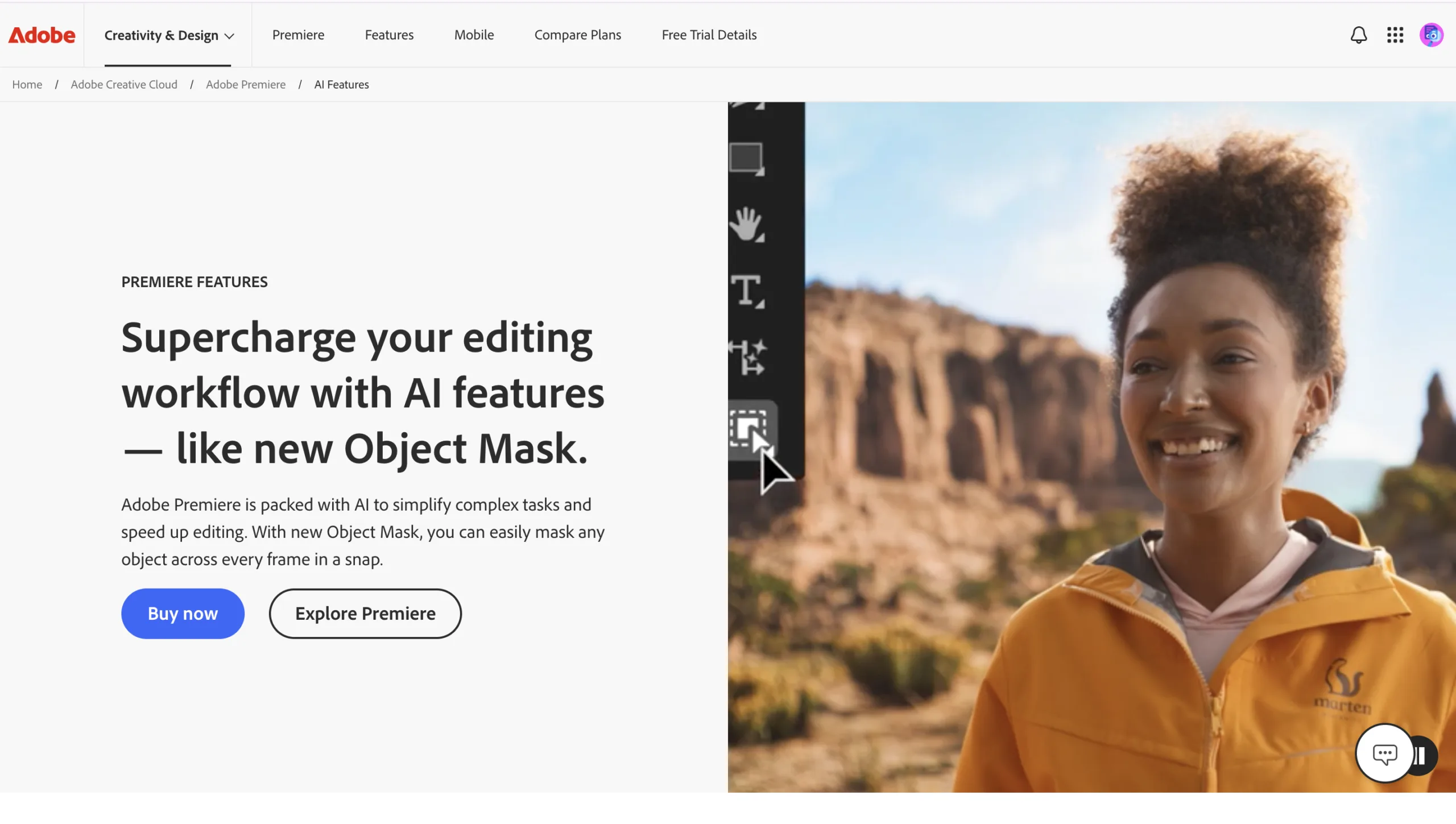
Best for: Professional video editing
Adobe Premiere Pro remains one of the leading professional video editors, but its AI capabilities make many editing tasks faster.
Premiere Pro includes features such as Generative Extend, Media Intelligence, automatic caption translation, and AI-assisted workflows. Adobe says Generative Extend can add frames to clips to help smooth transitions or adjust timing, while Media Intelligence can help users find footage faster. (adobe.com)
This makes Premiere Pro particularly useful for editors who need professional control without manually performing every repetitive task.
Why Premiere Pro stands out
- Professional editing environment
- AI-powered media search
- Generative Extend
- Automatic caption translation
- Advanced color and audio tools
- Extensive creative control
Best for: Professional editors, filmmakers, agencies, and serious content creators.
4. Runway
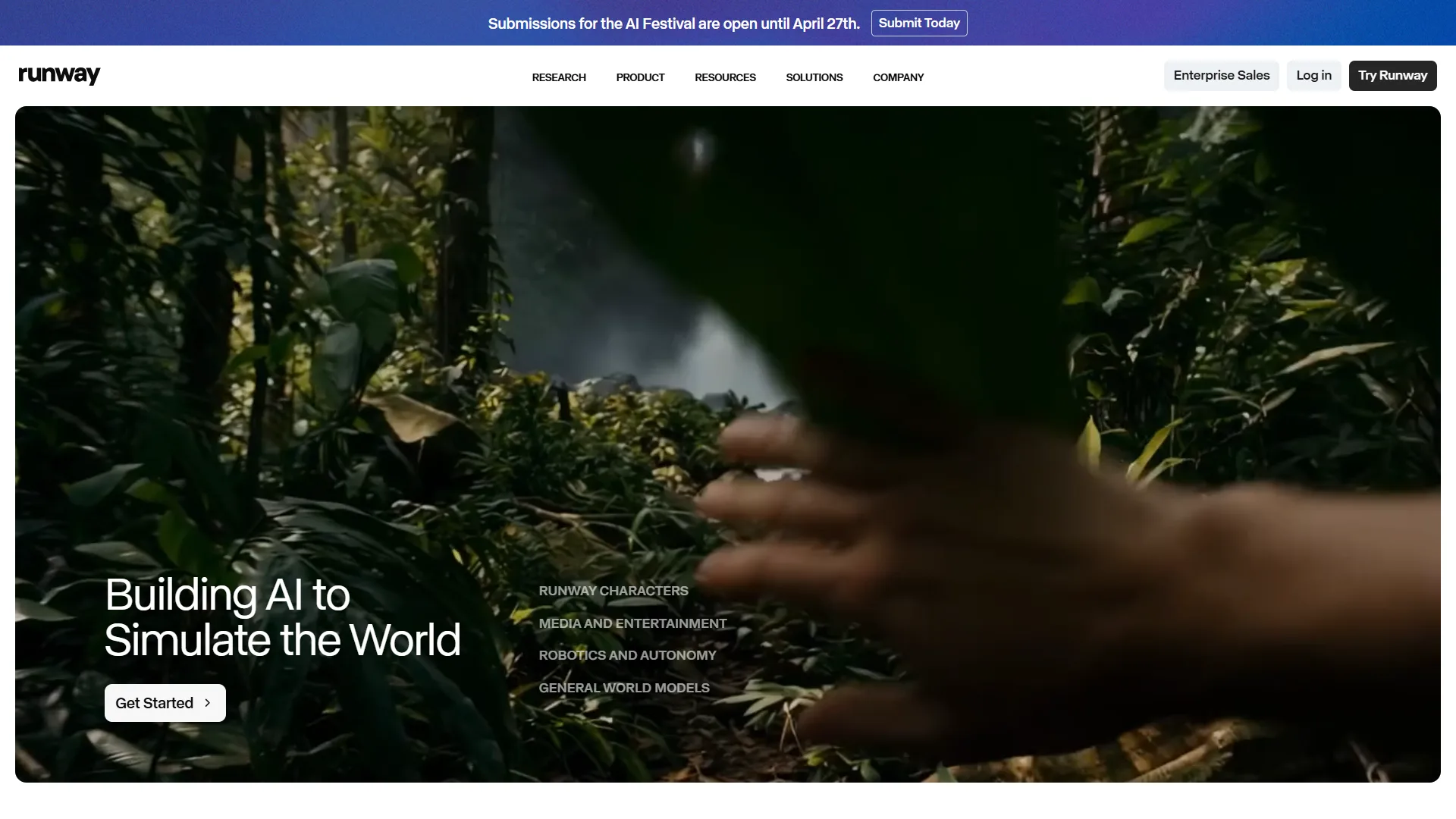
Best for: AI-powered creative editing
Runway is best known for generative video, but it also provides AI-powered tools that can be useful during the editing and post-production process.
Its capabilities include removing unwanted elements, changing backgrounds, transforming footage, and generating or modifying visual content.
This can save significant time when a traditional workflow would require complicated masking, compositing, or visual-effects work.
Why Runway stands out
- AI-powered video manipulation
- Background and object editing
- Generative video tools
- Creative visual effects
- Useful for experimental content
- Strong generative-AI workflow
Best for: Filmmakers, creative agencies, visual artists, and creators who want AI-assisted post-production.
5. OpusClip
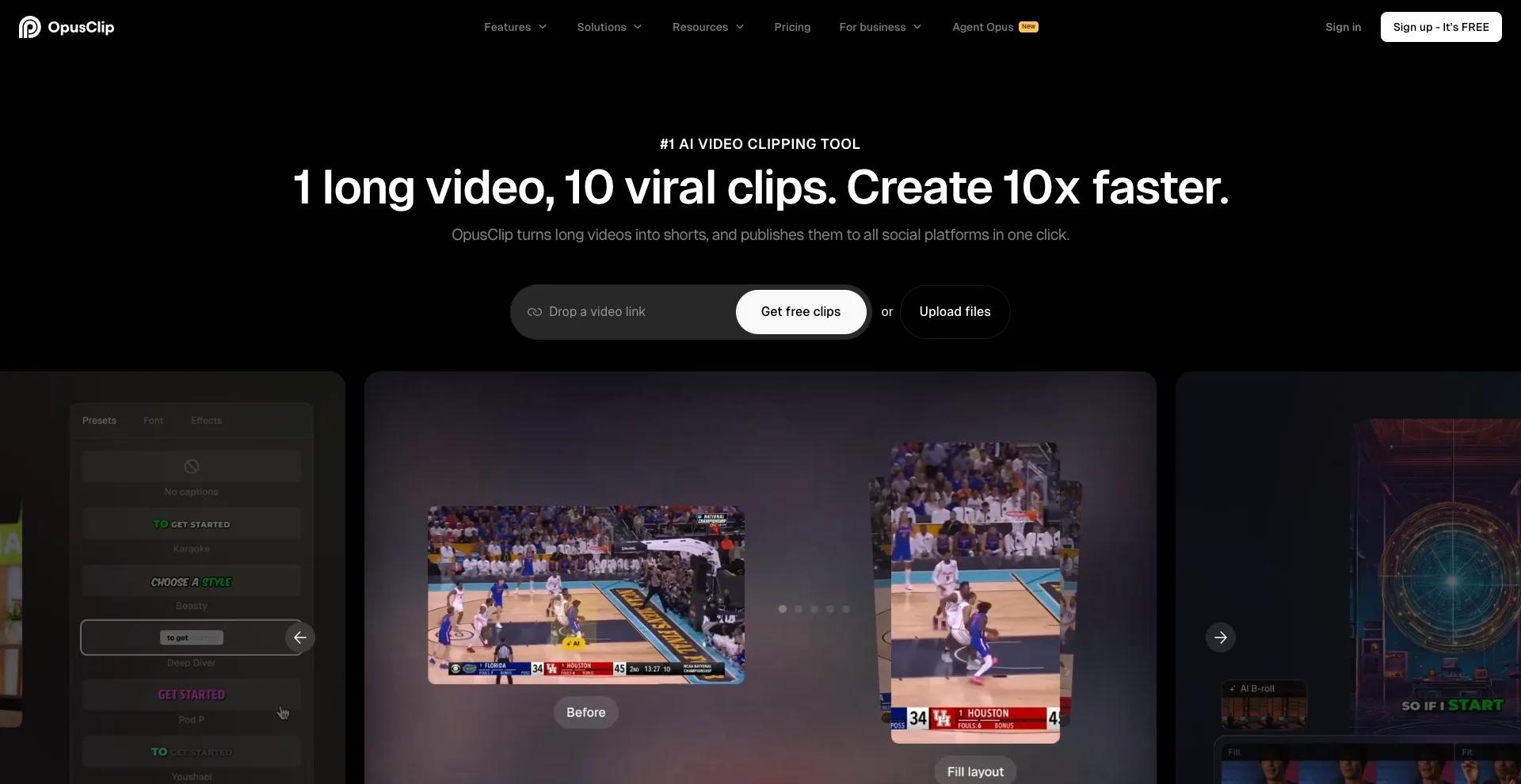
Best for: Turning long videos into short clips
If you regularly publish long-form content, manually finding the best moments for Shorts or Reels can take a lot of time.
OpusClip is built around solving this problem. Its AI analyzes longer videos and identifies sections that could work as shorter clips.
It can then help reframe the video for vertical platforms and add captions, allowing creators to repurpose existing content more quickly.
Why OpusClip stands out
- Automatically finds potential highlights
- Turns long videos into short clips
- Automatic captions
- Vertical video reframing
- Useful for content repurposing
- Designed for social media workflows
Best for: Podcasters, YouTubers, marketers, and businesses repurposing long-form content.
6. Filmora
Best for: Beginners who want AI assistance
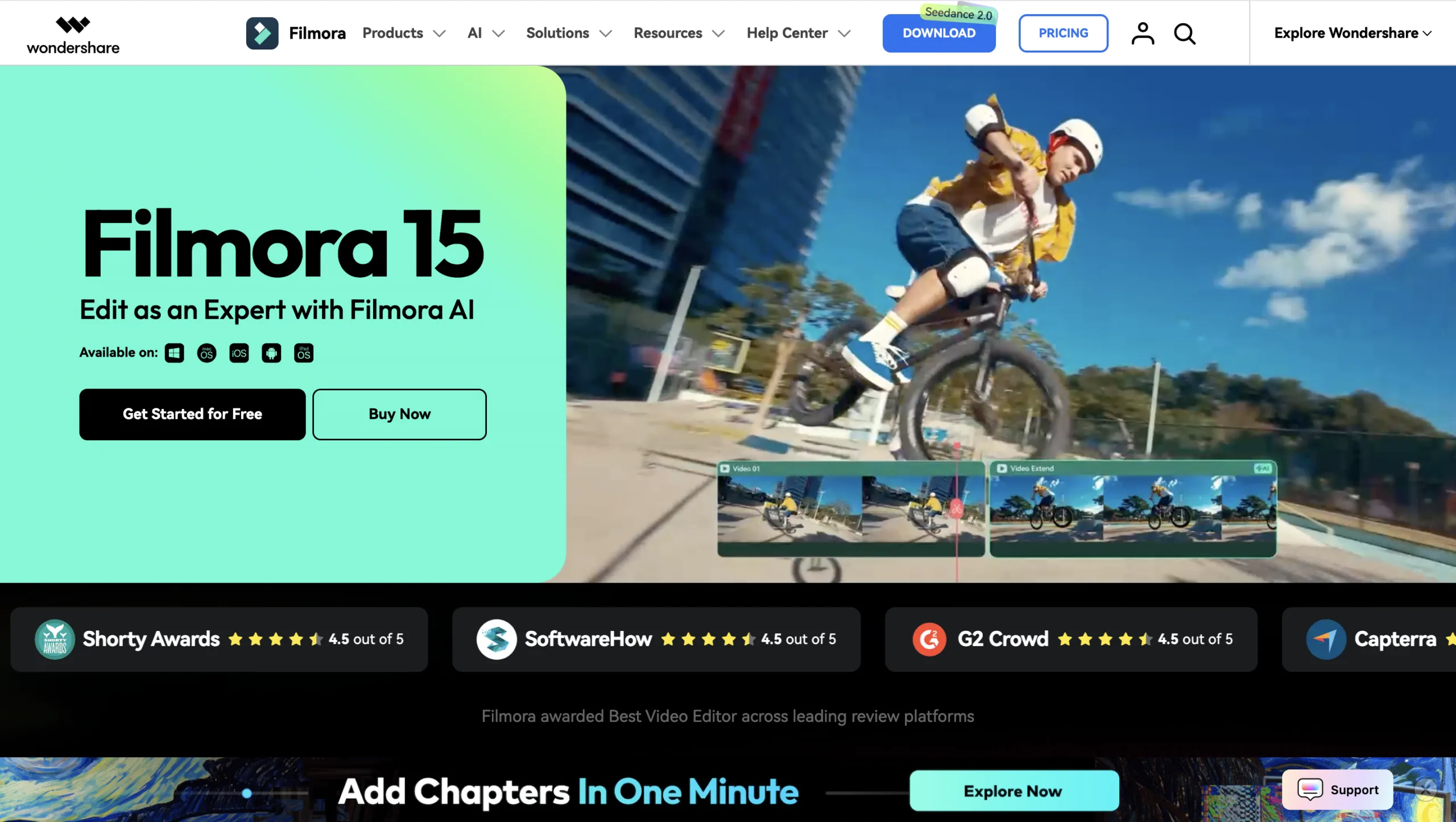
Wondershare Filmora combines a traditional video editor with a growing collection of AI features.
The software includes tools for tasks such as AI text-based editing, automatic captions, noise removal, object removal, and other creative functions.
This makes it a practical option for users who want more control than a simple social-media editor but do not want the complexity of a professional application.
Why Filmora stands out
- Beginner-friendly
- AI-assisted editing
- Automatic captions
- Audio cleanup
- Object removal
- Traditional timeline editing
Best for: Beginners, YouTubers, students, and small businesses.
7. VEED
Best for: Browser-based video editing
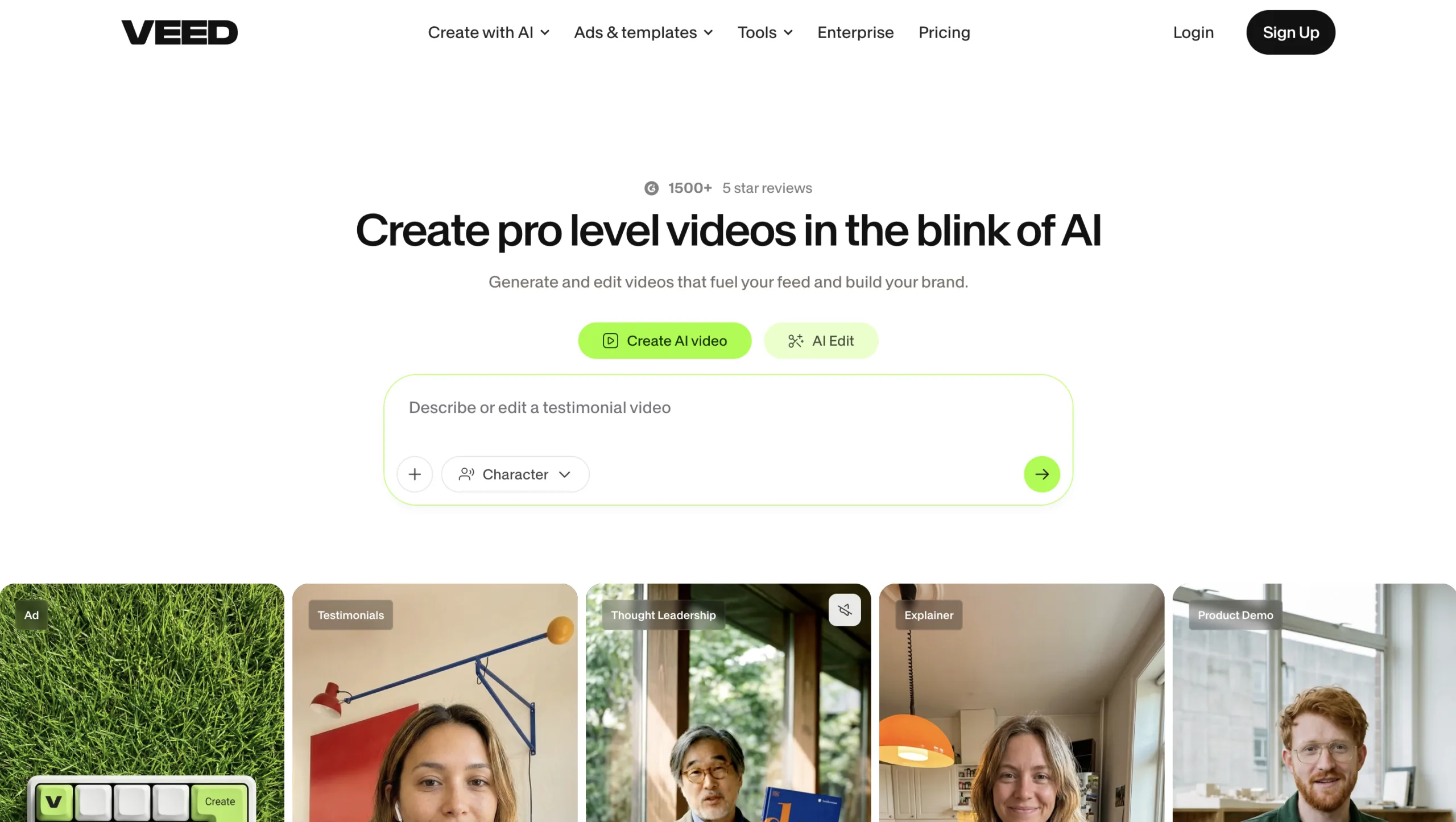
VEED is a browser-based video creation and editing platform designed to make production accessible without complicated software.
Its AI features can help with subtitles, transcription, audio cleanup, translation, avatars, and other video-production tasks.
Because it runs online, VEED is particularly convenient for teams and creators who want to edit without installing a large desktop application.
Why VEED stands out
- Browser-based editor
- Automatic subtitles
- AI transcription
- Audio enhancement
- Translation tools
- Useful for social content
Best for: Marketers, social media teams, educators, and creators who prefer browser-based tools.
8. InVideo AI
Best for: Fast content production
InVideo AI focuses heavily on speeding up the process of turning ideas and scripts into finished video content.
You can provide a prompt or script and use AI-assisted tools to create and modify video projects. This can be particularly useful for creators who produce informational videos, marketing content, social media posts, and other repeatable formats.
Instead of manually starting every project from scratch, you can use AI to accelerate the early stages of production.
Why InVideo AI stands out
- Prompt-based video creation
- AI-assisted editing
- Useful templates
- Stock media integration
- Good for marketing content
- Fast production workflow
Best for: Marketers, businesses, social media creators, and content teams.
9. DaVinci Resolve
Best for: Professional editing and post-production
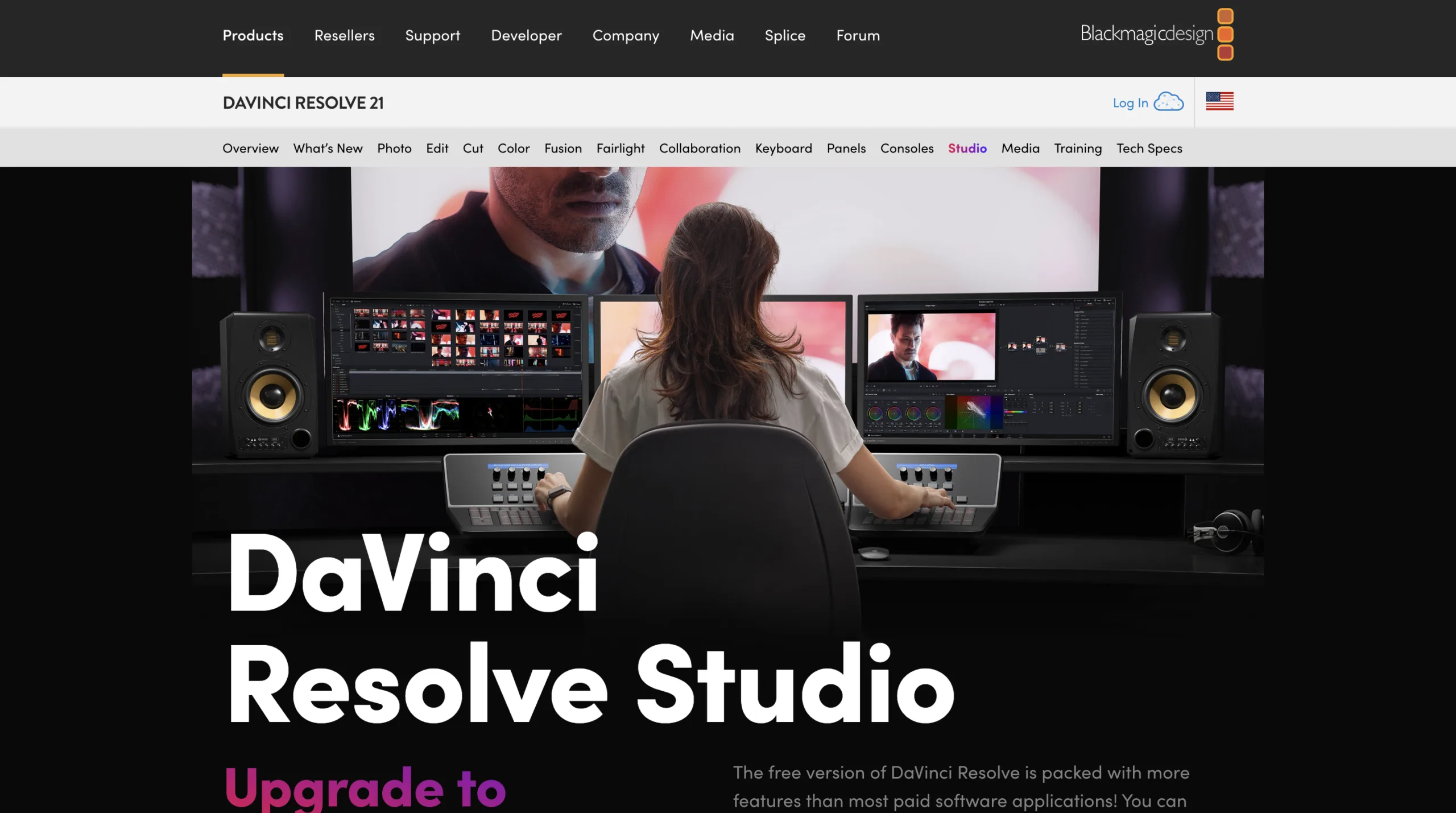
DaVinci Resolve combines editing, color correction, visual effects, motion graphics, and audio post-production in one application.
Its AI-powered features can help with tasks such as object isolation, tracking, transcription, smart reframing, and other editing workflows. Blackmagic Design has continued expanding its AI tools across recent versions of Resolve. (blackmagicdesign.com)
The main advantage is that you get AI assistance without giving up the detailed control expected from professional editing software.
Why DaVinci Resolve stands out
- Professional editing tools
- AI-assisted workflows
- Advanced color grading
- Visual-effects capabilities
- Professional audio tools
- Powerful free version
Best for: Filmmakers, professional editors, YouTubers, and creators who want advanced post-production capabilities.
Which AI Video Editing Tool Should You Choose?
The right tool depends on the type of content you create.
| Tool | Best For |
|---|---|
| Descript | Text-based editing and podcasts |
| CapCut | Short-form social content |
| Premiere Pro | Professional editing |
| Runway | AI-powered creative editing |
| OpusClip | Repurposing long videos |
| Filmora | Beginner-friendly AI editing |
| VEED | Browser-based editing |
| InVideo AI | Fast content production |
| DaVinci Resolve | Professional post-production |
If you mainly create podcasts and talking-head videos, Descript can save substantial editing time.
For TikTok, Reels, and Shorts, CapCut and OpusClip are strong options.
For professional video production, Premiere Pro and DaVinci Resolve offer much deeper control.
And if you want to use generative AI to modify footage or create unusual visual effects, Runway is worth exploring.
How AI Video Editors Save Time
AI does not eliminate the need for an editor, but it can remove many repetitive tasks.
For example, an AI video editor can help you:
- Transcribe hours of footage
- Remove filler words
- Generate captions
- Find interesting moments
- Reframe horizontal footage vertically
- Clean up audio
- Remove backgrounds
- Search large video libraries
- Create multiple versions for different platforms
The biggest productivity gain often comes from combining several of these features. Instead of spending an hour preparing footage before the creative editing even begins, AI can handle much of the preparation.
Final Thoughts
The best AI video editing tools are not necessarily the ones with the most features. The right choice is the one that removes the most repetitive work from your particular workflow.
Descript is excellent for transcript-based editing, CapCut is a strong choice for short-form content, and OpusClip can quickly turn long videos into social clips. Professional editors may prefer Premiere Pro or DaVinci Resolve, while Runway brings generative AI into the editing process.
Whether you are a YouTuber, marketer, filmmaker, podcaster, or social media creator, using AI for repetitive editing tasks can give you more time to focus on the creative decisions that actually make your videos better. You may also like to read: 7 AI Image Generators That Create Stunning Art.