

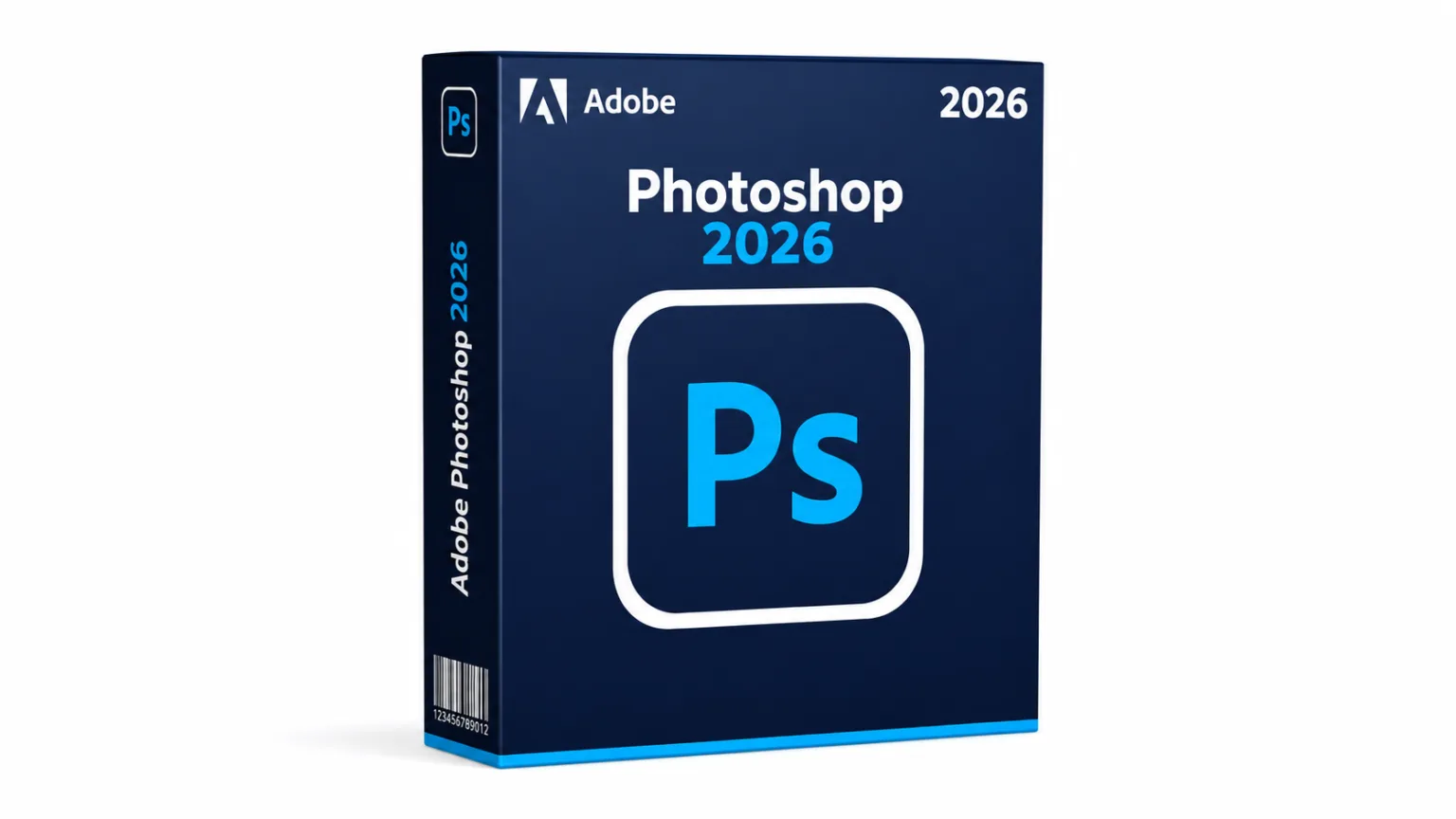
Adobe Photoshop 2026 is a professional image editing and design application for photo editing, graphic design, compositing, digital art, and creative projects. The latest version adds new AI-powered features, improved workflows, and performance updates designed to help users edit images more efficiently.
If you are looking for the Adobe Photoshop 2026 download, this guide explains the latest features, system requirements, installation steps for Windows and Mac, free trial options, pricing, and licensing.
What’s New in Adobe Photoshop 2026
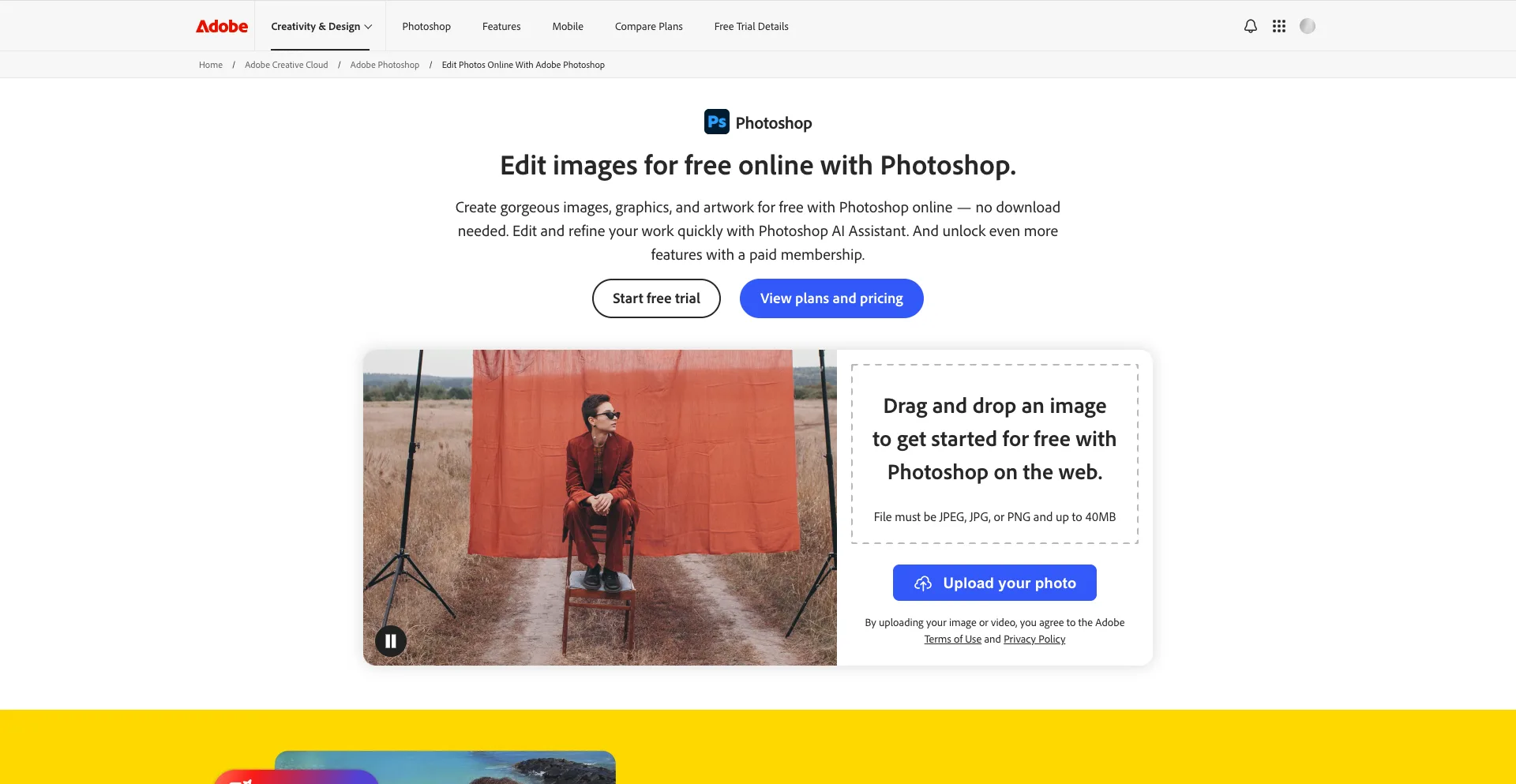
Photoshop 2026 continues Adobe’s focus on generative AI while improving many of the application’s traditional editing tools.
Generative Fill
Generative Fill allows users to select an area of an image and use a text prompt to add, remove, or modify content.
Instead of manually creating complex edits, you can describe what you want and Photoshop can generate content that blends with the surrounding image.
This is useful for tasks such as extending backgrounds, removing unwanted objects, adding visual elements, and creating alternative compositions.
Generative Expand
Generative Expand can extend an image beyond its original canvas.
For example, you can expand a landscape image to create a wider composition and use generative AI to fill the newly created space.
This can be particularly useful when adapting images to different aspect ratios for websites, social media, advertisements, and other digital formats.
Remove Tool
Photoshop’s Remove tool helps eliminate unwanted objects from photographs.
The tool can analyze surrounding pixels and replace the selected area with content designed to blend naturally into the image.
This provides a faster alternative to manually cloning or retouching small distractions.
Improved Selection Tools
Photoshop includes several tools for isolating subjects and objects.
Object Selection, Select Subject, the Quick Selection tool, and other selection features can help users separate people, products, backgrounds, and other elements from an image.
These tools are especially useful when creating composites or applying adjustments to specific areas.
Neural Filters
Neural Filters use machine learning to provide specialized image-editing effects and enhancements.
Depending on the filter, you can make adjustments to portraits, colors, depth, and other image characteristics.
Photoshop on the Web
Adobe also provides a browser-based Photoshop experience that allows users to work with Photoshop projects without relying entirely on the desktop application.
This can be useful when collaborating or accessing projects from different devices.
Adobe Photoshop 2026 System Requirements
Before starting the Adobe Photoshop 2026 download, make sure your computer meets Adobe’s requirements.
Requirements can vary between Photoshop releases, so you should always check Adobe’s current system requirements before installation.
Windows Requirements
Photoshop requires a compatible 64-bit Windows system.
A suitable Windows computer should have:
- Windows 10 64-bit version 22H2 or later, or a supported Windows 11 version
- A compatible Intel, AMD, or ARM processor
- At least 8 GB RAM
- 16 GB or more RAM recommended for demanding projects
- Several gigabytes of available storage
- A compatible GPU with DirectX 12 support
- At least 1.5 GB of GPU memory
- A display with at least 1280 × 800 resolution
- Internet connection for activation, subscriptions, and online services
Professional users working with large PSD files, high-resolution photographs, or complex compositions should consider a system with substantially more RAM and fast SSD storage.
Adobe Photoshop 2026 for Mac
Photoshop 2026 also supports compatible Mac computers.
Supported systems can include both Apple Silicon and compatible Intel-based Macs, depending on the macOS version and Photoshop release.
For demanding Photoshop workflows, Adobe recommends:
- A supported version of macOS
- Apple Silicon or compatible Intel processor
- At least 8 GB RAM
- 16 GB or more recommended
- Several gigabytes of available storage
- A compatible GPU
- At least 1280 × 800 display resolution
- Internet access for activation and online features
Apple Silicon Macs can run Photoshop natively, providing an optimized experience on supported hardware.
How to Download Adobe Photoshop 2026
The safest way to download Adobe Photoshop 2026 is through Adobe’s official website and the Creative Cloud application.
Follow these steps:
- Visit Adobe’s Photoshop website.
- Select the option to start a free trial or purchase Photoshop.
- Sign in with your Adobe account.
- Download and install the Creative Cloud desktop application.
- Open Creative Cloud.
- Find Photoshop in the available applications.
- Select Install.
- Wait for the installation to finish.
- Launch Photoshop from Creative Cloud or your computer’s applications menu.
Adobe distributes Photoshop through Creative Cloud, so avoid unofficial websites offering modified or cracked Photoshop installers.
How to Install Adobe Photoshop 2026 on Windows
Installing Photoshop on Windows is handled through Adobe Creative Cloud.
Step 1: Install Creative Cloud
Download the Creative Cloud desktop application from Adobe and complete its installation.
Step 2: Sign In
Open Creative Cloud and sign in with your Adobe account.
If you do not already have an account, you can create one during the process.
Step 3: Find Photoshop
Open the Apps section in Creative Cloud and locate Adobe Photoshop.
Step 4: Select Install
Click Install and allow Creative Cloud to download the required files.
The installation time will depend on your internet connection and computer.
Step 5: Launch Photoshop
Once the installation is complete, select Open in Creative Cloud or launch Photoshop from the Windows Start menu.
Your Photoshop license or trial will be associated with your Adobe account.
How to Install Adobe Photoshop 2026 on Mac
Mac users can install Photoshop through Creative Cloud as well.
Step 1: Download Creative Cloud
Download the official Creative Cloud desktop application from Adobe.
Step 2: Sign In
Open Creative Cloud and sign in using your Adobe account.
Step 3: Locate Photoshop
Find Photoshop under the available Creative Cloud applications.
Step 4: Install Photoshop
Click Install and wait for Creative Cloud to complete the installation.
Step 5: Open Photoshop
Launch Photoshop from Creative Cloud, Launchpad, or the Applications folder.
If you are using an Apple Silicon Mac, Photoshop can use its native Apple Silicon support on compatible versions.
Adobe Photoshop 2026 for Windows
The Windows version of Photoshop provides the complete desktop image-editing environment.
It is suitable for photographers, graphic designers, digital artists, marketers, content creators, and other creative professionals.
Photoshop can handle everything from basic photo corrections to complex multi-layer compositions.
For better performance, especially when working with large files, use an SSD and at least 16 GB RAM.
Adobe Photoshop 2026 for Mac
Photoshop is also a strong option for Mac users.
Modern Apple Silicon systems can provide excellent performance for image editing, while supported Intel Macs can also run compatible versions.
If you regularly work with large PSD files, hundreds of layers, high-resolution photographs, or demanding filters, additional RAM and fast storage can make a significant difference.
Adobe Photoshop 2026 Free Trial
Adobe offers a free trial of Photoshop for eligible users.
The trial allows you to test Photoshop before committing to a paid Creative Cloud plan.
To start:
- Visit Adobe’s official Photoshop page.
- Select the free trial option.
- Sign in or create an Adobe account.
- Download Creative Cloud.
- Install Photoshop.
- Use Photoshop during the trial period.
Adobe’s trial terms, duration, and billing conditions can change, so review the information shown during signup before starting the trial.
Photoshop 2026 Pricing and Licensing
Adobe Photoshop is primarily offered through subscription-based Creative Cloud plans.
Depending on the plan you select, you may receive Photoshop alongside other Adobe applications and services.
Adobe offers different plans for individuals, businesses, students, and other users. Pricing can vary by country, currency, taxes, promotions, and plan type.
Photoshop is not generally sold as a traditional one-time perpetual license. Access to the current desktop application is tied to an active eligible subscription.
For the latest pricing, check Adobe’s official Photoshop and Creative Cloud pages before purchasing.
Is Adobe Photoshop 2026 Free?
No. The full version of Adobe Photoshop 2026 is not free.
Adobe provides a free trial for eligible users, but continued access requires a suitable paid subscription.
You should also avoid websites offering “Photoshop 2026 free download” versions that claim to provide the complete application without an Adobe license.
Cracked applications can contain modified files, malware, or other security threats. The safest approach is to download Photoshop directly through Adobe Creative Cloud.
Photoshop 2026 vs. Photoshop Elements
Photoshop and Photoshop Elements are designed for different types of users.
Photoshop provides a much broader set of professional tools for advanced photo editing, compositing, graphic design, digital painting, and professional workflows.
Photoshop Elements focuses more heavily on simplified photo organization and guided editing.
If you need detailed control over layers, masks, selections, channels, advanced compositing, and professional design workflows, Photoshop is the more capable option.
Who Should Use Adobe Photoshop 2026?
Photoshop is suitable for:
- Photographers
- Graphic designers
- Digital artists
- Social media creators
- Marketing professionals
- Web designers
- Illustrators
- Advertising professionals
- Content creators
- Students learning professional image editing
Its flexibility makes it useful for both simple image adjustments and complex creative projects.
FAQs
Is Adobe Photoshop 2026 available for Windows and Mac?
Yes. Photoshop is available for supported Windows PCs and Mac computers.
Can I download Photoshop 2026 for free?
You can use Adobe’s free trial if you are eligible, but the full version requires a paid subscription.
Does Photoshop 2026 use AI?
Yes. Photoshop includes several AI-powered features, including Generative Fill, Generative Expand, and other machine-learning-based tools.
Does Photoshop 2026 work on Apple Silicon?
Yes. Current Photoshop releases support Apple Silicon Macs, provided the computer and operating system meet Adobe’s requirements.
How much RAM does Photoshop need?
Adobe lists 8 GB RAM as a minimum for current Photoshop versions, while 16 GB or more is recommended for demanding workloads.
Does Photoshop require an internet connection?
An internet connection is required for activation and subscription validation. Some Photoshop features, particularly cloud and generative AI tools, also require online access.
Can I buy Photoshop permanently?
Photoshop is primarily offered through Adobe Creative Cloud subscriptions rather than a traditional perpetual license.
Is Photoshop better than free alternatives?
It depends on your needs. Photoshop provides a mature professional toolset and extensive integration with Adobe’s creative ecosystem. Free alternatives can be suitable for users who need basic or intermediate image-editing features without a subscription.
Conclusion
Adobe Photoshop 2026 remains one of the most capable image-editing applications for photographers, designers, artists, and content creators. Its combination of advanced editing tools, layers, masks, compositing features, and AI-powered capabilities makes it suitable for a wide range of creative projects.
Before starting your Adobe Photoshop 2026 download, check your computer’s operating system and hardware. For the safest installation, use Adobe Creative Cloud and activate Photoshop through an official Adobe account. You may also like to read: CorelDRAW Graphics Suite 2026 Download Guide.
Trademark notice: Adobe and Photoshop are trademarks or registered trademarks of Adobe Inc. Sparktopus is not affiliated with or endorsed by Adobe Inc.